
PART 7
Mailing addresses, tags and the drip campaign.
This last stretch is what you do after you have found the buyer. I ask for the mailing address so title has everything. Then I tag the contact, mark the status, and run the same address search one more time.
Tag the buyer and text the deal.
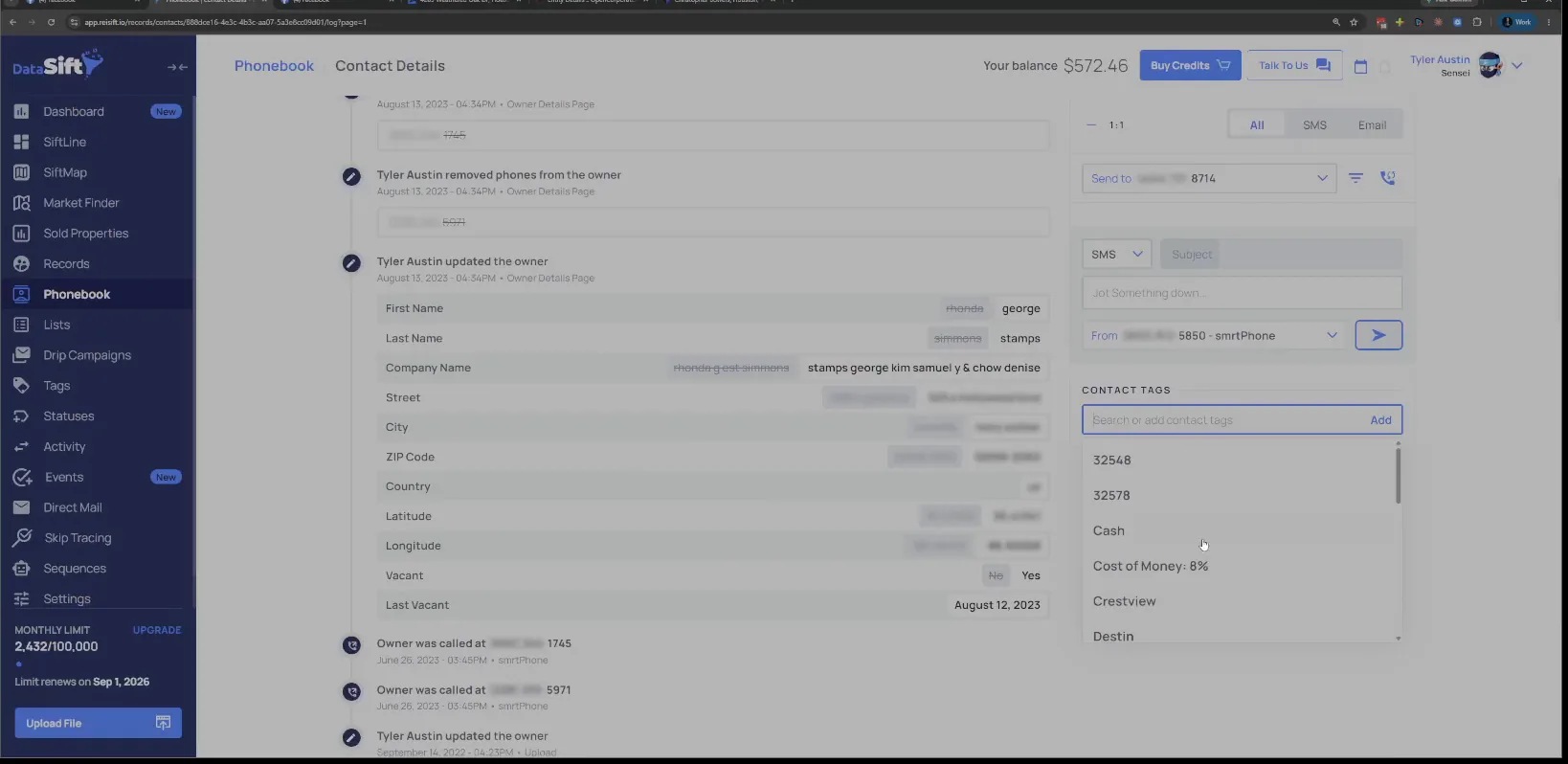
Open the Contact Tags dropdown on the contact details page.
When I'm communicating with them, I'm asking for a mailing address. That way we have everything we need to give title. I'll just type it in here, and I'll put their first and last name, I'll get their email.
The tags list is open on this screen with the zip codes, cash and cost of money sitting there ready to pick. I just add the different tags of the things they do. If they're interested in buying deals in View, Destin, Fort Walton Beach, Freeport, I add those tags to it.
And so what I'll do is I'll say, okay, if it's a private money lender, I'll put cost of money 8%.
Search William from the SiftMap results screen.
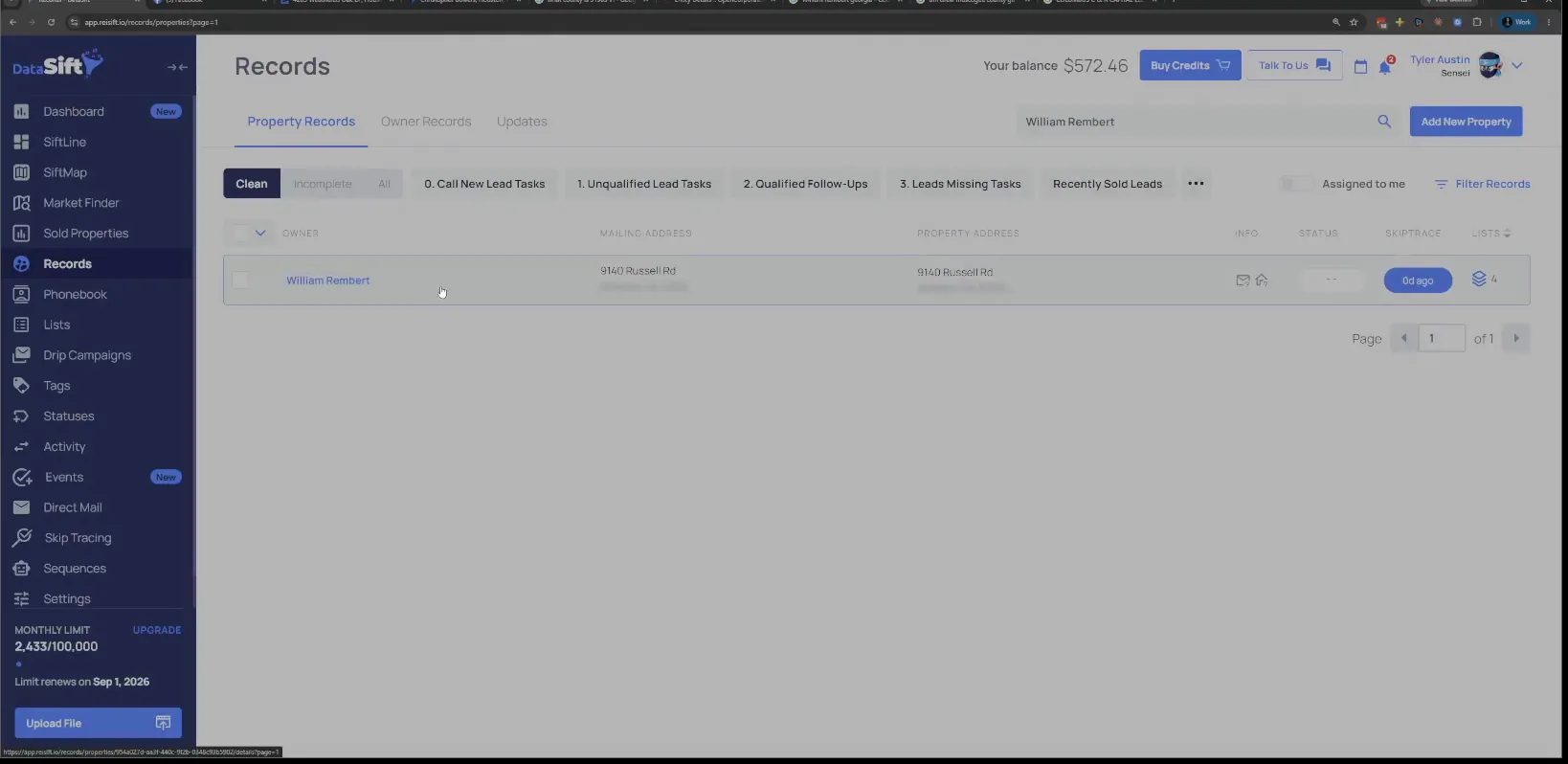
Here's another trick. We have William now in my account, so I search him by name. The map results for the county are still listed behind with their pricing and equity, and that is fine.
Open William Rembert's row in the Records results.
The search brings back the one record with his mailing address and the status column beside it. That status column is the thing we are about to change.
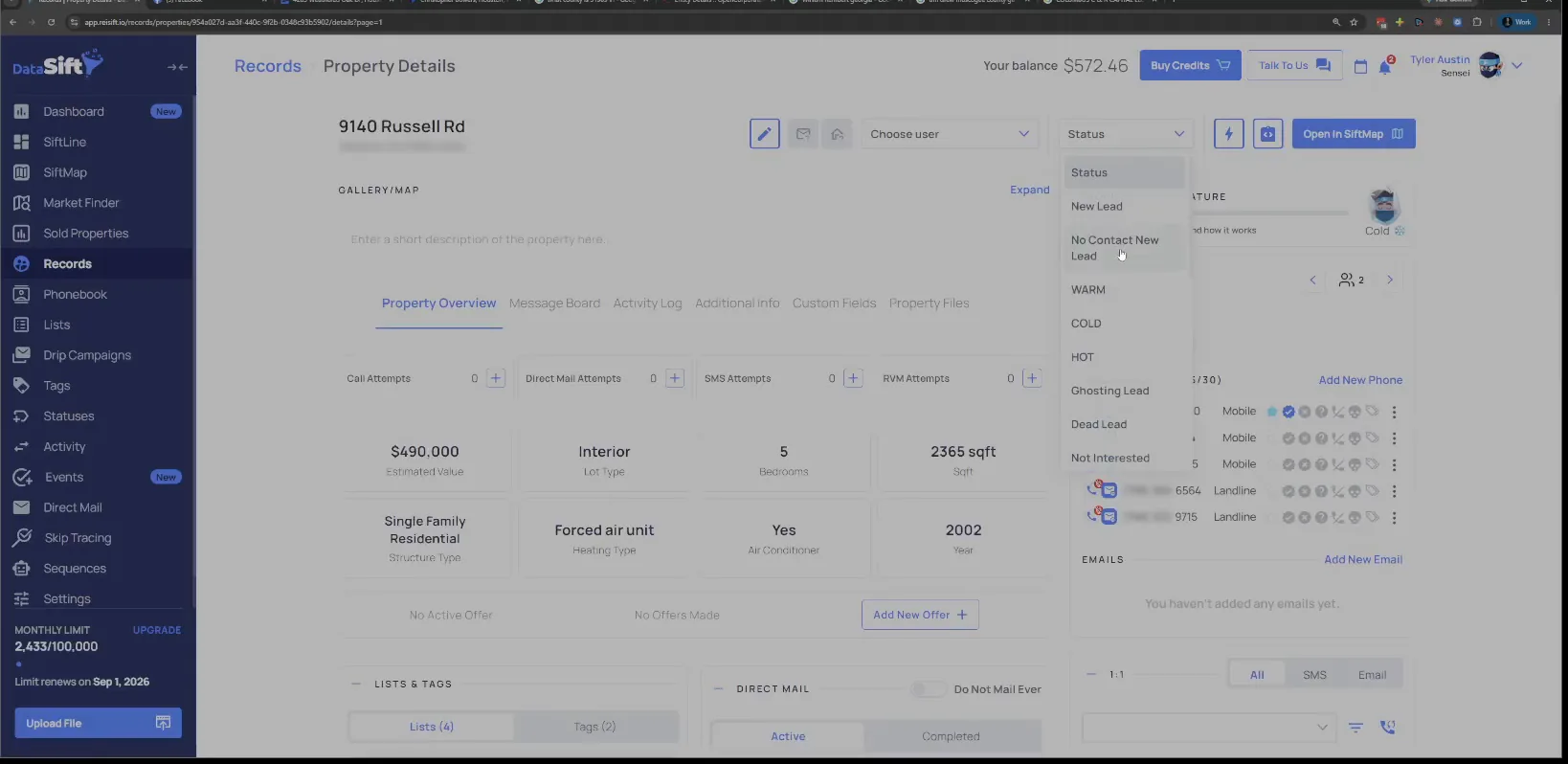
Open the property status dropdown on his record.
The list is open with New Lead, No Contact New Lead, WARM, COLD, HOT, Ghosting Lead, Dead Lead and Not Interested. Buyer is the one I pick here. Or I add a tag, for whatever I want there.
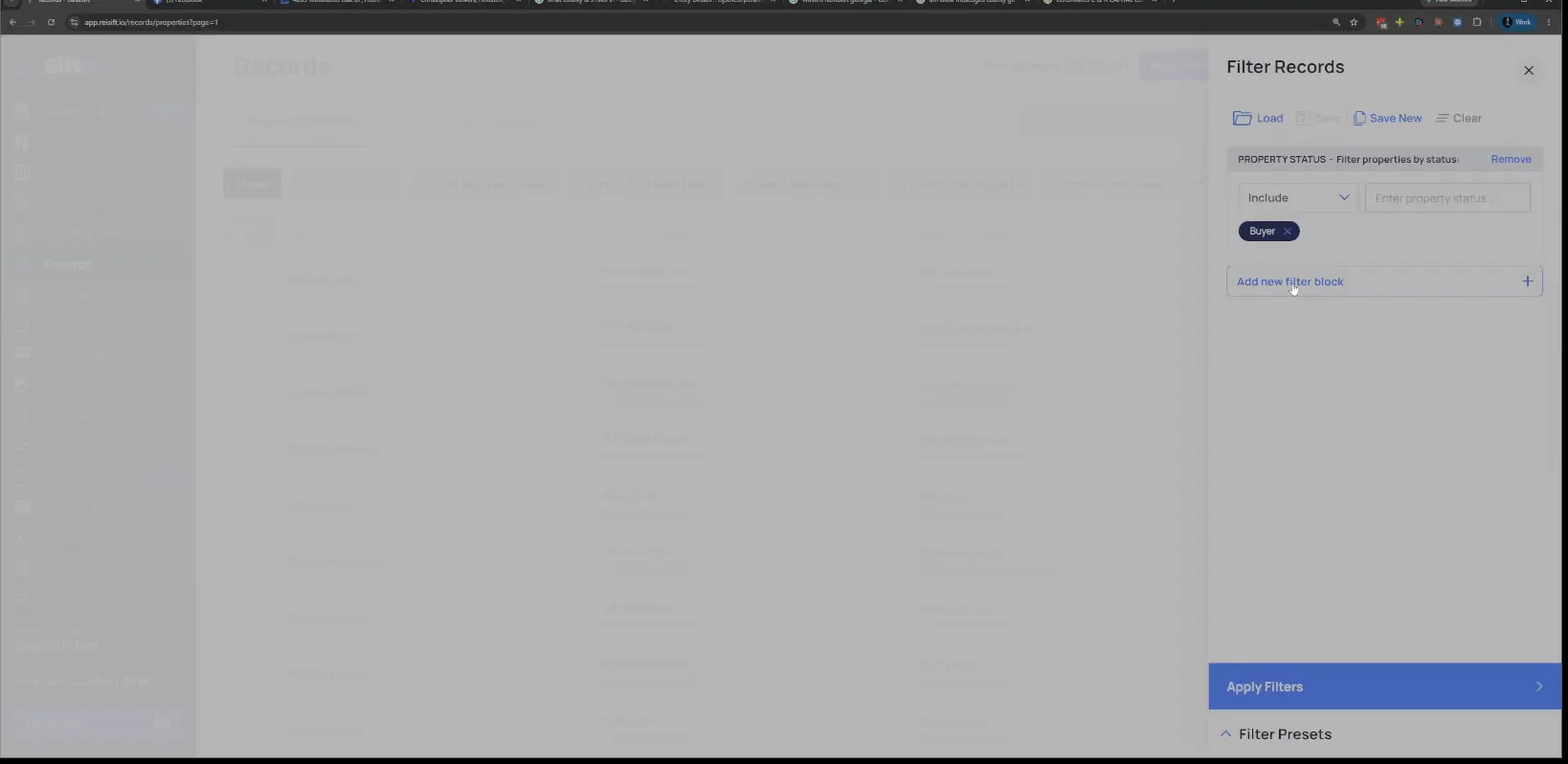
Open Property status in the Filter Records panel.
Once I get a property under contract, let's just say it's in whatever zip code. What I'm gonna do is I would search by anybody with the status of buyer. The same list of statuses shows up here on the filter side.
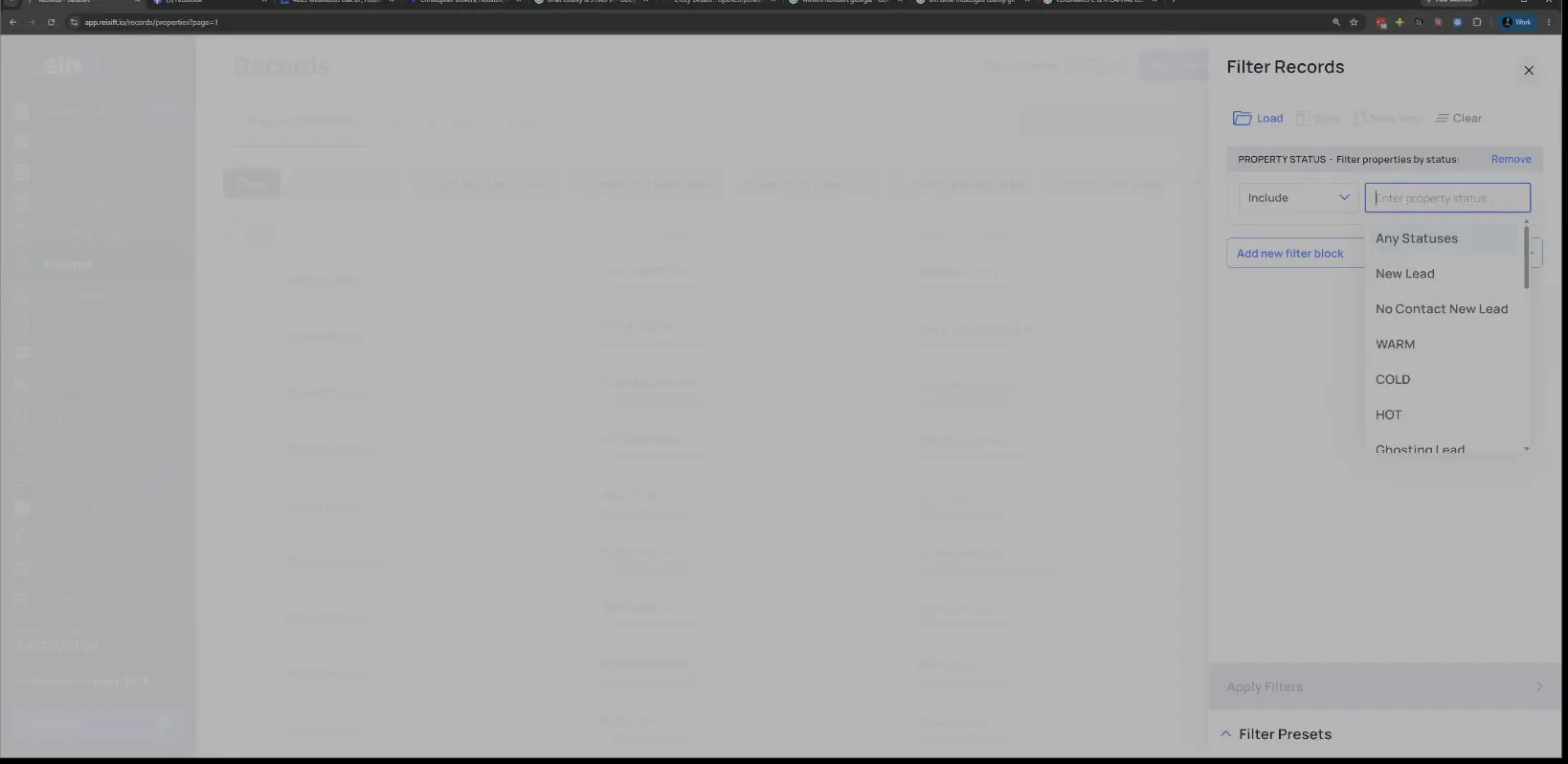
Set the Property status filter to Buyer.
That is what narrows my list down to the people I marked. I also have my tags for them, so I can stack the zip codes and cash on top of it. The combination that matches the deal I have is what I filter by.
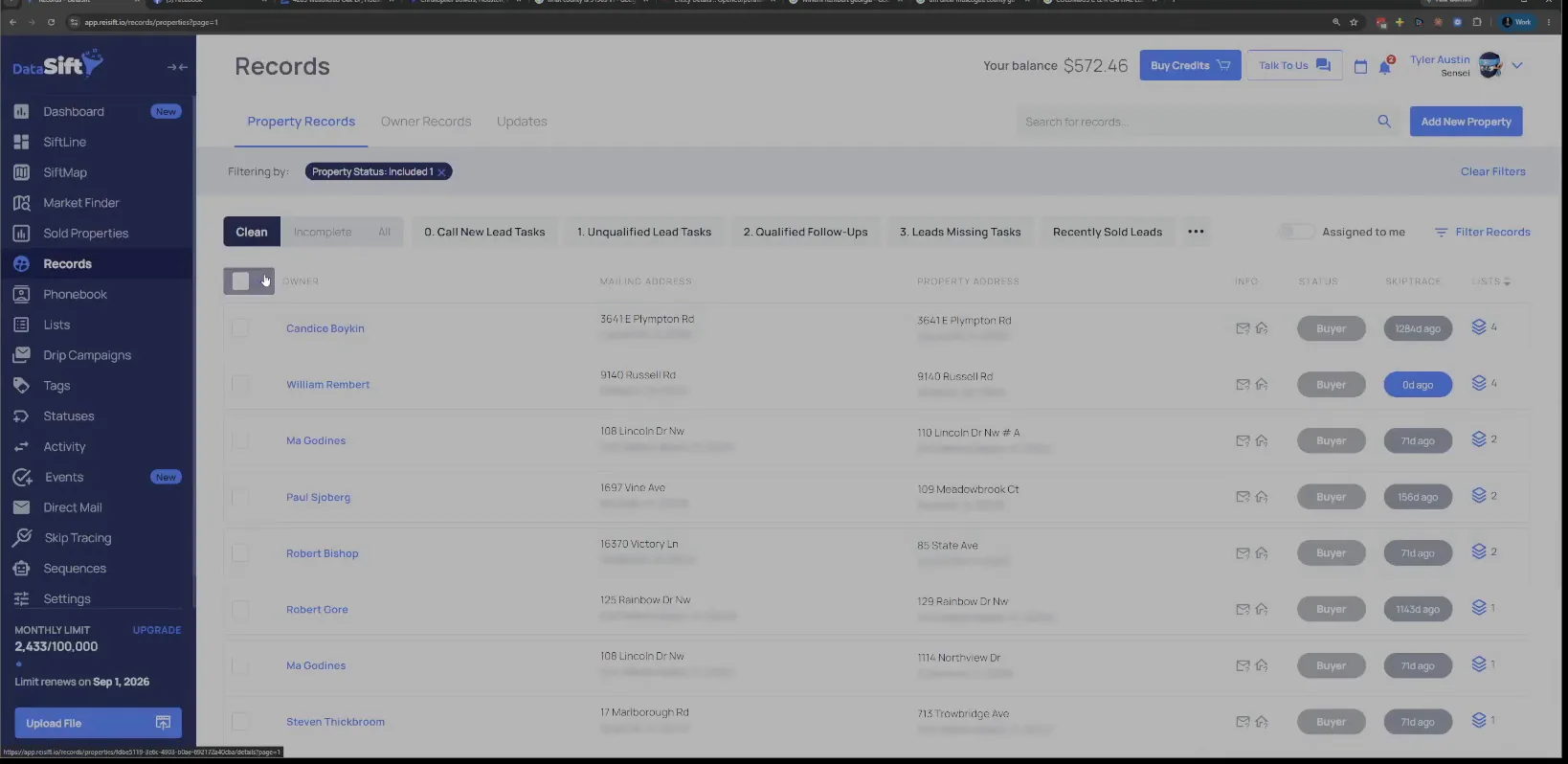
Check the Buyer rows that came back before selecting anyone.
The page lists the owners with their mailing addresses and the Buyer status tag on each row. Nothing is selected yet. Next I select all these people and send to drip campaign.
Buyer to text
Tags, then filter, then one drip campaign.
- 1Add tags to the contactI just add the different tags of the things they do, like their zip codes and cash buyer.
- 2Set property status to buyerI change his property status here as buyer so I can find him later.
- 3Filter by buyer and tagsI search by anybody with the status of buyer, then my tags for them.
- 4Select all, send to drip campaignI select all these people and add them to a drip campaign.
- 5Send a standard SMSI have a new deal, check it out, and then add a URL.
- 6Use a dispo numberWhatever phone number you are using in smartphone, have that route back to an inbox for dispo.
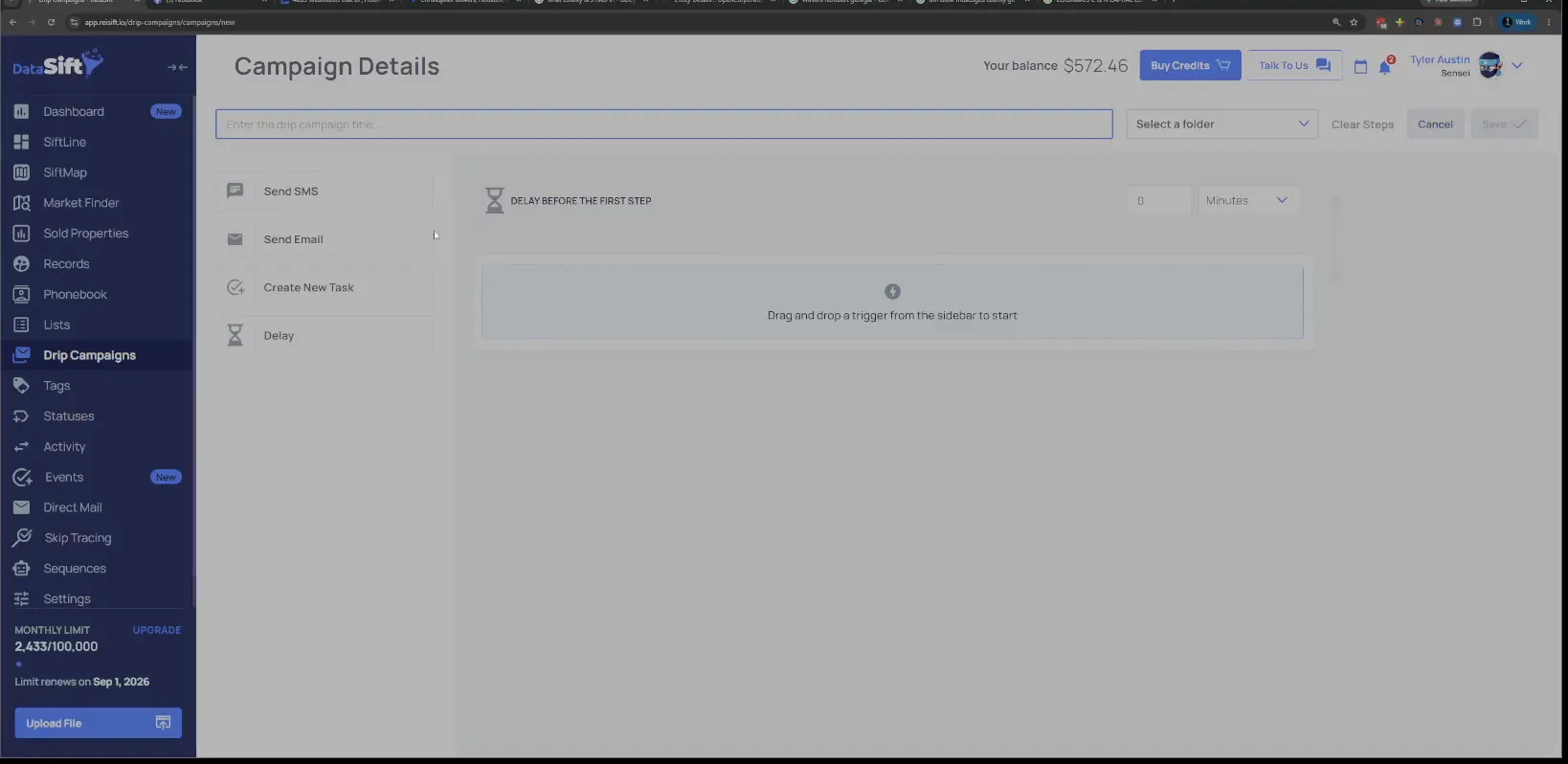
Name the new campaign on the drip campaign screen.
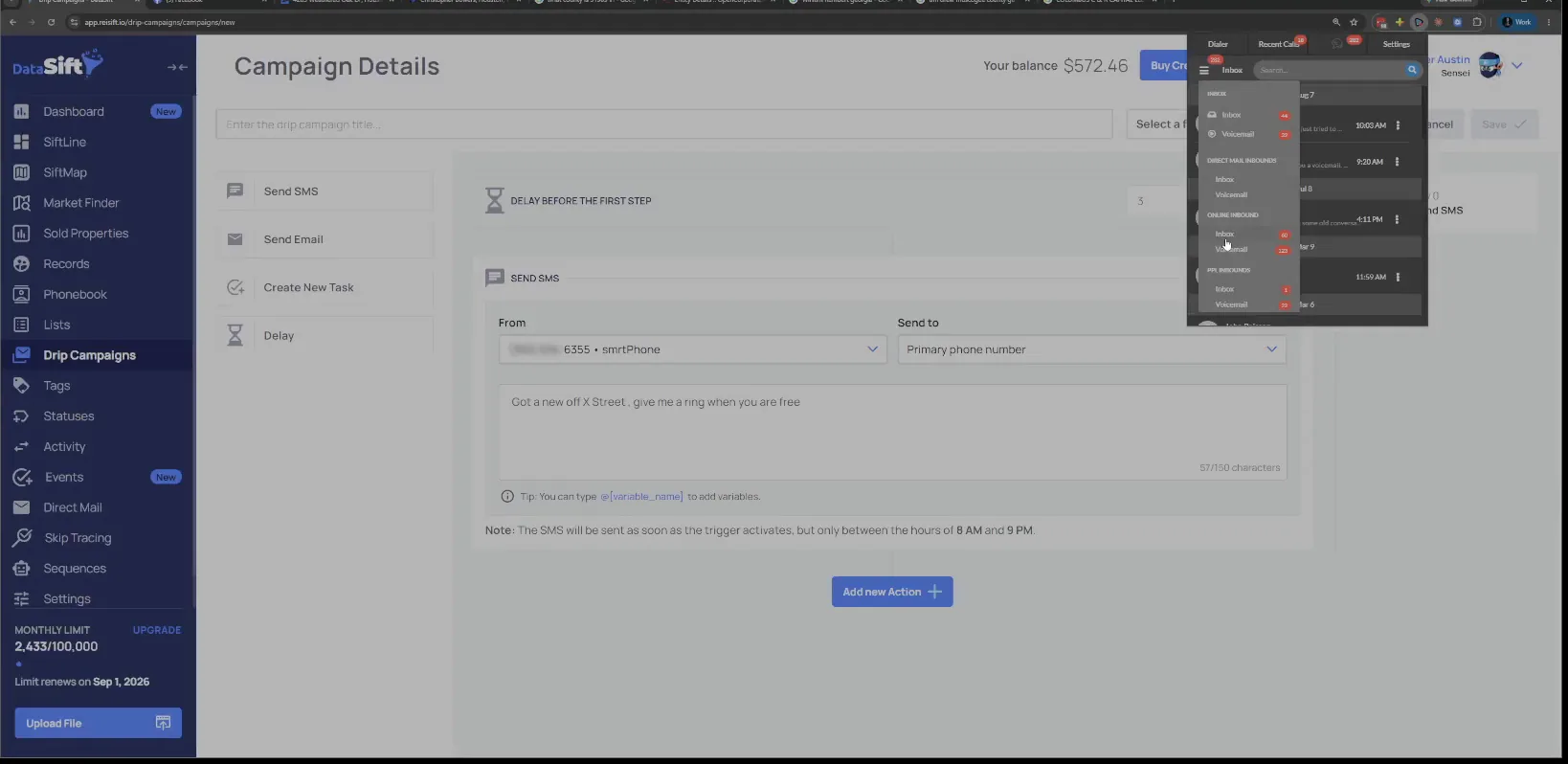
Do just a standard SMS and say, I have a new deal. Check it out. Then add a URL, and zero minute delay. Maybe you give it a three minute delay.
Then you can literally send out a text message to all the people that are marked as a buyer in your Sift account. They can go look at the deal if you have a carrot URL or a landing page. Got a new deal off X Street, give me a ring when you are free.
So I can go to my drip campaigns, and I could create a new campaign, do just a standard SMS, and say, I have a new deal.
Pick your dispo inbox in the SmrtPhone dropdown.
Whatever phone number you're using in smartphone, have that as a dispo number that routes back to an inbox for dispo. That way when they text you back, it's all going to go under a dispo number. Everybody's already paying for a smartphone or any other one of our integration partners.
Open Compose Message on the contact and text him.
Otherwise you can just go to your phone book, search that person, click the phone number and call them. Or you can click on them here and text them right from here. Hey I got a new deal, would this be something you're interested in?
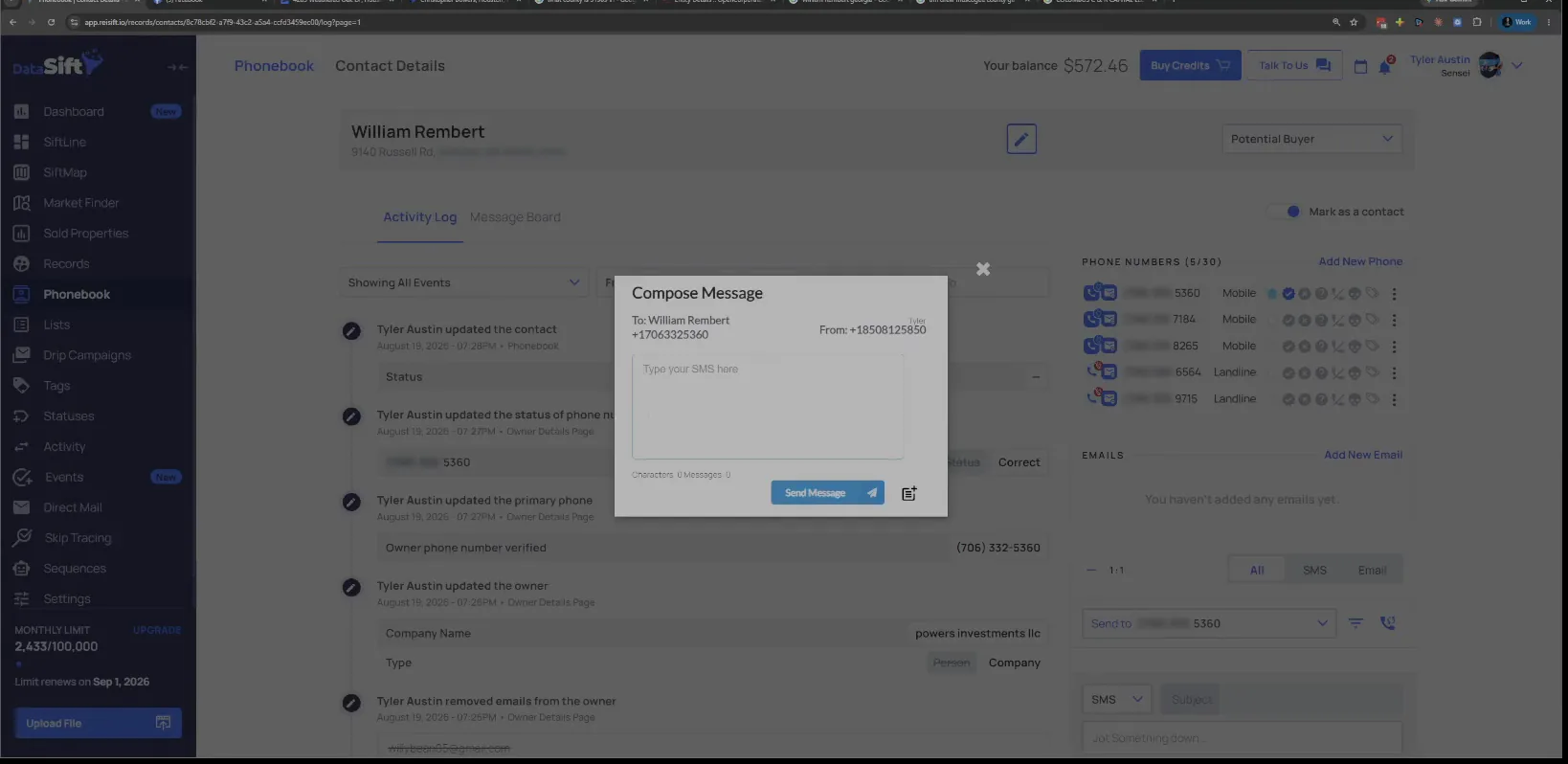
Check the phone numbers and activity log on his record.
I think so many people way over complicate the whole like finding the buyers and everything. The information is so easily there. Because we're playing a reactionary game, we feel as though we need all of these other things when we really don't.
I'm not saying that there isn't value in any dispo tools. What I'm saying is that all those tools get the information from the same places.
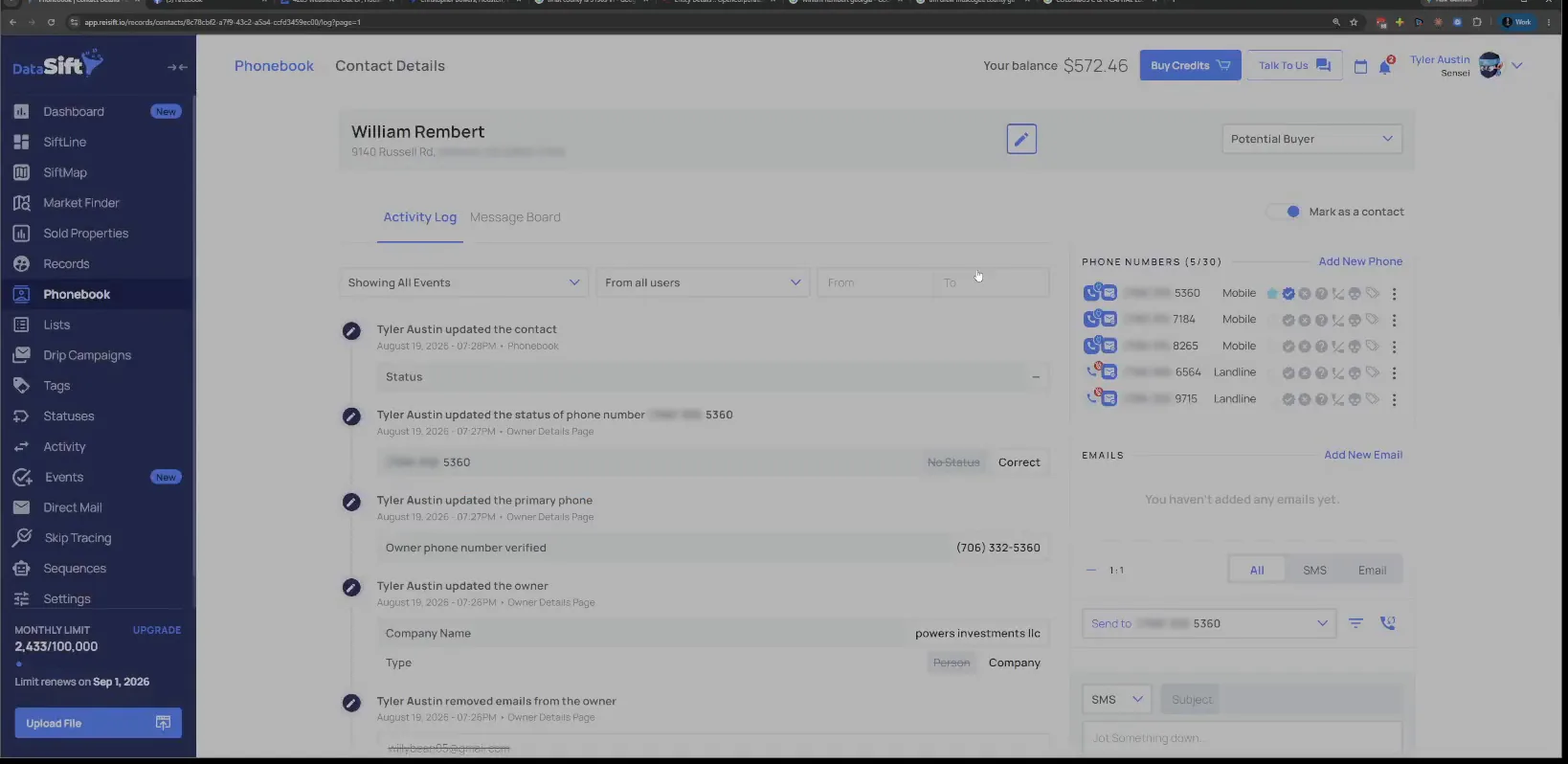
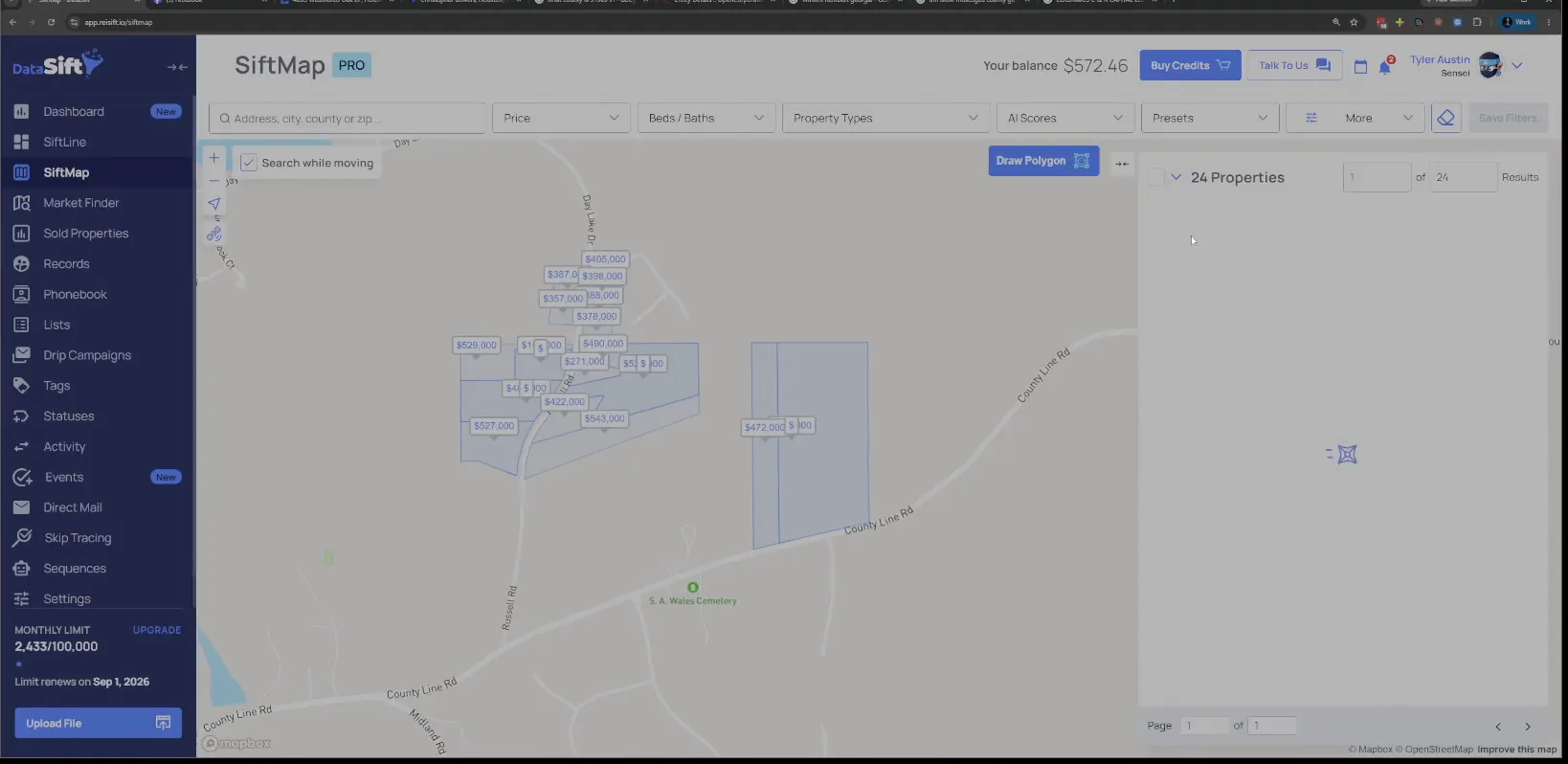
Open SiftMap zoomed out with no filters on.
It's already available in SIFMAP, and all you got to do is just come in here and filter by it. Nothing is drawn at this zoom, so the count sits at zero. Let's just say this Midland, Georgia was that address that he's at, we were interested in.
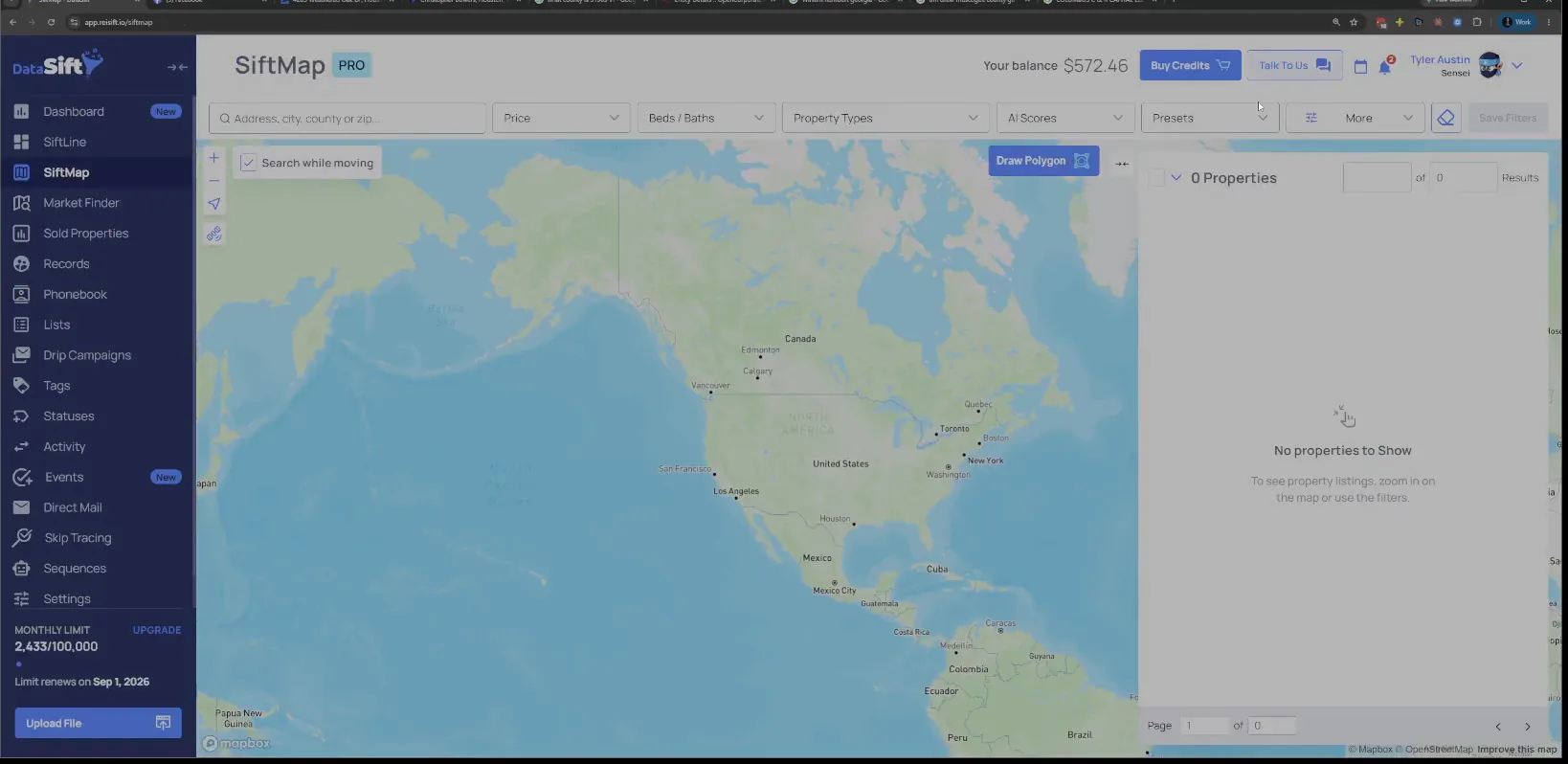
Search the deal address, then remove it and zoom out.
That's a deal that we're trying to dispo. The card for the address comes up with the map behind it. Once I have the spot I remove the search and zoom out a little bit so I can see around it.
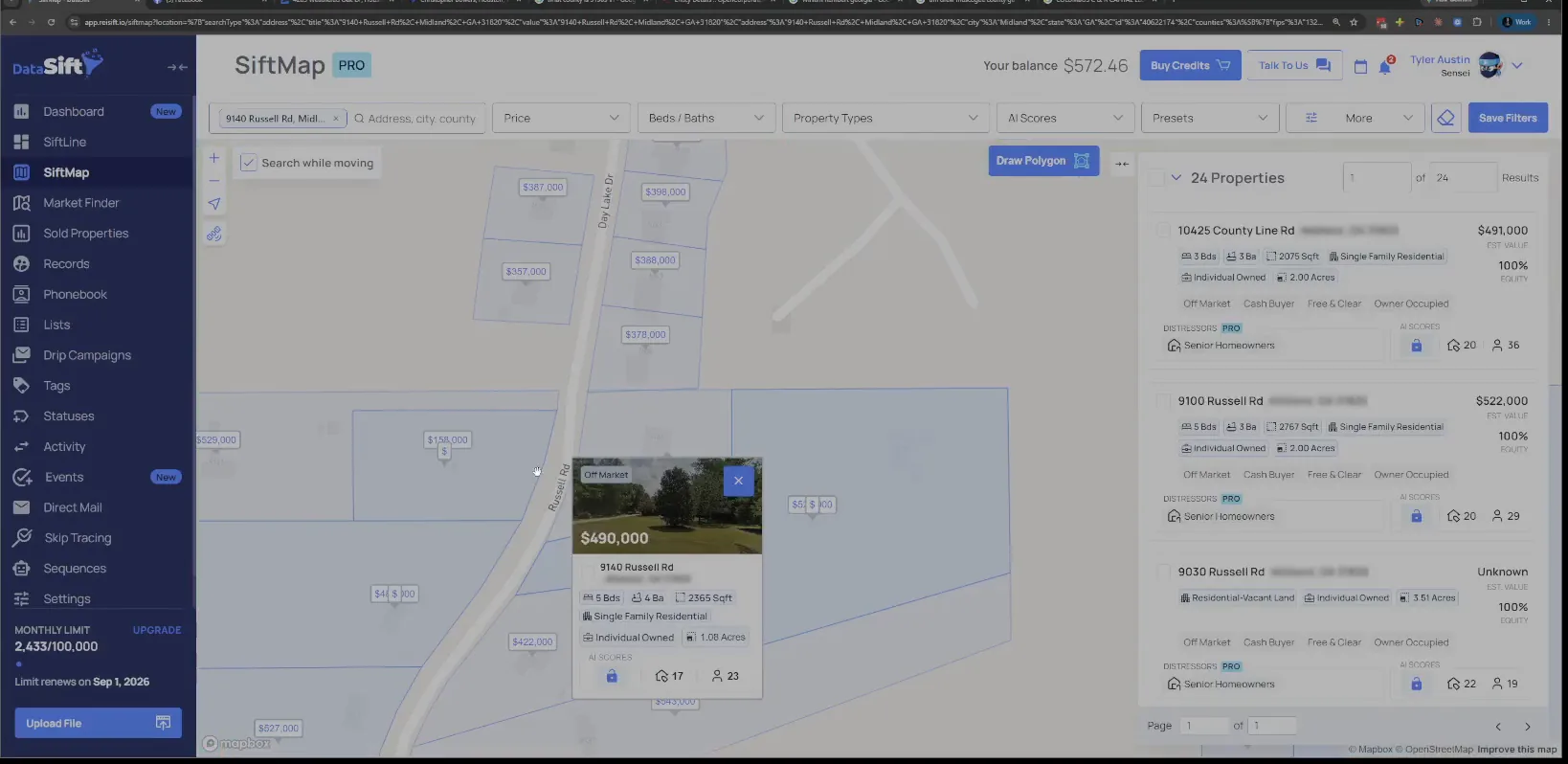
Find More filters above the results panel.
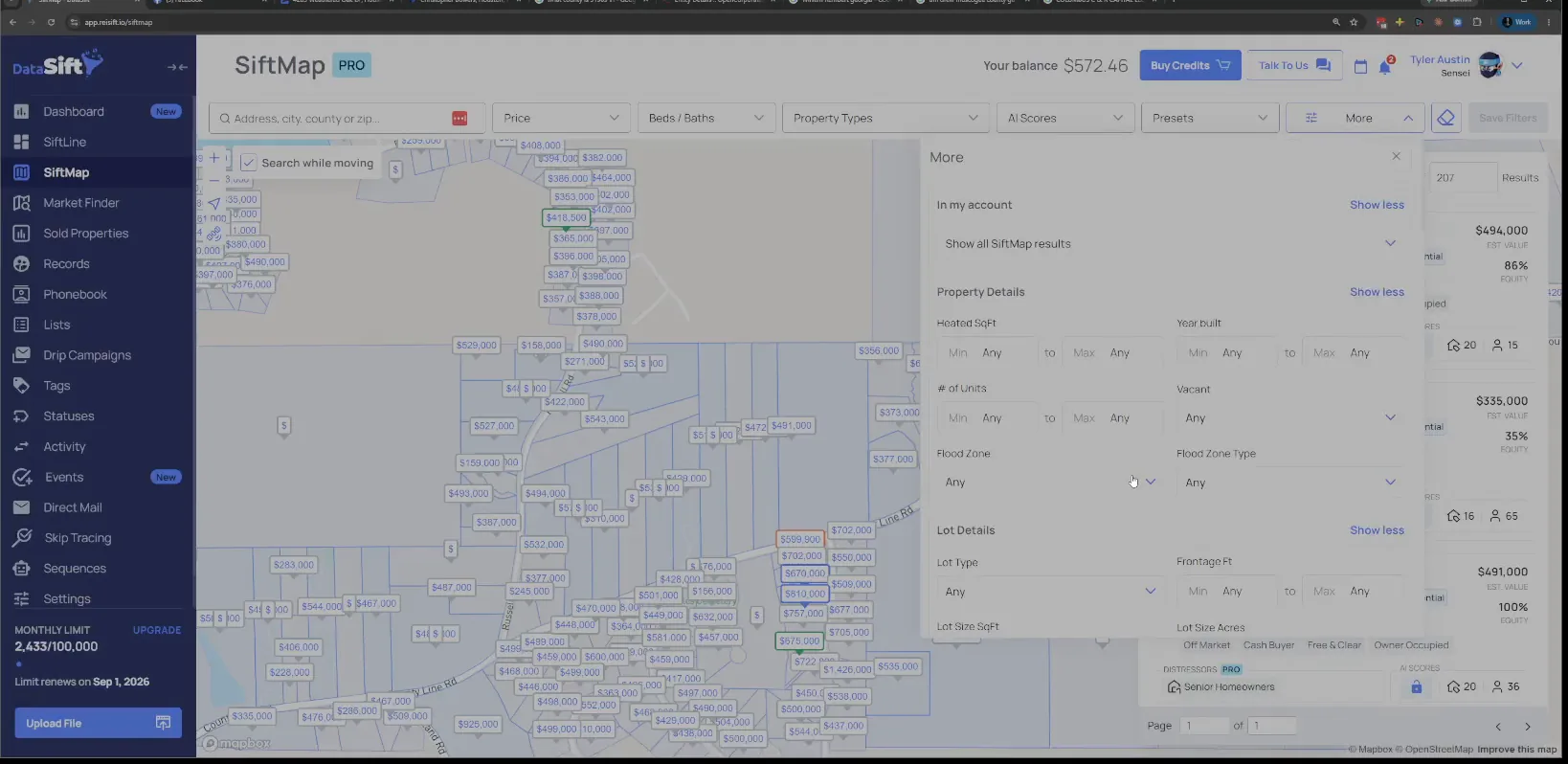
Price markers are drawn on the map and the results panel is listing what is in view. More filters is up in the toolbar and it is not open yet. That is where the last sold date and the investor transactions sit.
Scroll past Property Details and Lot Details in More filters.
The panel opens on the property and lot fields, Heated SqFt, Year Built, Flood Zone, Lot Type. Last sold date is further down, so scroll down to it.
Then it is the last sold date, investor transactions pending, apply. I don't got any up top.
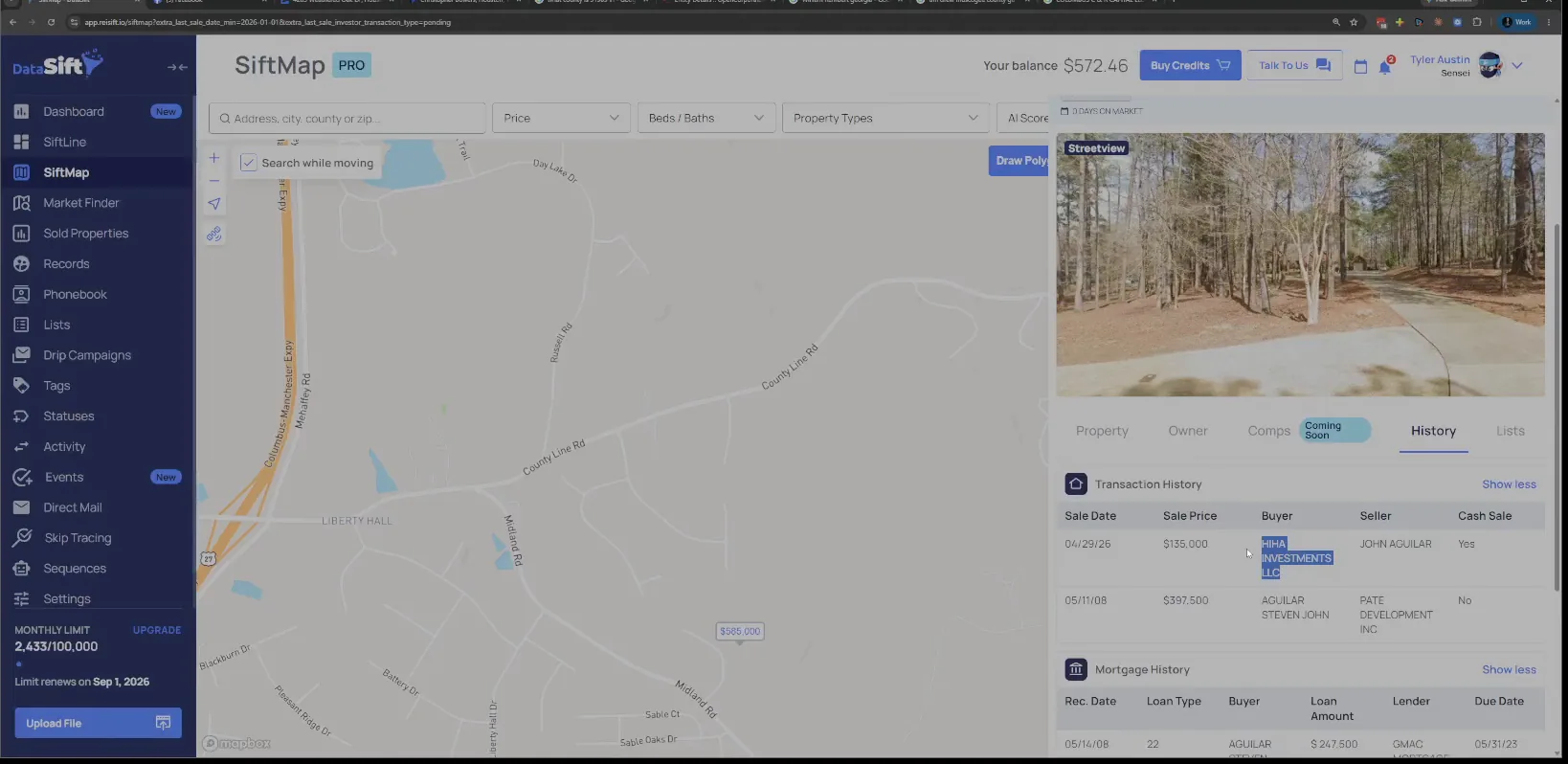
Open the one result and read its transaction history.
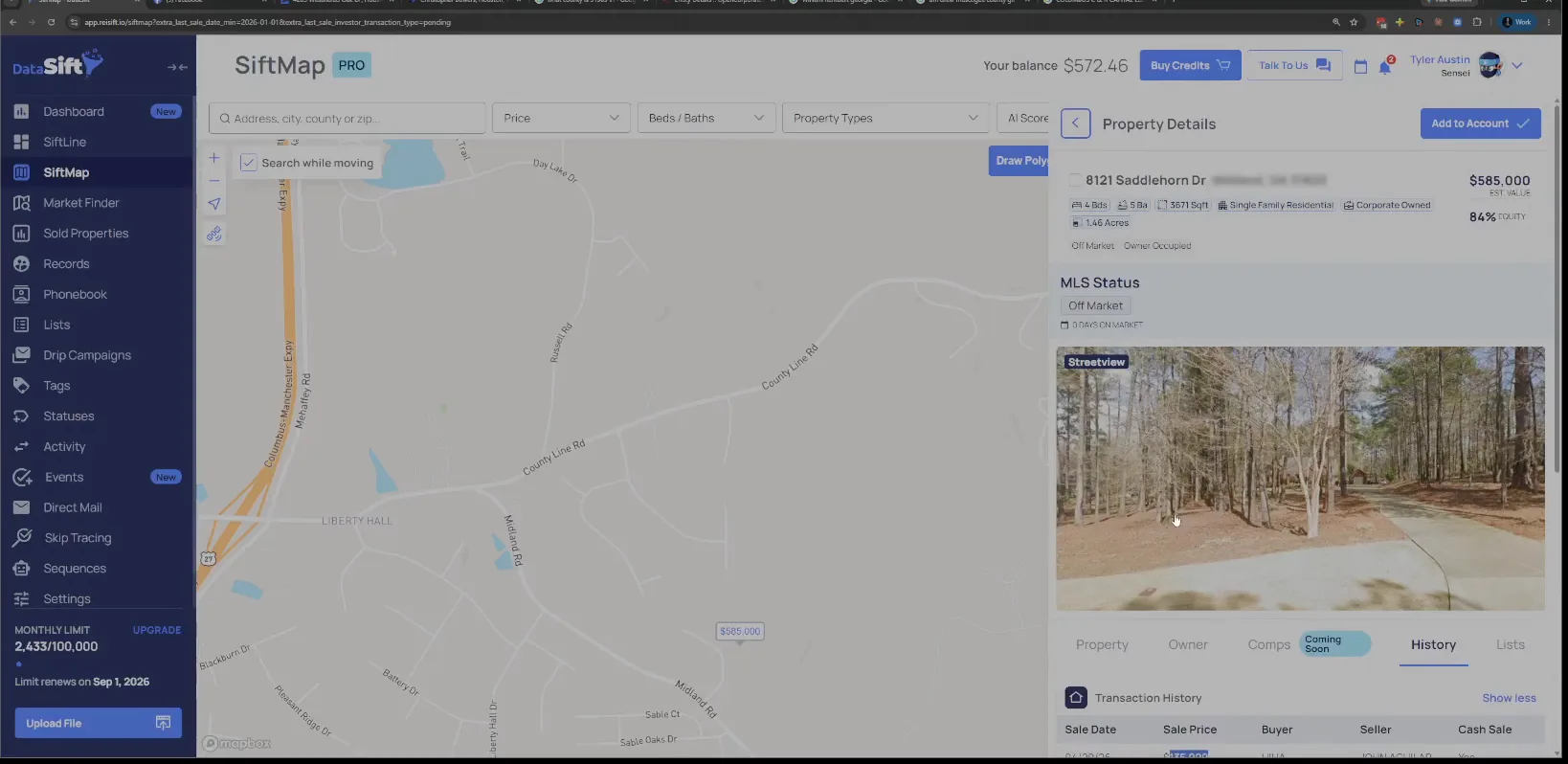
Got one down here, so let's see what it is. It's H I h a investments. The history shows what they bought it for.
Write the buyer entity down for your dispo person.
Your team should already be doing this whenever you are putting something under contract. Where you're trying to market and target, you should have somebody that's actively doing this on a weekly basis. Just trying to find new people, qualifying them, building relationships. That's what a dispo person does.
BEFORE YOU MOVE ON