
PART 6
Reach the flipper through the listing agent.
Now we turn one flip into a real name and a real phone number. I read the history, look up the listing agent, check the LLC officers, then call. After the call the person goes straight into my phone book.
Filter year built and look up names.
Open the History tab on the Laverne Street property.
We just continue to go through them one at a time. The history table shows me when it was bought and when the house was built.
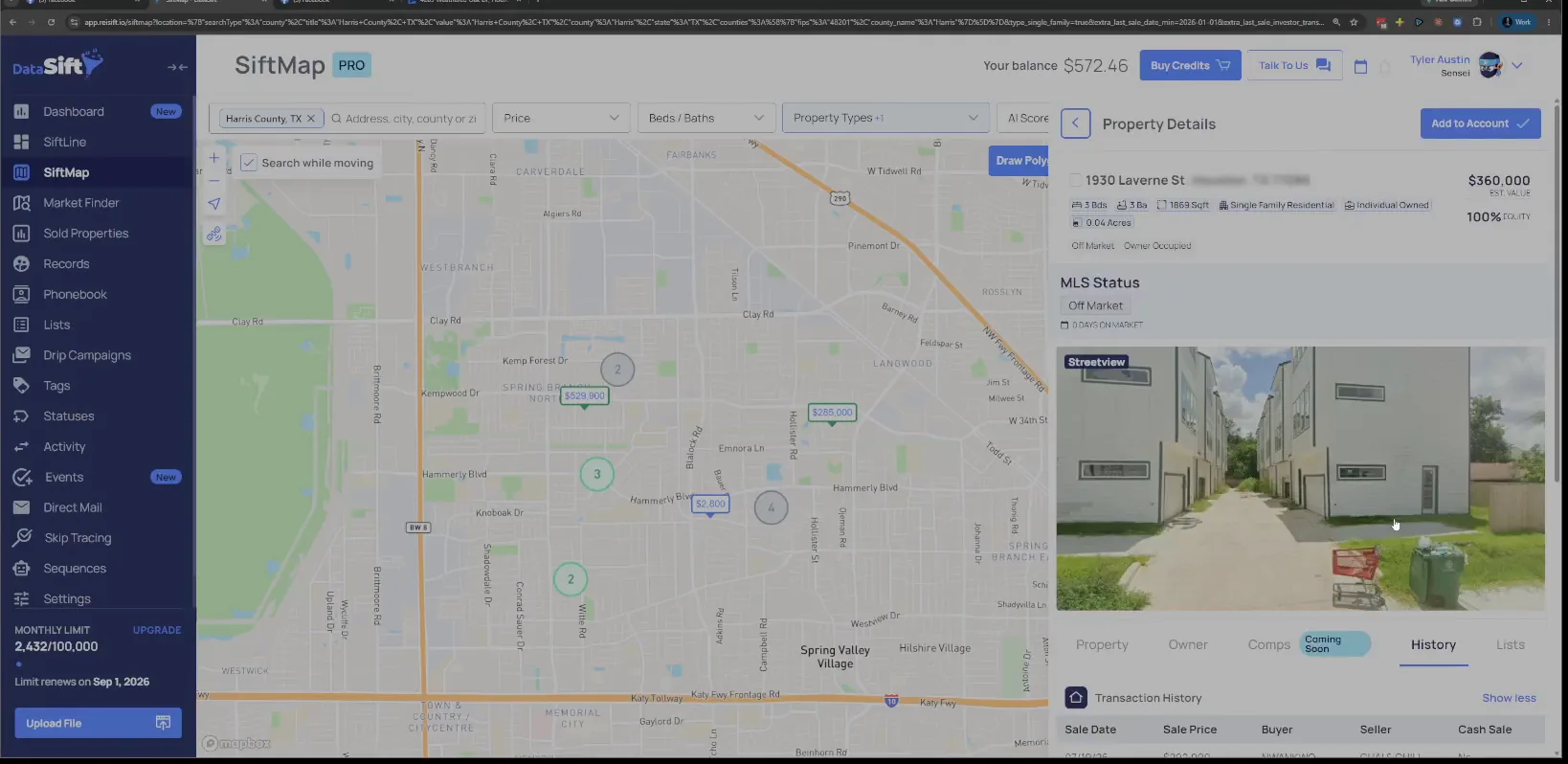
Check the Year Built line in the structure details.
This one is a new build, so I'm not worried about that record. A house that new is not the kind of flip I'm hunting for here.
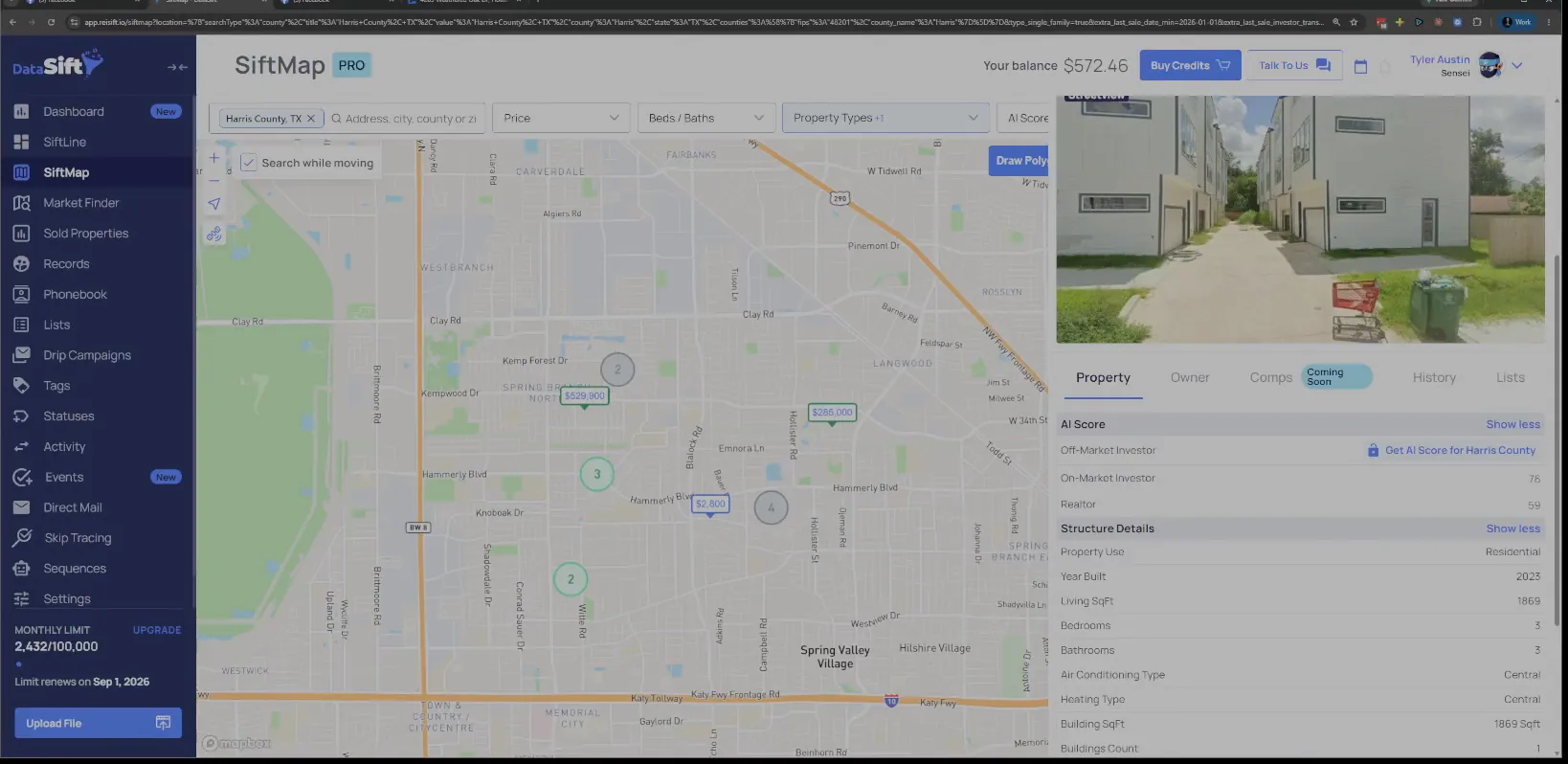
Open More filters and find the Year Built fields.
Both Year Built boxes are sitting empty. I could reduce my year built and say it has to be older, to give me properties that are a little bit tighter to reality.
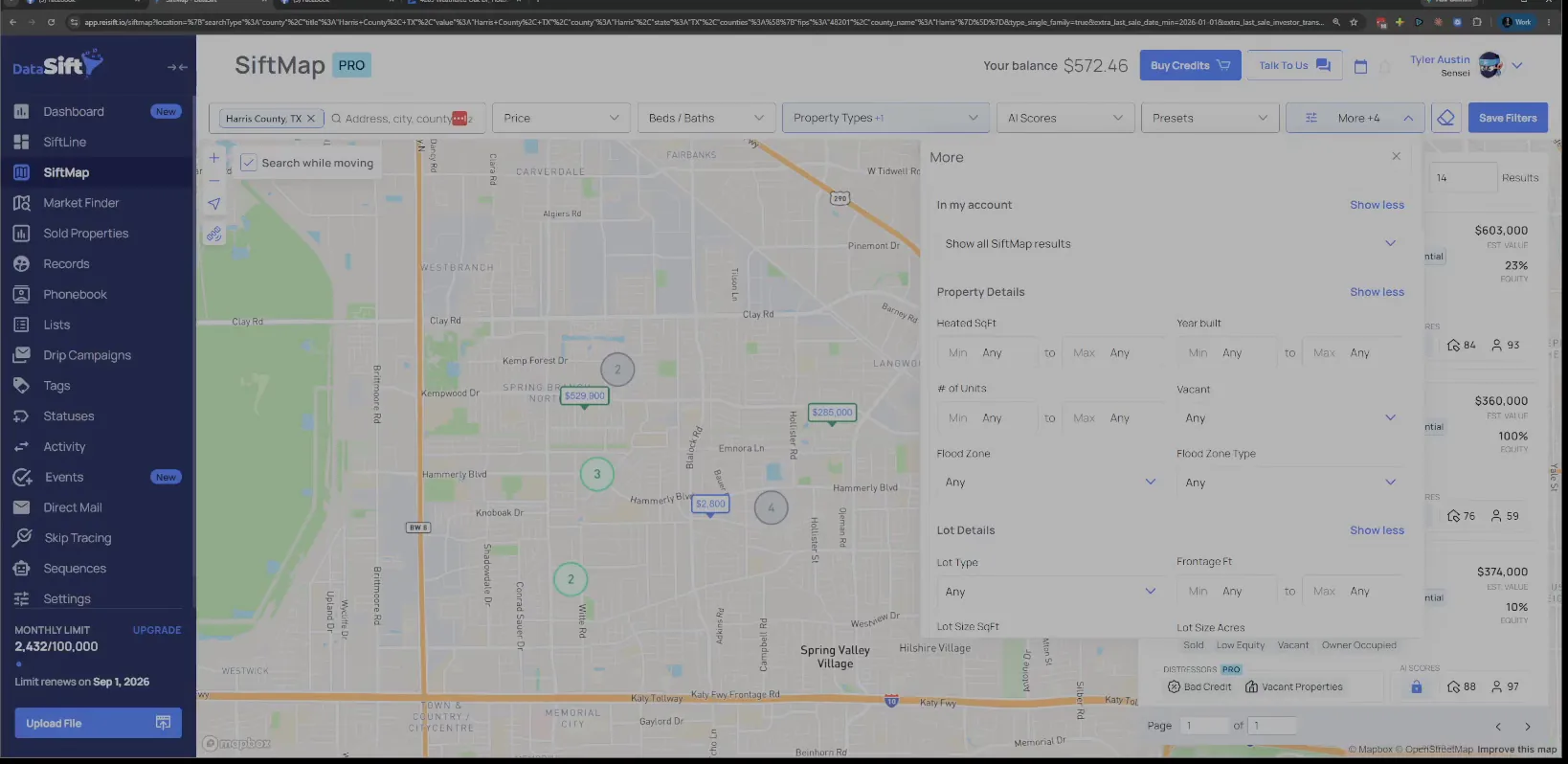
Open the Peppermill property and read its MLS status.
The panel gives me the MLS status and the listing agent, Gina Thayer. The buyer name is the next thing I want off this record.
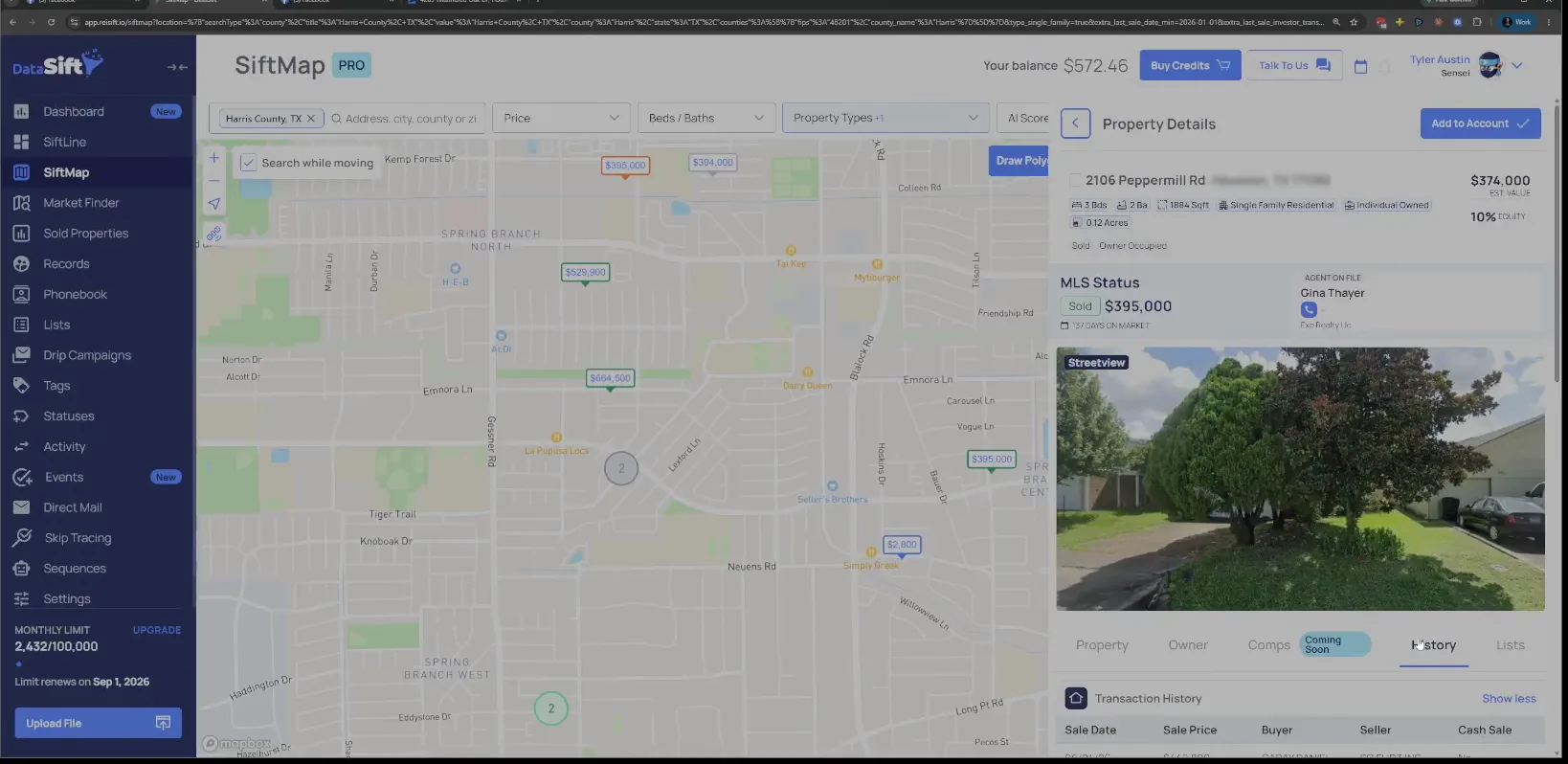
Copy the buyer name SG Flips from the history panel.
SG Flips sounds pretty realistic, so pop that in there, and put Gina Thayer's name there too. Finding buyers should be really your easiest thing.
I don't have their phone number here. But I can look up Gina Thayer, eXp Realty, really easily. With eXp there is always a page with her photo and her direct phone number.
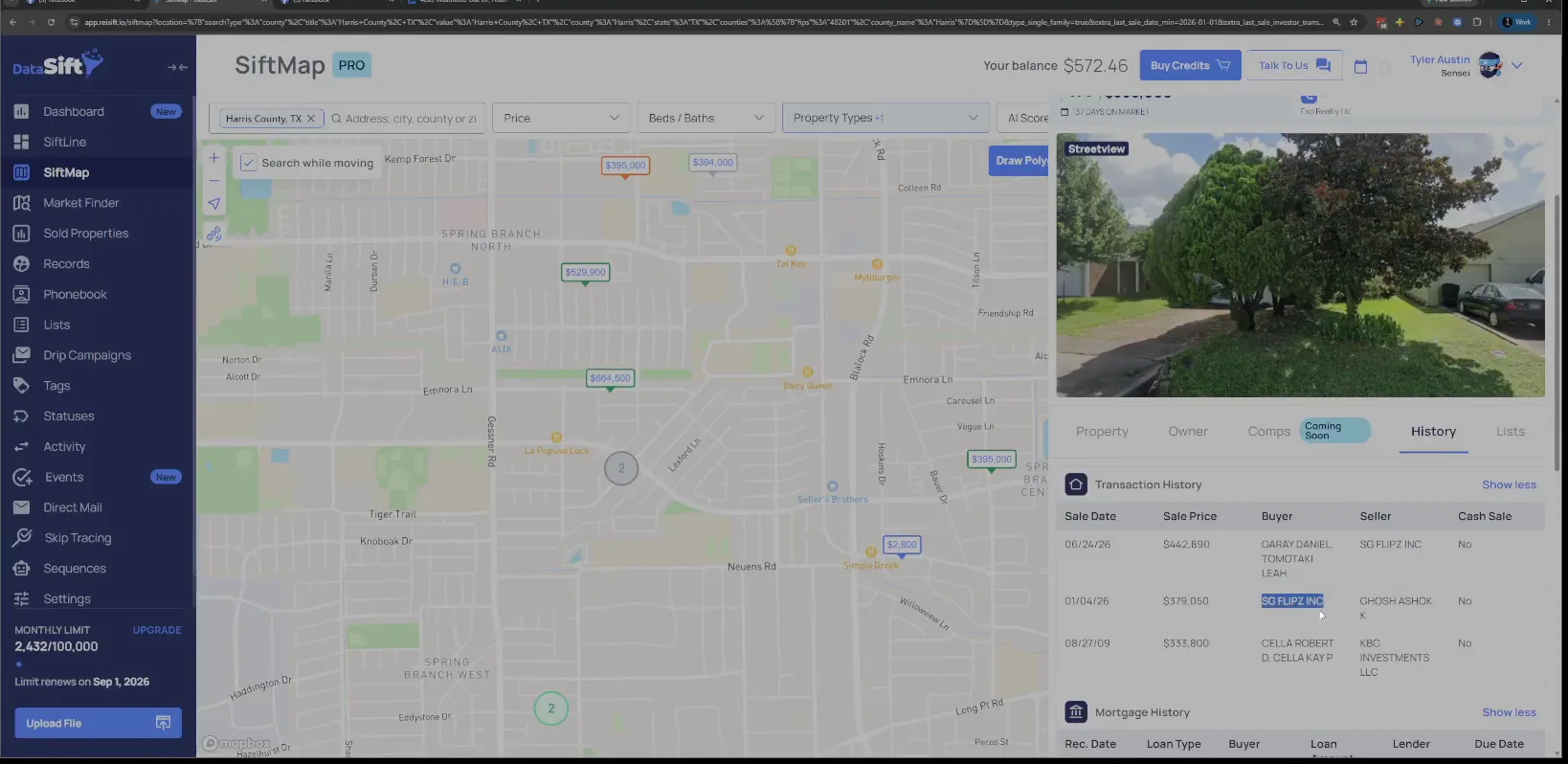
Open Gina Thayer's eXp Realty profile page.
Here is the photo and the bio. The direct number is somewhere on this page, so I scan down until I find it.
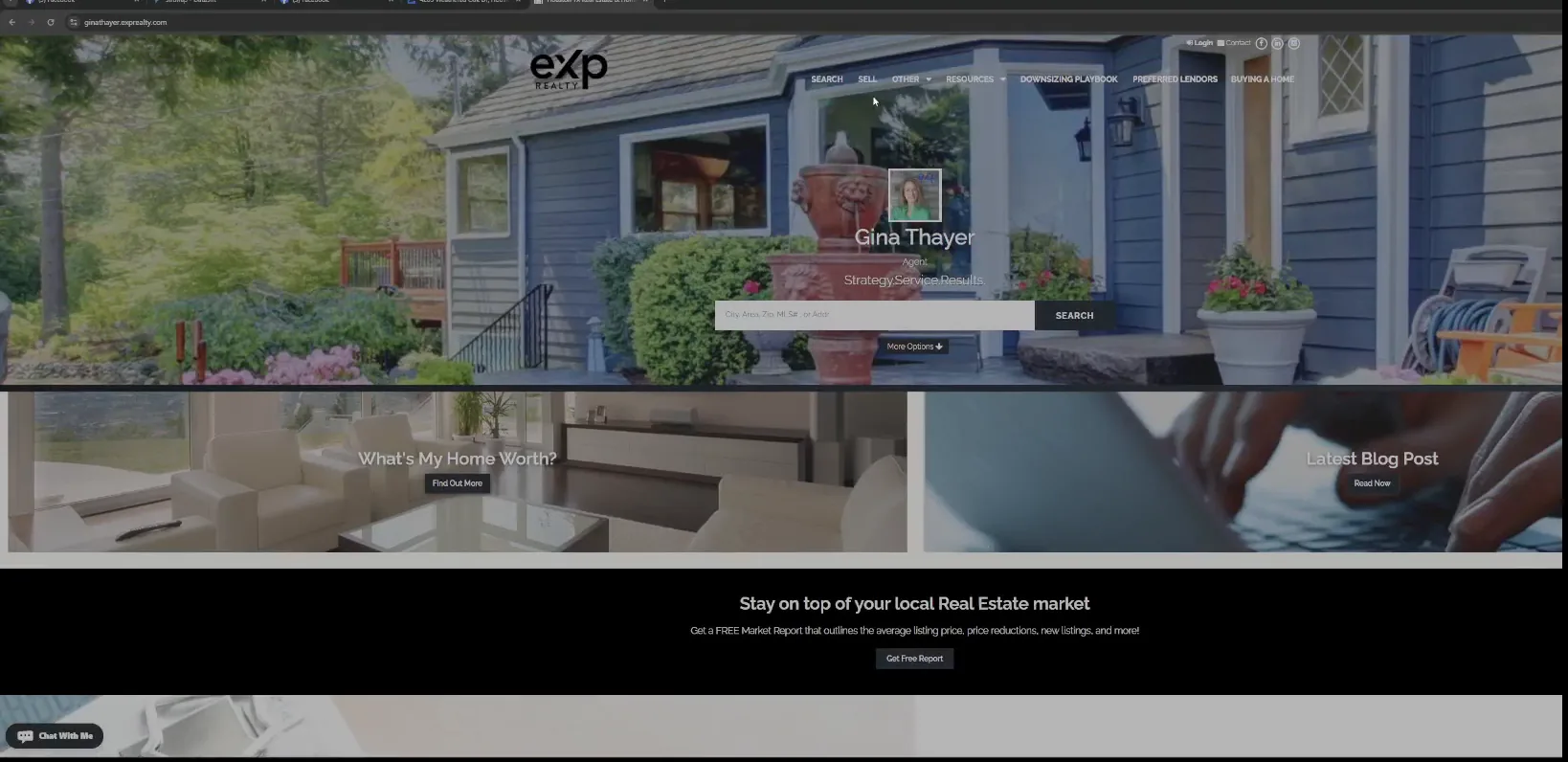
Grab her phone number from the search results.
There's her phone number right there, so I'll grab that, boom. That gives me a correct number attached to SG Flips.
Next I search SG Flips LLC straight up and add Texas to it.
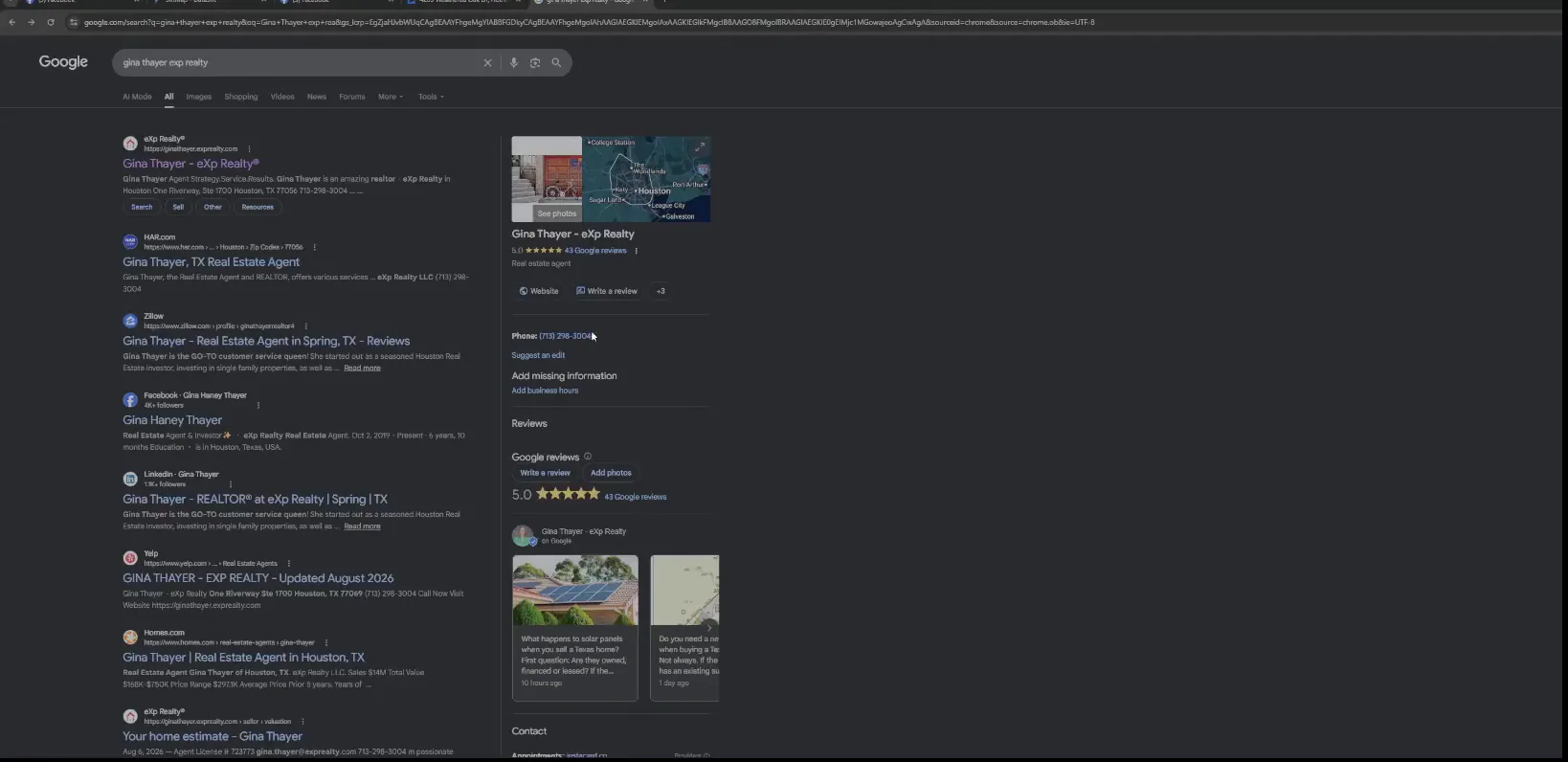
Search SG Flips Texas and read what comes back.
What comes back is a tumbling studio and some gymnastics listings. That's not right, so the plain search is a dead end here.
Let's do OpenCorporates and go at them that way instead.
Filter the OpenCorporates search to the Texas jurisdiction.
The Texas filter pulls the company up in the results list. So we open it up, and sometimes you get lucky.
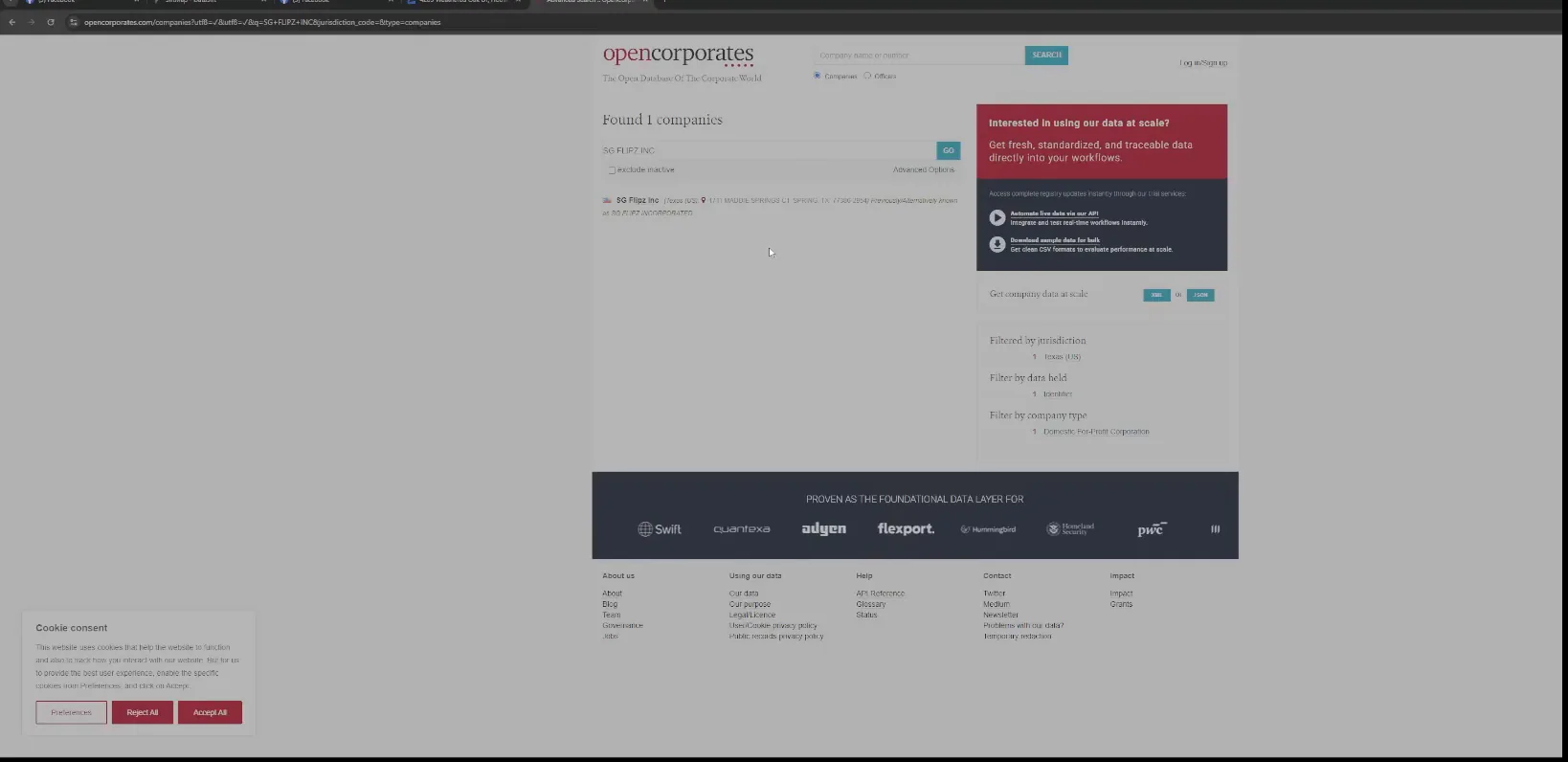
Open the company record and read the registered address.
The record gives me the registered address and the agent name. I'm reading it to see if maybe that person is the same person as the listing agent.
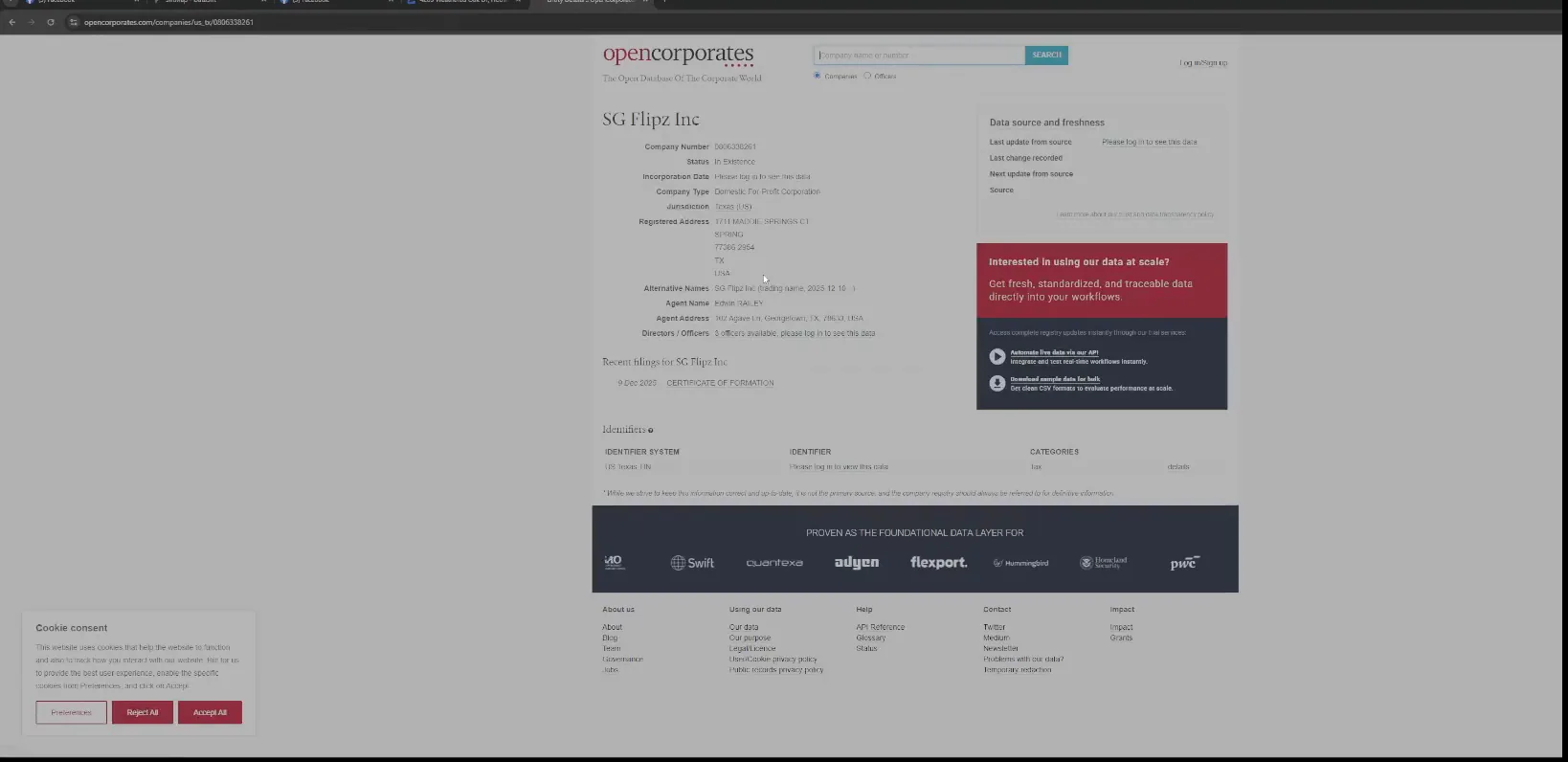
Scroll to the officers list on the company page.
At first glance it doesn't look to be the case. They got three officers, and you need to log in for it.
Finding buyers
Finding buyers should be really your easiest thing.
- 1Buyer name in the historyPull the buyer name off the sale history on the property you just looked at.
- 2Look up the listing agentSearch the agent name plus the brokerage and grab the direct phone number off her profile page.
- 3Check OpenCorporatesSearch the company, filter to Texas, and read the officers to see if the agent is also the flipper.
- 4Call and prequalifyAsk if she buys from other investors, then ask for the mailing address she uses on her deals.
- 5Add to the phone bookAdd the person you got in contact with as a phone book contact and go from there.
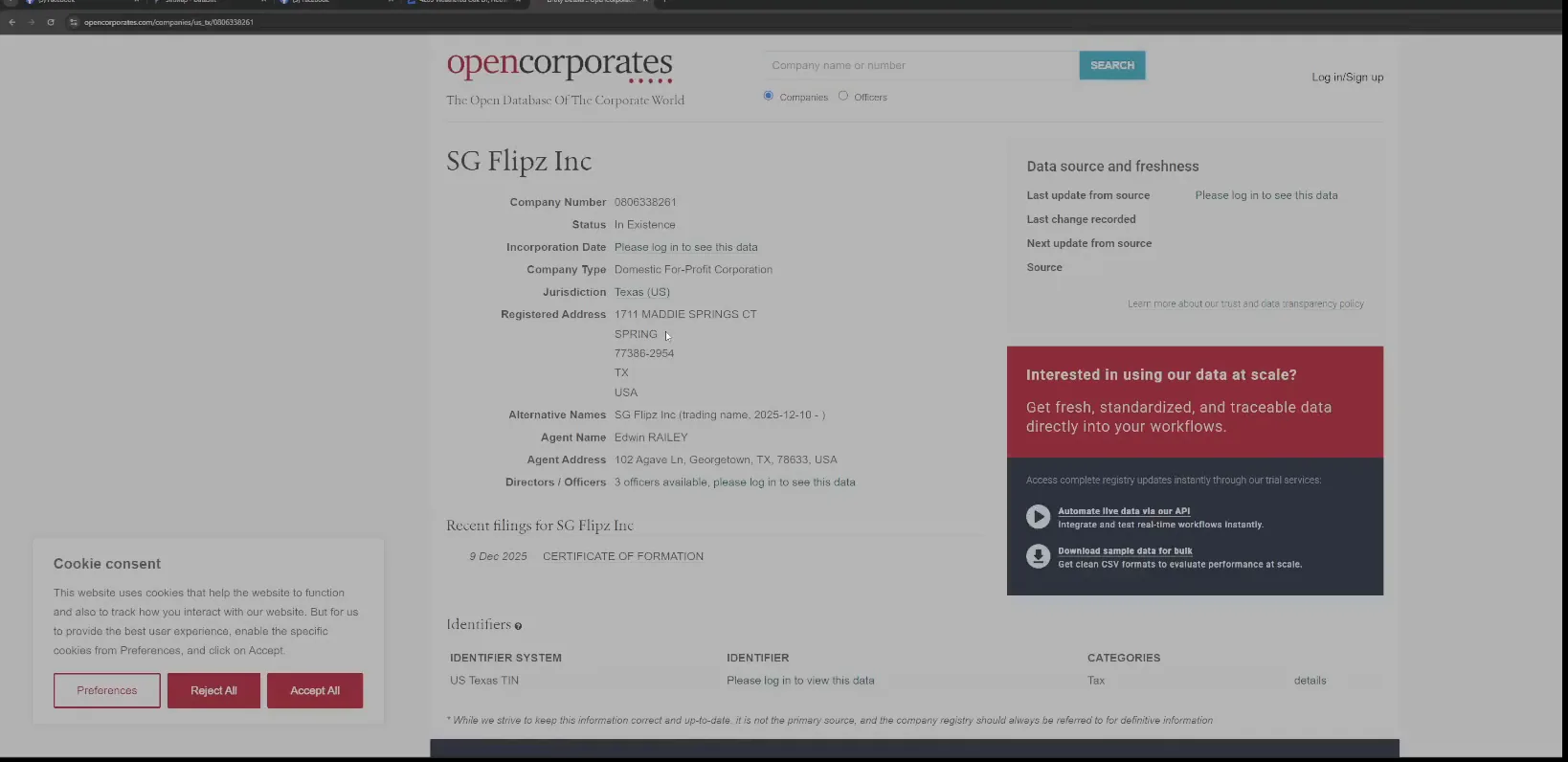
Sign in to OpenCorporates with your account email.
The sign in page takes the email and password. Once you are in, the officer names show instead of the prompt.
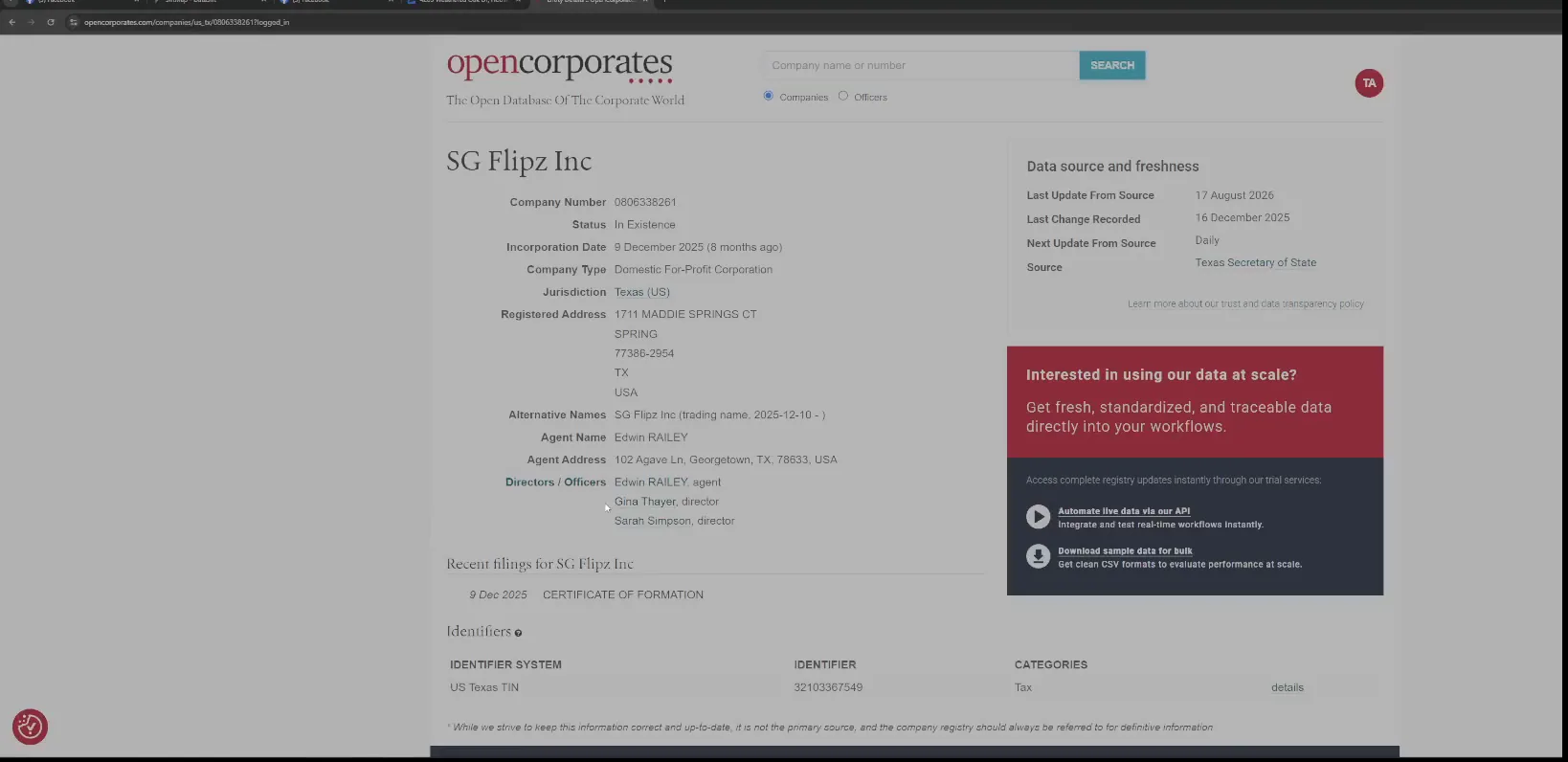
Read the directors list for Gina Thayer.
Look at that. Gina Thayer is a director of that LLC, so she actually is also the flipper.
Go back to the transaction history in SiftMap.
The buyer on that sale and the listing agent are the same person. If I was doing deals in Houston right now, I have the correct number to a listing agent and the flipper.
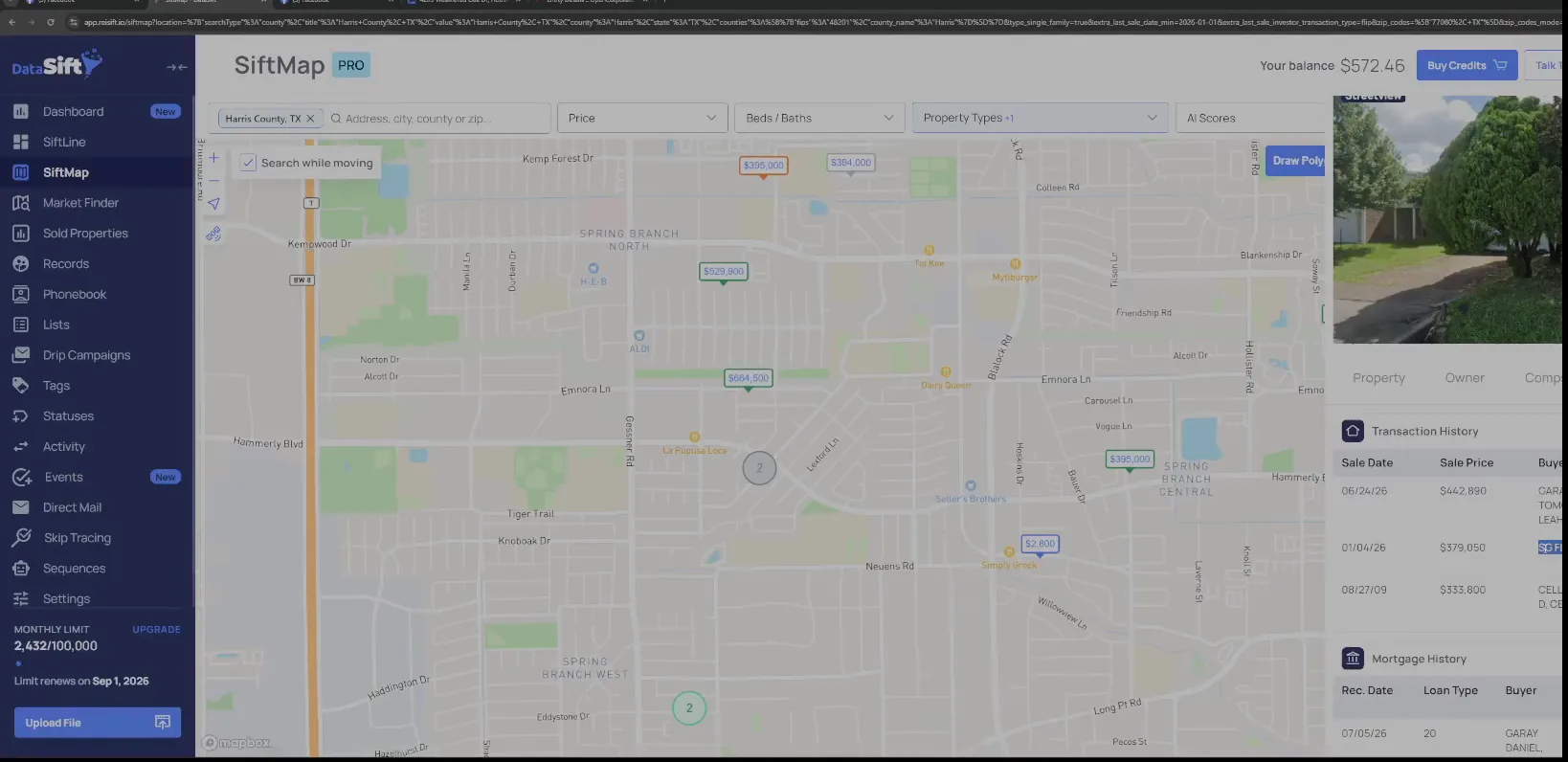
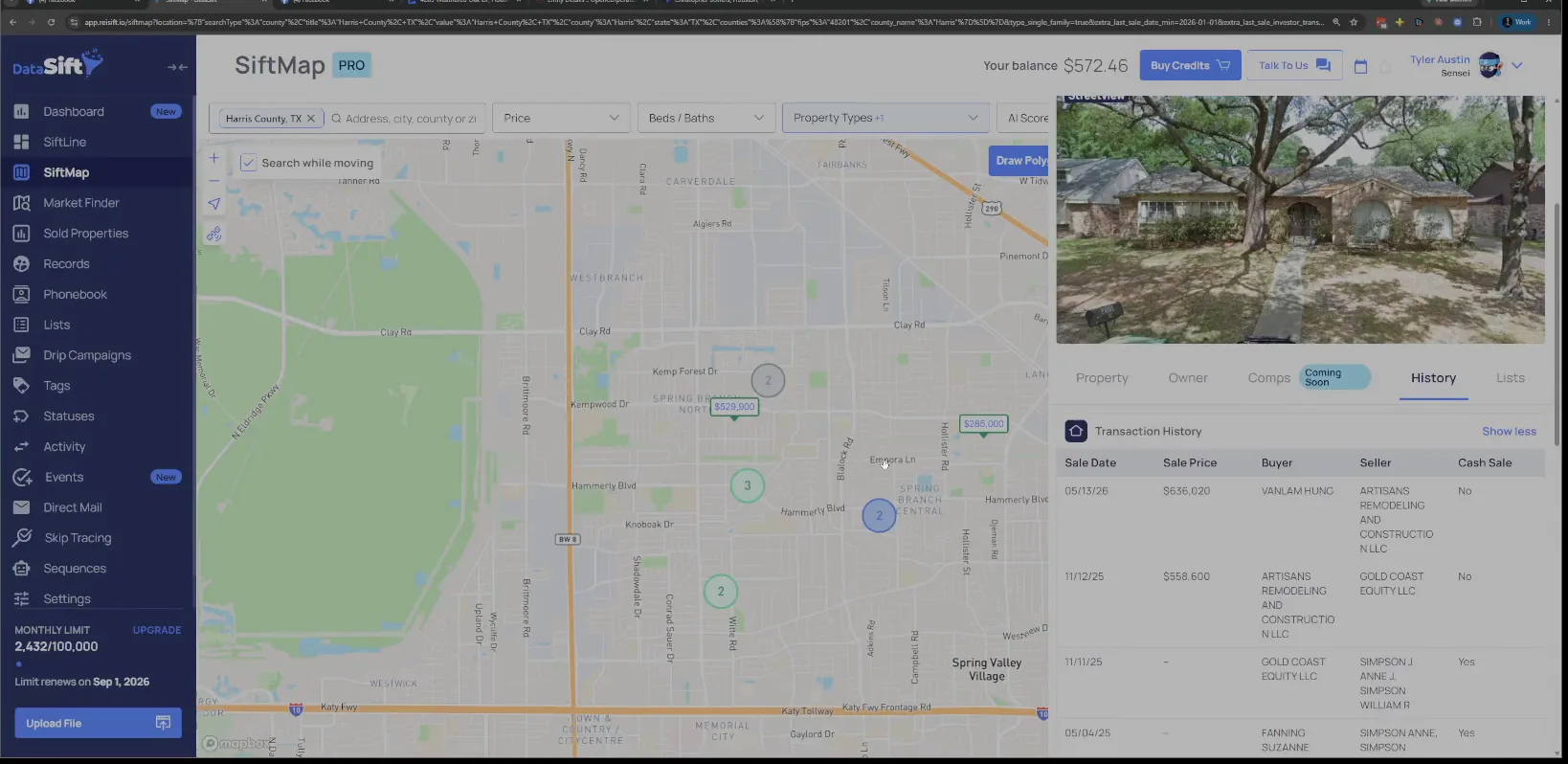
Check the sale price and street view on the panel.
The panel shows the sold price and the street view for the same Peppermill house. I use it to be sure I researched the right flip before I dial.
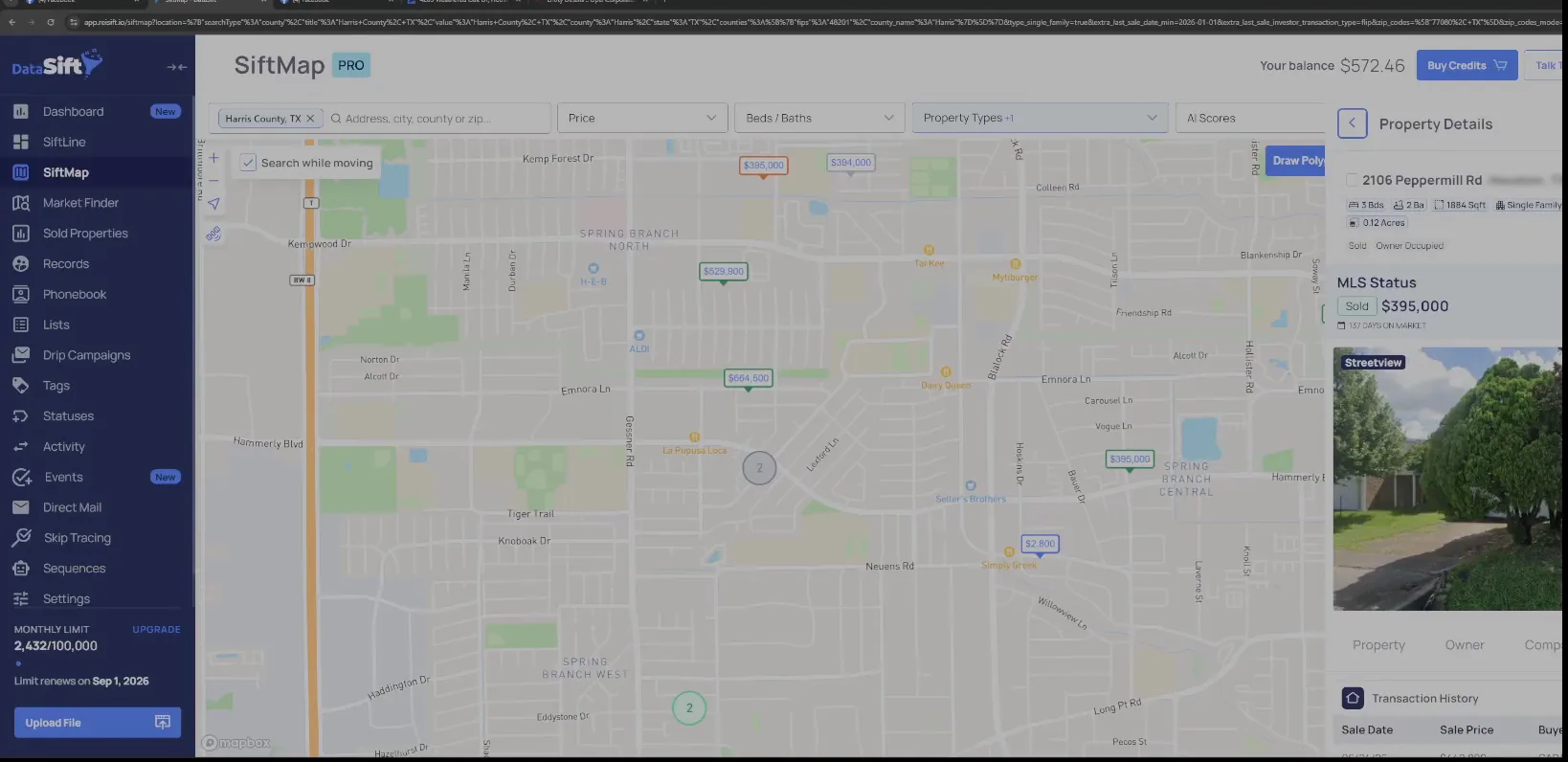
Open the sale history pin on the Harris County map.
No, she's not gonna take a fee for buying the deal to flip her own property. So that's validated now, and that's literally a buyer.
So I would call Gina and prequalify her. I'd say, hey, I noticed you flipped a property over there off Peppermill. I get some leads out there, I'm just curious if you buy from other investors.
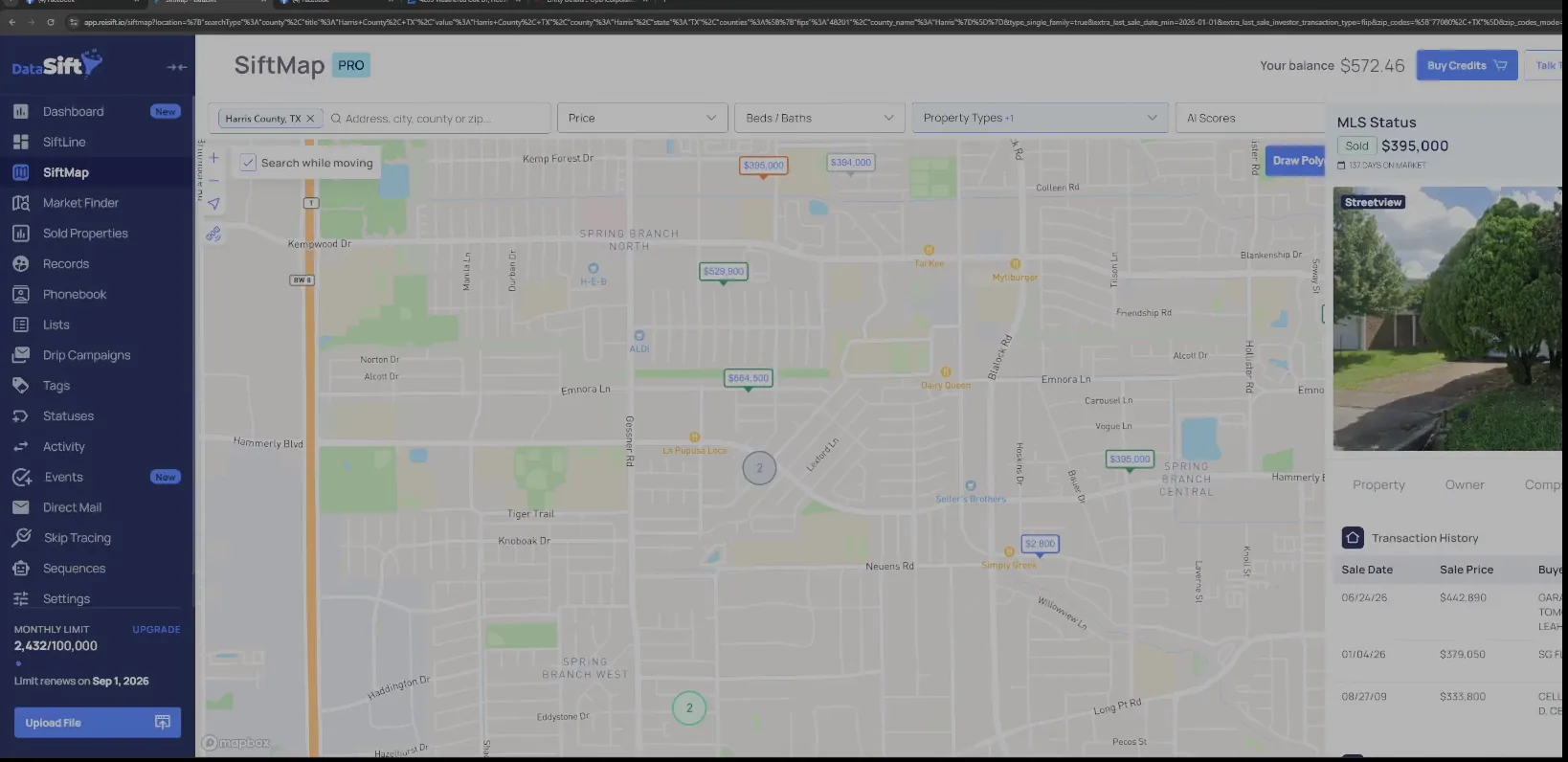
Read the mortgage history under the transaction history.
So again, neighborhood level first, grab your initials there. Then go out to the zip code level and do the same read.
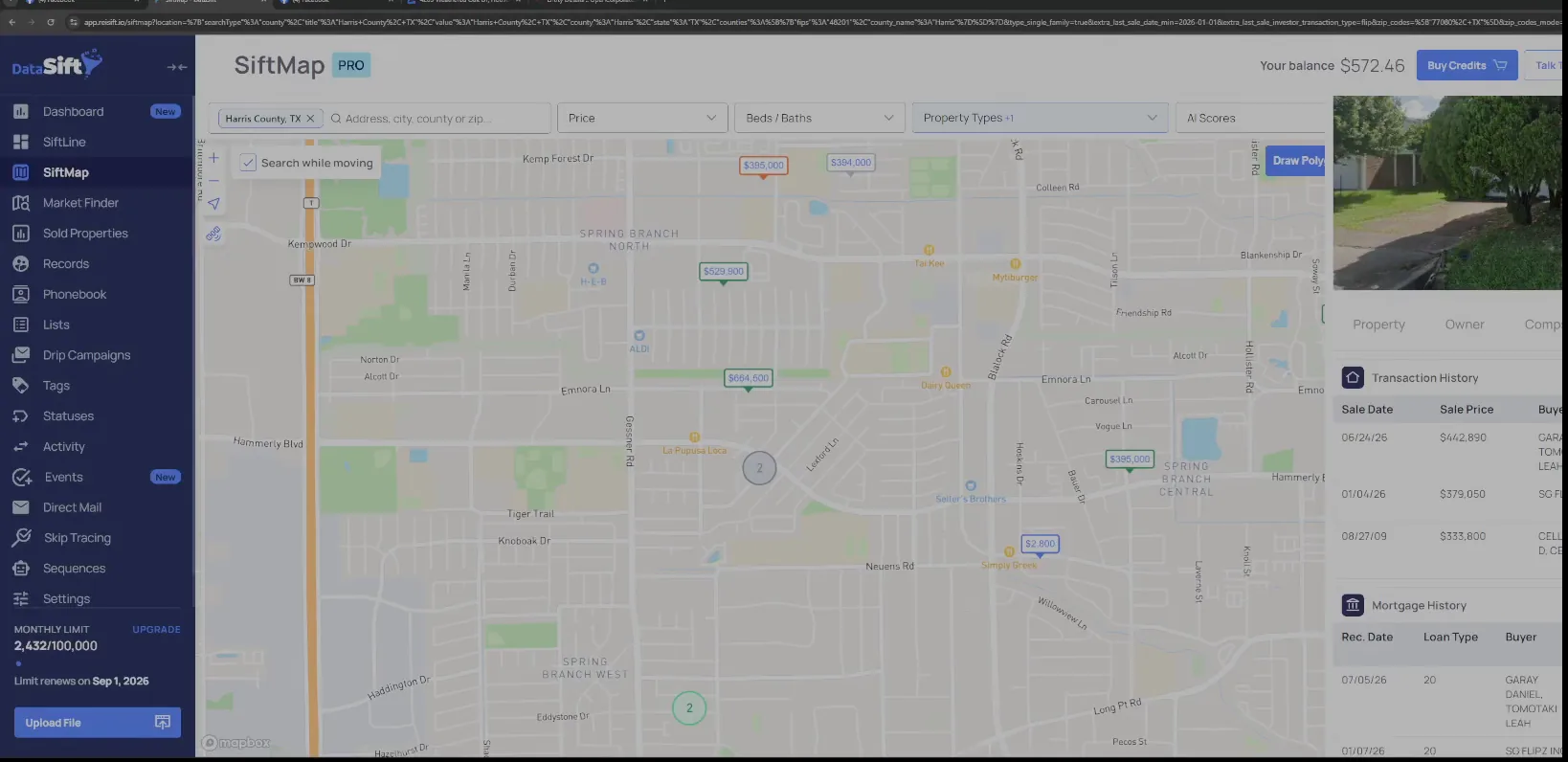
Open the More filter panel on the map view.
Year built and the property details fields are all here in one panel. This is the panel I set before the zip code pass.
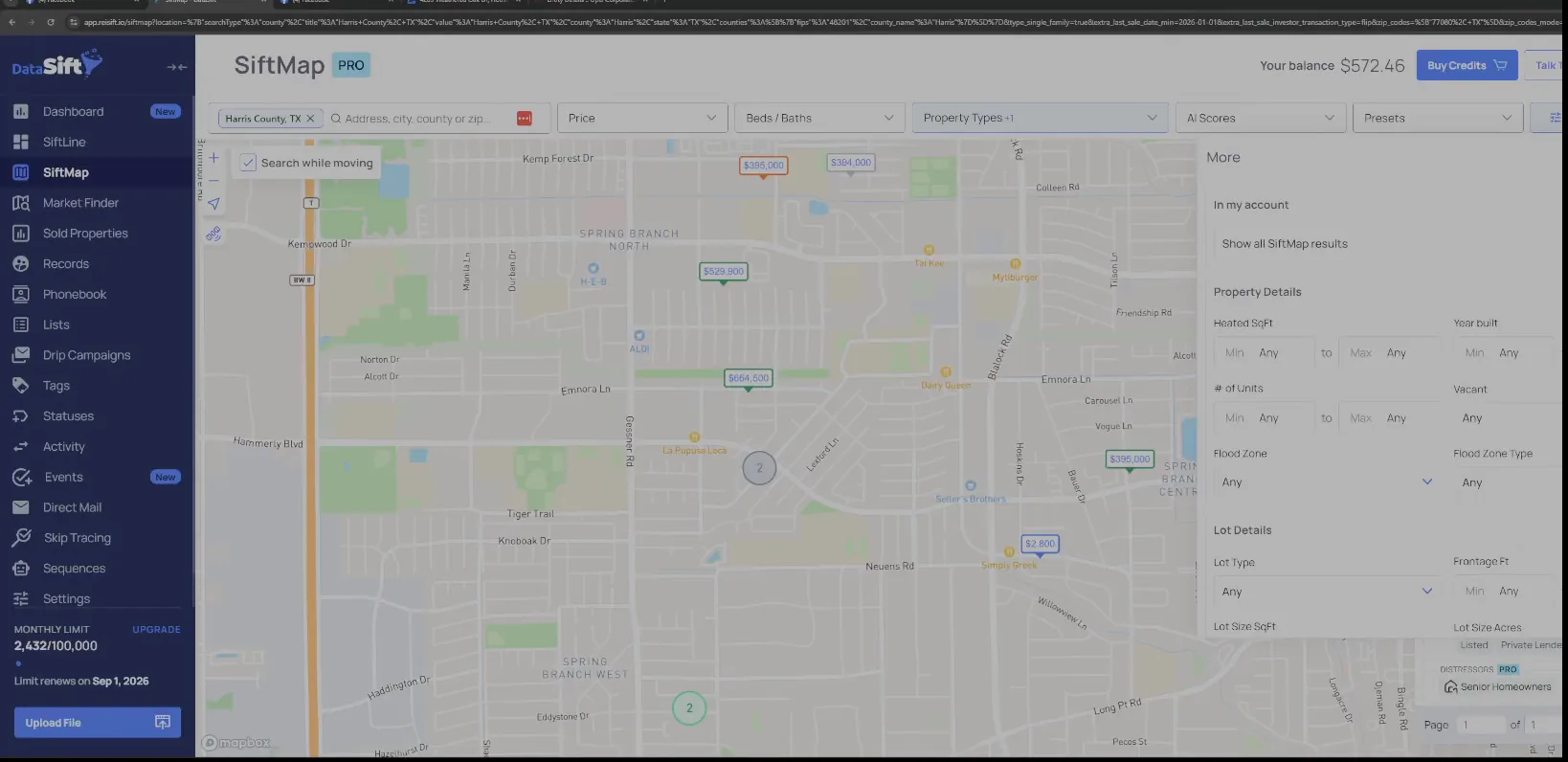
Look back to January on the flips list.
I'm literally looking back to January right now, for just flips. The map fills with price markers and the list next to it holds the matching properties.
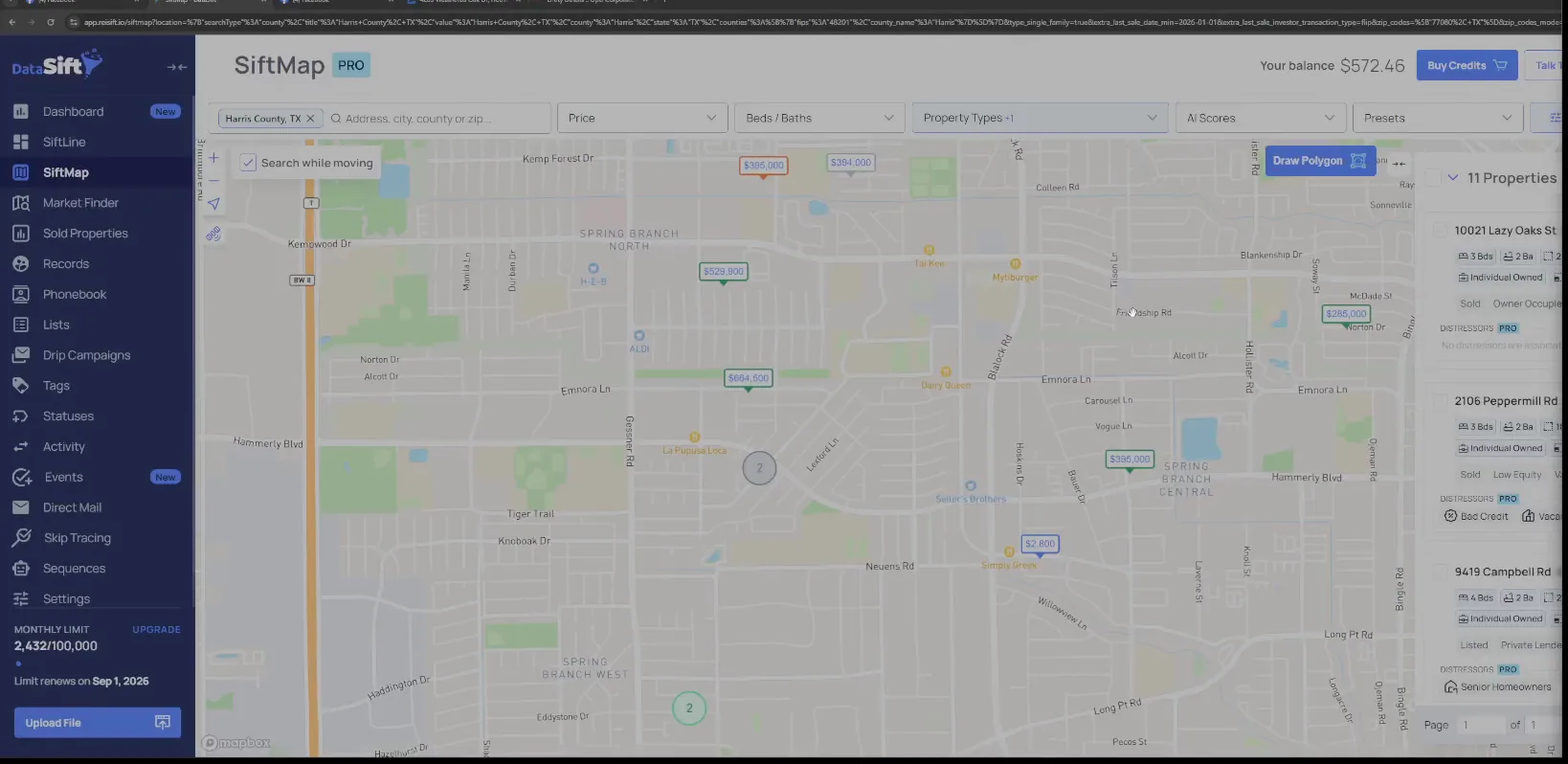
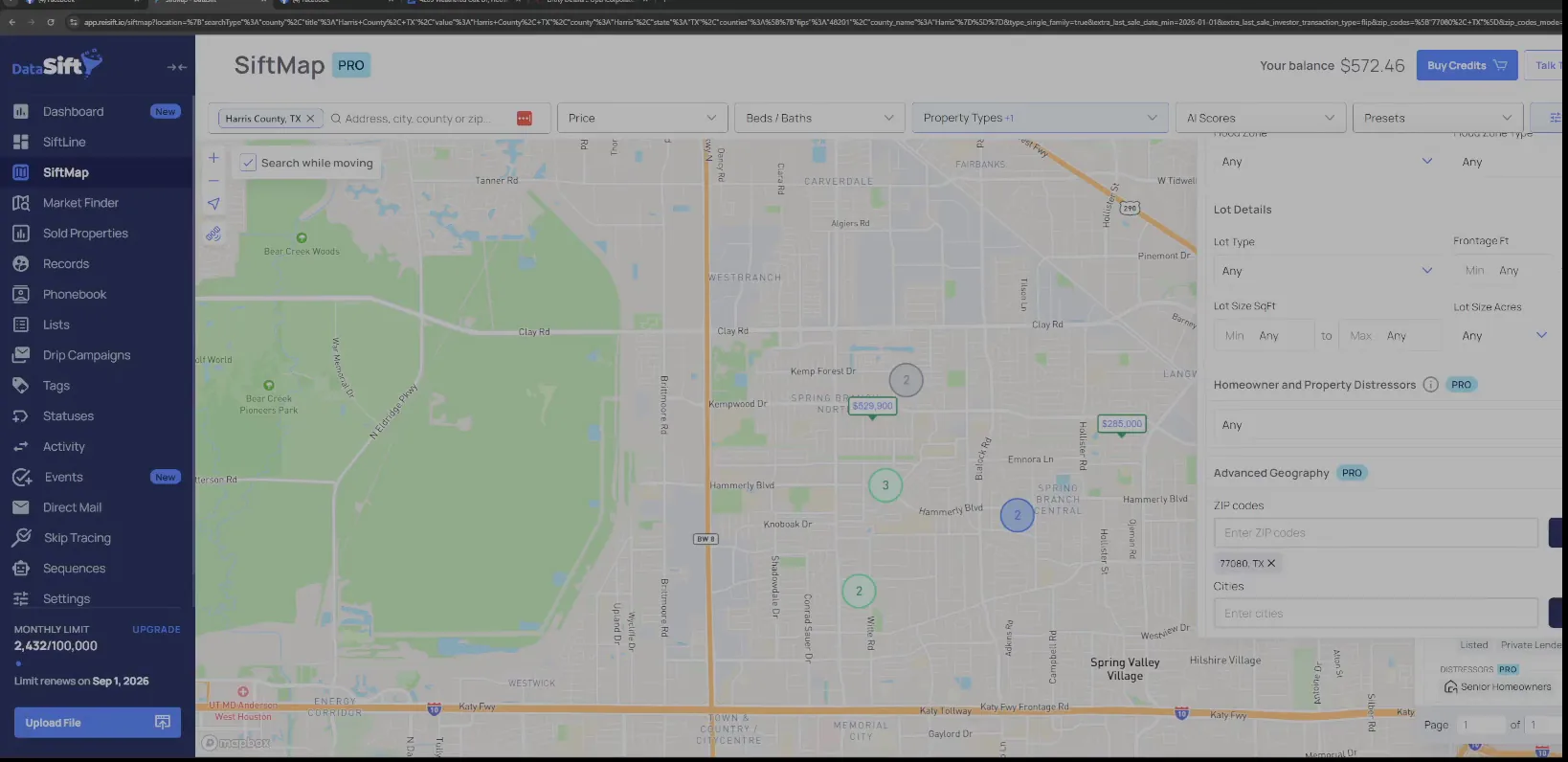
Enter the ZIP code in the search filters.
The zip filter sits with the lot detail filters over the same map. And I have a list full of people that I can reach out to as of right now.
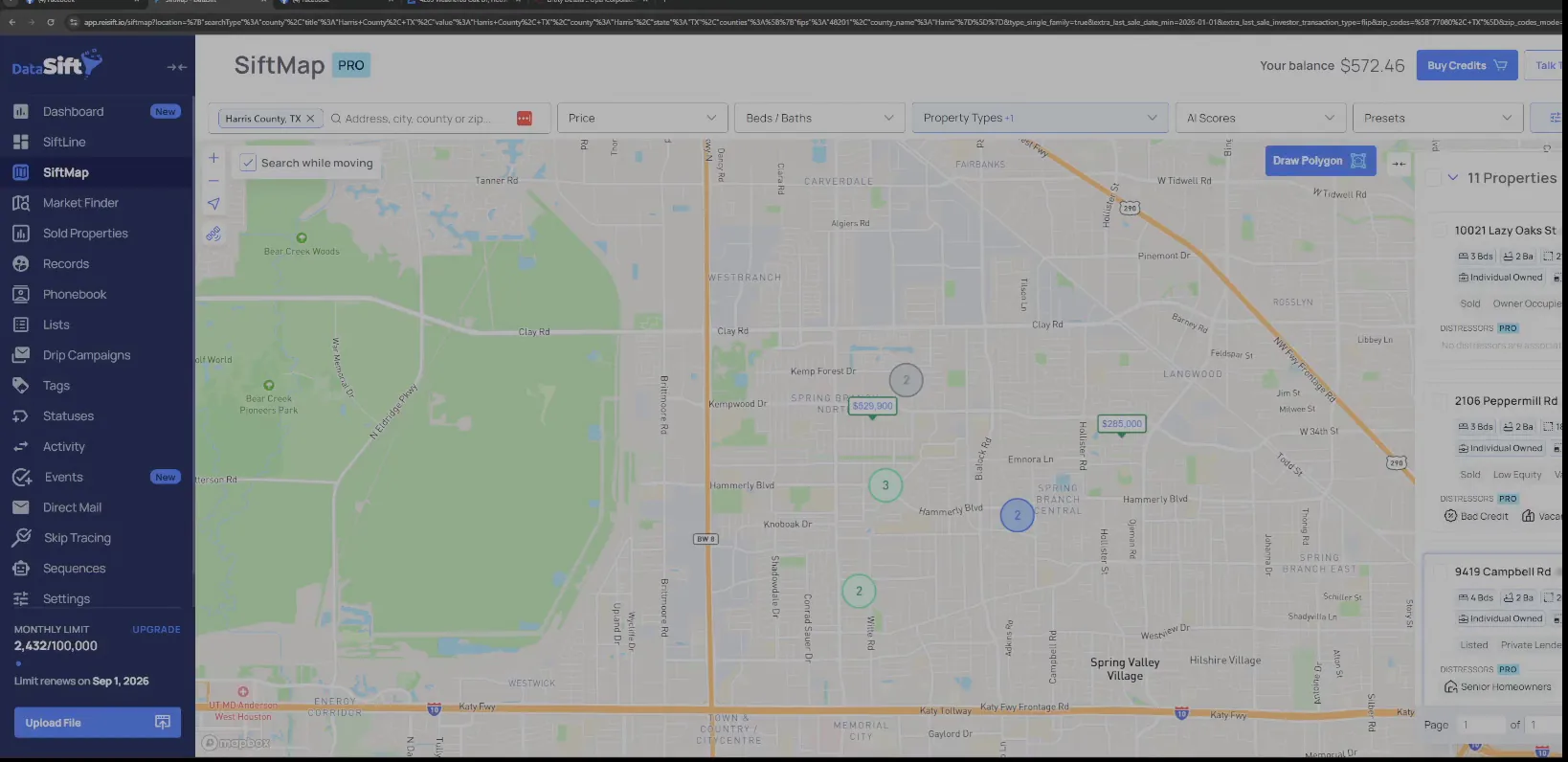
Look down the flips list for the Peppermill property.
This is the whole list of flips for the zip, with the Peppermill house sitting in it. Nothing is being saved on this screen, it is just the list in front of me.
So I would look her up. And I'd build a CSV file or an Excel document or a Google sheet with these, and then I call them. I don't need to blast out to everybody in Houston, I can just call the right people.
And so I'm going to call Gina, is what I would do. Once I do, I'm going to open up my phone book.
Read the buyer and seller names on the record.
The record has the street view, the map and the names side by side. That is what I carry into the phone book entry.
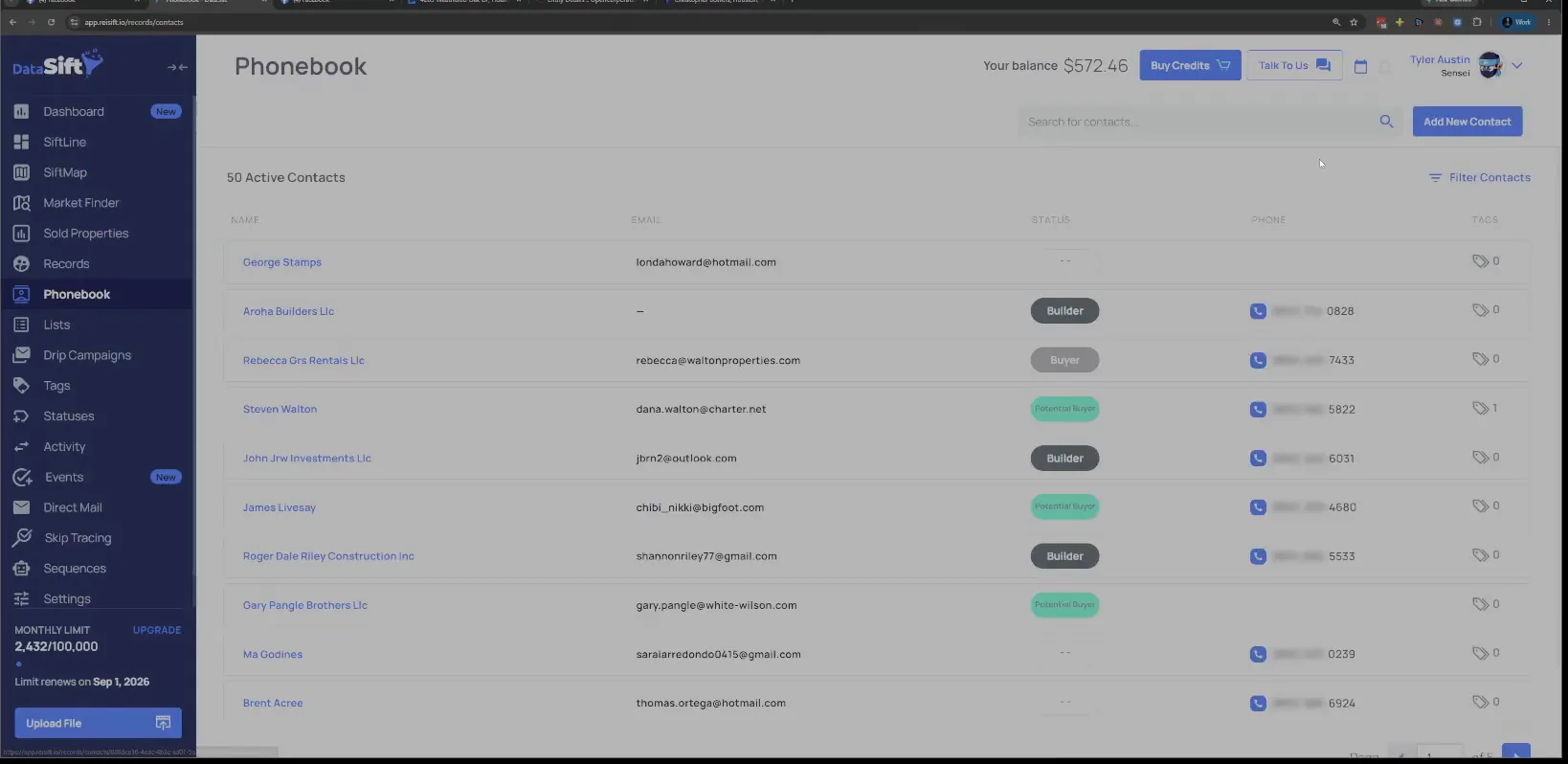
Click Add New Contact in the Phonebook.
The Phonebook page lists the contacts I already have. The button at the top is where a new buyer gets added.
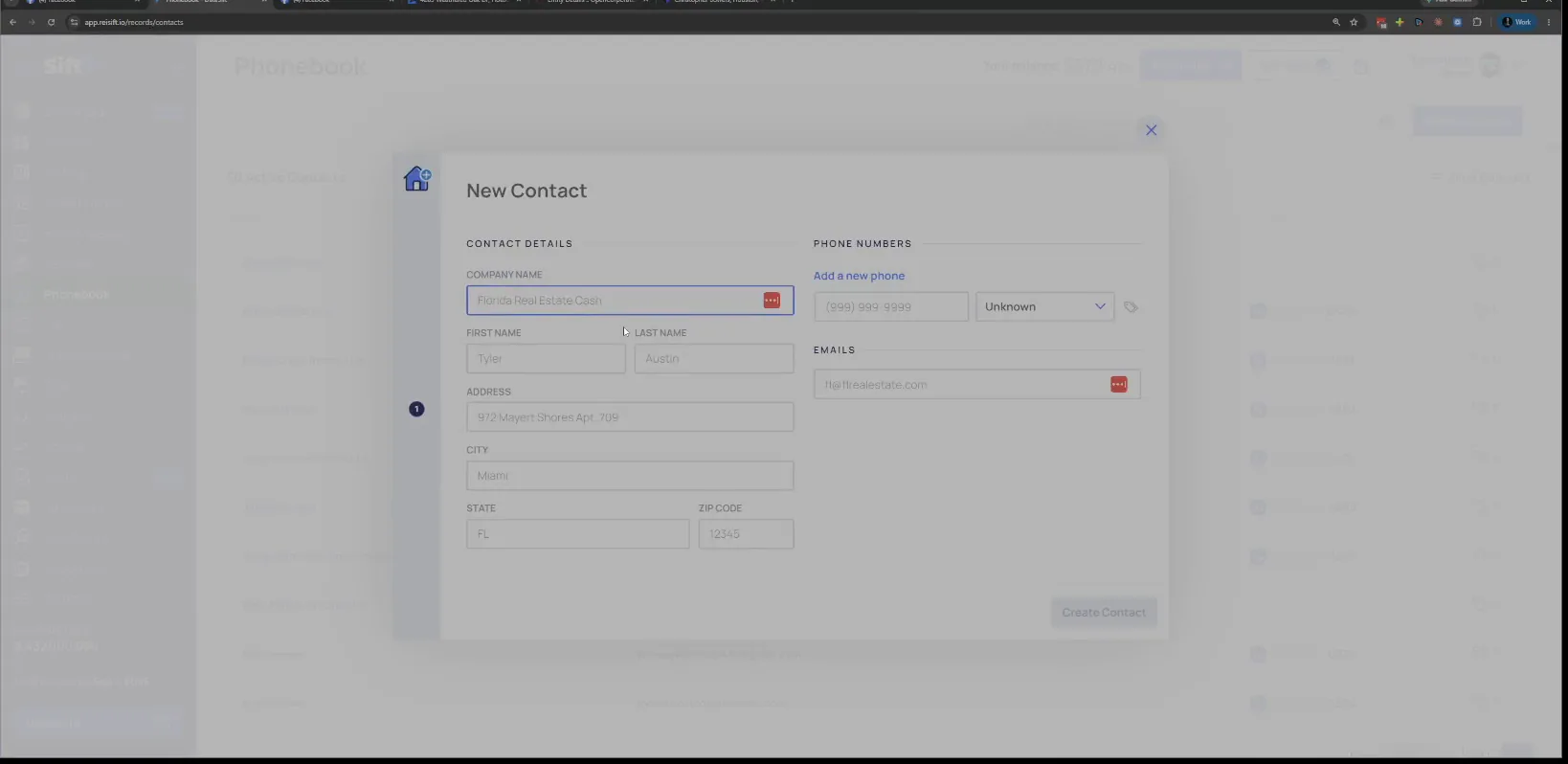
Fill the New Contact modal with company, name and phone.
I'm just going to literally add the contact in here, company, name, address, phone. That is the buyer saved.
There is another way to get the same person in, from the records side.
On my records page now, if I go to my owner profile and I paste that phone number, I just called that phone number through smartphone.
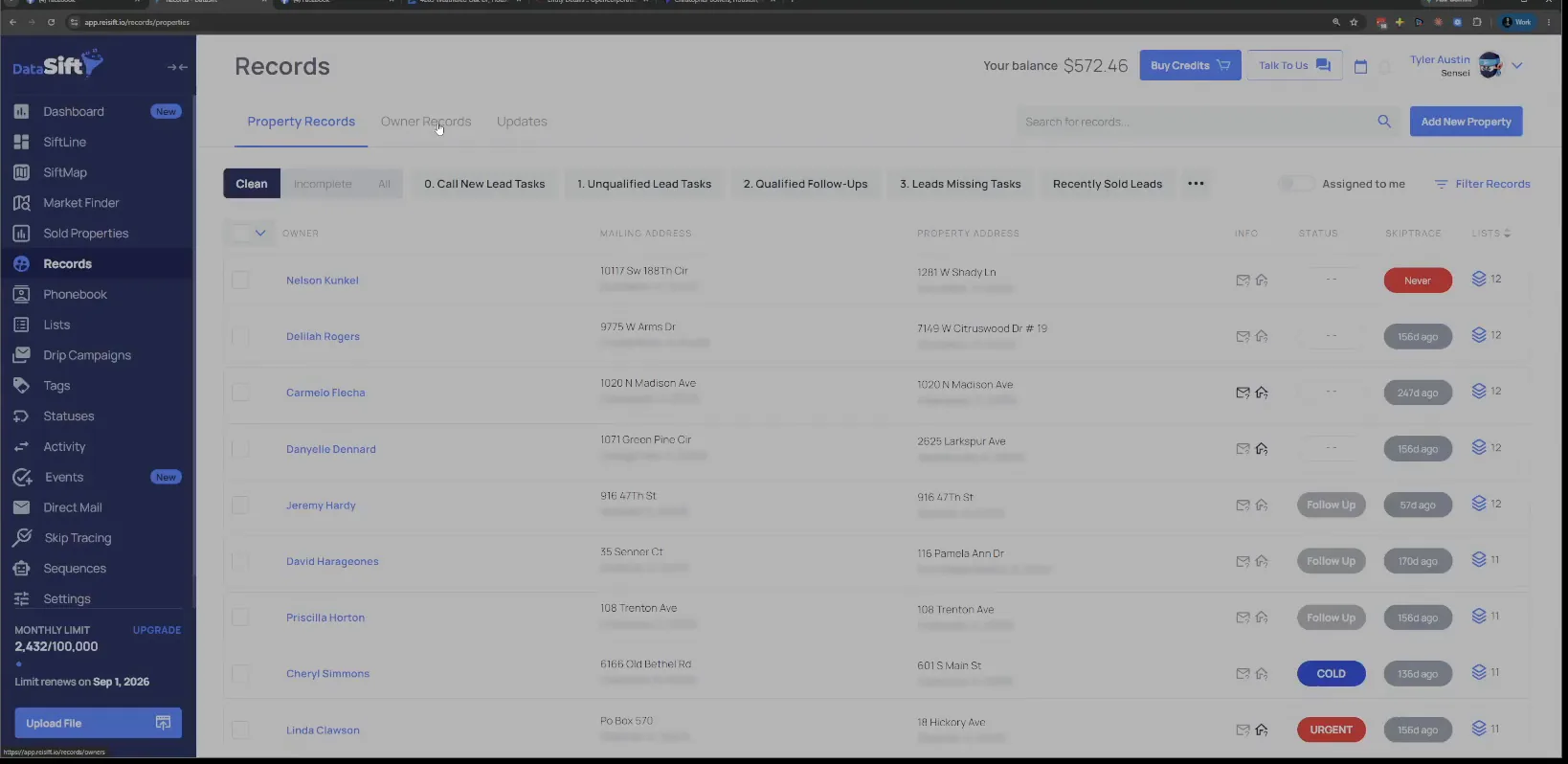
Open the Records page and its owner list.
The list shows owners with mailing addresses, statuses and skip trace dates. This is the page where a called number turns up.
Paste the phone number into the owner search box.
I just called that phone number through smartphone, so it automatically created an incomplete owner record. The search pulls that record right up.
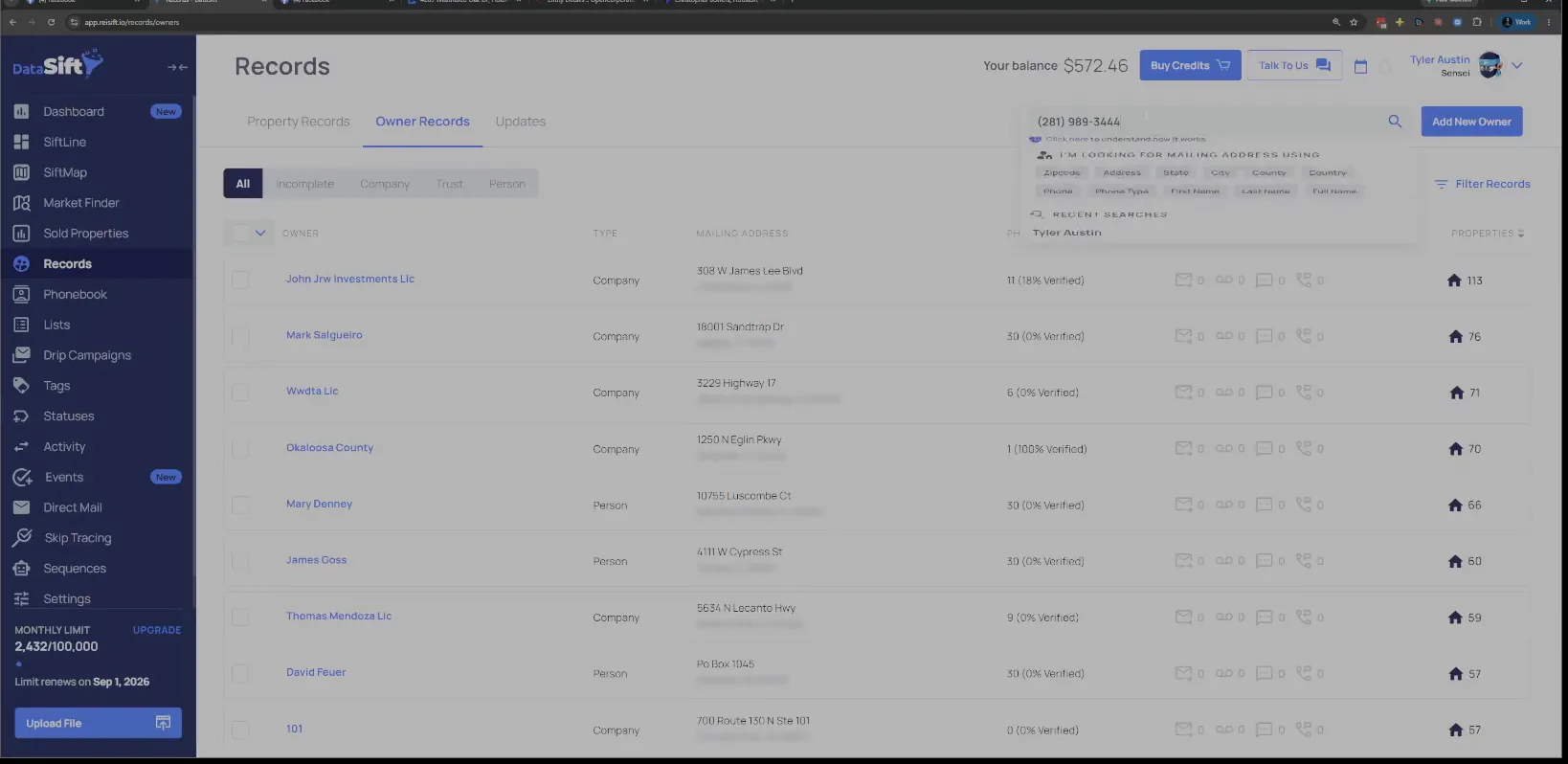
Click primary number, edit, and name him Christopher Bowers.
The record opens with one phone number and the messaging panel, and no name on it yet. So all I need to do is come in here, go primary number, edit, and call it Christopher Bowers.
It's kind of the annoying thing when you're doing it from the owner details page. Oftentimes I'm just gonna put his office address right here, but you do whatever you want.
I don't really care about the mailing address right now, but I gotta put one because in order to edit this, I can't save it without it.
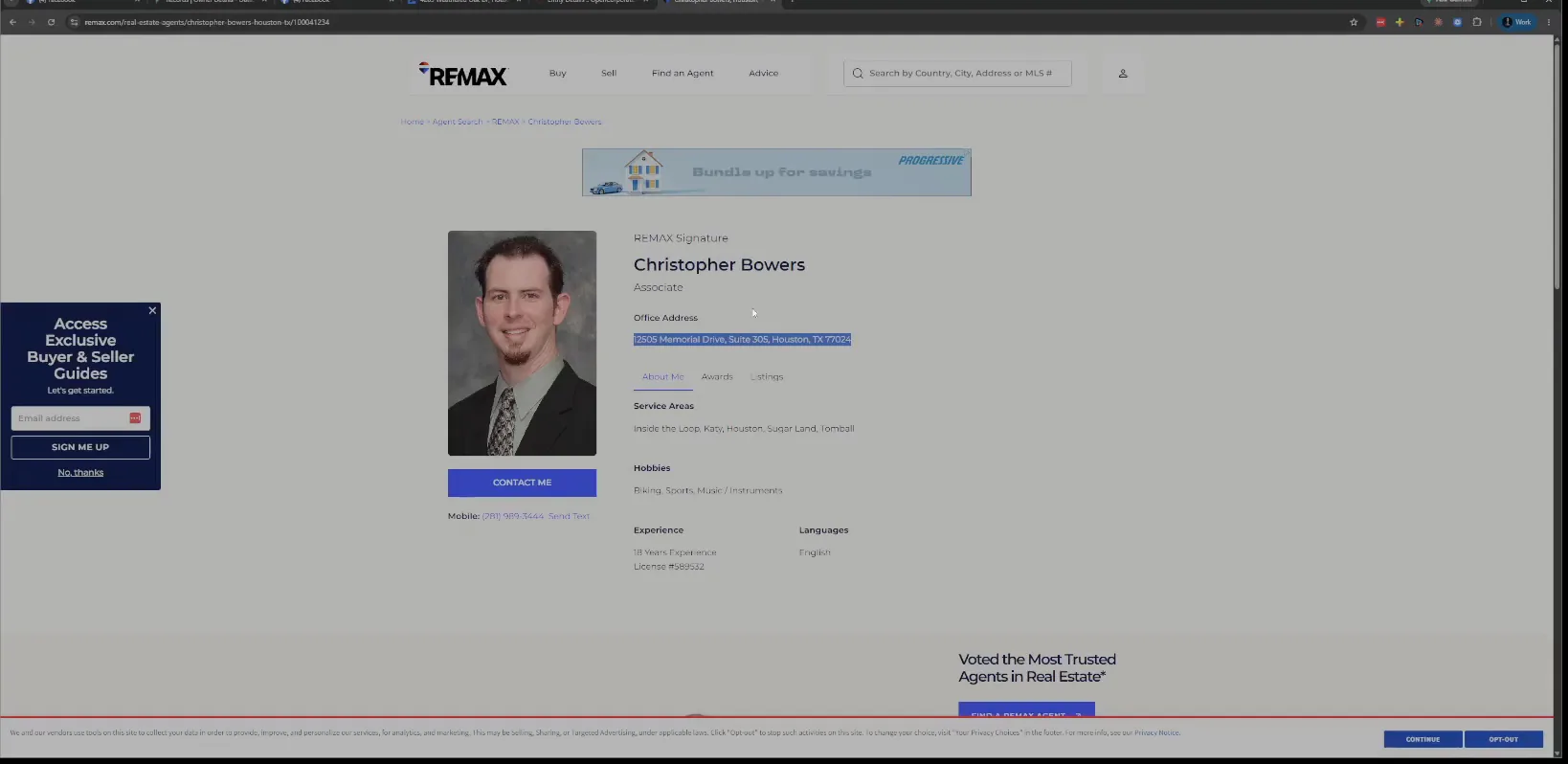
Copy the office address from the agent profile page.
Some people just put a random address, that's fine too. Or you can mark him as a contact like this, with no mailing address and no name.
Then when you go over to the phone book, once his name populates there, I can update him from there as well.
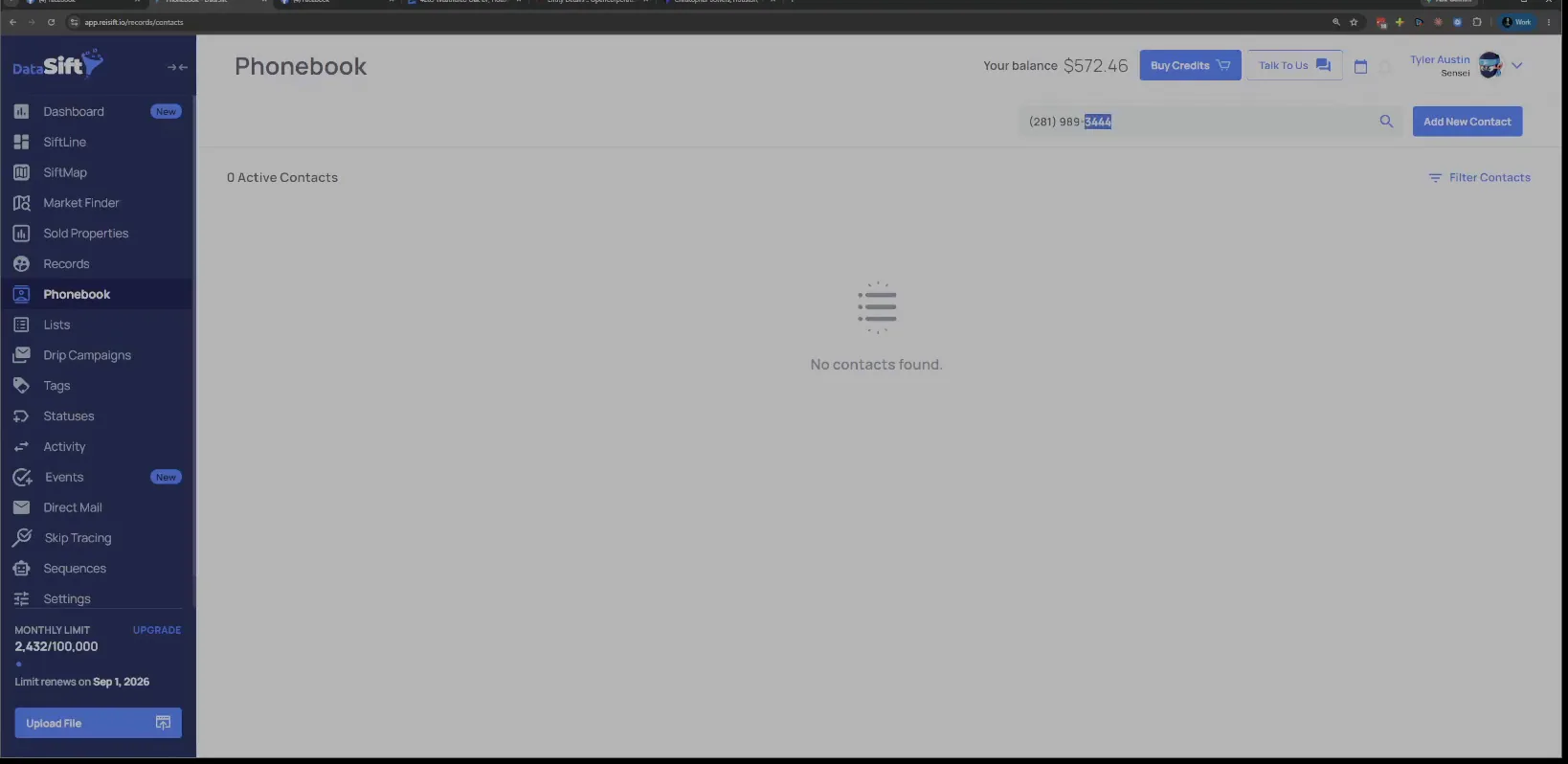
Search that phone number in the Phonebook.
Right now it comes back with no contacts found. It's gonna take a second for his name to populate here, then I can edit him from this side.
Go back to the records page from the dashboard.
So I add the person that I get in contact with as a phone book contact, and then I go from there. Oftentimes I'm prequalifying a buyer while I do it.
Let's say I'm prequalifying a buyer, and I also called Gina. What I would do with Gina is ask for a mailing address while I'm on the phone with her.
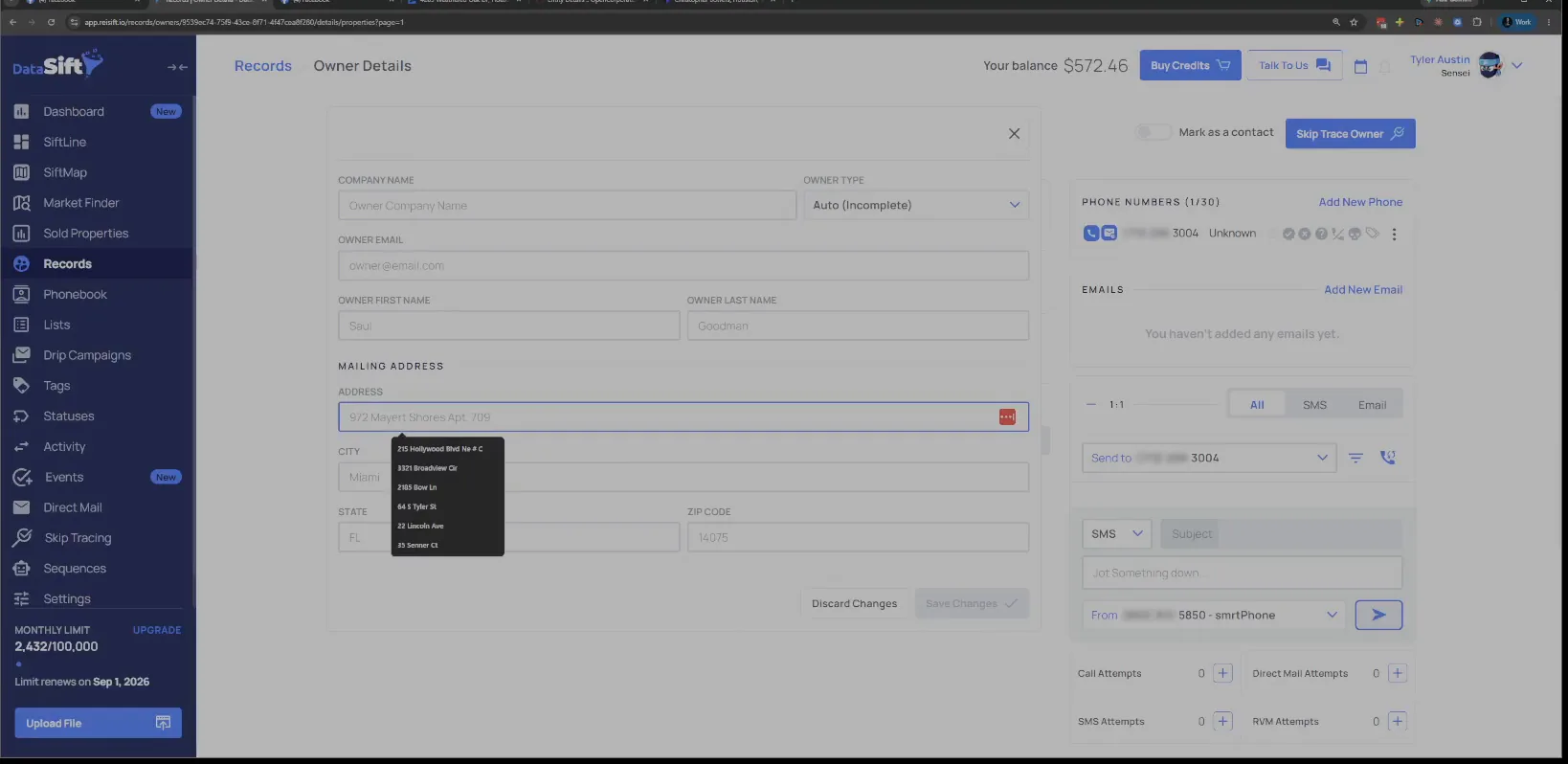
Edit the mailing address field and pick the suggestion.
The autocomplete drops down as soon as I start typing what she gives me. So I say, awesome, Gina, what is the mailing address you use when doing your deals?
I like to gather as much info as I can on the front end. Once we do a deal together, I already have all the information in my CRM, so I can send it to title.
BEFORE YOU MOVE ON