
PART 3
Rentals, then pending investor transactions.
The flip I found already changed hands, so the owner panel shows somebody else. In this part I annotate the flipper, then switch the filter over to rentals and read what came back. Then I go to pending investor transactions and see how much is moving in this neighborhood.
Ownership already transferred after the flip sold.
Read the owner overview for the property that already sold.
We know this property was flipped, and we know the person who bought it has already sold it. So I don't have much detail about G and F homes right now. I just know they are in fact a flipper here.
For all I know they could be flipping 10 properties a month across the zip code. It just so happens this is the only single family in the last six months that has sold from the flips they're doing.
And so again, there's who has sold a property recently and it was a flip, and then there's the who is actively flipping a property right now.
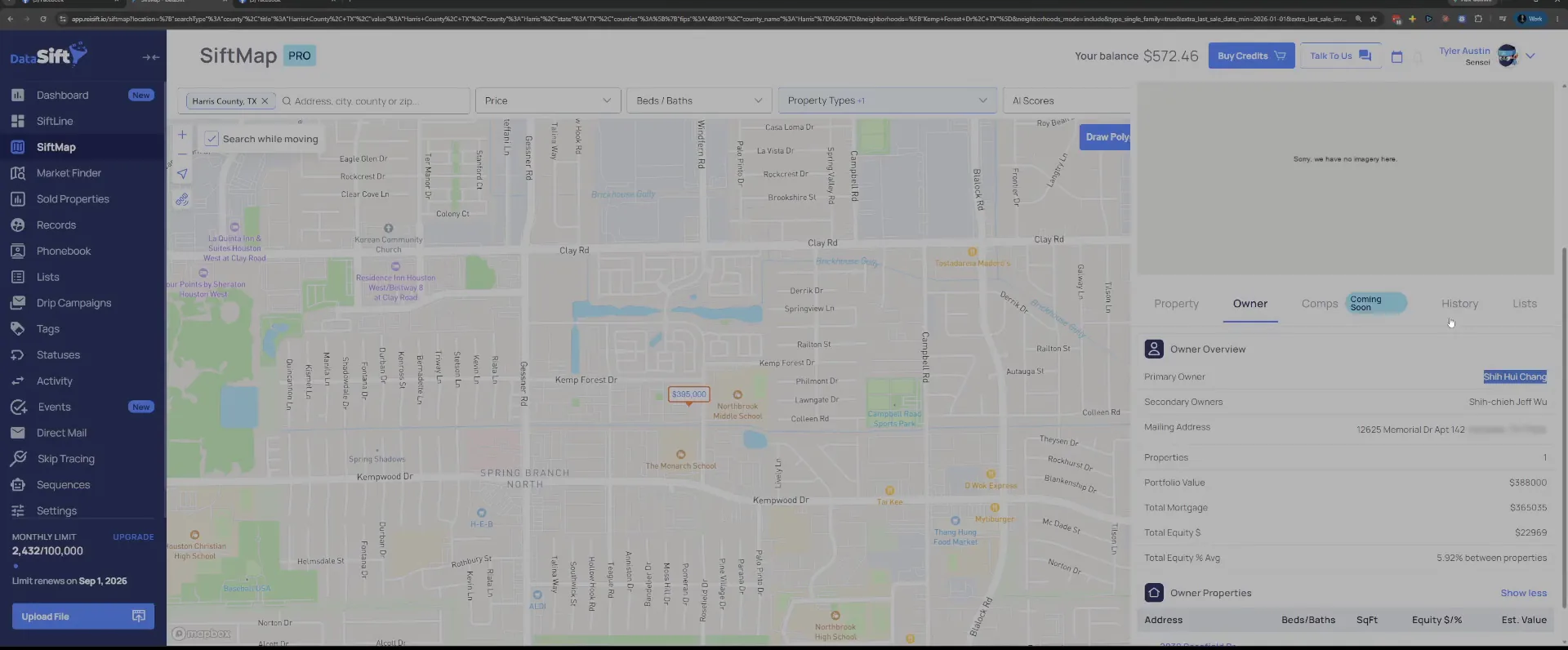
Open a blank notepad next to SiftMap to annotate them.
I'm just going to annotate them for the sake of this training. A plain text window off to the side is all I need. The name goes there and stays there while I keep working the neighborhood.
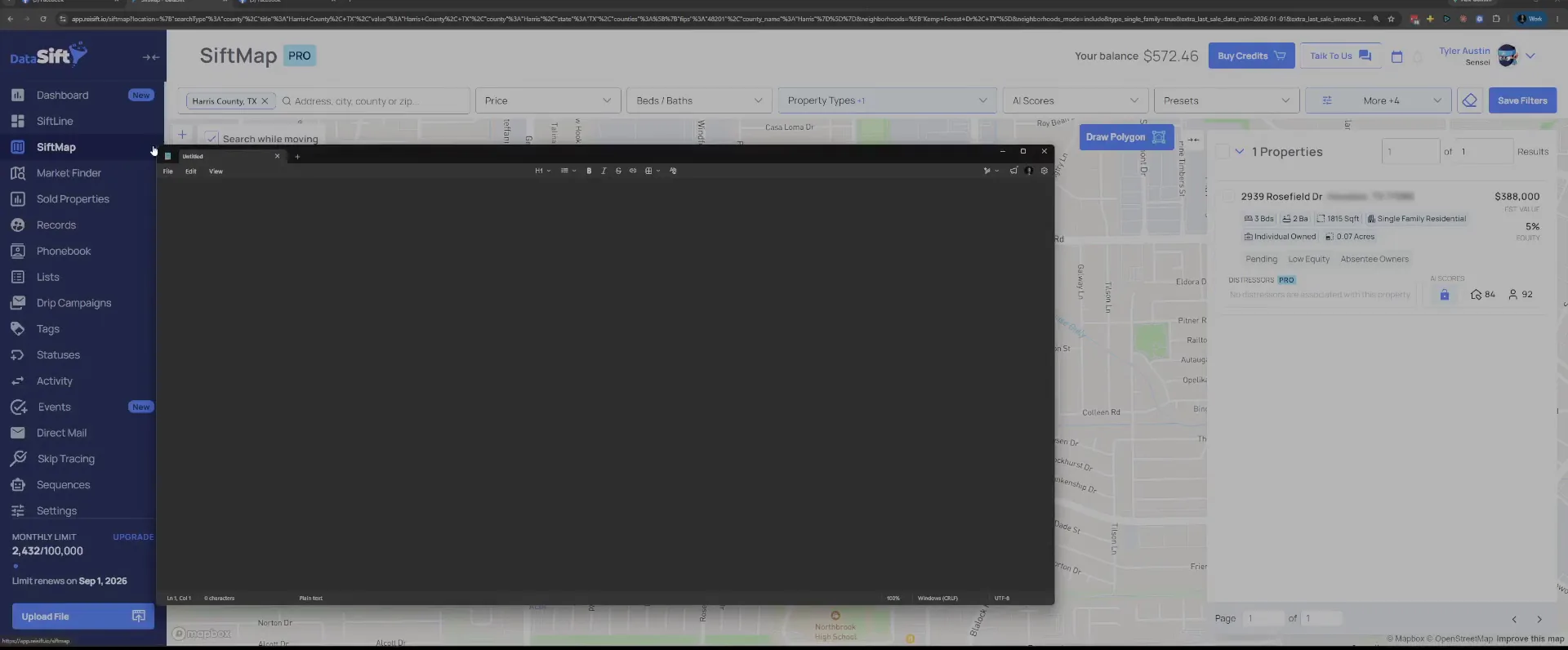
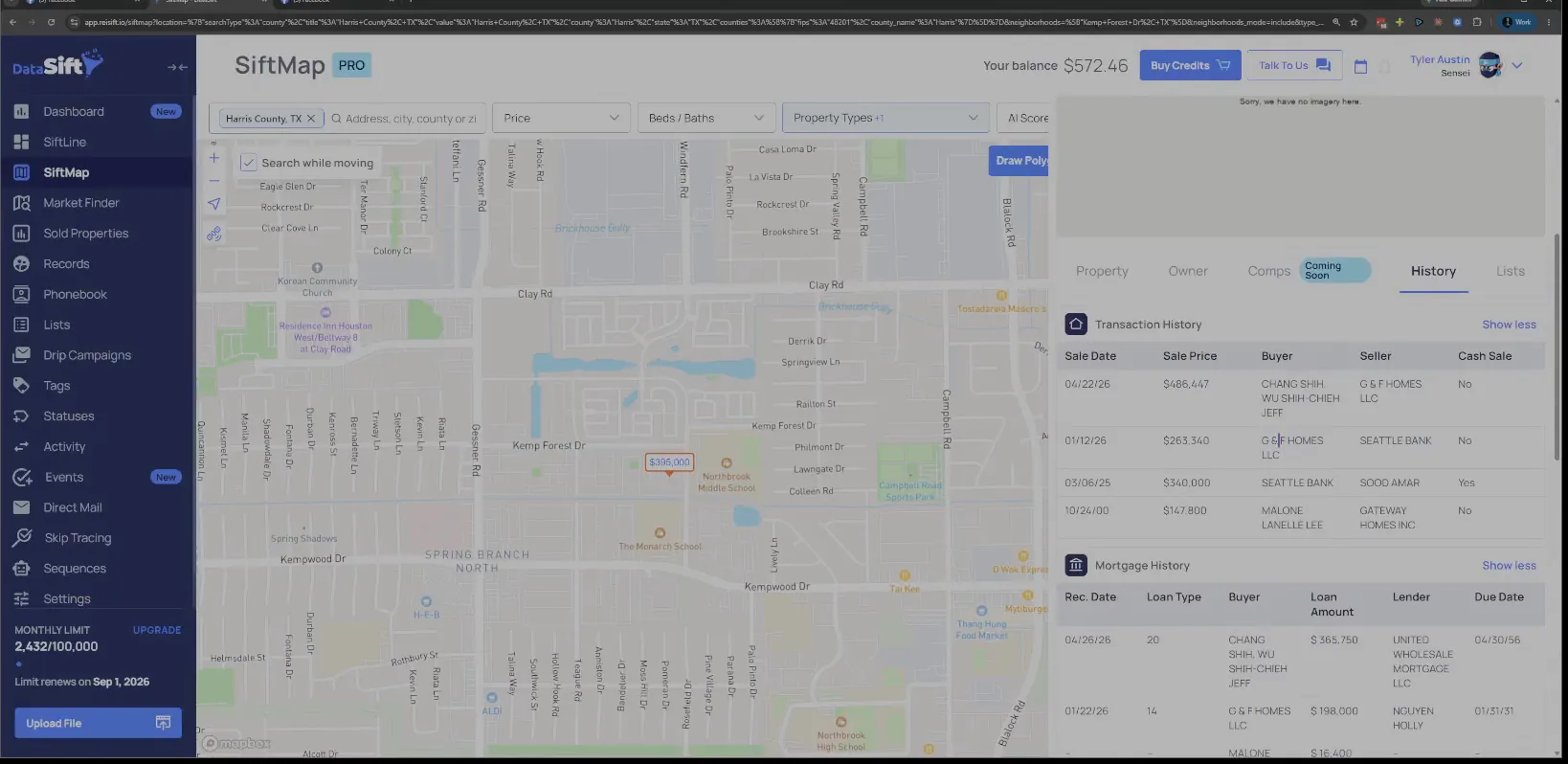
Copy G and F Homes from the transaction history.
The history tab has G and F Homes LLC sitting there as the seller. I grab that name and paste it over on the right hand side, and we're just going to keep it over there.
While I'm in here, it looks like there might have been a short sale on this one. The default entry is what makes me look twice.
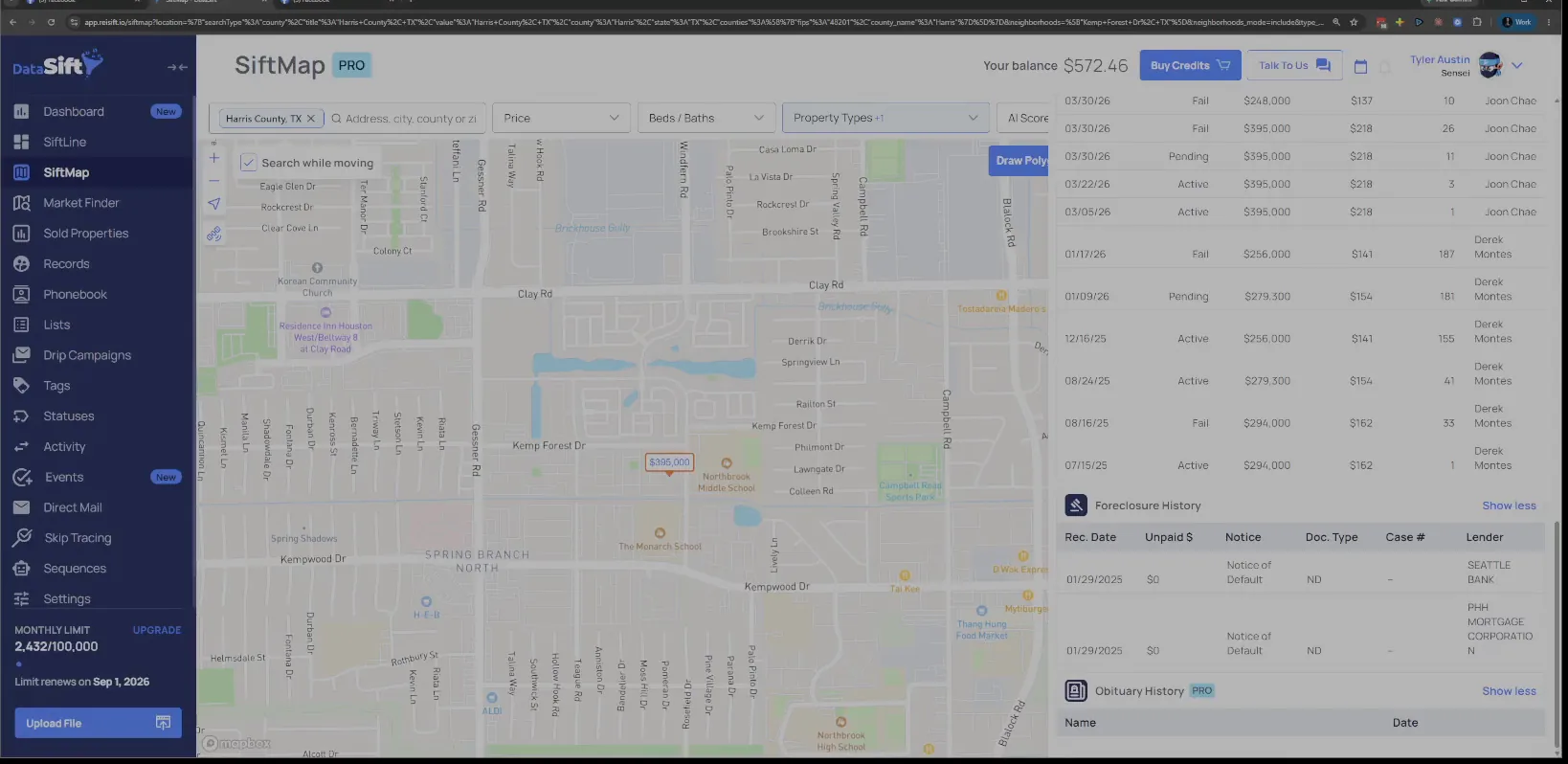
Check the foreclosure history for a notice of default.
The record shows the sale history, the listing statuses and the foreclosure history together. With a notice of default sitting in there, this is a short sale. That's what it looks like to me.
Go back to the filters with Kemp Forest Dr still on.
At this point I'm still within the neighborhood. The geography tag stays exactly where it is. All I'm doing next is switching what kind of transaction I'm asking for.
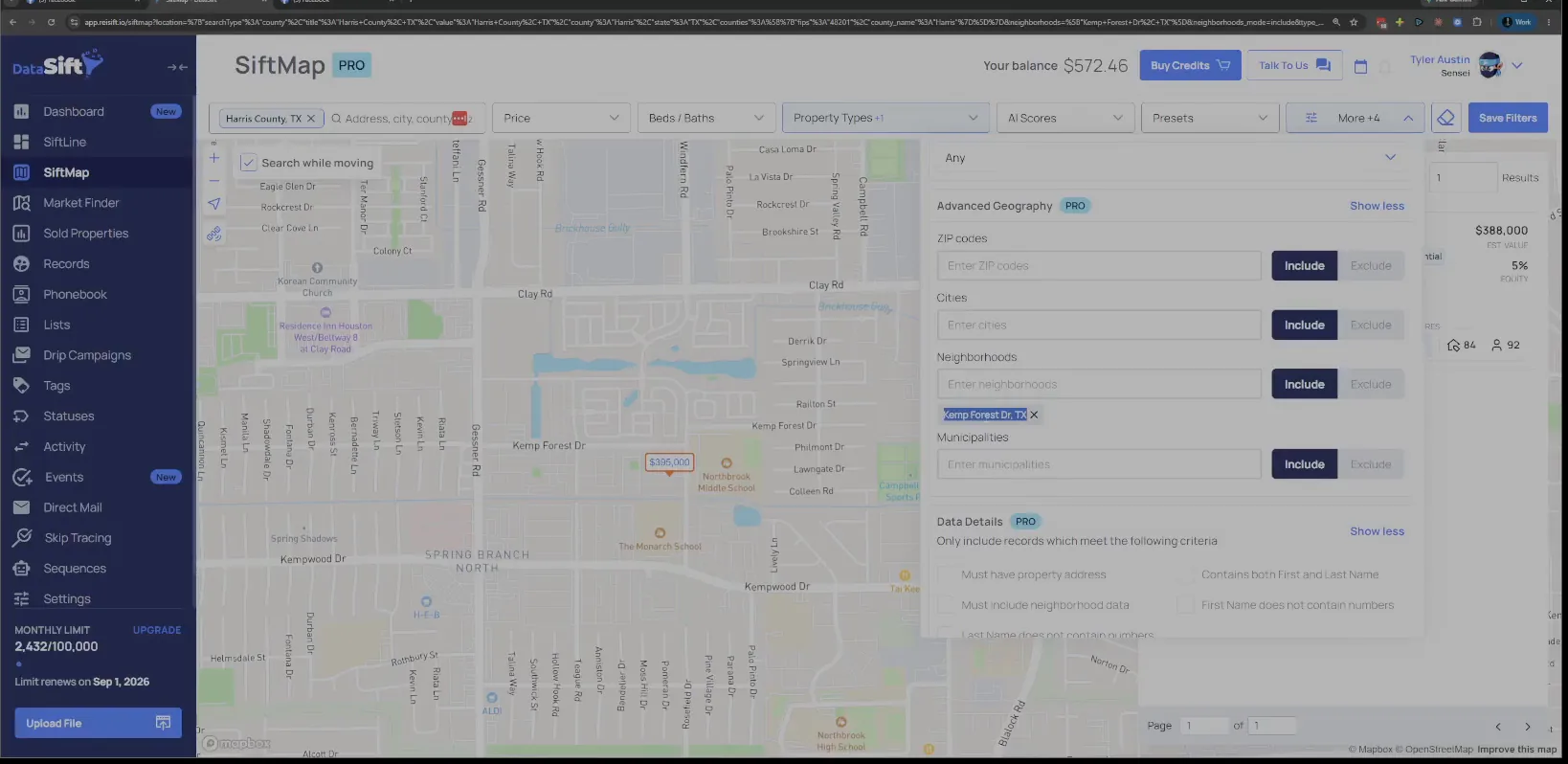
Remove the last sold date and switch Flip to Rental.
The panel still has the last sold date calendar set and the transaction type on Flip. I take the date off and switch the type, because I just want to see how many rentals exist in this area.
Then I click apply. Out of all the properties in this neighborhood, only a small number are rentals right now.
The neighborhood
Only 22 rentals sit inside 1,400 properties.
Rentals here means it was not flipped and an investor bought it.
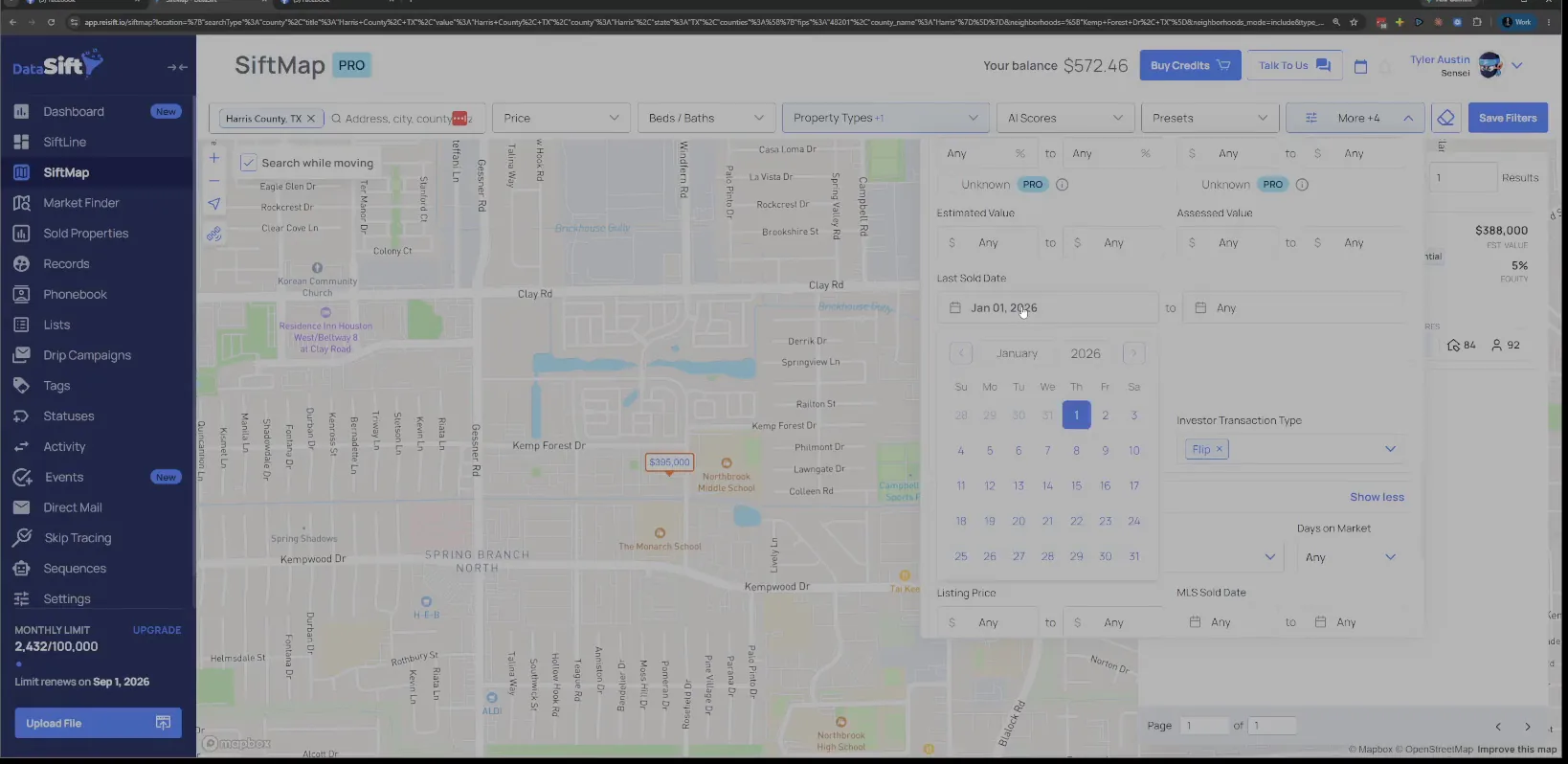
Open one rental address from the results list.
The list comes back with corporate owned tags on it. To show what a rental means here, I open one address and go to the history. The purchase date is the thing I want to see.
On the Magnolia Village Ln record, click the History tab.
The panel opens on the owner tab with the MLS status section showing. That view does not tell me when they bought it.
The History tab is the one I need, so that is where I click. The purchase date is how I tell a hold from a flip.
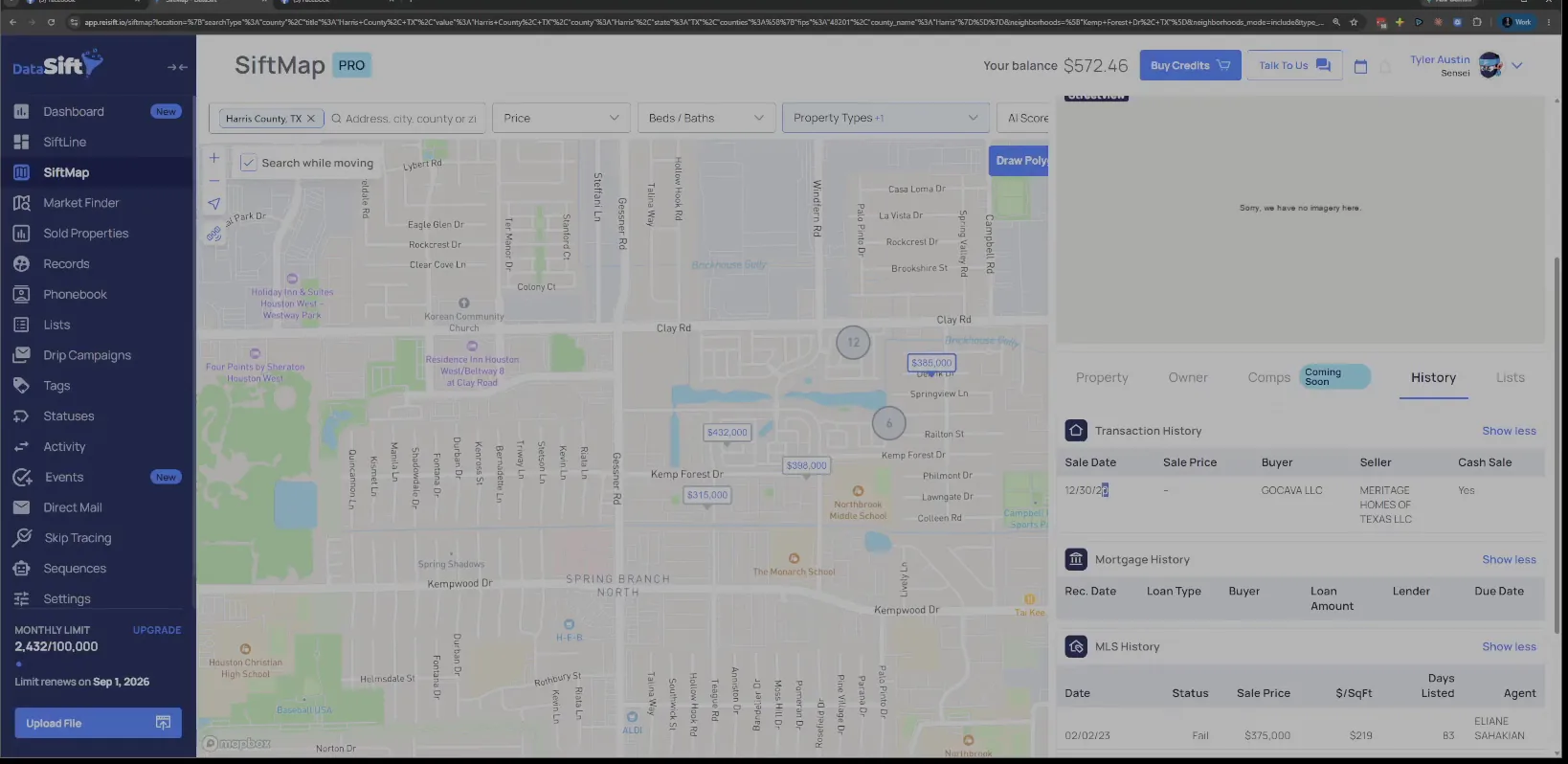
Read the purchase date on the GOCAVA LLC transaction.
The transaction history shows the buyer and the year they bought it. They have held it for years, so nothing about this one is recent. That is a rental, plain and simple.
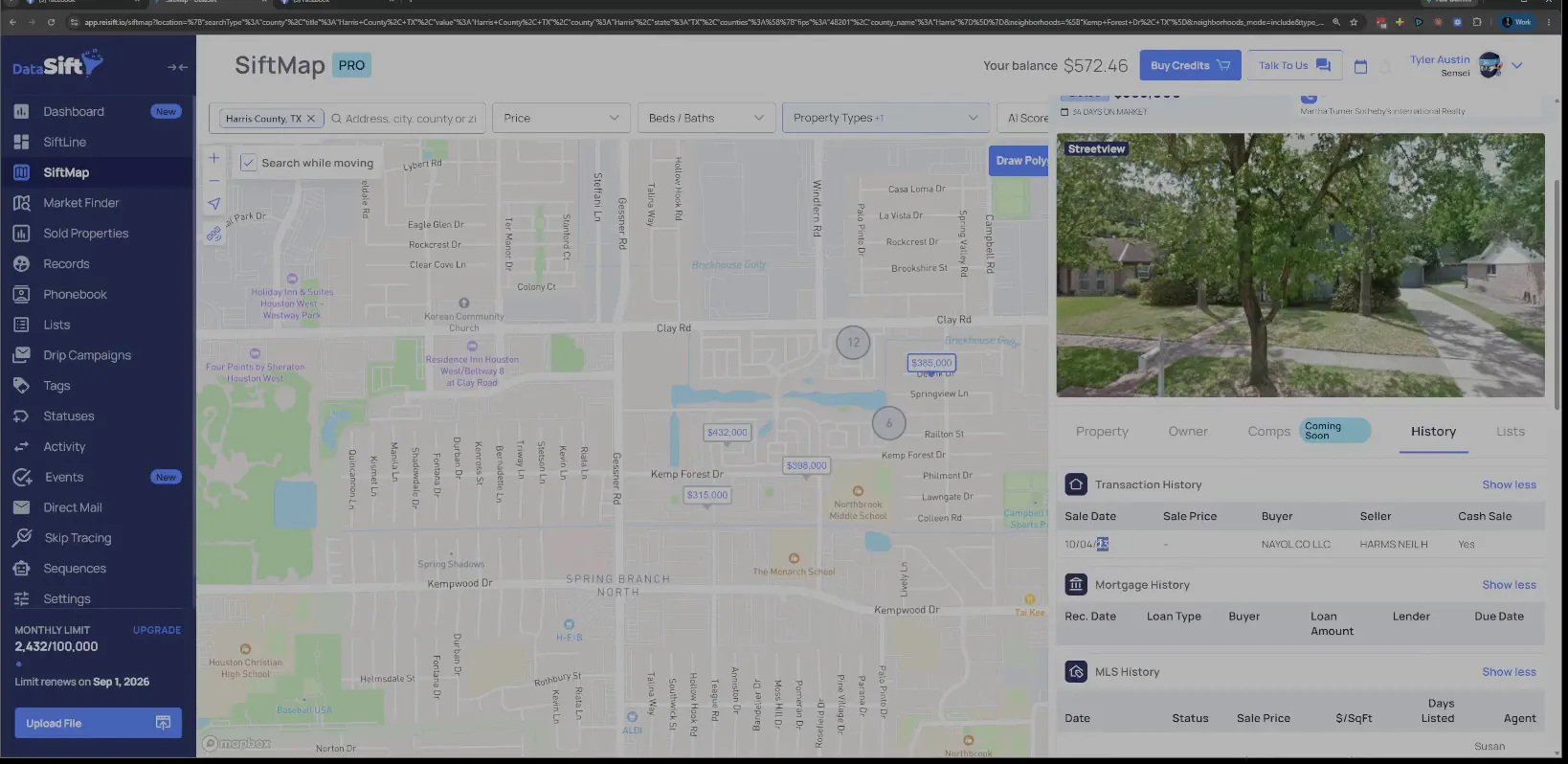
Open the next rental and check the buyer, NAYOL CO LLC.
Same story on this one. The buy date is older, so I have nothing saying it was a recent rental. These owners bought and then sat on them.
Ask whether any of these were purchased recently.
With the history table open I can see the question I should be asking. I could check it in the filter if I wanted to. So let me show you why I don't bother.
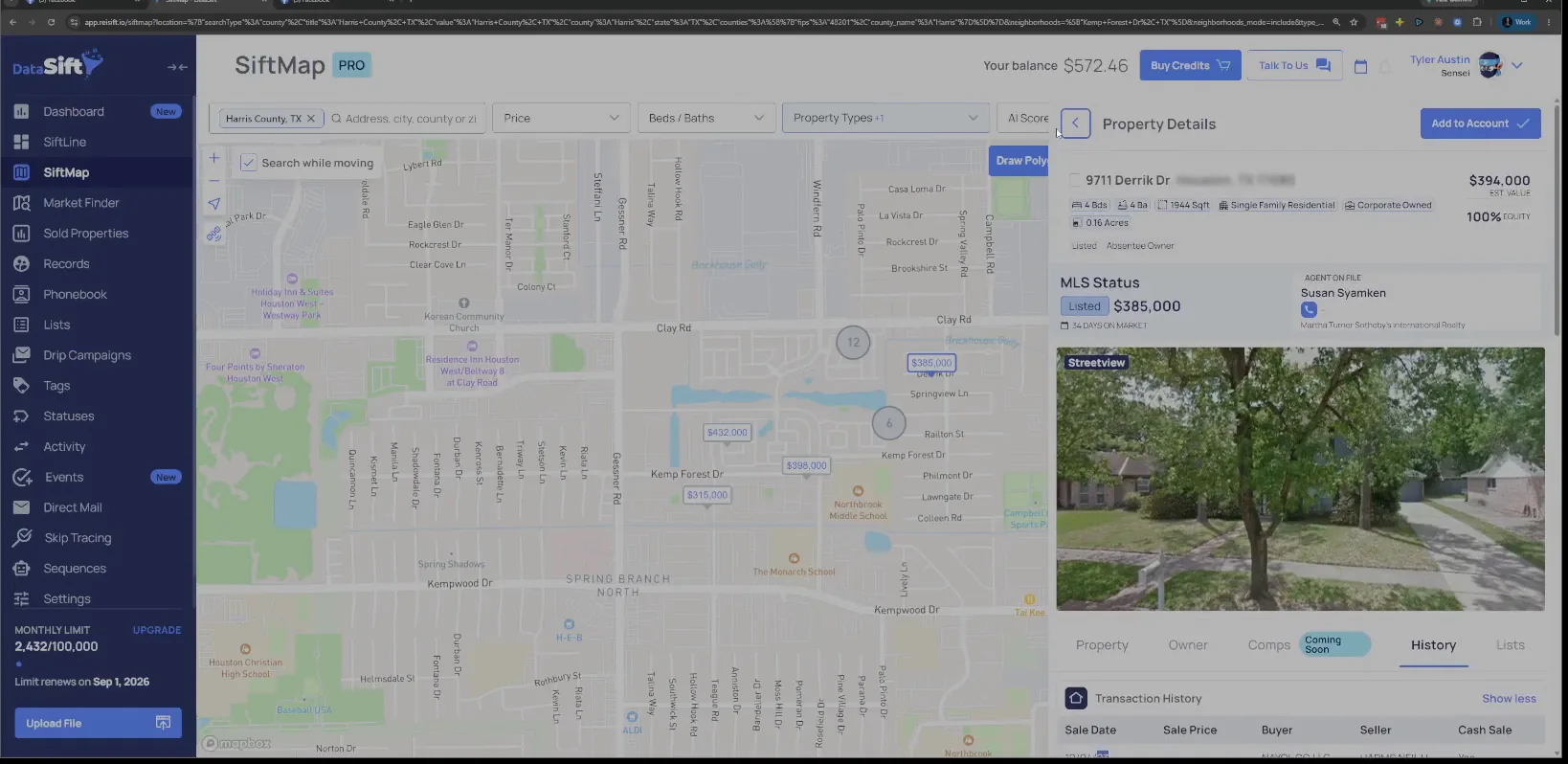
Scroll to Owner Details and leave Years of Ownership blank.
The filter panel is showing Owner Details and Financial Details, and years of ownership is empty. It really doesn't make any sense to set it, but I can illustrate that if you guys want.
Instead I go back and set the date to the same time last year. A handful came back, and those might be decent investors who are buying to hold.
Because remember, we don't the way that we know if it's a rental or not is because it hasn't been flipped and it was purchased by an investor.
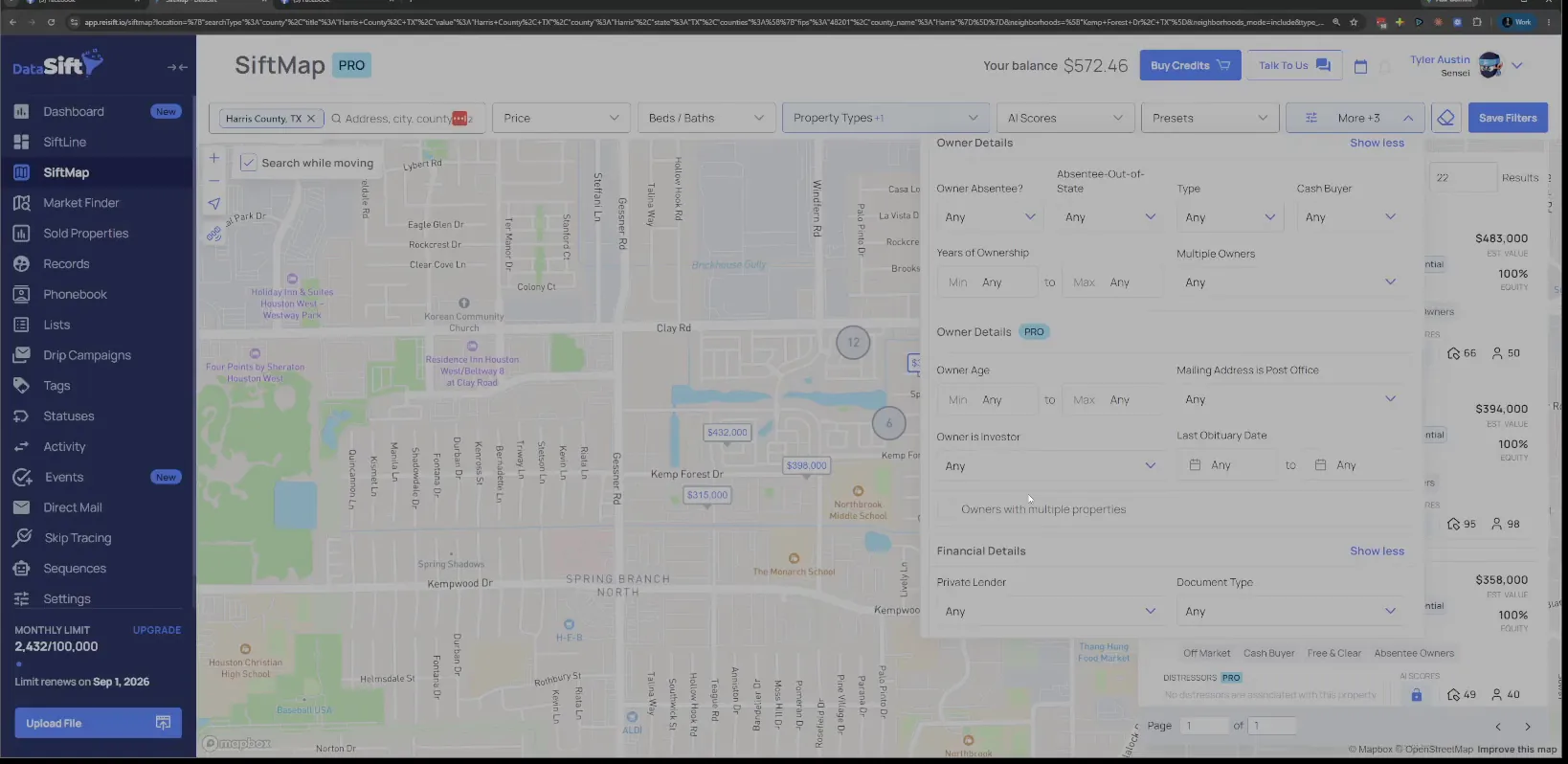
Open the Tourmaline Properties record from the results.
The transaction history shows Tourmaline Properties LLC as the buyer. This might be a buy and hold. Then I check one of the other ones, because sometimes a trust slips through these.
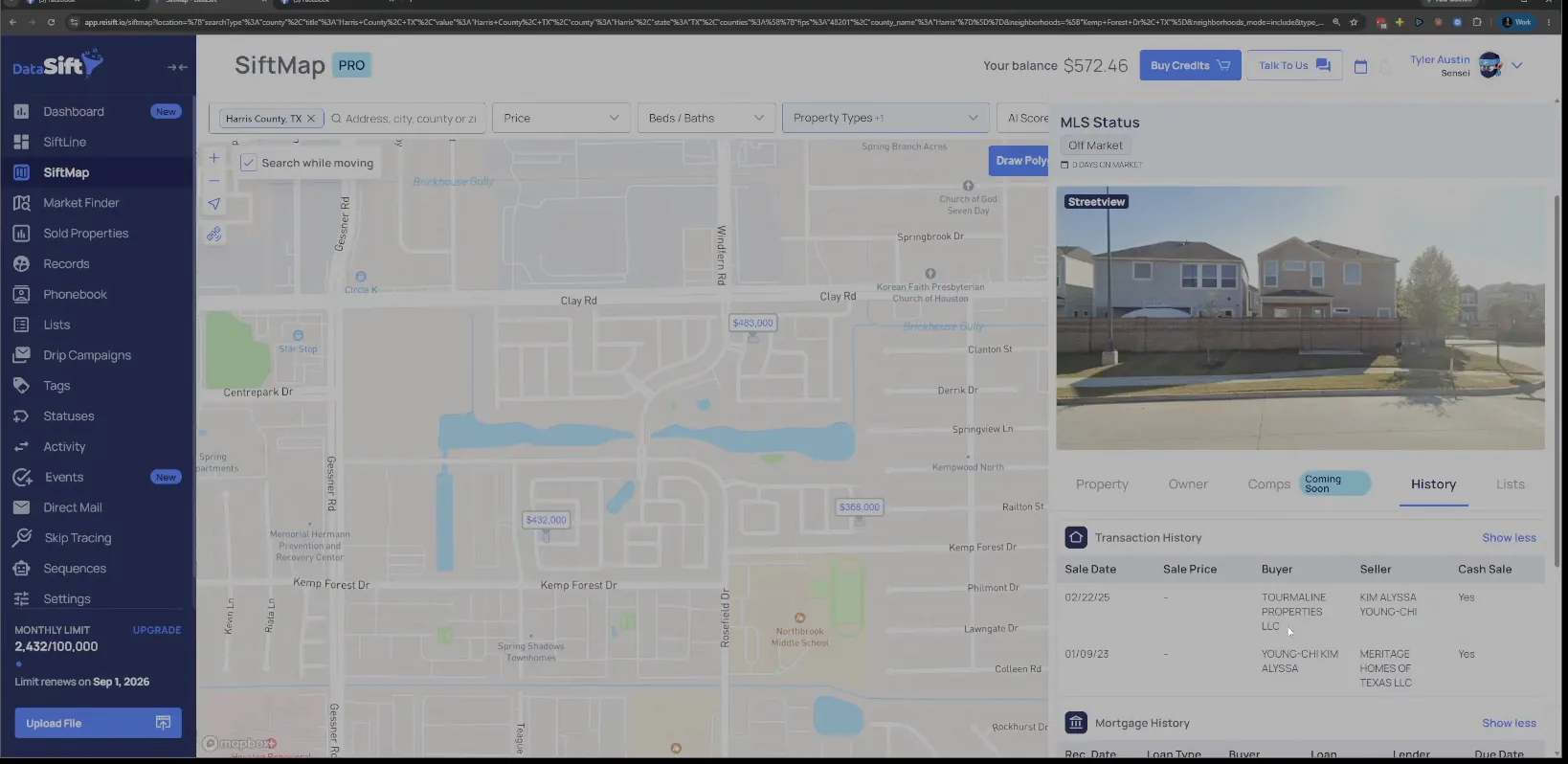
Check the next buyer, Flower Market Trust.
A trust is not a person. You might throw it in the notes anyway. That one is going to be hard to find an owner for too.
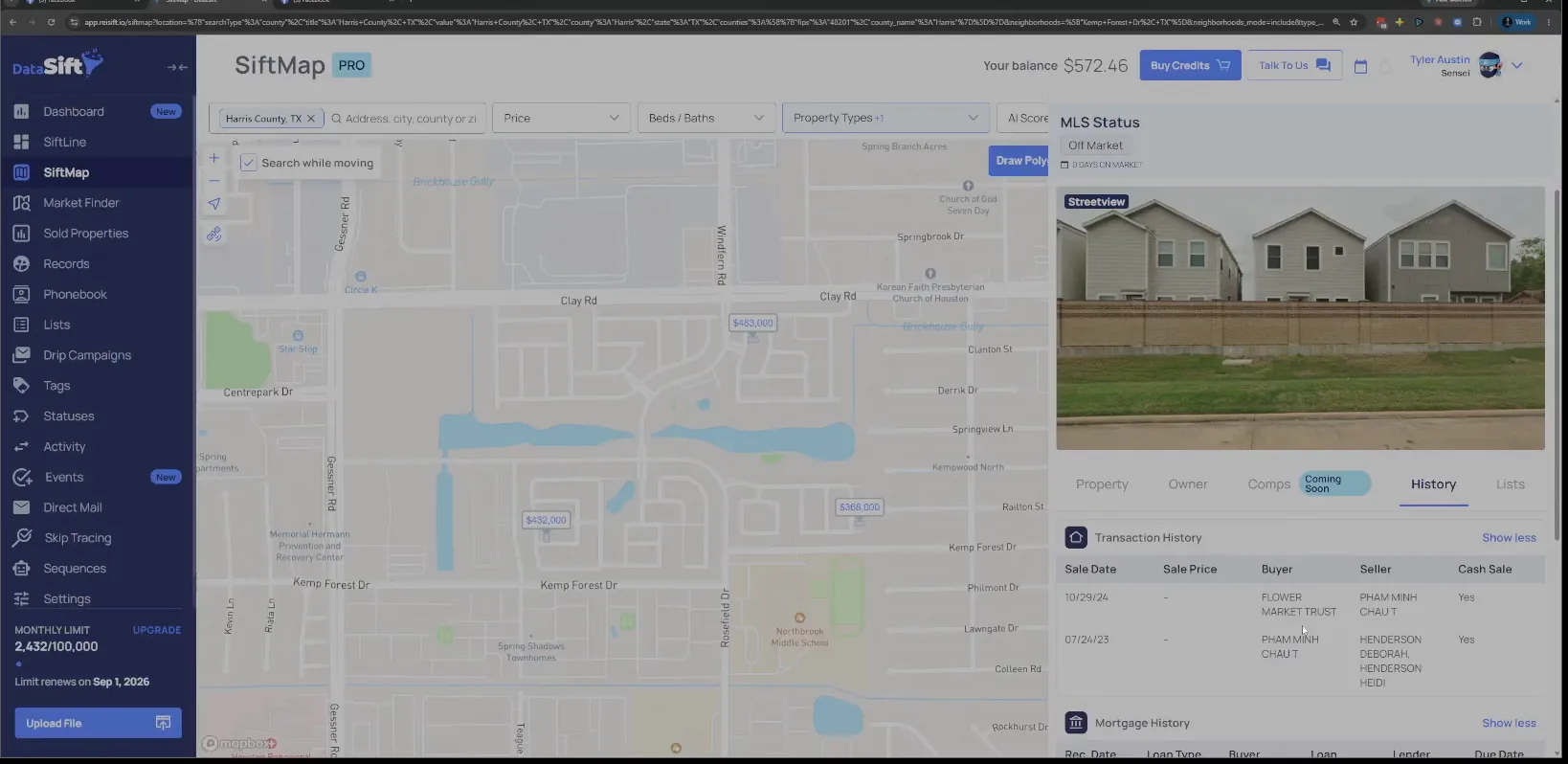
Open Plutus LLC in the transaction history.
These are probably buy and hold companies. The history gives me the name, and the name alone does not tell me much. So the next click is the owner tab.
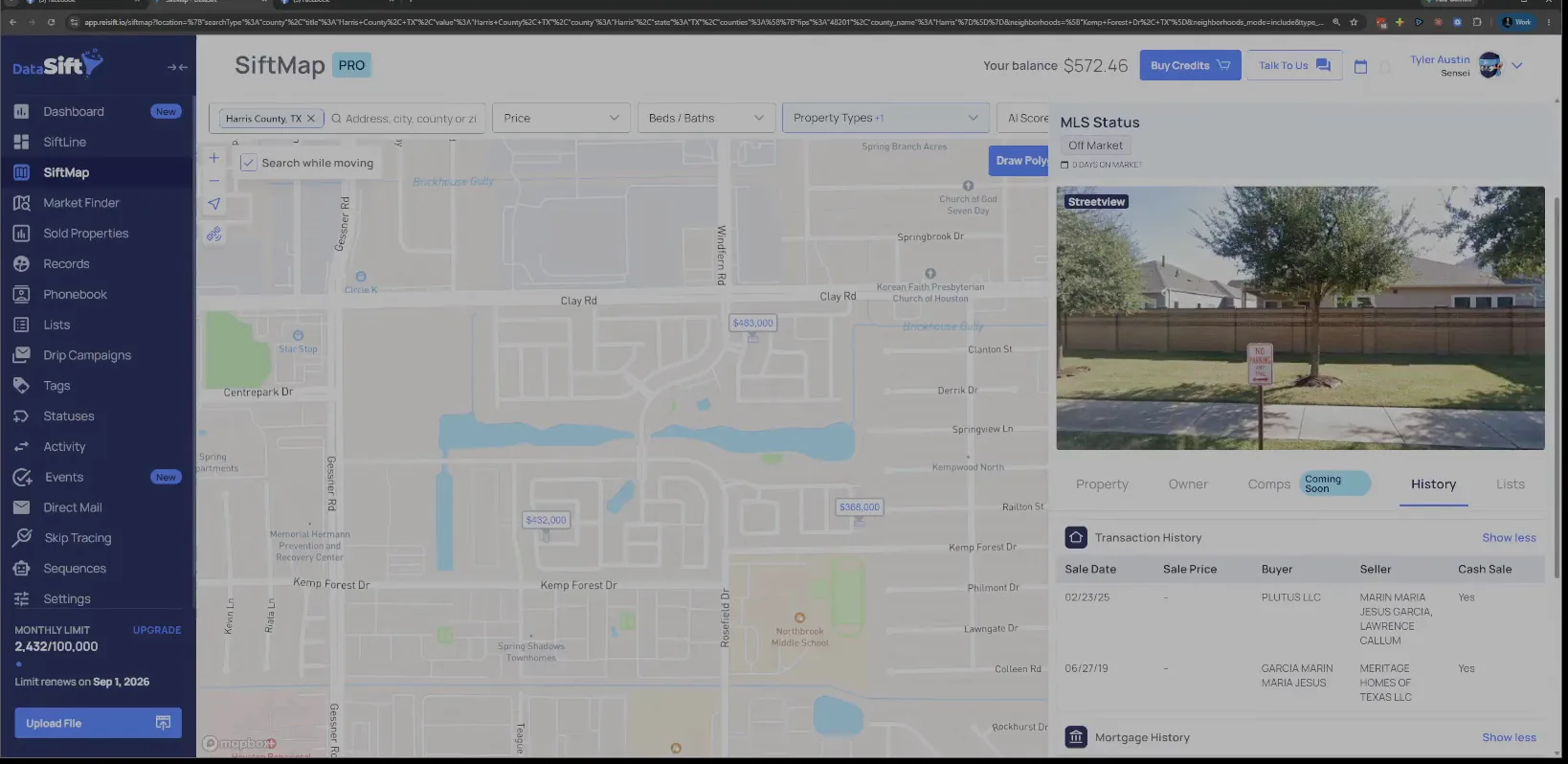
Click the Owner tab for Plutus LLC.
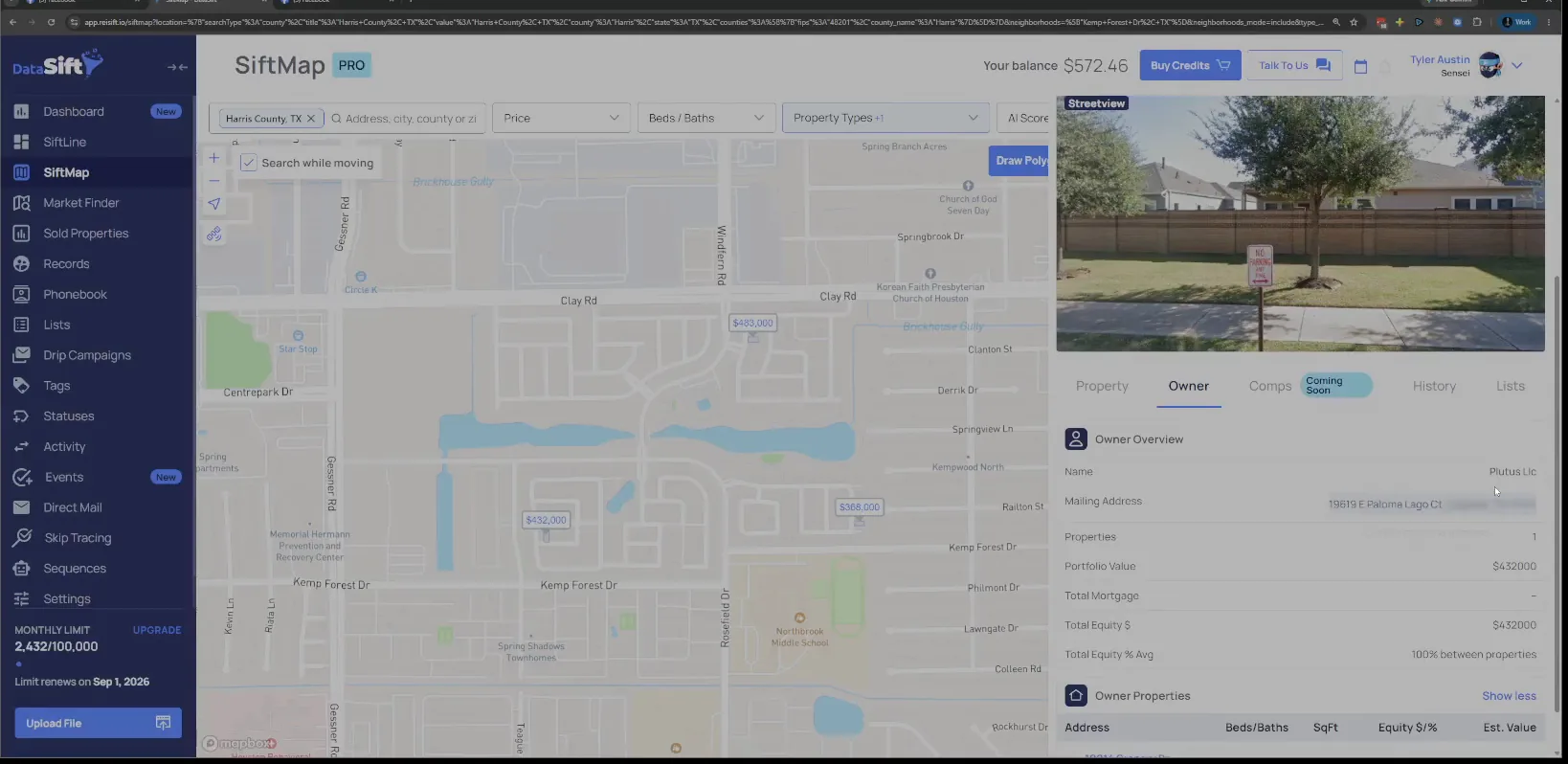
The owner tab shows only that one property underneath that LLC at that mailing address. One property is not a buyer I can feed deals to. It tells me to keep looking.
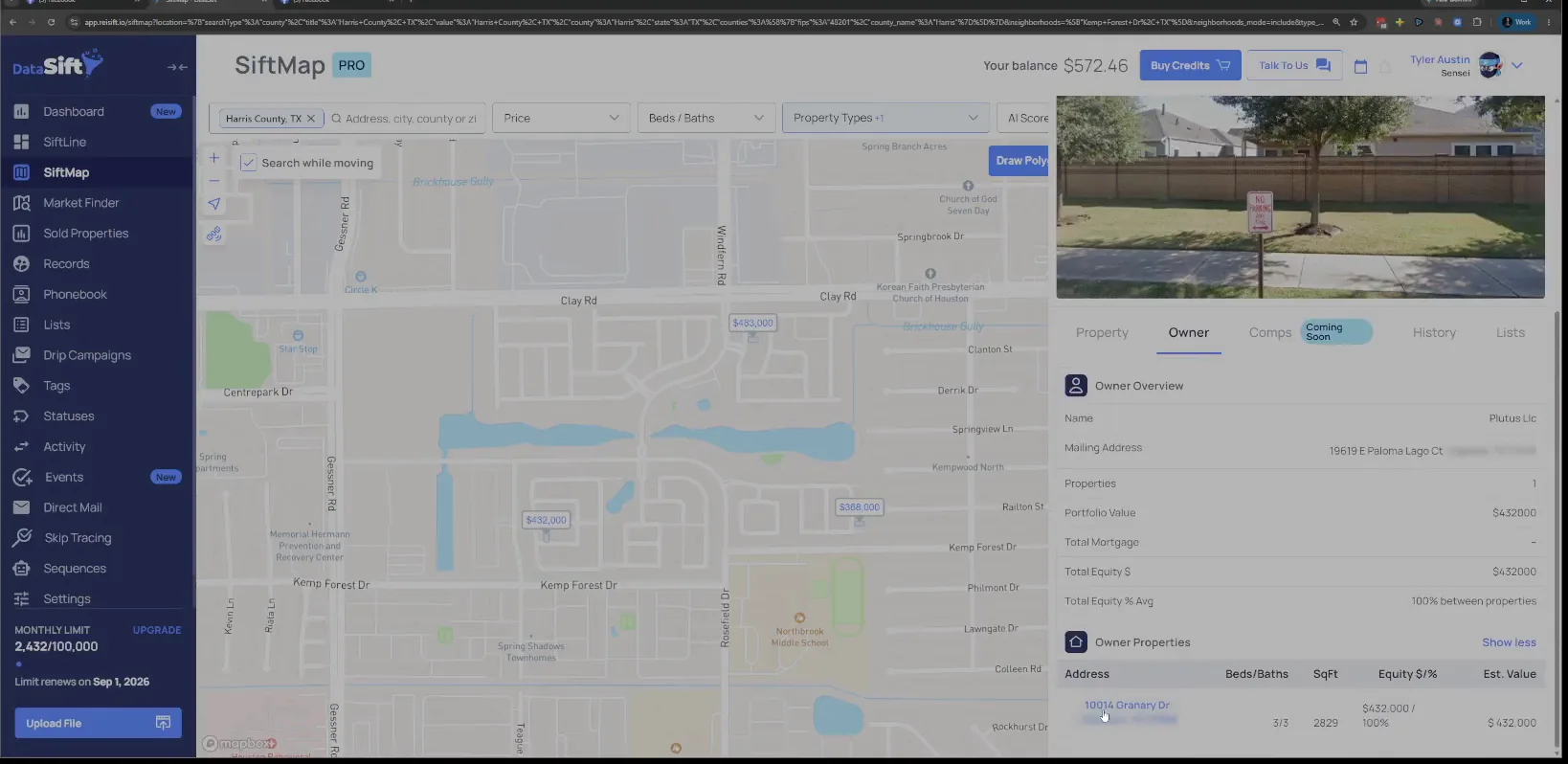
Read the portfolio value on the Plutus LLC owner tab.
I could probably call them and figure it out. Most likely it's not the one that I'm trying to find. It's not the buyer I can buy from all the time, or sell to all the time.
Keep the random LLCs on the list instead of crossing them off.
Sometimes these random LLCs are backed by a lot of money. They might be the one that would buy it if you listed on the MLS. So don't put them short.
Right at this moment I'm more interested in companies that are clearly flipping properties. They run a business that requires deals, usually to feed their family.
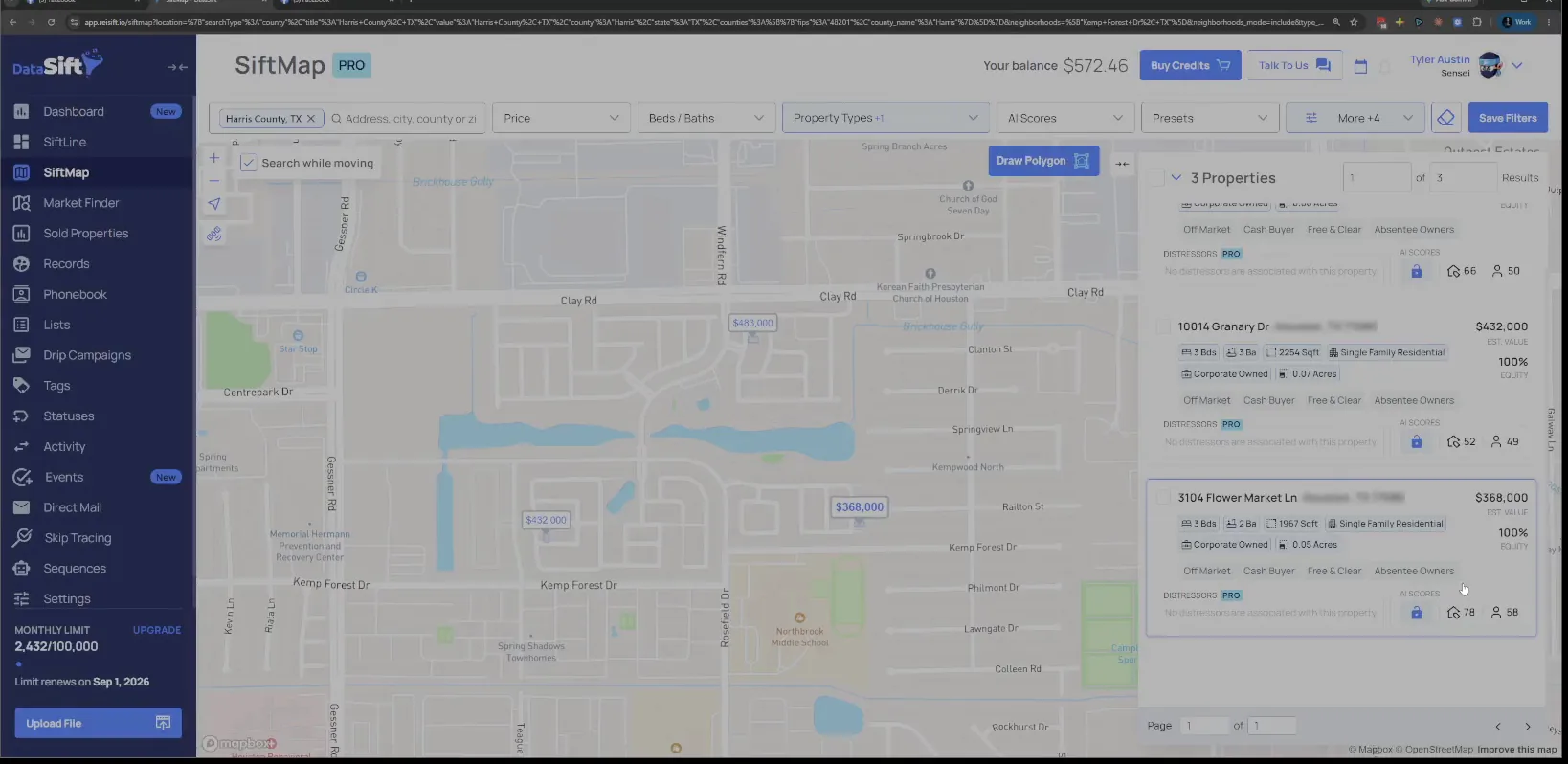
Finish scanning the corporate owned rentals in the list.
You can usually work with a flipper a lot more consistently, unless you're selling to a REIT. Those people have pulled back a lot over the last couple of years, so keep that in the back of our minds.
Once I've looked at the flippers and the rentals, I have a general idea of this neighborhood. Now I go to pending transactions.
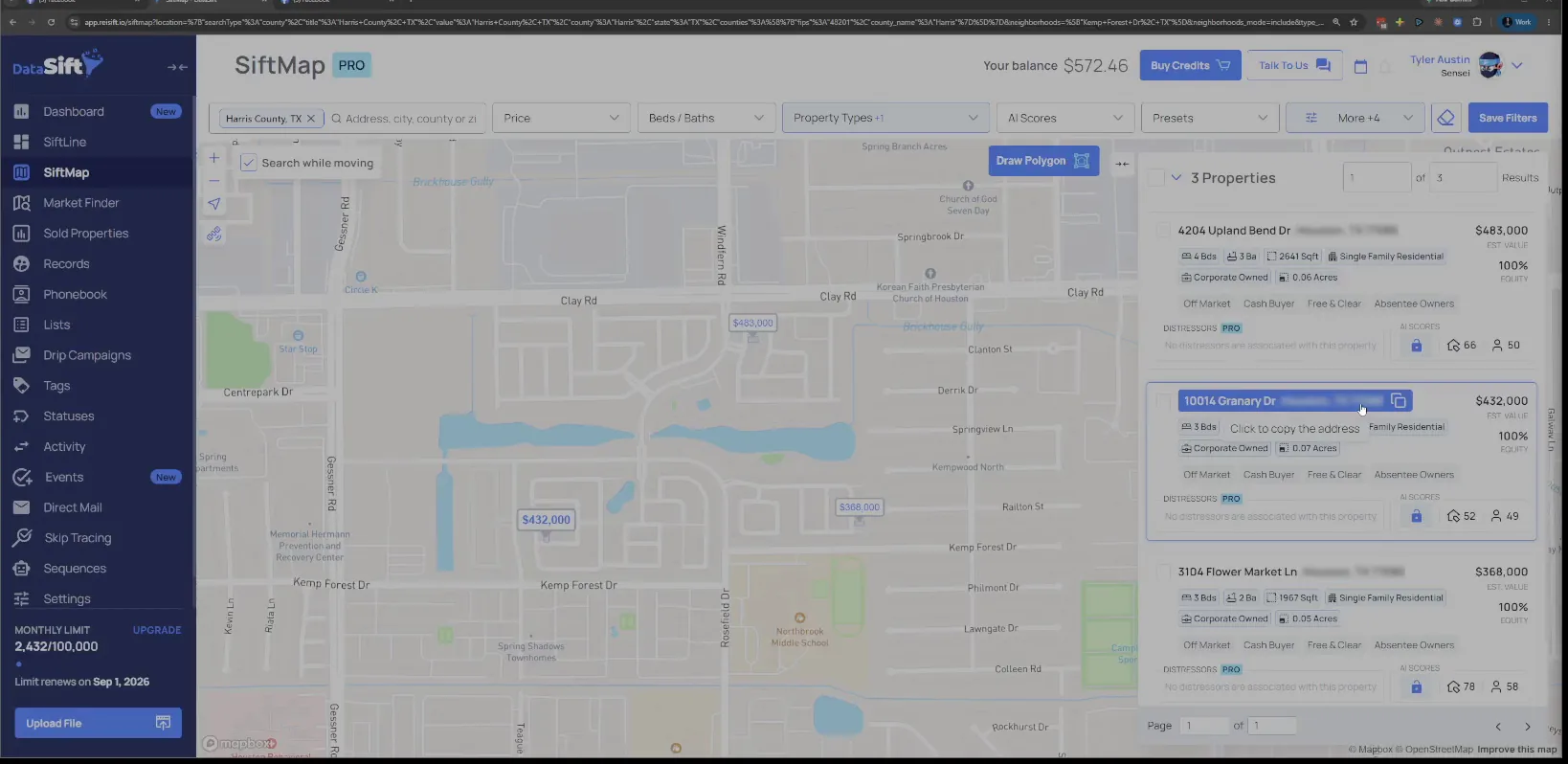
Open Investor Transaction Type and find Pending under Rental.
The dropdown is open with Rental still ticked and Pending sitting there in the list waiting to be picked. Pending means people who bought something recently and they're investors.
I do two different things here. First I do pending since January, then click apply, just to get an idea again of the neighborhood.
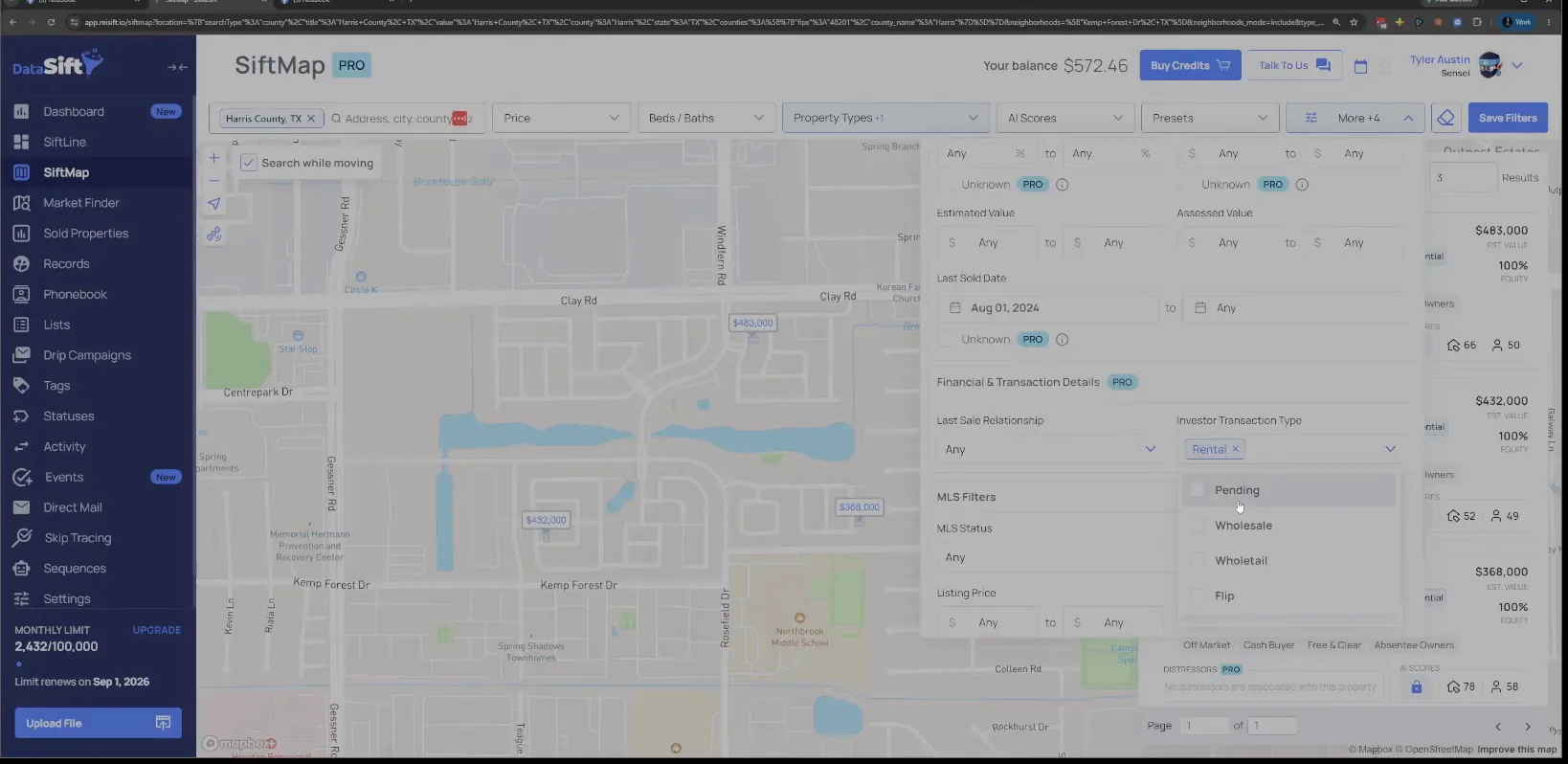
Apply pending since January and read the count on the map.
We're well into the year and only a few are pending right now. The map shows every one of them. That number tells me how much is actually moving here.
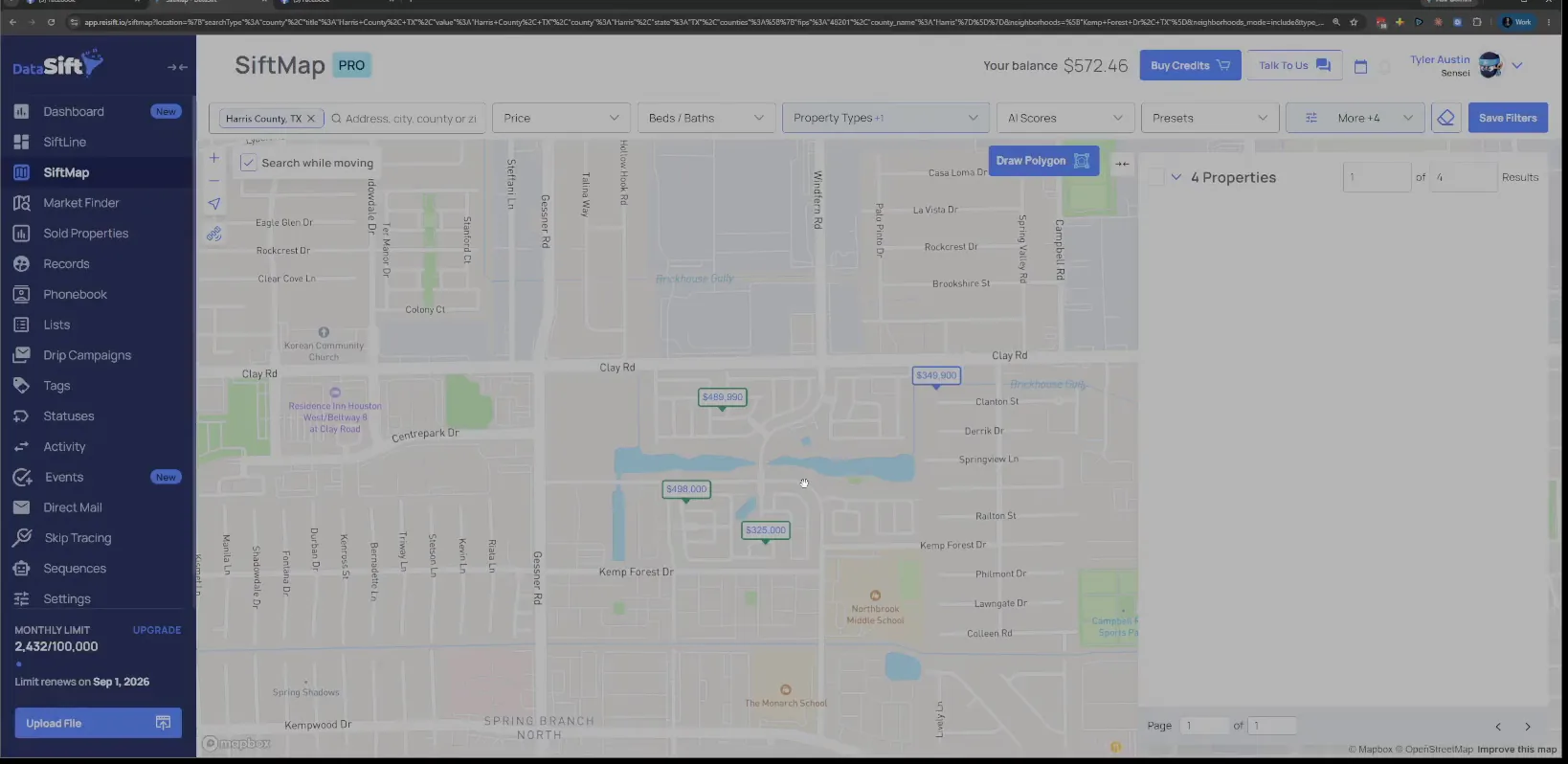
Open the pending results list beside the map.
The list puts the same pending records in front of me with their addresses. That's not very many inside this neighborhood. Small enough that I can open each one.
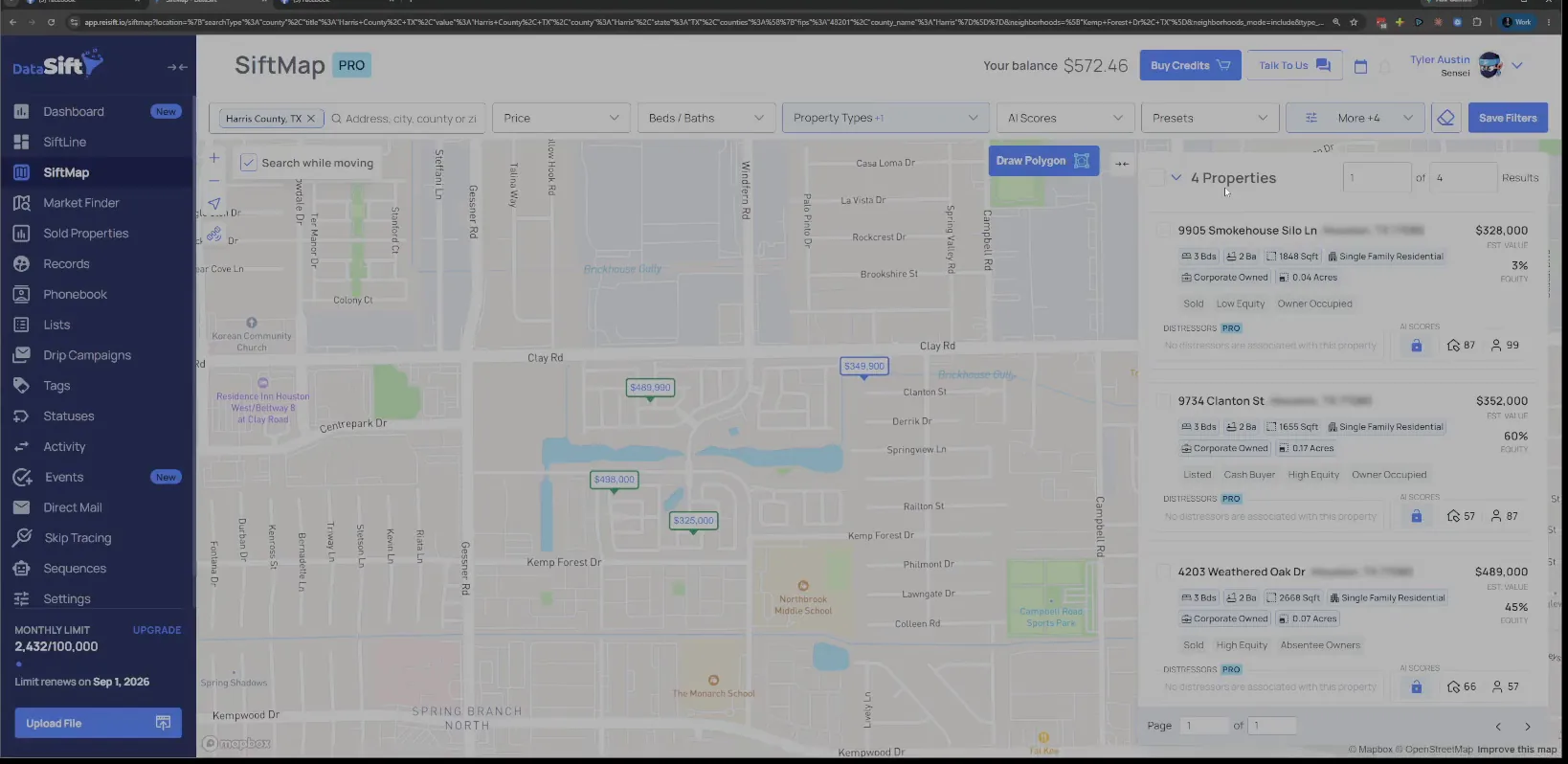
Open the Smokehouse Silo Ln record and read the owner tab.
The panel shows the sold status and the price for this one. Looking at it, this person's labeled as an investor for us. That label is why they came back in this filter.
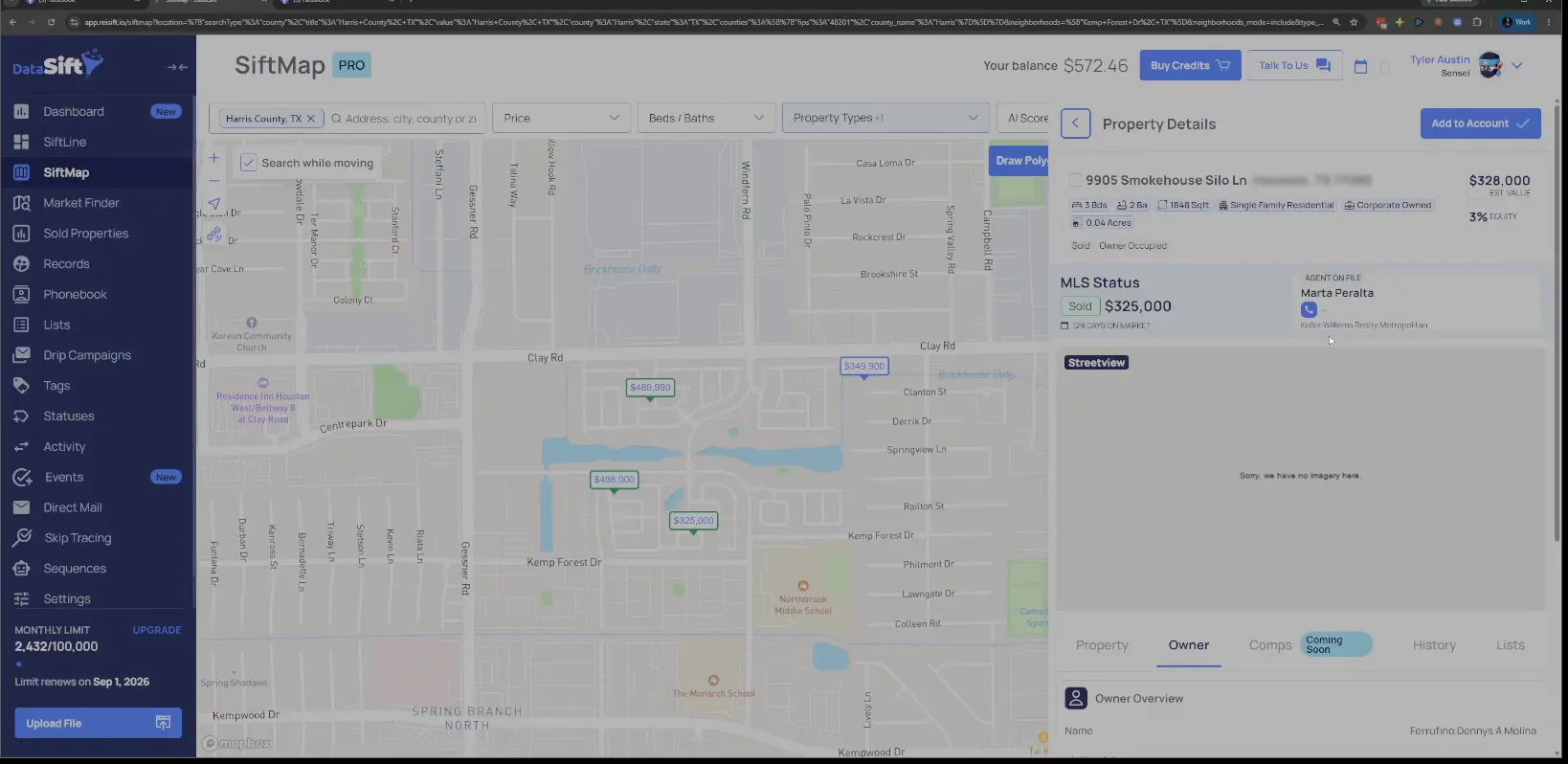
Check the sold status and the transaction history under it.
The table lists the buyers and the sellers alongside the MLS sold price. It's hard to say why they got flagged without seeing more about them. So I keep reading down the record.
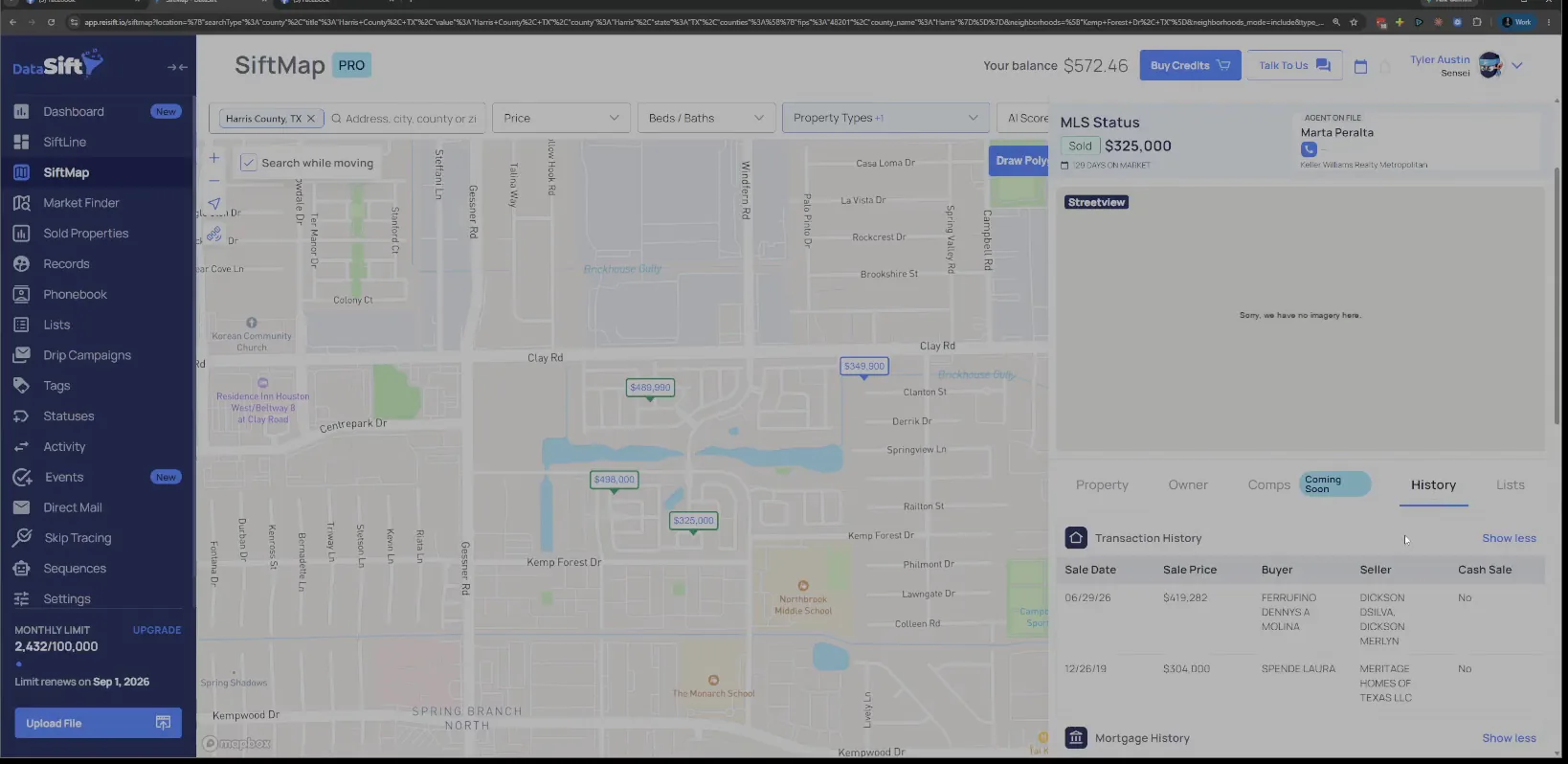
Read the mortgage history below the transaction history.
The history tab carries the transaction records and the mortgage records together, with the buyer and seller names on each. Nothing in there says clearly why this owner is an investor.
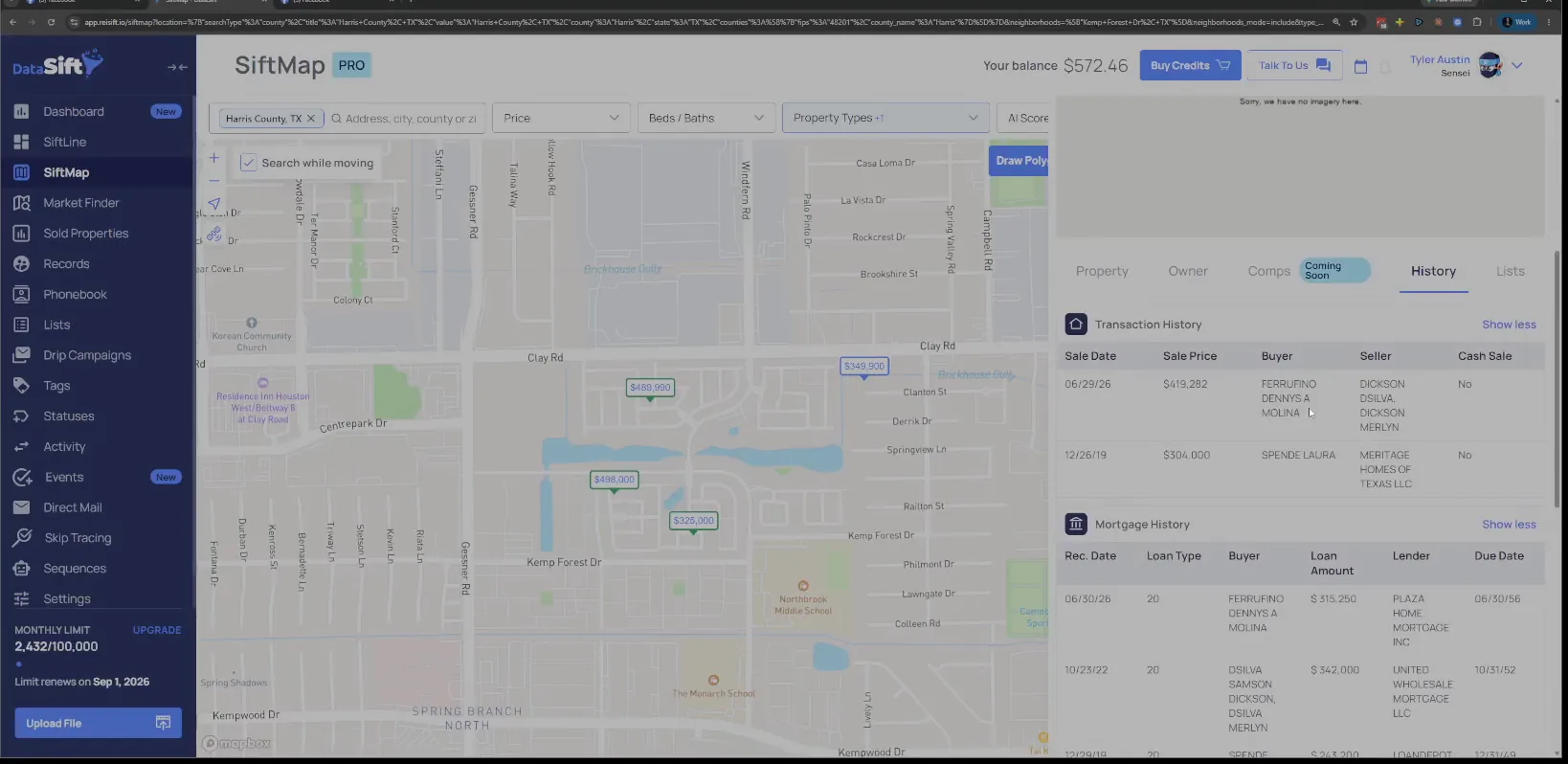
Switch back to the Owner tab and read the portfolio.
The owner overview gives me the name, the mailing address, the portfolio value and the equity. They're being flagged as investor for some reason, and I don't really know for sure. Let's look at this one instead.
BEFORE YOU MOVE ON