
PART 10
Save each block, then start reactivation.
This part picks up on the record we just researched, then shows how the filters get saved. After that I open the two reactivation campaigns, not interested and rehashing, and show you the records behind them.
Multiple owners and the reactivation campaigns.
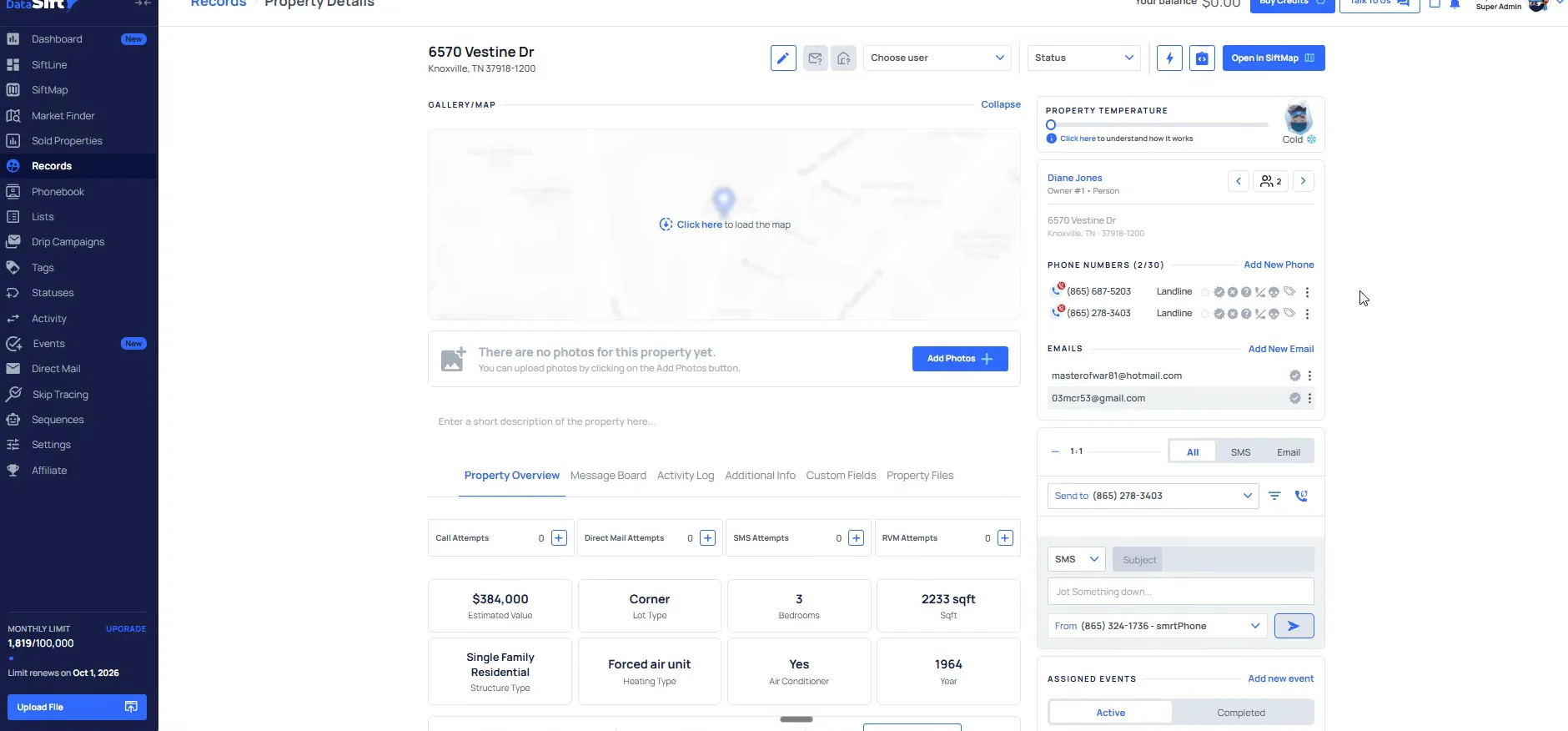
Open the Diane Jones record and check the owner count.
When there are two different people here, it means there are multiple owners on file. In some cases the obituary record could just have one of those individual owners, so keep that in mind.
This is also why we deep prospect them. There are too many nuances to work out without that research. You get a much higher quality marketing touch when you do the outreach.
Come back into the filtering and find the obituary last date range.
The obituary last date filter is still sitting there with the range on it, and the Owner properties owned settings are right underneath. Apply Filters is at the bottom of the panel.
This is the block I would hit save on next. Saving here keeps that obituary date on each one from that point forward.
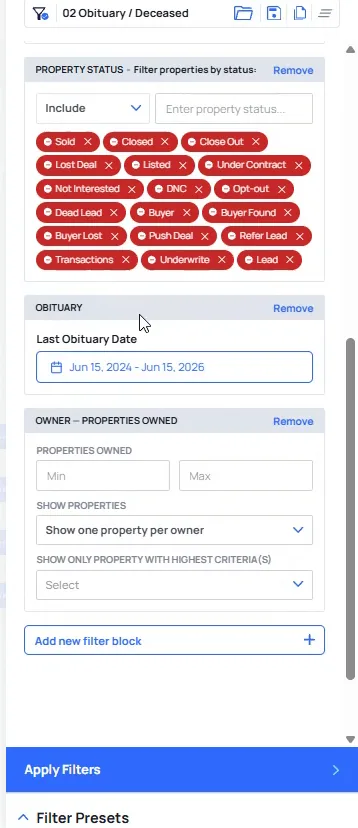
Set up each block step by step, then save at the end.
The panel carries the obituary preset, the tags, the neighborhood filters and the property status options. You work down through them one at a time.
As you go, you would want to do this for the new records to deep prospect. You skip trace them through the entire prospecting flow. They are on call attempt one, two, three, and you build it out the same exact way.
From a team perspective we are moving towards someone fully dedicated to each of these. Someone on bulk for priority one, someone on the deep prospecting flows. It is much easier to train someone when the process is the same every single time.
And then at the very end, you'll just save And then as you go through, obviously, you'd wanna do this for the new records to deep prospect.
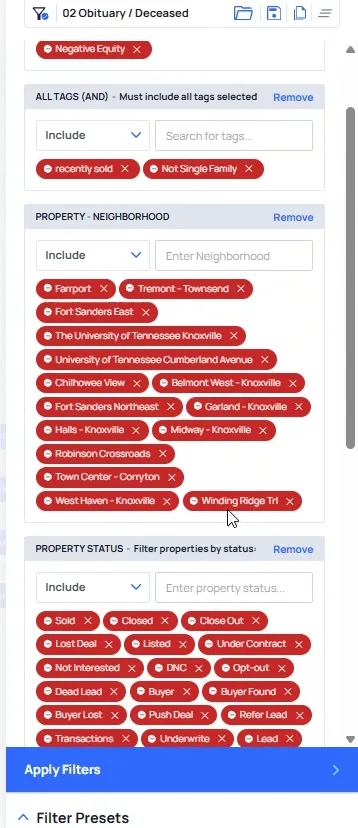
Select Not Interested under property status in the Filter Records panel.
A not interested campaign is when someone says they are not interested in selling and we have gotten a correct number. The records list sits behind the panel so you can see what comes back.
I call this reactivation, and along with rehashing it is one of the two things I want to show you here.
So if I were to click on this individual record here, there's not gonna be anything in there because it's my first to market flows specifically.
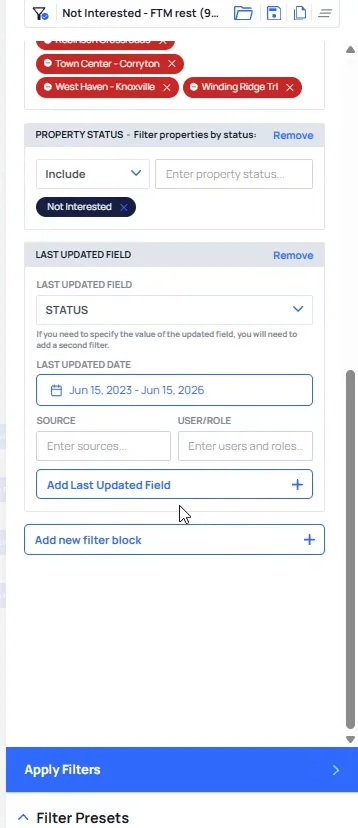
Open the W Oldham Ave record and read the phone numbers.
On this one they said yes, they were not interested in selling, and this is indeed the correct phone number listed right here. The status on the record is Not Interested.
It was also a dial first tag, so we know which number to come back to.
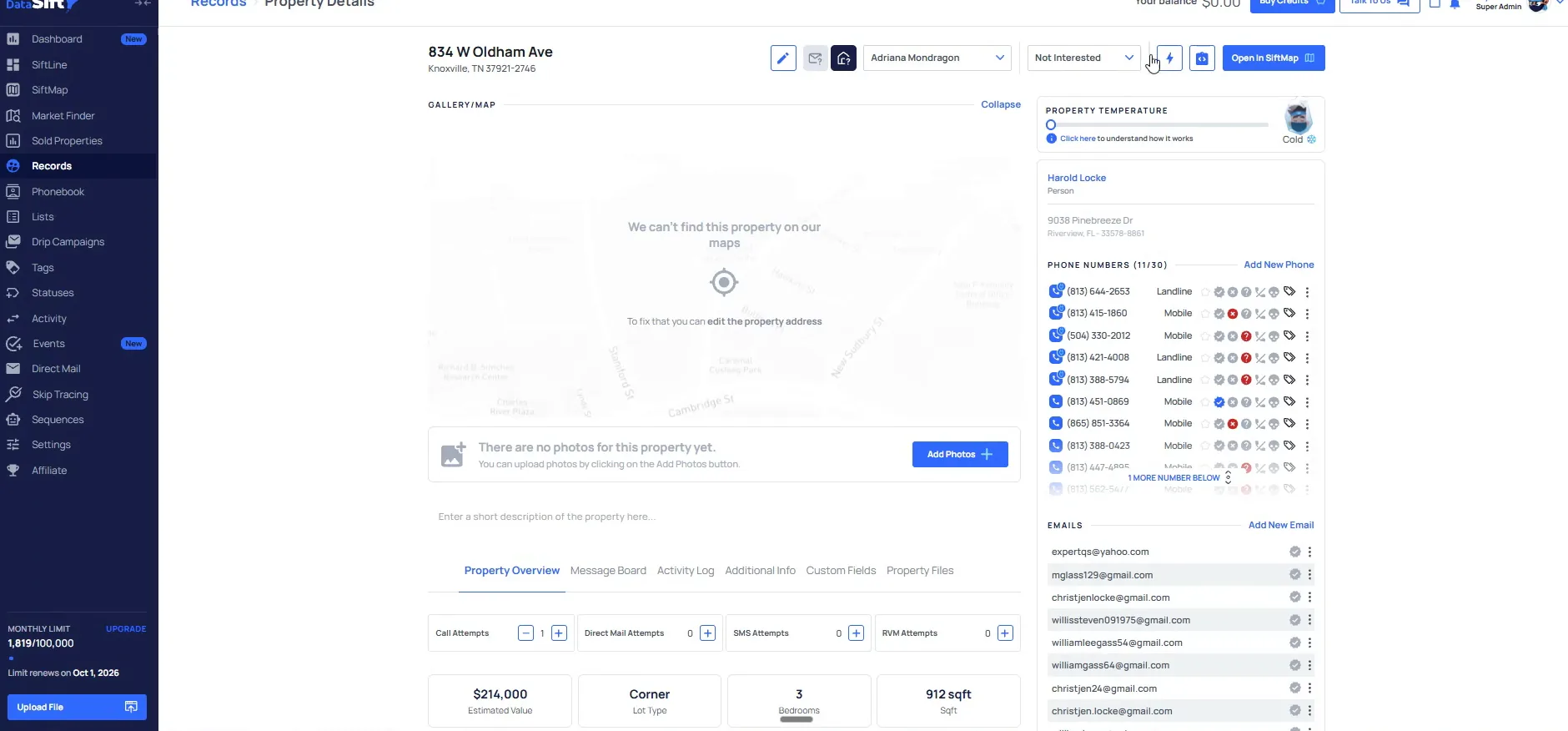
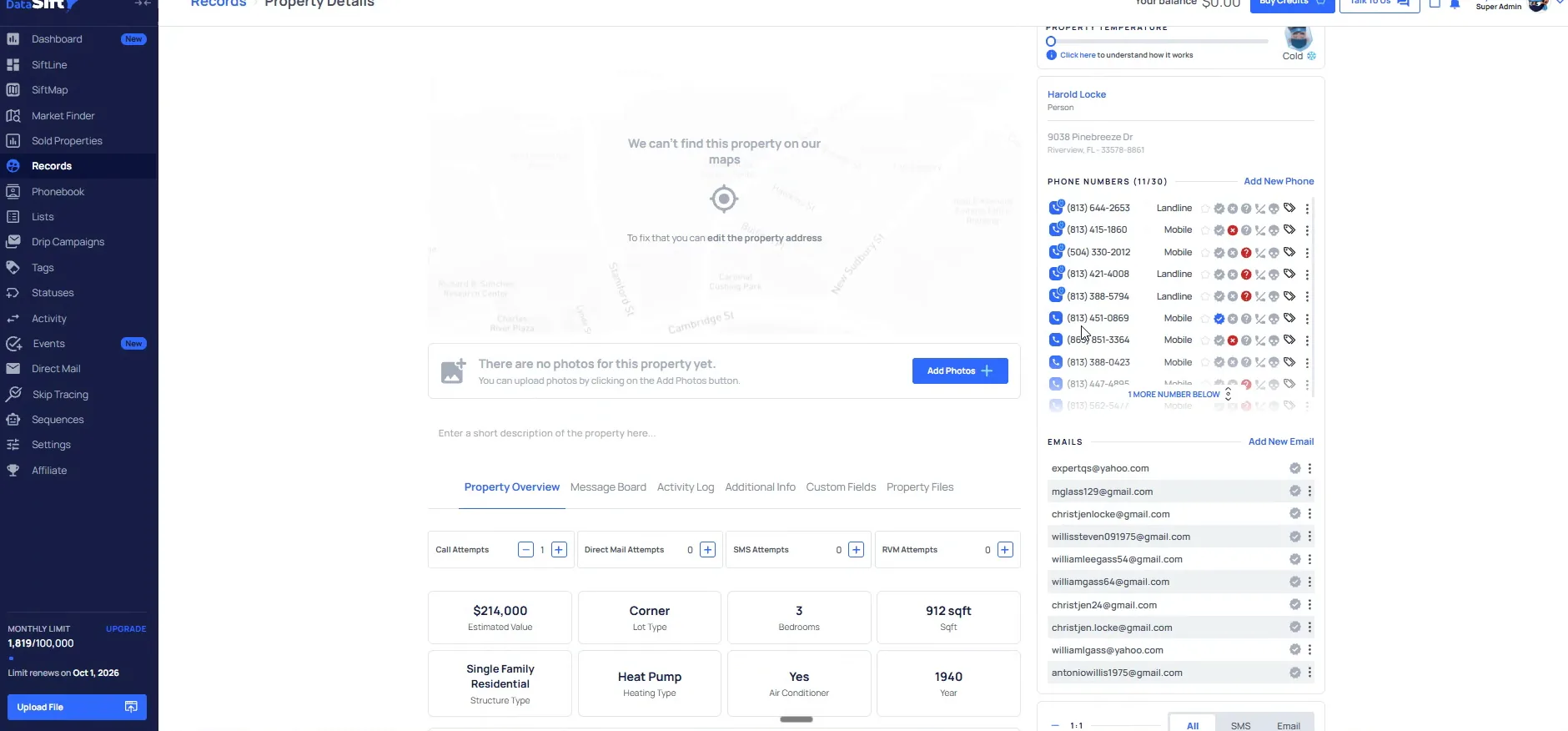
Open the Harold Locke record and check the phone numbers and emails.
The record holds the phone numbers, the emails and the property information fields, so everything you need for the recall is on one screen.
This is important because every forty five to ninety days, depending on the distressor, these come back around.
BEFORE YOU MOVE ON
PART 11
The not interested and rehash campaigns.
This is the last piece of the build, and it is the one that recalls every correct number we already worked for. I am in the not interested tab, the reactivation tab as I like to call it, and then the rehashing preset right after it. Same flow as everything else, with one field doing the work.
Build the reactivation presets in order.
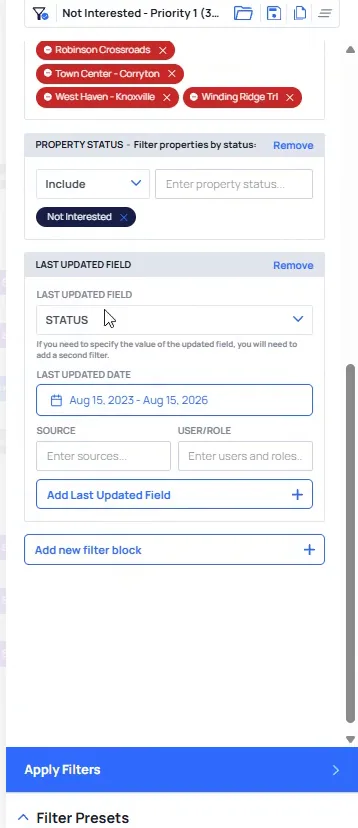
Set the last updated field to Status in the Filter Records panel.
The panel looks like every other preset we built. Everything has the priority one tag, it is not recently sold, we always suppress equity, and we do not want anything in these neighborhoods.
The difference here is the last updated field. It has to be the status there, and it has to be in the last thirty days from now. That date range is what pulls the people who told us they were not interested exactly thirty days ago.
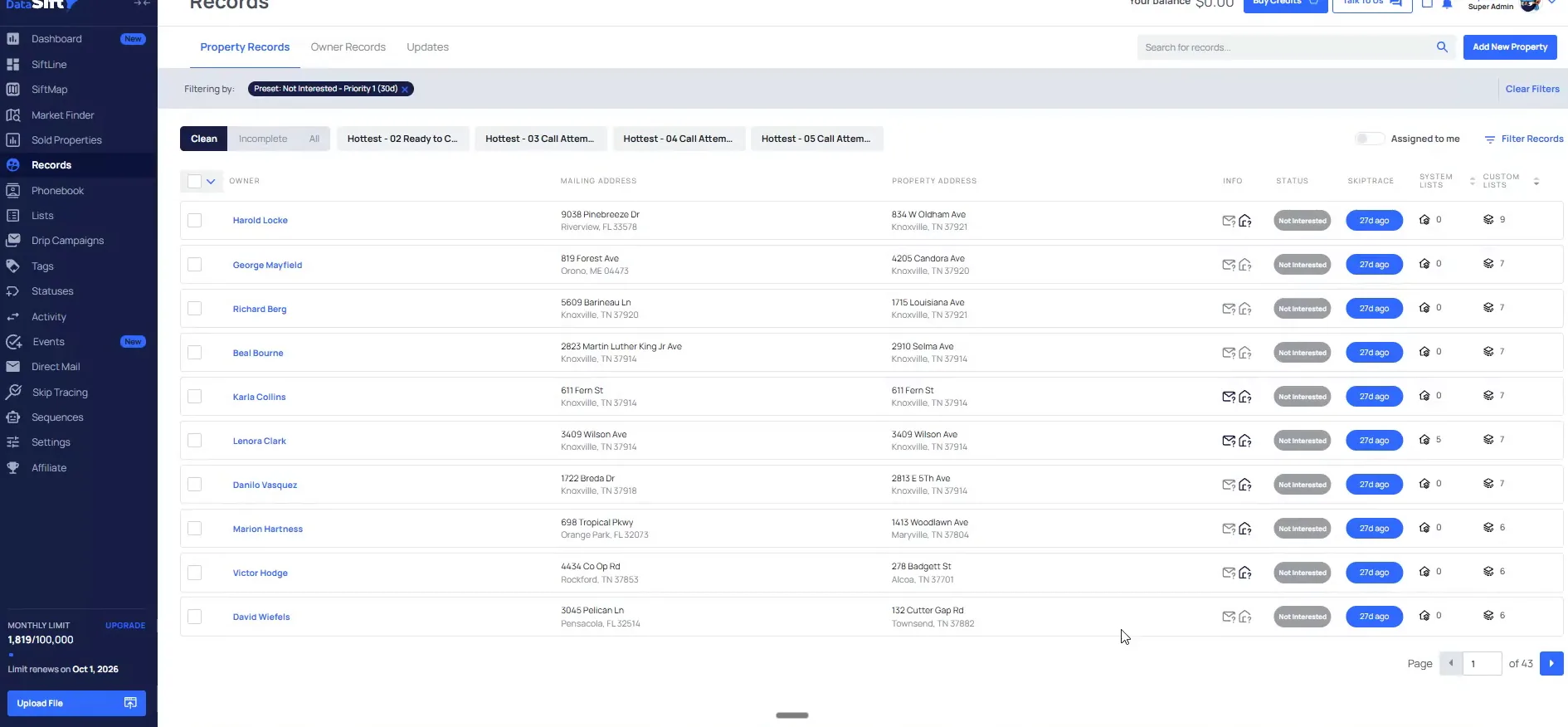
Open the priority one not interested preset and read the count.
Every row here shows the status and how many days ago it was last updated. All of these properties are good to go, so we have our team do a full call through of these people. You can run this every week or every month.
Look at this one. Our team had to call eight numbers when we first got this record. Now we have the correct number sitting right there, and that is the number that said not interested.
And in this case, it's 428 that have been in the last thirty plus days for this particular tag, meaning all these properties are good to go.
Open the record and read its lists and tags.
The record page shows every list they came in on. This one was low income, low credit, vacant, taxing with senior homeowner, high equity and absentee, and they are also out of state.
Down in the thread you can see they even messaged that it is not for sale. Not for sale and not interested are the same thing to us.
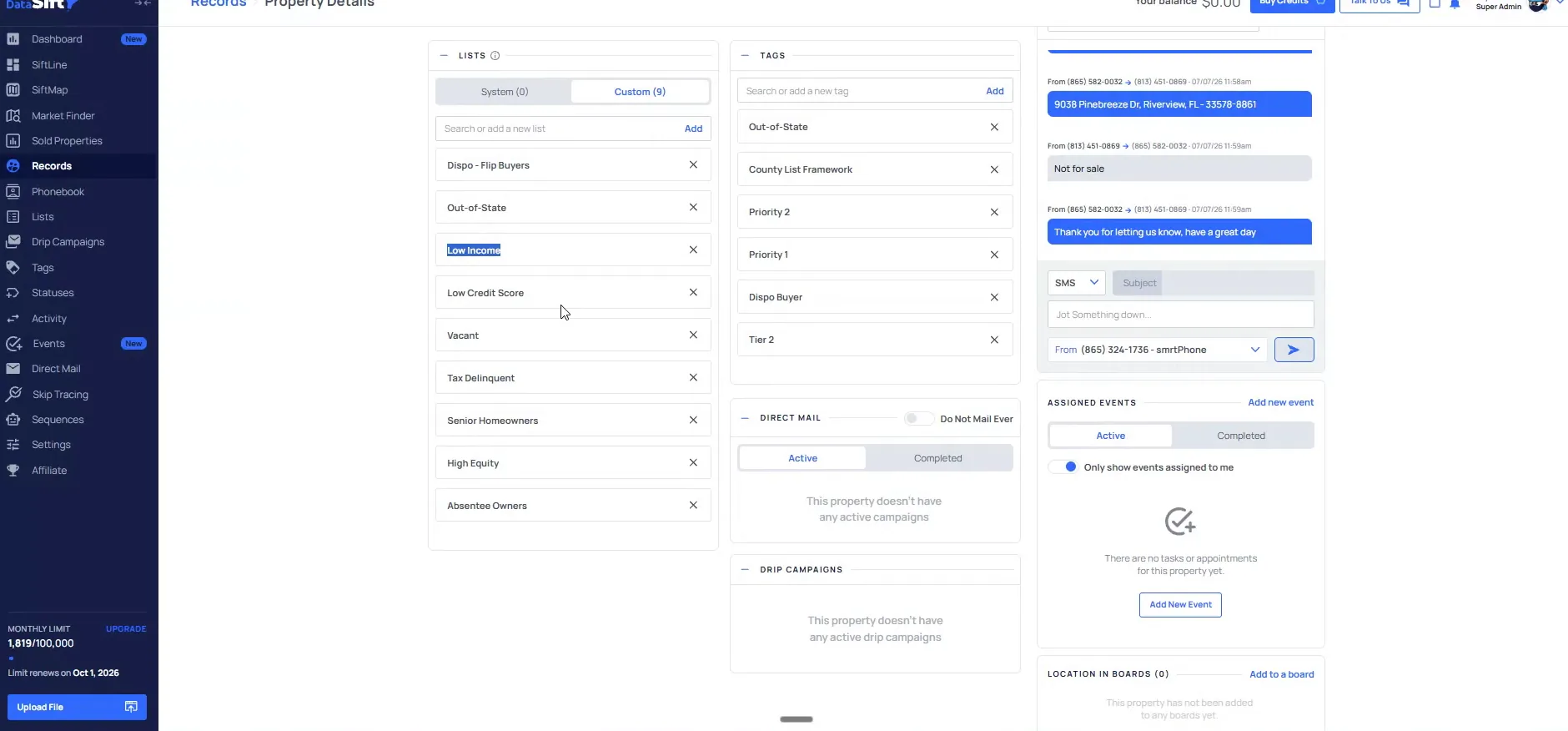
Read the text thread under the contact on the same record.
This is a good example of how we can track it by text or by a cold call, depending on how it is going. If we follow back up with them in ninety days, maybe something has changed.
I would say twenty to thirty percent of all deals will come from that world of not interested. That is why this preset gets pulled on a schedule and not once.
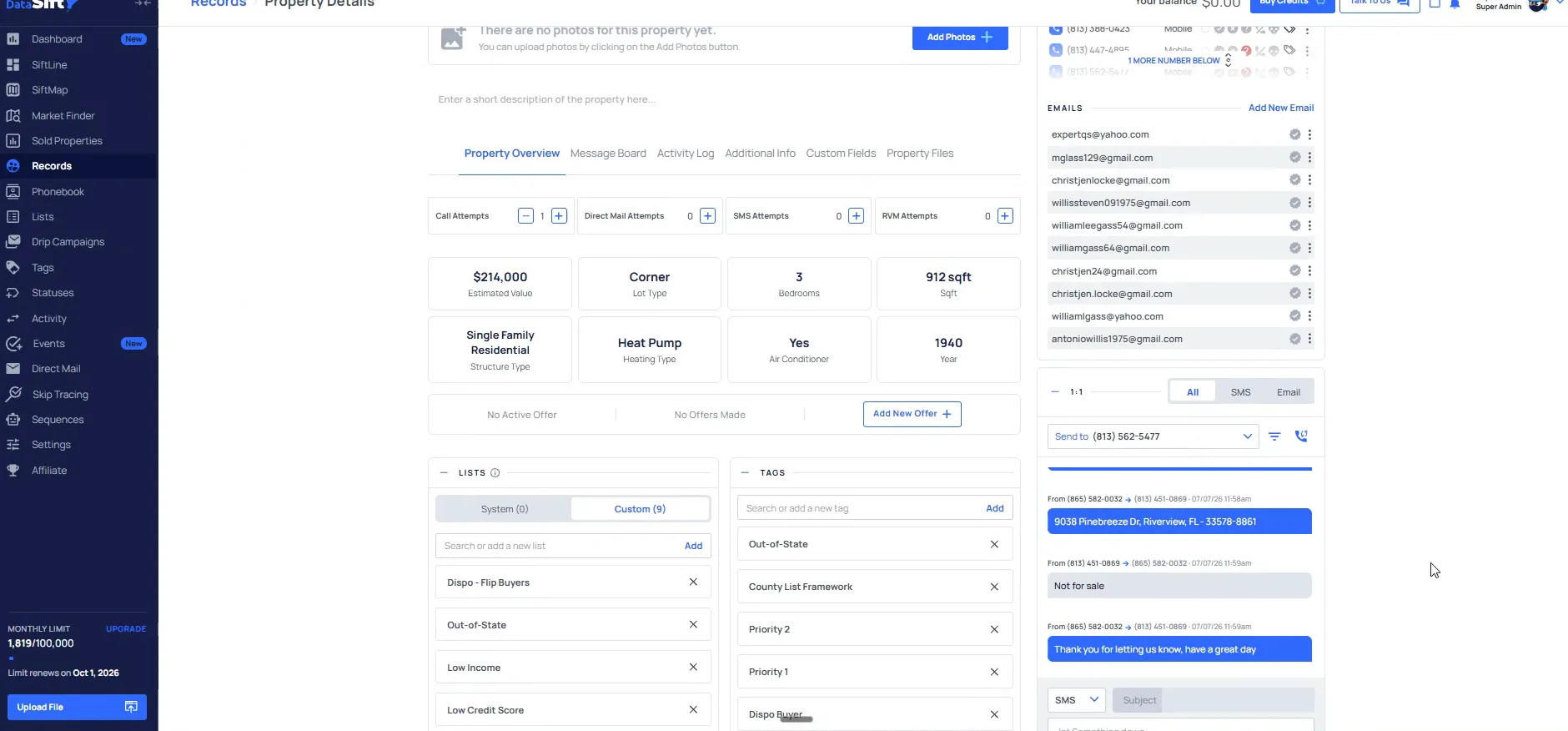
Open the Rehash Ready never answered preset.
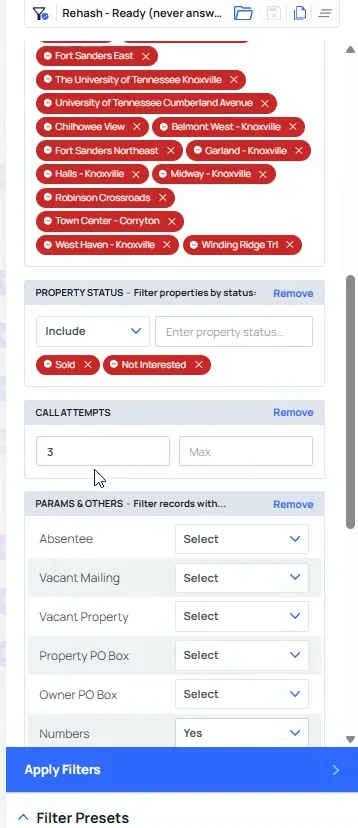
A rehashing campaign inside the reactivation flow means they never answer, but we still have numbers left to call. The panel is still excluding the solds and the not interested.
On top of that, we have called them at least three plus times. Those two conditions are what separate this preset from the not interested one.
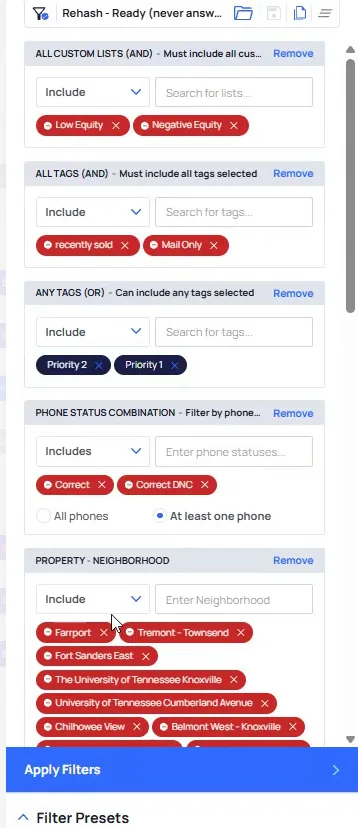
Set the call attempts filter to at least three.
With that in, there are still some numbers left to call on every record that comes back. You can see we have already started to deep prospect a lot of these people.
That is the point of the preset. We are not asking for fresh records, we are asking for the numbers we never got through.
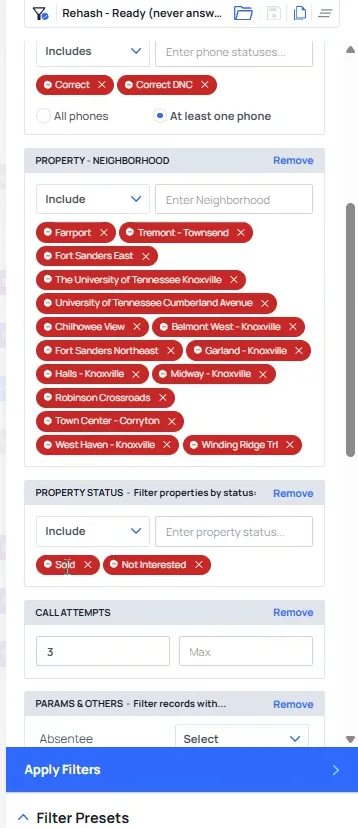
Check the status filters excluding sold and not interested.
The panel now says exactly one thing. These are all the folks that we didn't reach.
This is going to be a huge list over time, because every record that never answers keeps landing in it.
Click a record in the results and check the numbers left.
On this record there is still a ton of numbers that are actually left to call. We just never got ahold of any of them. The rows show deep prospecting status, so the numbers keep coming in.
That is another one of those things that will bolt in a lift on all of that. And these are all the different ways you can set up your marketing presets.
I would do this every 90 days, and you can throw all these people into, a bulk campaign and just go ahead and market to them.
BEFORE YOU MOVE ON