REI Mastery
CRM setup: boards, fields and tasks
The default account build, SiftLine boards, custom fields, the calendar and the task presets.
Prep for Week 3: Sales, live Tuesday, October 200 / 11 lessons complete
All modules
Tools and guides for this module
Lead Management & CRM AutomationMaster lead qualification with the 4 Pillars of Motivation, build your CRM pipeline with STABM, automate follow-ups with sequences and drip campaigns, and never lose a lead again.CRM Tasks & Task PresetsMaster task creation, preset architecture, assignment strategy, and the daily execution rhythm that prevents leads from going cold.Events Deep DiveMaster the Events system in DataSift.The Intake Call: 75 Fields That Run Your CompanyThe 75-field, 7-folder seller intake structure lead managers fill on the qualifying call.CRM Sequences & AutomationMaster DataSift sequences: create trigger-based automations, configure the 26 pre-built sequences, send SMS and email, organize with folders, and build phase-specific automation strategies.
Lead management: the STABM system
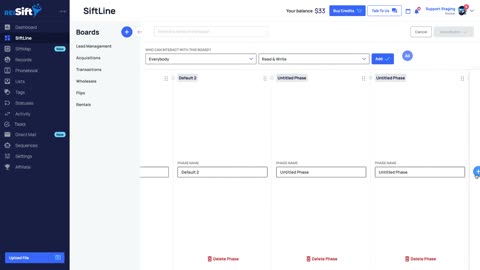 SiftLine overview
Walk the deal board in DataSift, see how each phase is laid out, then edit it and expand the full view to work your pipeline from one screen.
5 min
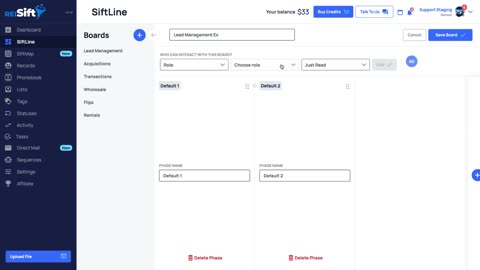 Creating SiftLine boards
Build a deal board from scratch, add the phases your pipeline actually uses, and choose which address shows on the face of each card.
4 min
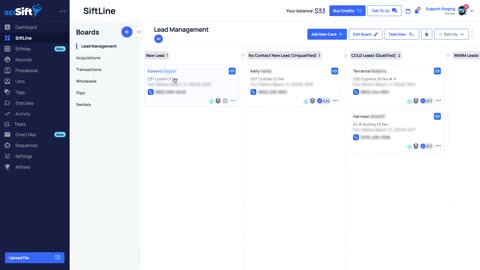 SiftLine adding and removing cards
Put a property on a board, move it between phases as the deal progresses, and pull it off when it dies, with every click shown in the platform.
3 min
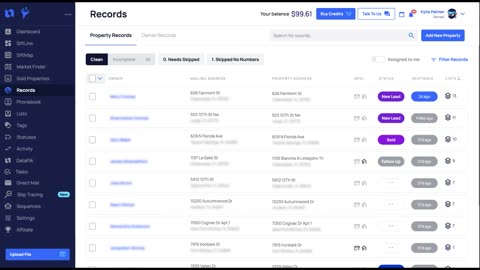 Quick filters
Save the views you use every day on the records page so one click pulls up the leads you want, instead of rebuilding filters each time.
2 minLead intake: the 75 custom fields
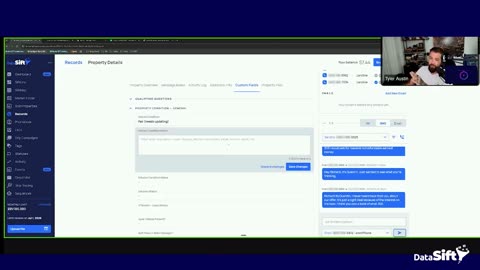 The 75 custom fields: the intake structure, from the playbook
A full intake structure for seller calls, 75 fields that capture the whole conversation so the closer never asks a seller to repeat a thing.
11 min
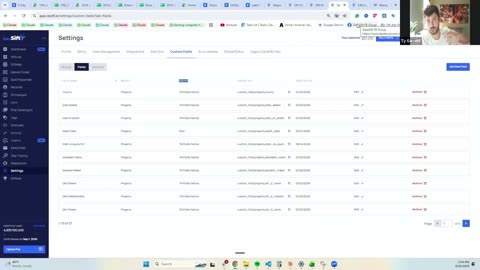 Custom field groups and typed fields
Group seller details into sections and give each field the right type, so answers stay searchable and nothing ends up buried in a note.
4 min
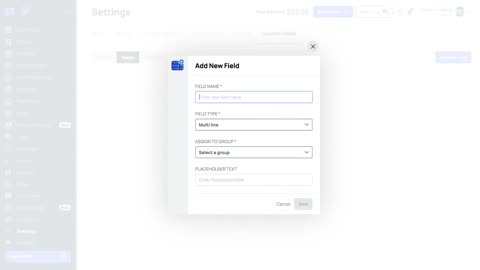 Custom fields
Create, edit and archive fields in DataSift, pick the right field type, and keep the data you collect on every lead consistent.
4 minCRM events
 The default account build: what ships in every account
Every new account arrives with sequences, lists, task presets and a lead management folder in place. See what is there before you change anything.
9 min
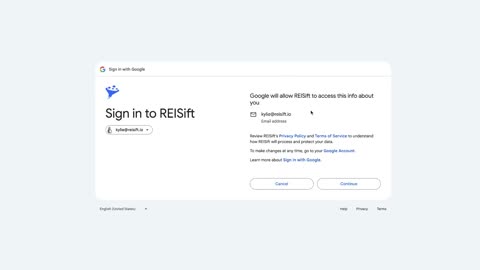 How to integrate Google Calendar with DataSift CRM
Link your Google Calendar to DataSift CRM in a few clicks, then check the integrations page to confirm the connected calendars show up.
2 minCRM tasks and task presets
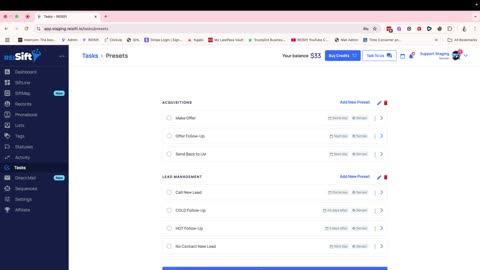 Creating task groups and task presets
Build reusable task presets and groups so follow up steps get assigned the same way on every lead, without typing them out one at a time.
2 minCRM sequences and automation
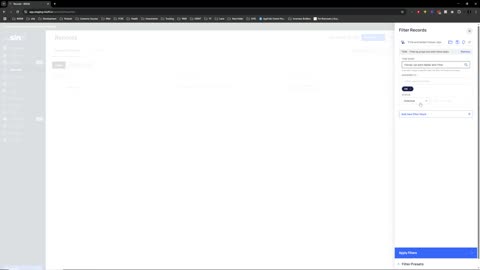 Transactions board to closed, and the whole cycle in ninety seconds
Once an offer is accepted, follow the deal from the acquisitions board through transactions to closed, and see where the cycle starts again.
4 min