
PART 1
From signed contract to closed.
Once an offer is accepted, the record leaves acquisitions and lands on the transactions board. This Part walks the flow from a signed contract into the title process. It is the same build that ships in the default account.
The transaction board and the whole process.
Run a signed contract all the way into title.
This is the transaction board and everything that you need to get a closed deal. It covers the entire process of the transaction coordination. From the time of actually getting a signed contract all the way into the title process.
You can adjust as needed. I keep it simple because that is what works for our business.
this is a part of the default account build, and this is kind of our simplest way to actually have the transactions processed.
Move the stage, get the task.
Move the record to under contract.
If I move it to under contract, it moves over to transactions, new contract. You get a task to process new contract waiting for you there.
So if we go to transactions now, it has a task for process new contract. The stage change is what creates the work, so nobody has to remember to add it.
If I move it to under contract, it's gonna actually move it to transactions, new contract, and you're gonna have a task to process new contract.
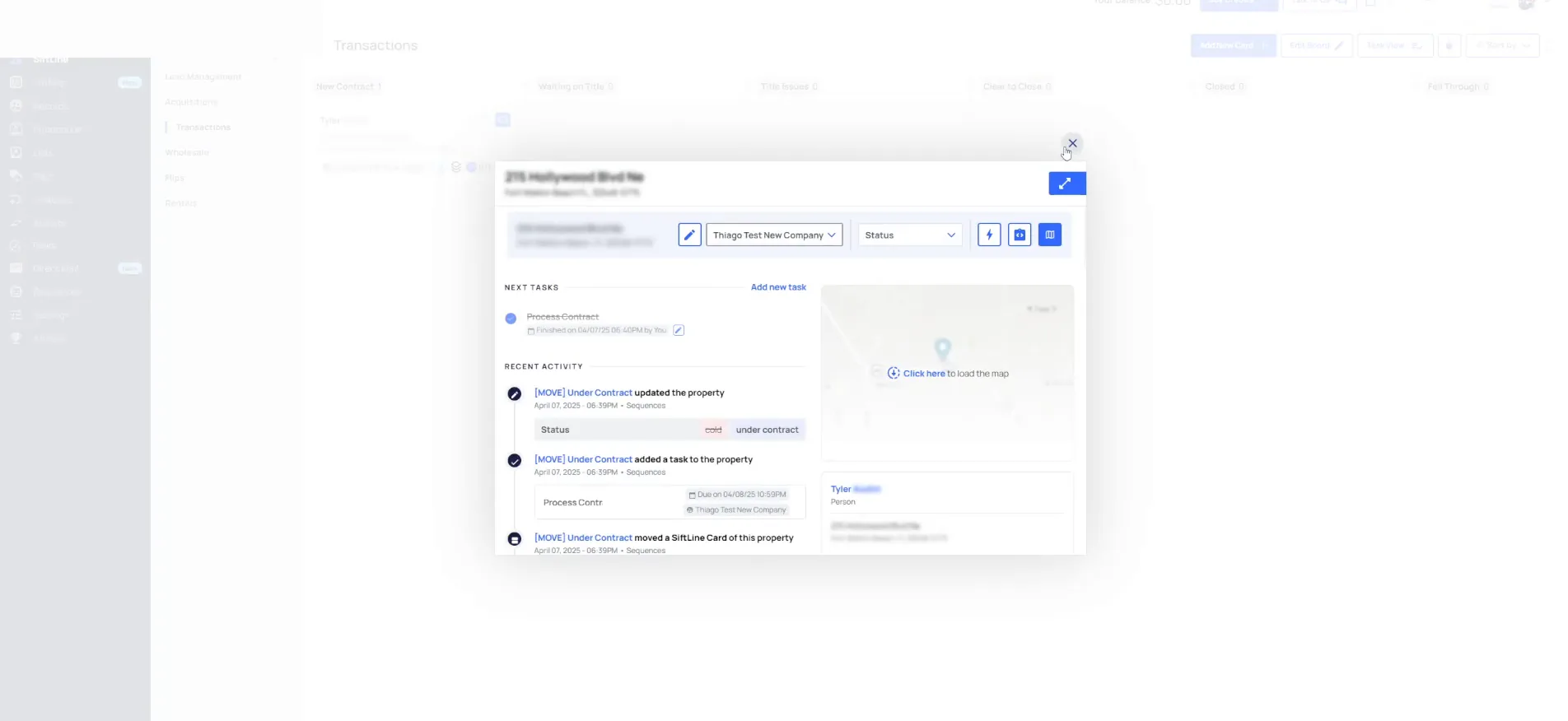
Complete the task, then move them to waiting on title.
So if we complete that task and then move them for waiting on title, it adds a task for follow-up with seller and title. The status at this phase is supposed to be under contract.
We just update that, but it should automatically do that. That gives you an idea of what is happening in this flow.
Stage moves
Each move to a new stage adds a task.
- 1Move to under contractThe record leaves acquisitions and lands on transactions as a new contract.
- 2Process new contractThat is the task waiting for you when you open transactions.
- 3Move to waiting on titleComplete the first task, move the stage, and the next task gets added.
- 4Status under contractThe status at this phase updates on its own.
Filter the board by the person doing the work.
Your acquisitions person filters by their make offer tasks and offer follow ups on a daily basis. Your transactions coordinator filters by title and seller follow ups.
Then it is a short list of questions. Do I have any today? Do I have any to do? Follow-up with seller, so let me call.
And in the whole process, can filter by your acquisitions person, will filter by their make offer tasks and offer follow ups on a daily basis.
BEFORE YOU MOVE ON
PART 2
From closed back to new lead.
Once a deal is accepted, the acquisitions board hands it to transactions, and tasks keep coming until the status is closed. Then the same record can start the whole cycle again. Here is that run through, end to end.
The status changes to closed.
Call the title company and the seller, then complete the task.
Let me call the title company, call the seller, see what's going on, see if they have any updates for me. Then I update everybody accordingly and complete my task. When I complete it, the build adds another one.
That is the loop while you are waiting on title. The task tells you who to call and when, so nothing sits.
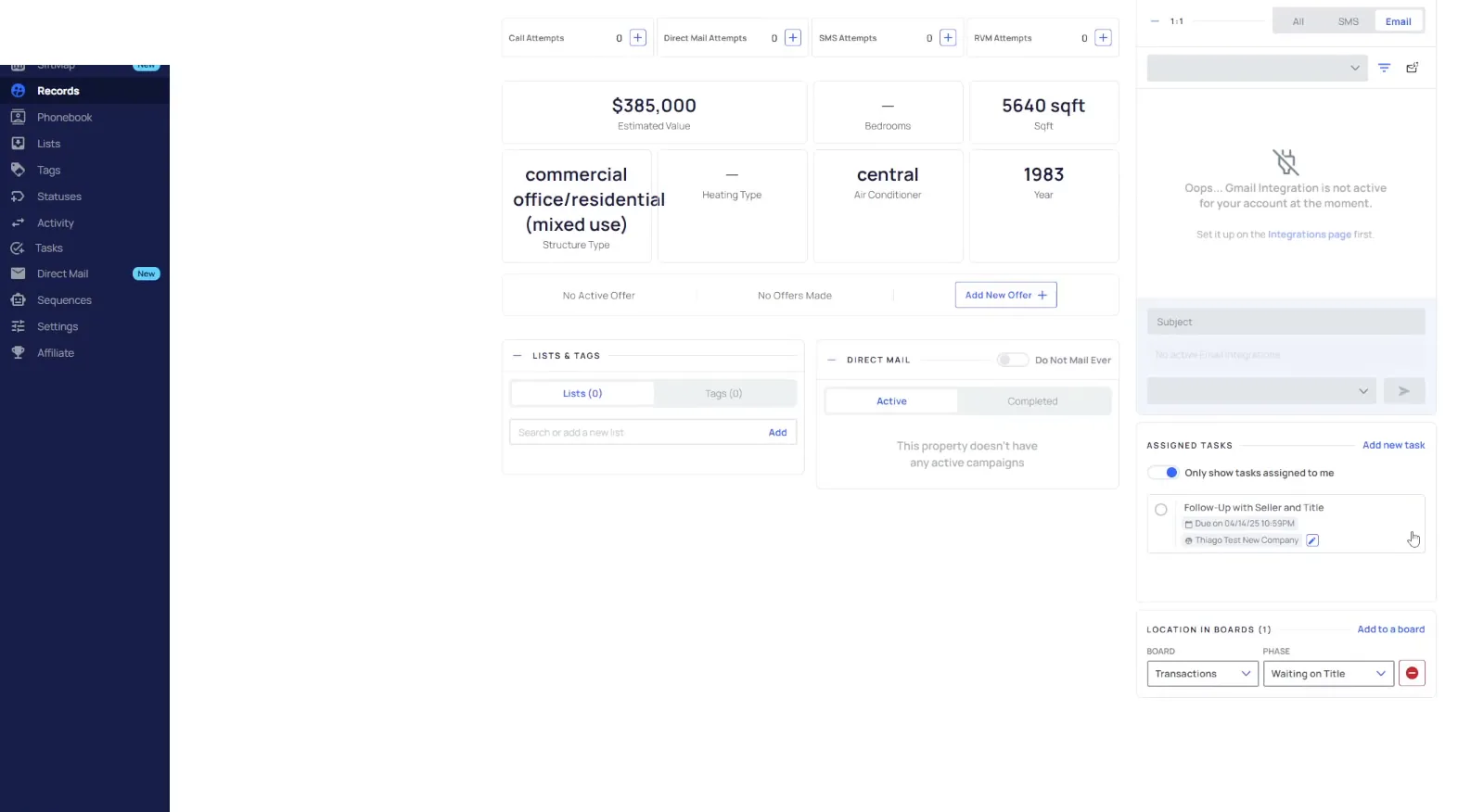
Move the record to closed when it closes.
Once it's closed, I move them to closed. I think that adds a closeout task, I don't remember if I had them do that or not. It does change the status to closed.
This whole time you also want to be tracking your offer and all that other kind of stuff. That part is outside what I am showing here.
And then I move them once it's closed, I move them to closed, in which case it's going to add, a closeout task if I'm not mistaken.
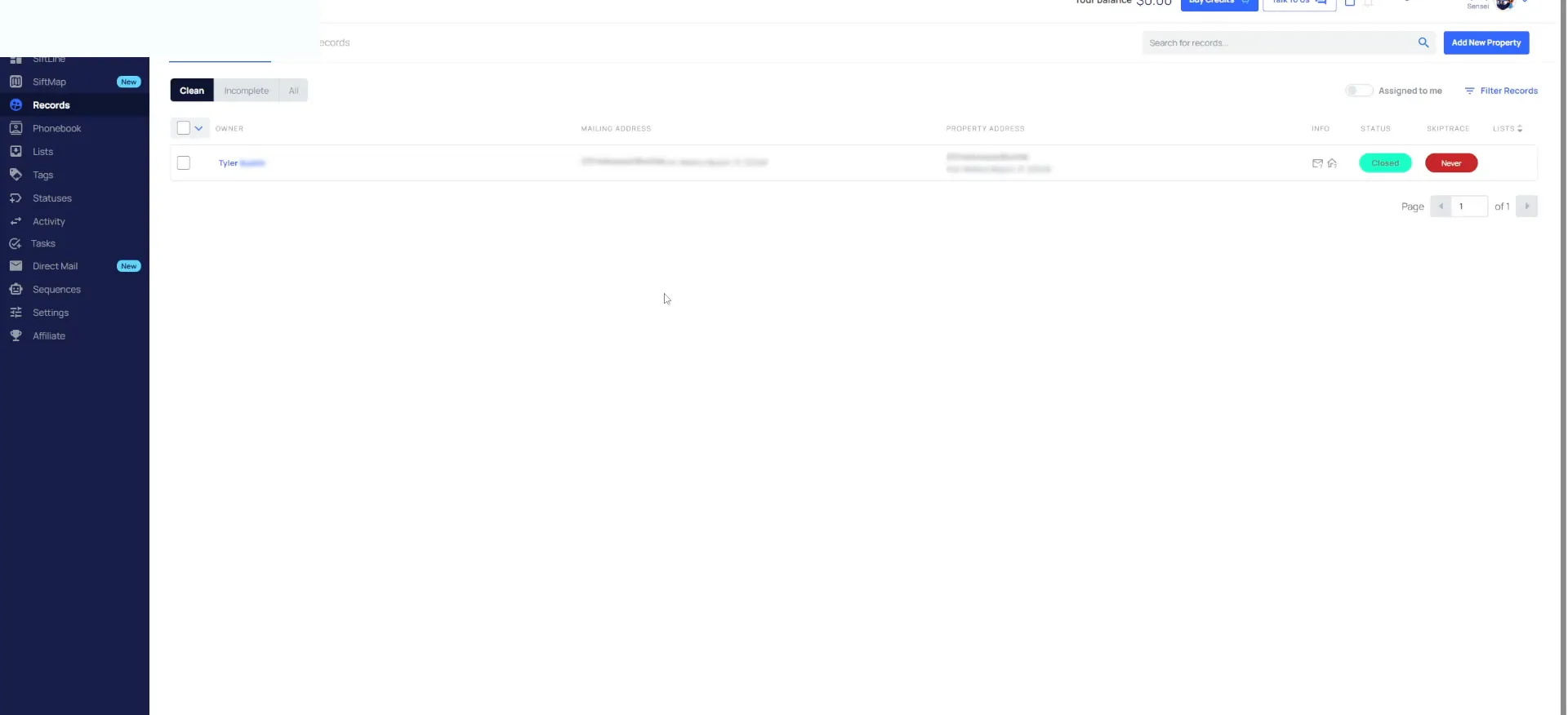
Check your task lists and missing tasks every day.
All your lead managers have to do is check their call new lead tasks, their unqualified tasks and their qualified tasks. Then check leads missing tasks.
Do that every day. Make sure there are no leads in the system that don't have any tasks on them. If you have questions, reach out to our team or ask the community.
The cycle starts all over again.
Move a closed record back to new lead.
The trigger is a status change. If I move this one to new lead, boom, it ends up right back in the funnel.
Now the status changed to new lead, and the cycle starts all over again. We call the new lead, complete the task, and move them to no contact new lead, which starts that unqualified phase.
Because now the status changed the new lead, and then the cycle starts all over again.
The whole cycle
One record moves the whole cycle again.
Work the record up to hot, then send it to acquisitions.
We change the status to no contact new lead, add the task, complete that. They pick up the phone, fantastic. Let's move them to hot lead because they want an offer right now.
That changes the status to hot and puts a hot follow-up on there. We call them in two days, they're ready for their offer, we complete the task, and we send them to acquisitions.
Track the offer on the record, then move it to under contract.
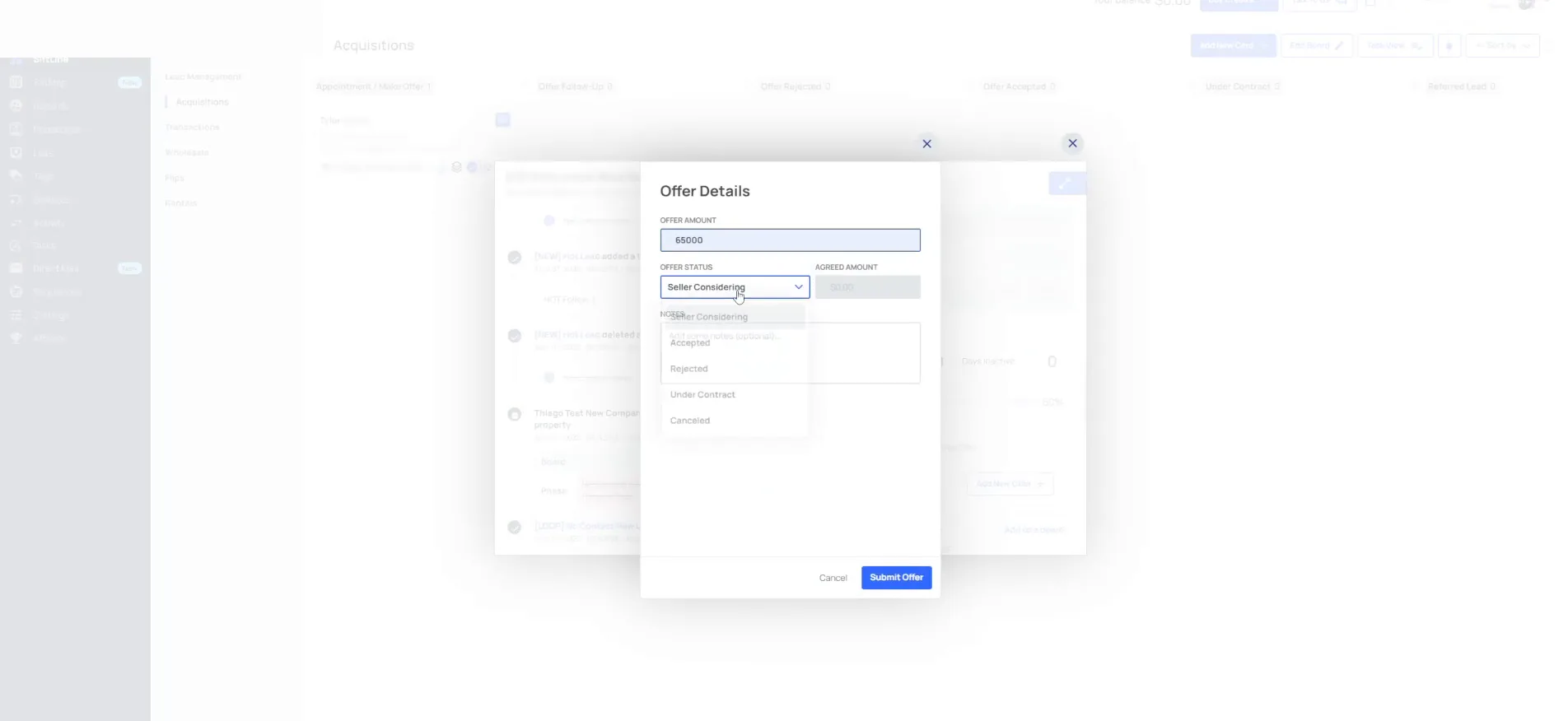
On the acquisitions board I do my analysis, I call them, I make my offer, and I track that offer on the record. Let's say it's 65,000 and they accept it at 65,000.
I want an offer follow-up, and I move it to offer accepted, because they accepted but they haven't signed the contract yet. They sign on the phone, so I move it to under contract.
Moving it to under contract kicks it over to transactions. If it's already on that board under close, it's not going to add it again, and that's okay.
BEFORE YOU MOVE ON