
PART 1
Turn a filter into automated data.
This is where we go over SiftMap and the ways you can automate data coming into your account. You pick a filter, turn on auto add, and new records land on their own. Everything here follows the doors per deal framework.
What this lesson goes over.
Automate your data so it feeds your marketing campaigns directly.
We are going over everything that has to do with SiftMap and the different ways you can automate the data coming into your account. You can alter your marketing campaigns directly off that.
I will show you all the ways it comes in. By the exact equity, the type of buy box, and all the distresses you actually want.
And this is all gonna be based on the doors per deal framework that I highly recommend.
Choose a filter and enable auto add.
Pick the filter you want, then enable auto add on it.
You just choose whatever filter you want from SiftMap and enable auto add on the filter. That is the whole move. The filter you build is the thing that keeps downloading.
I am going to walk it through with obituary data so you can see it on a real county.
You just choose whatever filter you want from SIF map and enable auto add on the filter.
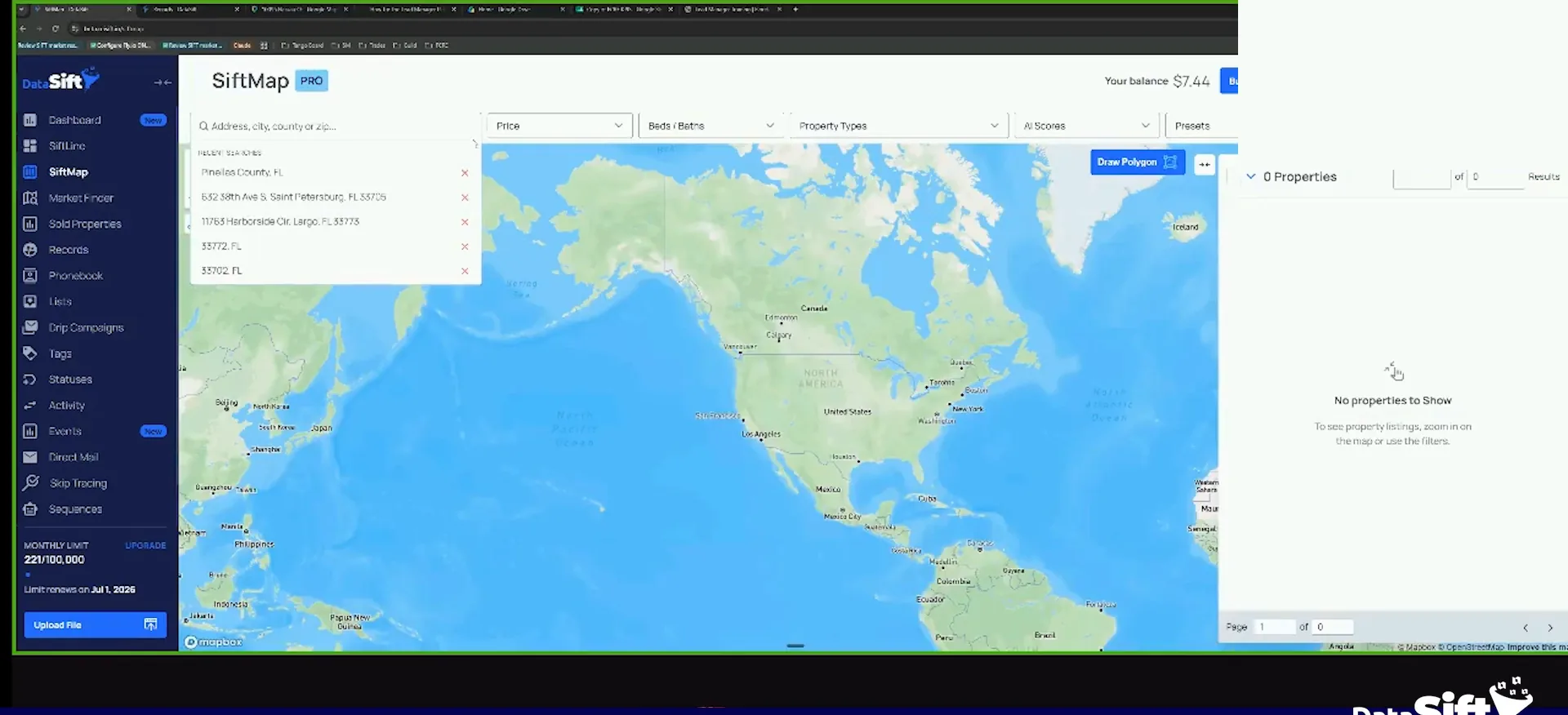
Open more filters and include obituaries, then click apply.
We go to Volusia County. Then I go to my more filters and into my custom combination for homeowner and property distressors.
From there I include obituaries and click apply. I set the date back to January, because that is when I know we have our first full month of data.
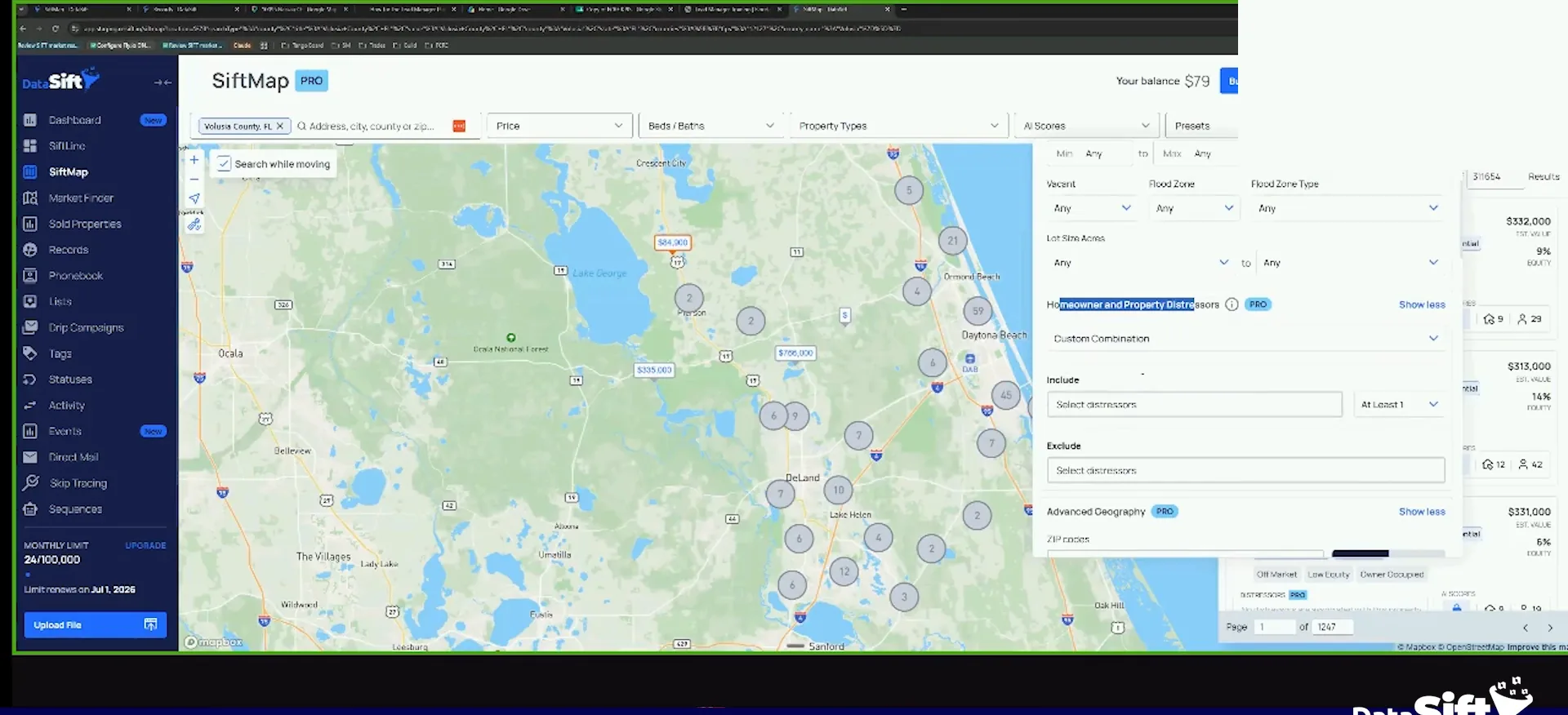
Then I narrow property type to single family, mobile and townhouses only.
I'm going to go to my custom combination here for my homeowner and property distressors, and I'm going to include obituaries.
BEFORE YOU MOVE ON
PART 2
Auto add downloads new records tomorrow.
This is the part that keeps working after you close the tab. You build the search once, download it to your account, and the preset keeps pulling new records that match. Here is how I set it up and what I do with what shows up.
A max price of 600,000.
Set your price and equity filters, then select all.
Property type single family, mobile and townhouses only. Then a max price of, say, 600,000 in value, and at least 50% equity. That left me 221 records.
What I do is select all those and download them to my account. The filter work is done at this point, so the next click is the one that matters.
The filters
The filters narrow 418 obituaries to 221 records.
Same pull in Volusia County, with obituaries included in my homeowner and property distressors combination.
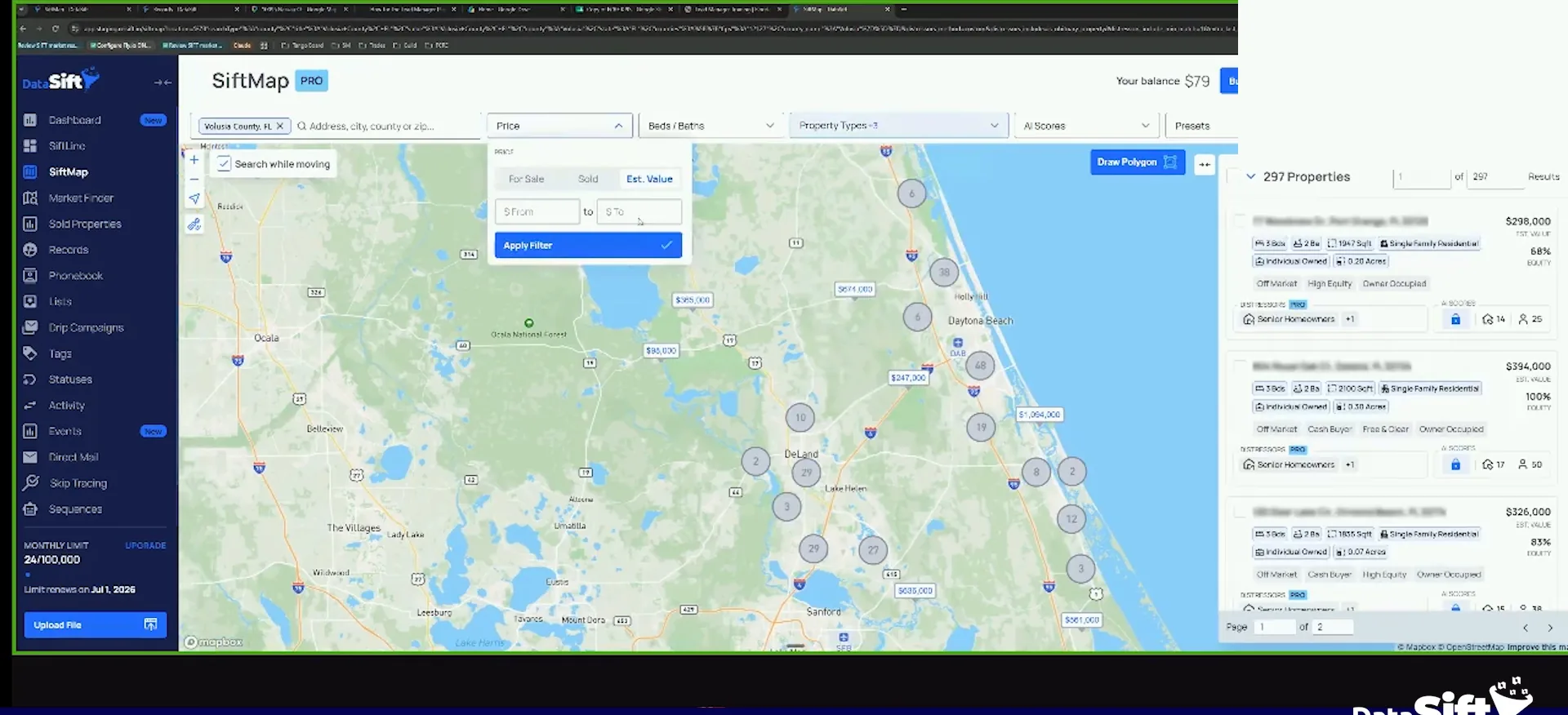
Click add to account and rename the filter.
When I download it, I don't need to worry about adding any list here. This obituary list will automatically be added to the record as obituary. So it just adds the list to the record.
I add to account and it will auto add. Maybe I want to add a tag, who really cares. Click add and it downloads those.
Notice it automatically created a filter. I click modify because I want to change the name, then click confirm.
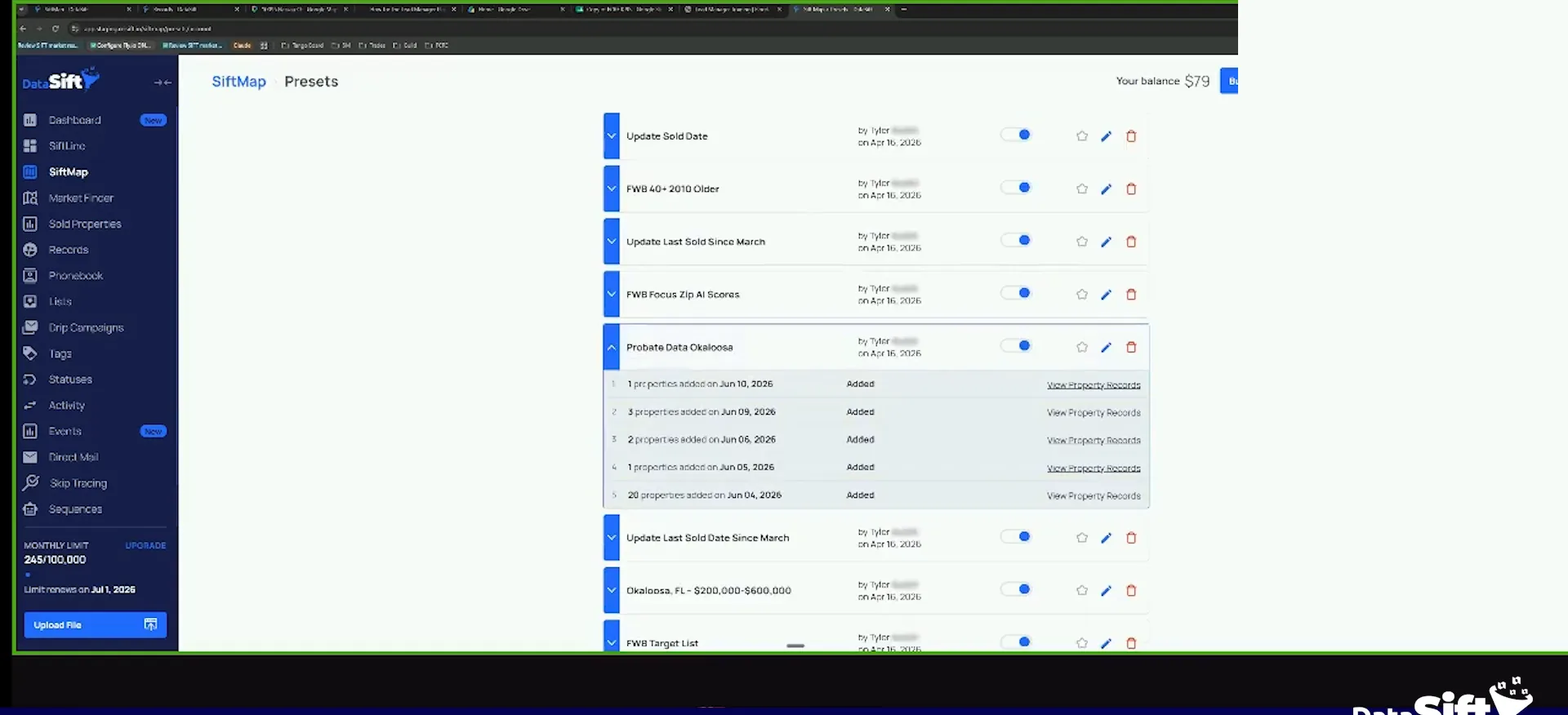
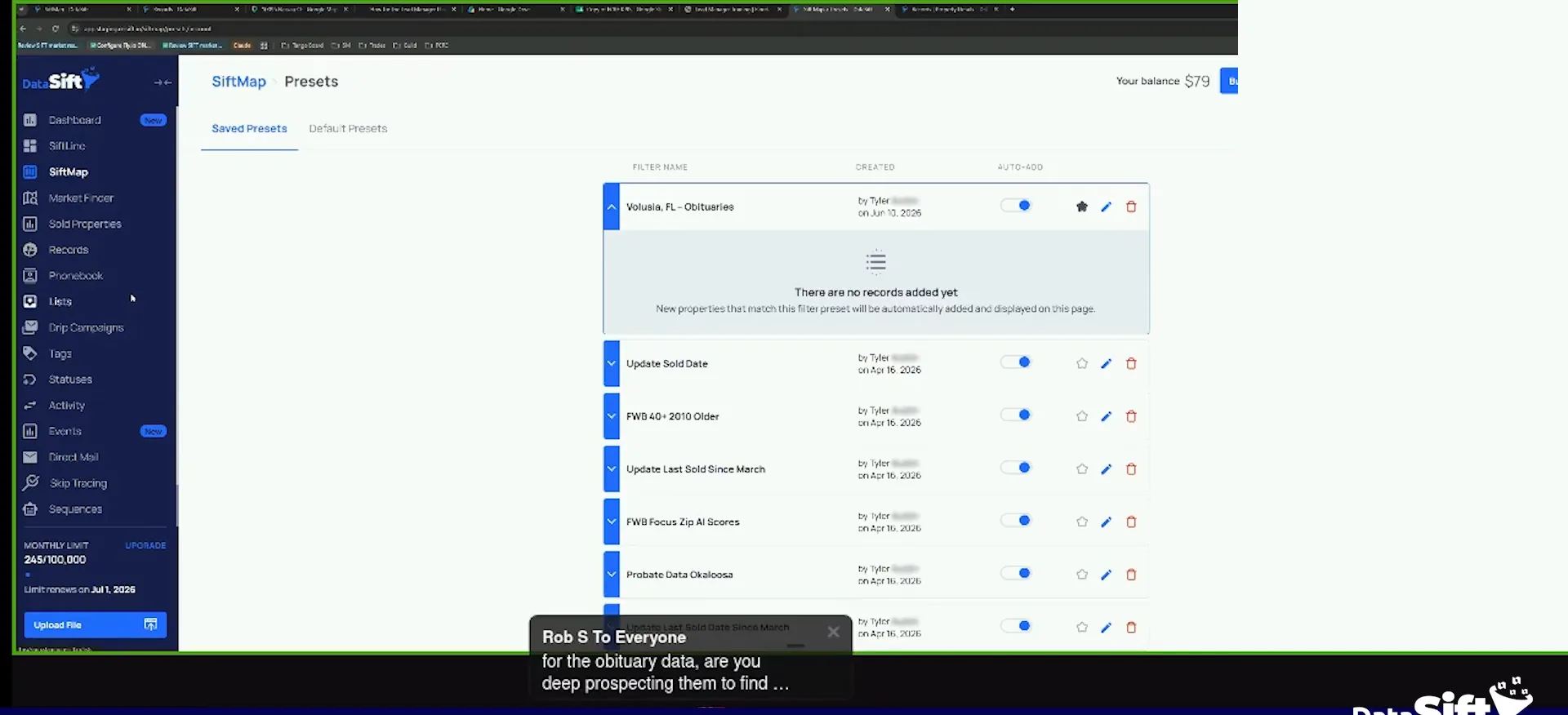
And so now if I go to my filter presets, you can see that I have auto add enabled on Volusia.
Open your presets the next day and view the new records.
Tomorrow, when these auto download, the property just shows up in your account. Look at this, probate data, Okaloosa County.
I can go view those now. One was already in my account, and one got added to the probate list yesterday. So the auto add is very, very powerful.
So I have yesterday on the ninth, there's three, properties that were added in Okaloosa County as probates.
You should be using auto add.
Turn auto add on for obituary data.
You really, really, really should be using it. I recommend you do it for obituaries once we launch it.
If they download to your account and it's obituary data, that's a big flag you have to go for. Whatever correct number you had, it's probably not a correct number any more. Or the heirs go find somebody else and work a deal.
Skip trace the decedent and call those numbers first.
When you skip trace, go with the path of least resistance first. Have it auto download, let it skip trace the decedent, then call the phone numbers. Often one of those numbers is a relative of some form or fashion.
The other option is to have it download into a needs deep research list. Then a VA goes in every day and adds phone numbers from SmartSkip, Skip Genie or Foreworn to those records.
So just call through the numbers that are already there, and once you don't get ahold of nobody, then you can add more.
Leave the owner the same until you reach an heir.
What I would not do is change the owner yet. It doesn't make any sense at this point. If you get in contact with an heir, then you can change the owner.
Unlike probates, where you want to change the property to the PR right away. So this obituary data is really good, it just gets handled differently.
You don't wanna change the owner yet because it doesn't make any sense because probate hasn't been filed.
The owner
Obituary and probate records get different owner handling.
Obituary data
- Change the owner yetLeave the owner the same
- WhyProbate hasn't been filed
- When it changesOnce you contact an heir
Probates
- Change the owner yetChange to the PR right away
- WhyProbate is filed
- When it changesRight away
BEFORE YOU MOVE ON