
PART 1
Plan mode before anything gets built.
Plan mode is the difference between a really good AI workflow and a terrible one. It lets Claude research first, write out a plan you approve, and only then start editing. Part 1 covers the two settings you change and the prompt I actually sent.
What plan mode does.
Let Claude plan and get your approval before it edits.
Whenever you're inside of plan mode, it actually lets Claude do a lot of research. It builds out a really good plan that you also agree with and approve of. Then it executes.
It helps Claude make so many less mistakes, because it is planning before it is executing. And you get that nice feedback loop from being in the middle of it.
Using plan mode inside of Versus Code, using SIFF stack or the Cloud Code infrastructure.
Switch the model and the mode.
Hit backslash and switch, then pick Fable.
I did two things that are very important if you're doing this in Versus Code. You can do this in co work, but it is a pretty advanced flow. I would recommend using Versus Code if you can.
Inside of Versus Code you can swap models. Just hit backslash and switch, and you'll see that I'm on Fable. When you're doing tasks that are this advanced, I would always recommend Fable.
And at the very, very top here, I swapped over into I did two things that are very important if you're doing this in Versus Code.
Open the auto button and set planning.
Inside this interface you can go down into the auto button. That tells you what mode you want Claude to be in. This is super important.
If you go inside of planning, Claude will explore the code and present a plan before editing anything. So I switched this to plan mode, then I wrote the request.
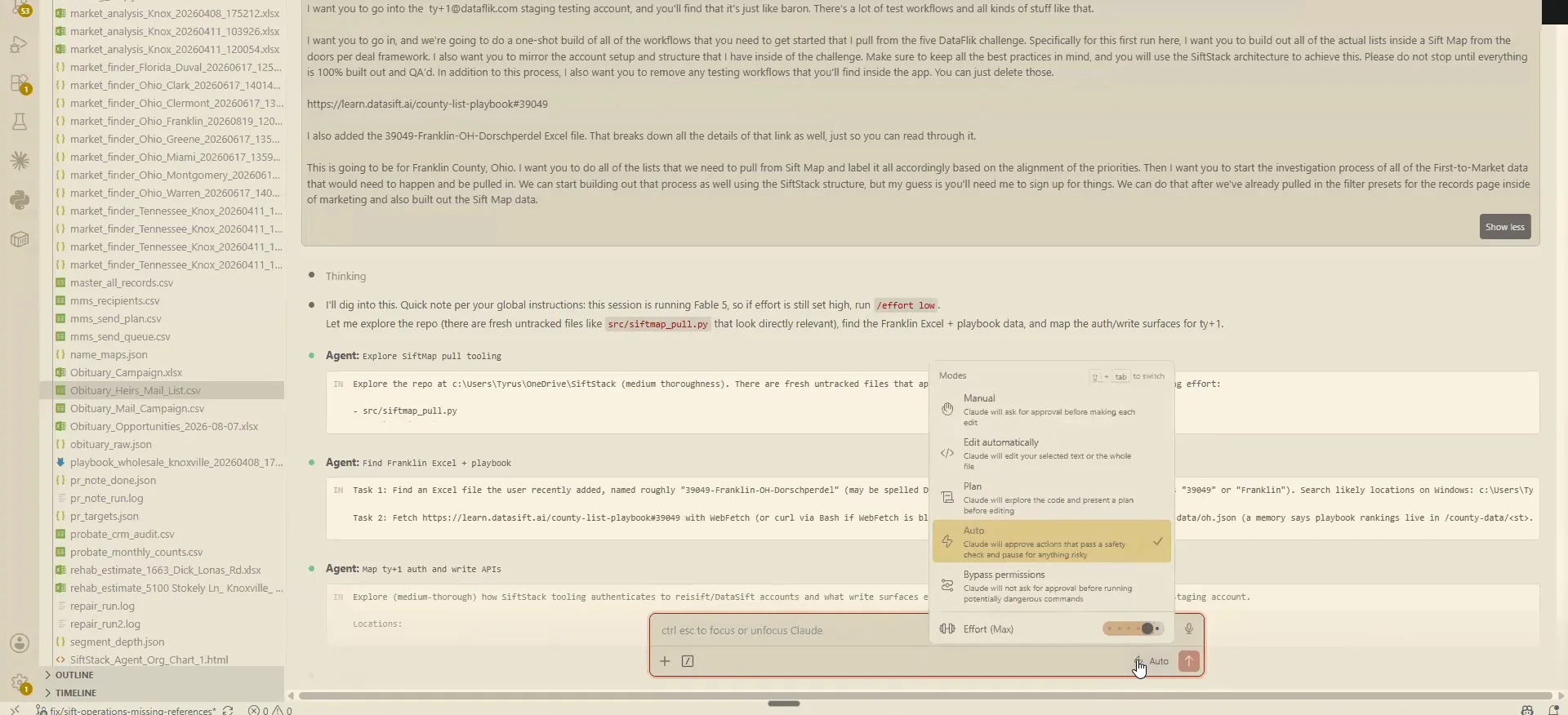
Write the whole build request in a single prompt.
I told it to go to the ty+1dataflick.com staging testing account. You'll find that it's just barren, with a lot of test workflows and all kinds of stuff like that. So I asked for a build of all the workflows you need to get started.
For this first run, build out all the lists that are inside of SIPMAP from the doors per deal framework. Mirror the account setup and structure that I have inside the challenge. Keep all the best practices in mind and use the SIS stack architecture. Please do not stop until everything is 100% built out and QA'd.
I also asked it to remove any testing workflows it finds on the app. I attached the Franklin County, Ohio link and the doors per deal Excel file I exported. The first to market investigation comes after the filter presets and the SIFMAP data are set up.
is how I would start setting up an account if I had access to the API and I wanted to build out all this stuff from scratch.
BEFORE YOU MOVE ON
PART 2
Plan it, approve it, then let it run.
Planning mode is where this whole thing either works or falls apart. You read the plan, you answer the questions, and only then do you let it execute. Here is exactly how that ran on my Franklin County build.
Planning mode builds the plan first.
Switch VS Code into planning mode before you build.
In planning mode it is not going to touch anything. It just goes through and starts to build out a plan that you will then read through. It pulls in a ton of information while it does that.
This process took me about an hour and a half. At the end of it, all 46 feeder presets were loaded in.
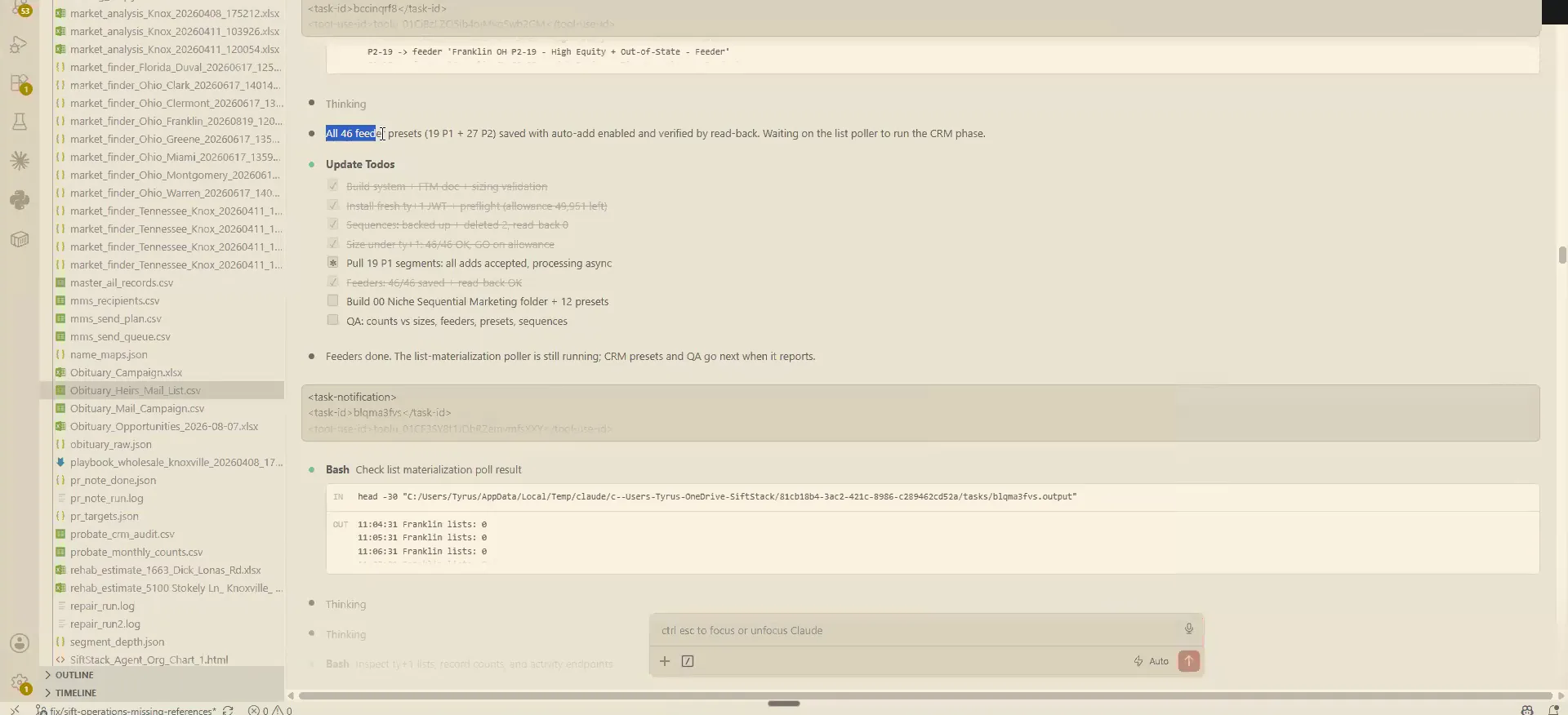
Answer the clarifying questions in your own words.
It asked me first whether to pull priority one, about 57,000 records across 21 segments, or also priority two. Priority two adds a lot more, 84,000 just on free and clear alone. I said build priority one and priority two inside the presets, but do not pull them in.
Then it asked how aggressively to clear out the old workflows, and offered to back up every sequence in a full JSON shape first. I said go ahead and delete the sequences. Claude will often give you a recommended path, and almost 95% of the time that is correct.
The last one was about the structure for the CRM record pages. There are 20 numbered folders for first to market cadences, the rehash, the hot list. I told it to use the presets in the challenge guide, the new sequential marketing.
And this is an example of when you say something that's slightly different than all those things, like, all the answers that it's giving you.
Clarifying questions
It asked clarifying questions first.
None of these records got pulled in. I only wanted the presets set up.
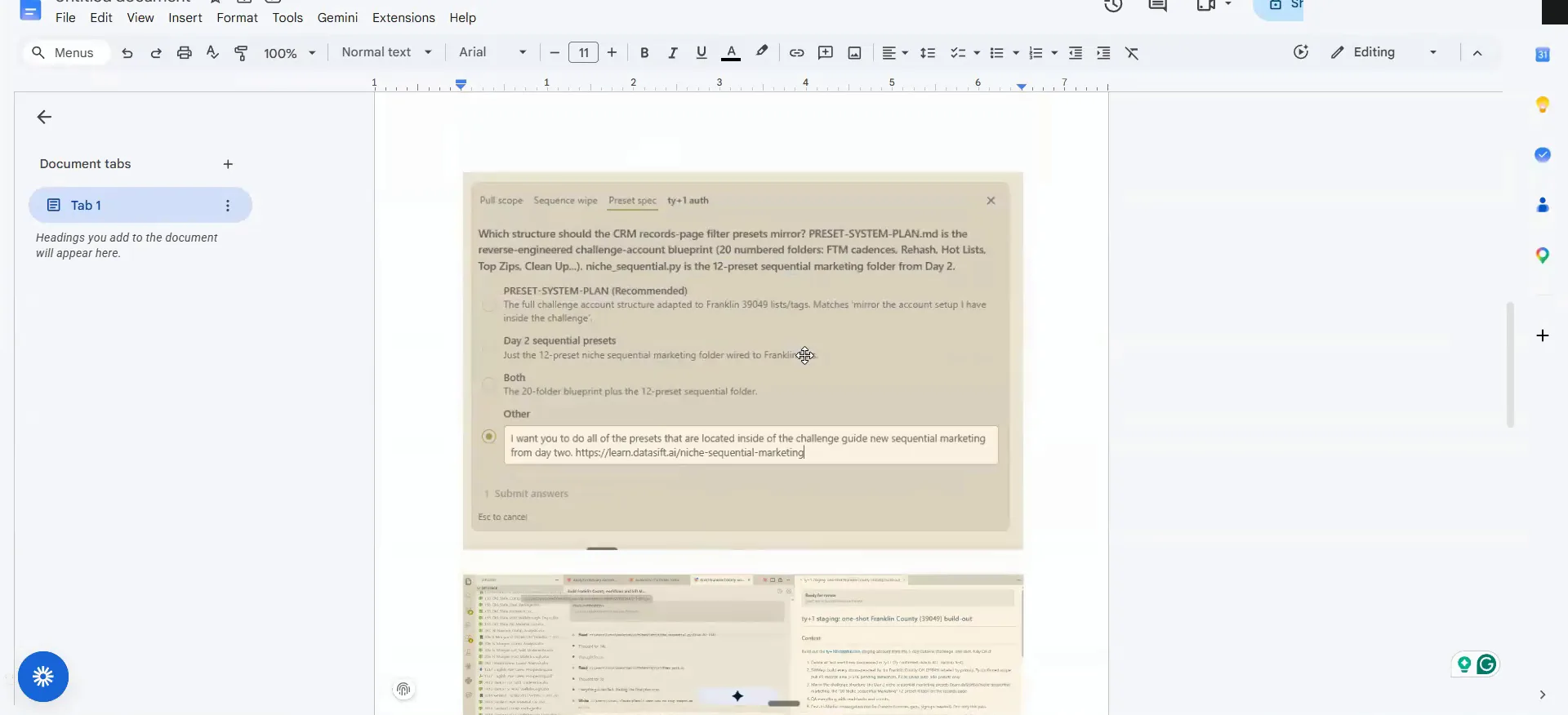
Approve the plan, then switch to bypass all permissions.
It came back and said here is the full plan, it is ready to go. You hit yes and auto accept, and from that point it starts the actual process.
This step matters. I changed the mode to bypass all permissions so it just executes. That only happens after I have approved the plan laid out in front of me.
Building the filter presets in records.
Read what it built, then send it to records.
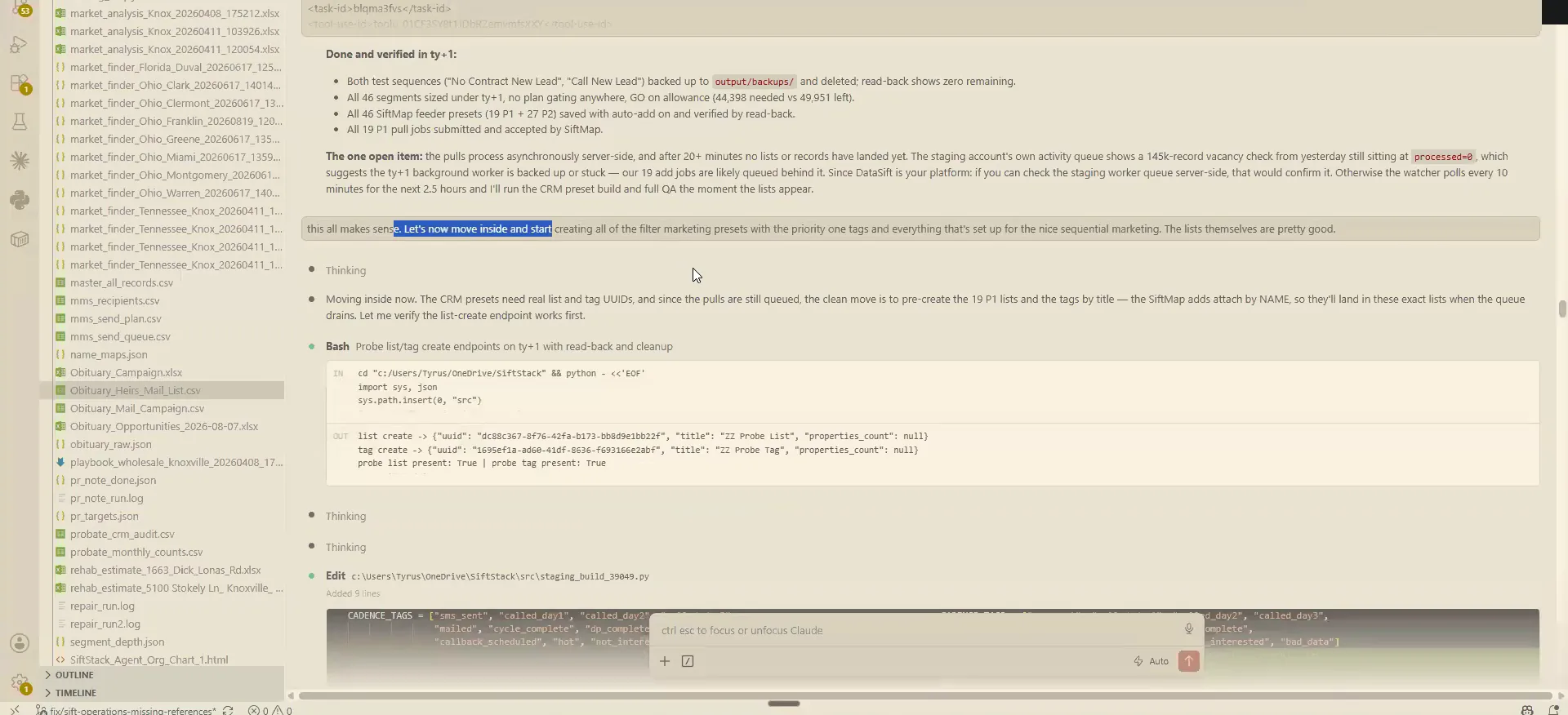
Back on the VS Code side, it told me it had built out all the filter presets. I read through it and said yep, all this makes sense. Then I told it to start creating the filter marketing presets inside the records page.
There was one more thing I added. We also needed to deploy a sold property filter, and it picked up what I meant even when I typed it wrong. It is very intuitive about navigating this stuff.
And I was like, basically wanna do 01/01/2023 and on that mirrors that sole property filtering process that I, kinda show here.
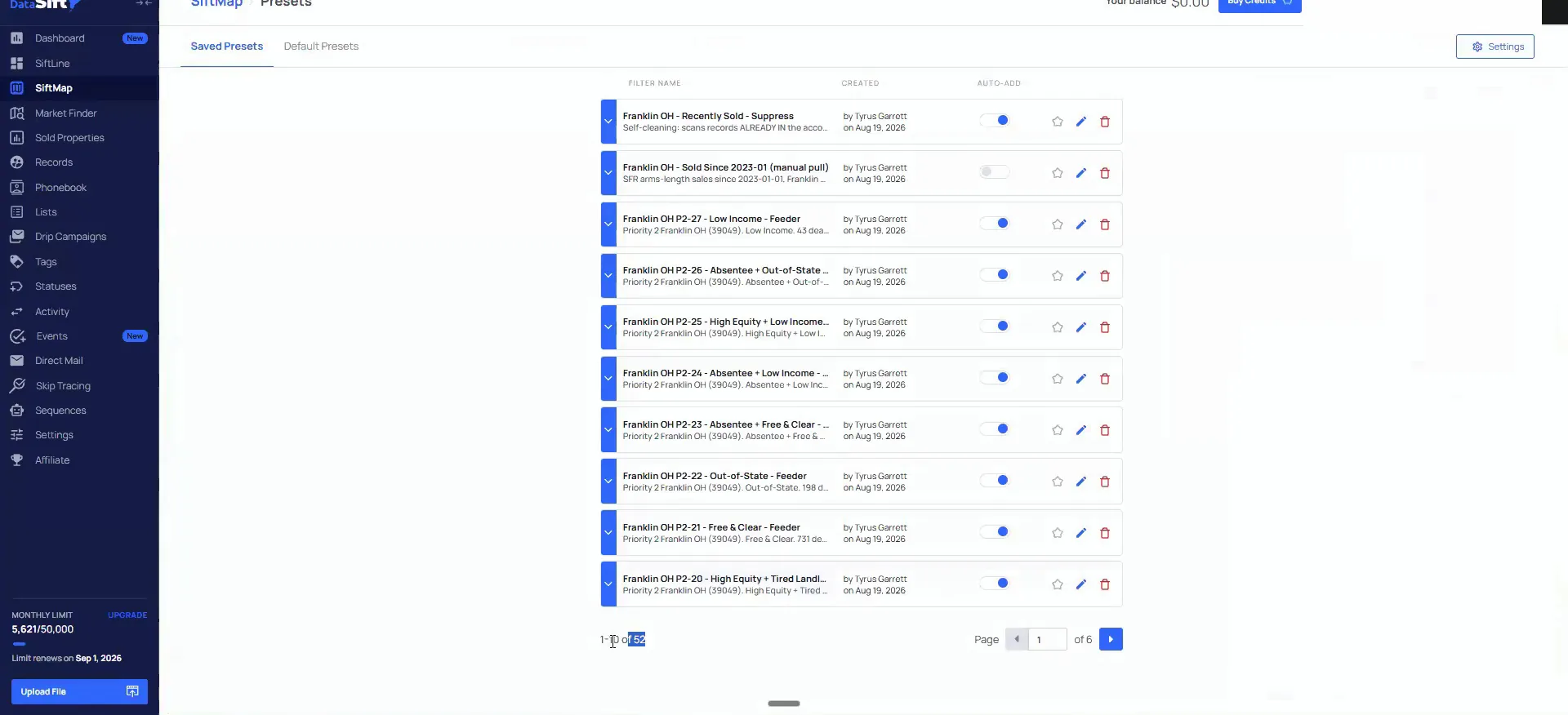
Check the presets in SiftMap before anything pulls.
It said all three pieces are live inside the test account. So I came back into the account, went into SiftMap, and opened the presets. It built out 52 in one shot.
It labeled all of them by the priority and the list ranking they sit in. None of them are added yet, because I did not want it to add any records.
If we come into SIFMAP and go underneath our presets, it built out 52 in one shot.
Tell it which neighborhoods to suppress for your county.
On the records page it mirrored every one of my processes. It also asked me how I wanted to handle the neighborhoods. I said do not mirror the Knox County, Tennessee stuff, mirror the neighborhoods that are not good areas inside Franklin County, Ohio.
I told it to use the market finder research skill, and it suppressed all of the neighborhoods that are bad opportunities. It did all of this in an hour. The list alone would have taken me a day and a half.

You do not need a separate machine.
Run this on your own desktop, no special rig.
Brian asked whether you need a separate machine, the whole Mac mini thing. I am on the $200 max plan, just on my desktop. I have looked into the rig stuff and I think there is a place for it.
That place is companies like DataSift that do high amounts of research or QA on raw county data we standardize for SiftMap. The companies you hear about doing this are spending $500,000 on a mini server for privacy reasons. Most of that does not apply to you.
Most people here, if not 99.9 percent of you, do not need any of the rig stuff.
What this costs
I run this on my own desktop.
Stay in plan mode on the most powerful model.
You hear stories about Claude running amok and blowing through credit cards. I have never had that and I do not know anyone competent who has. Just do not go asking it to pay your bills.
I spend time on plan mode and on switching to the most powerful model for one reason. I want to be very careful about what it is doing. People run into problems because they skipped plan mode and used the worst model they have. That is a recipe for disaster and mistakes.
These builds are administrative heavy, so you also need to understand what you are looking for to check the work. Between plan mode, the get shit done repo and the RTK workflows, my stuff stays consistent. Do all these things and it will work pretty well.
And anytime you see a lot of that from my understanding and experience on it, it's, mostly hype trash, I would say.
BEFORE YOU MOVE ON