
PART 1
Close out a lead.
When a seller says no, ghosts you, or the lead is just done, you move them and the board does the rest. Tasks get deleted, the status changes, and the record waits for you on your records page. Here is what each move fires.
Closing out a lead deletes the tasks.
Move the lead to not interested, ghosting, or dead.
If I move them to I'm not interested anymore, it's gonna delete all tasks. And it's gonna change my status to not interested, as it's supposed to. Ghosting lead, we'll change it to ghosting. And then dead lead will change the status to dead.
At this point there's no tasks that will be added to these records. That is on purpose. These three are the close out moves, so nothing new gets queued up on them.
If I move them to I'm not interested anymore, it's gonna delete all tasks.
Closing out
Each close-out move sets its own status.
- 1Not interestedIt deletes all tasks and changes the status to not interested.
- 2Ghosting leadIt changes the status to ghosting.
- 3Dead leadIt changes the status to dead, and no tasks get added.
Set up a process for dead leads on your records page.
Under your records page, you should have a processing dead lead. You should have a process. The board stops adding tasks, so the records page is where you pick these back up.
That is the trade. You get a clean lead management board, and you handle the closed out records somewhere else.
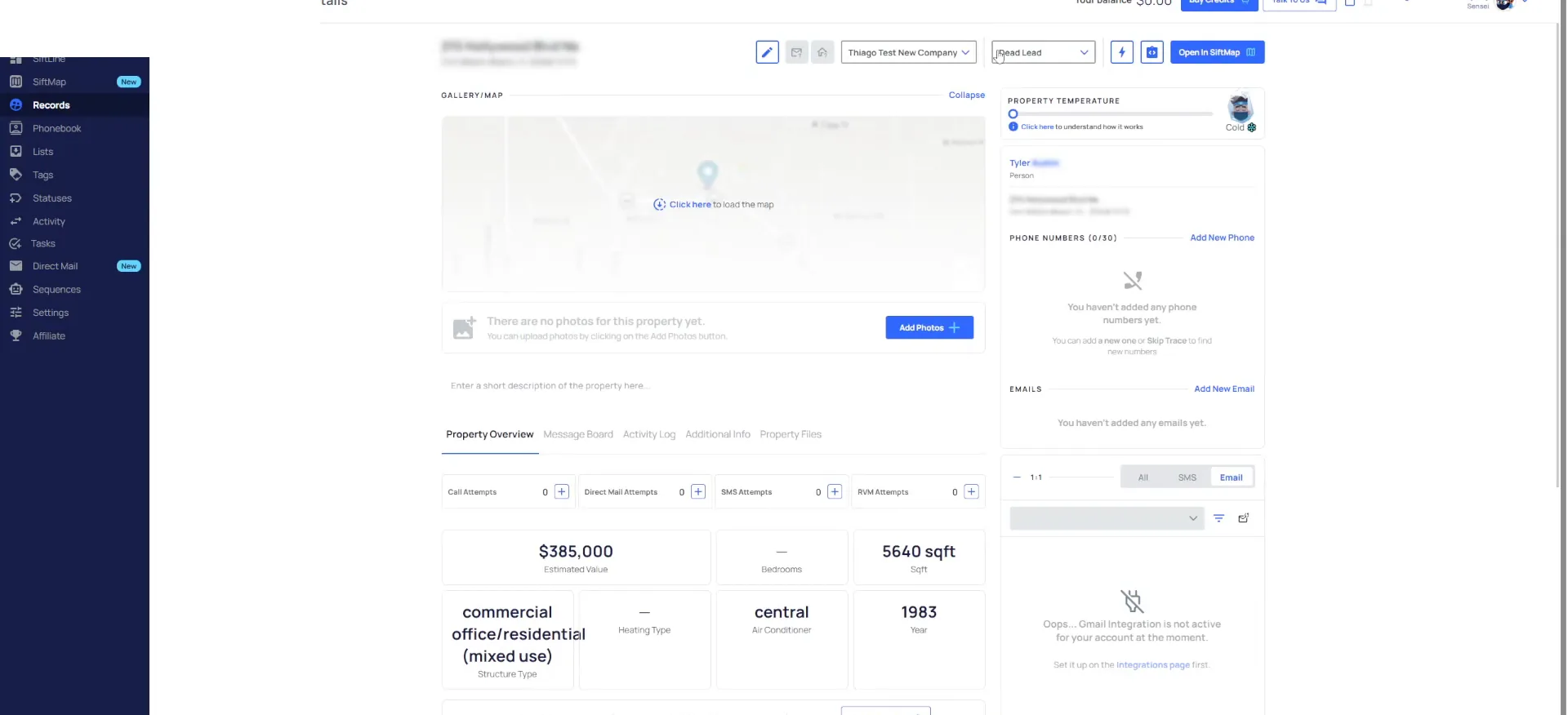
Ghosting leads go back into marketing.
Move a ghosting lead back to the cold leads phase.
Now if I move this back from these phases, maybe I was a ghosting lead. If I move it back to the cold leads phase, it's going to add that task on there for cold lead. And it's going to change the status to cold again.
So for dead leads and for ghosting leads, you're going to have another marketing cycle. That goes back into your marketing cycle. You'll have a filter on your records page that you should do to handle those.
You'll have a filter on your records page that you should, do to handle those.
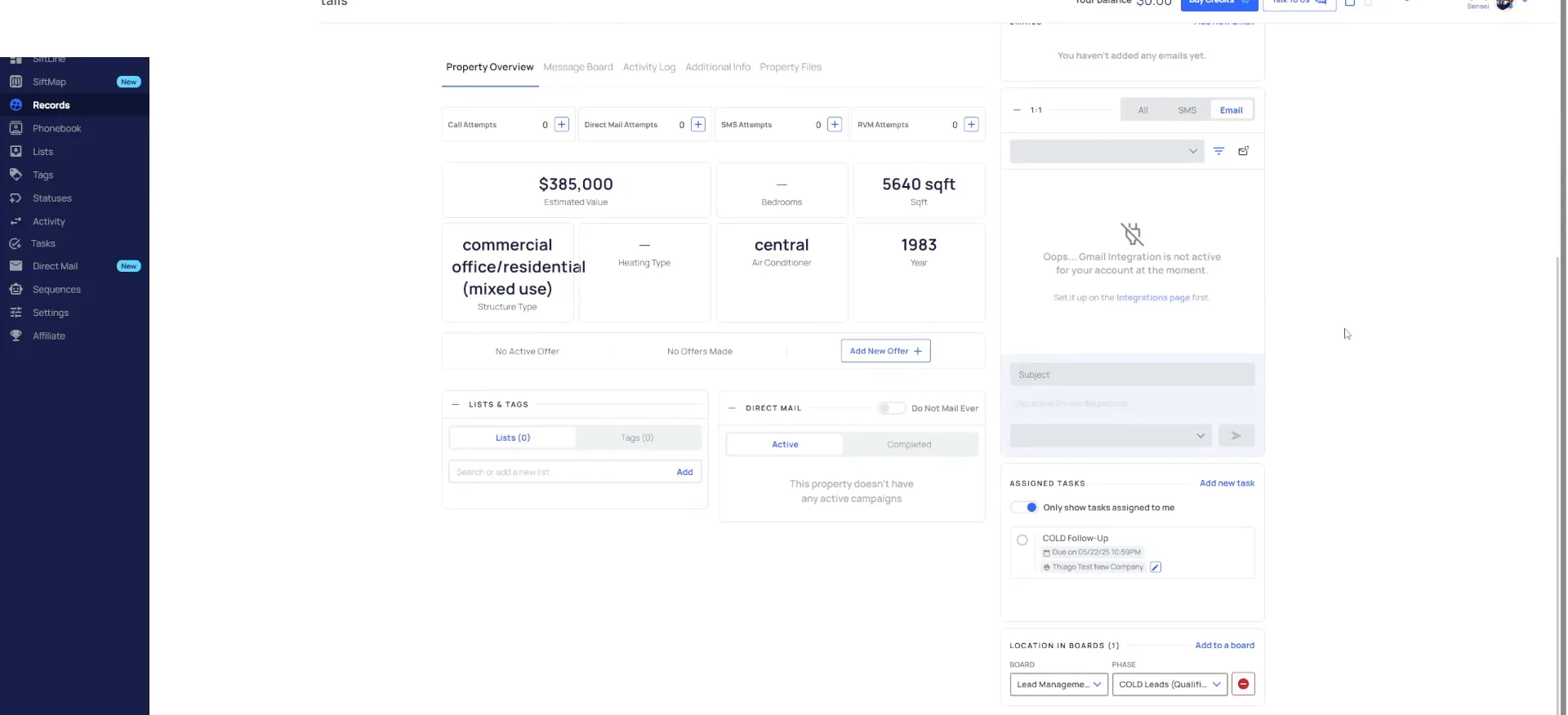
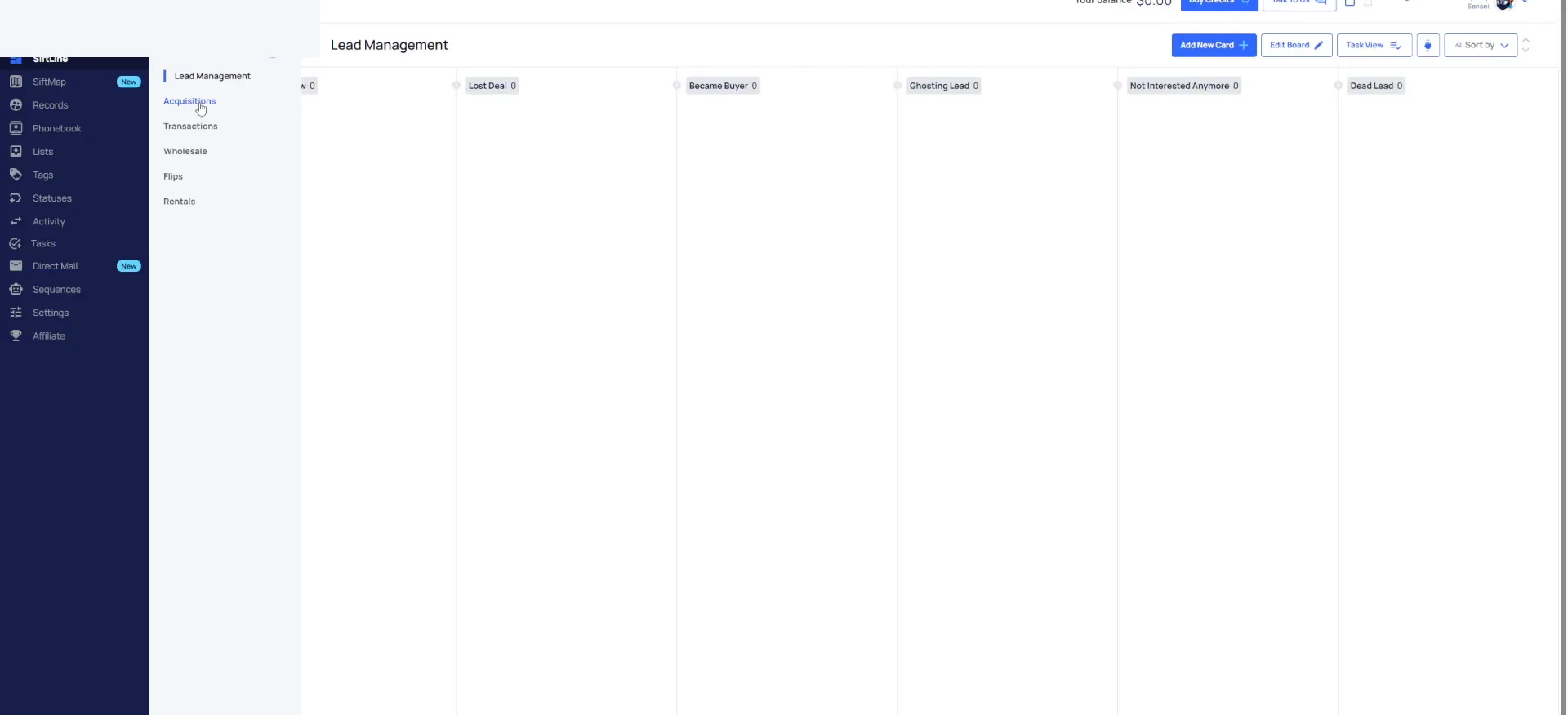
Move a lead who wants an offer to send to acquisitions.
So let's just say this person wants an offer. All you're going to do is you're going to move them to send to acquisitions. It's going to create a make offer task. There it is.
The status stays where it was. The record just leaves one board and lands on the other, so your lead management columns only hold leads you are still working.
It's going to keep the status the same, but it just moved it off of the lead management board to the acquisitions board.
Two moves
Moving them changes the task and the status.
Back to cold leads
- Task addedCold lead task
- StatusChanges to cold
- BoardLead management
Send to acquisitions
- Task addedMake offer task
- StatusStays the same
- BoardAcquisitions
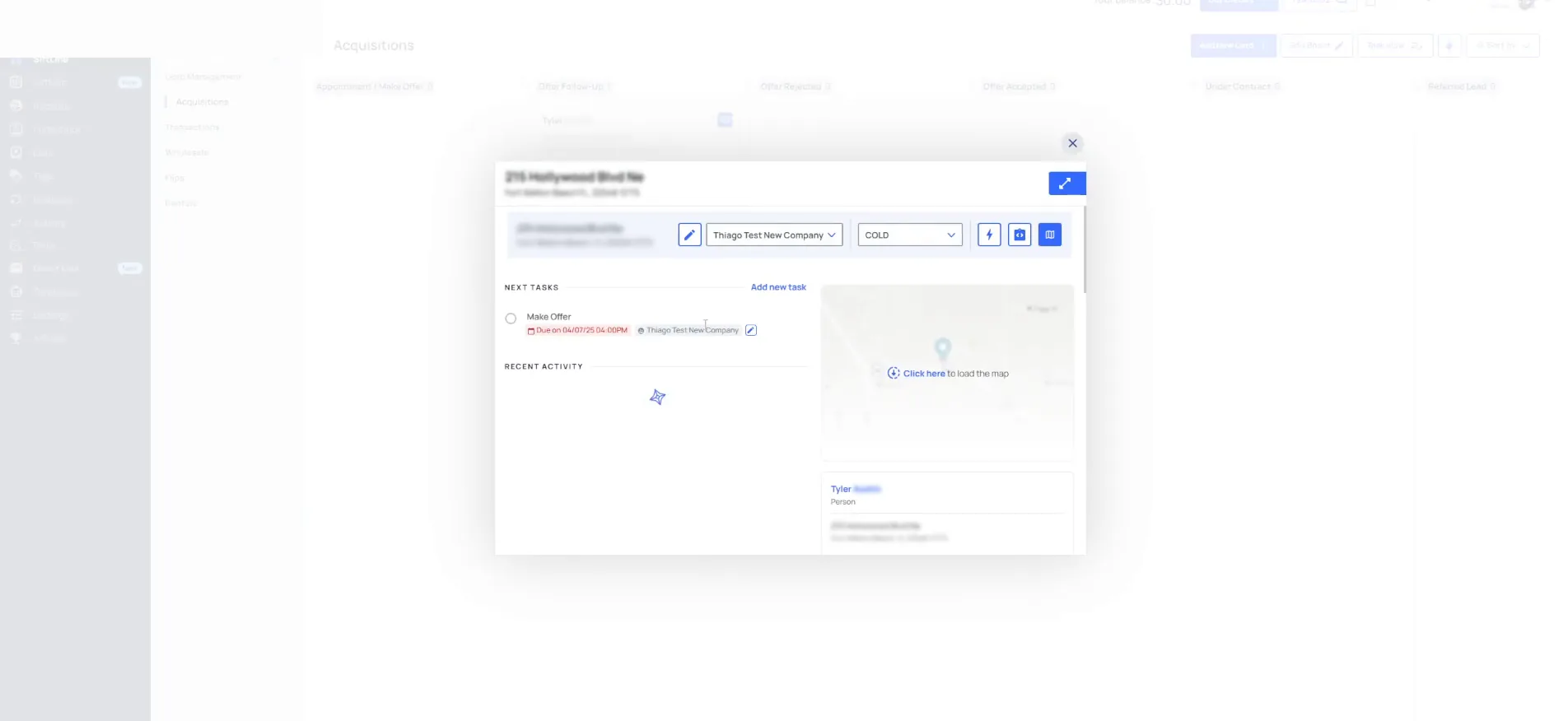
Every record keeps a task.
Move the record to offer follow-up and complete the task.
Under make offer, if I move it to offer follow-up, it's going to then add an offer follow-up task on there. It's gonna delete that one and add an offer follow-up task.
In which case, if I complete that task, it's then going to automatically add another one. That is the point of the whole setup, so that we never have a record without a task on it.
In which case, if I complete that task, it's then going to automatically add another one so that we never have a record without a task on it.
Never without a task
If I complete that task, it's then going to automatically add another one so that we never have a record without a task on it.
BEFORE YOU MOVE ON