
PART 1
Learn three by hand first.
This is how I learn a new workflow before I let anything else run it. I build the hardest pieces myself, then I hand the rest to Claude or to a team member. Part 1 covers the three things to build by hand, and where to start the SiftStack.
This is my process.
Learn the whole process yourself before you automate it.
I love to do everything myself first because I am a bit of a control freak. I am obsessed with having things as good as possible. So I like to learn the entire process end to end.
Then I go through and automate that process with Claude, or I hand it over to a team member to take over. This is just the way I have found to have the best success with these things. What follows is how I do it in my own business.
This is my process for learning and building out new workflows.
One preset, one list, one sequence.
Build one preset and one list by hand.
It is best to learn something first and start doing it yourself before you touch the API. Start from scratch, the same way I built the demo one on the call.
Do one preset and build one list. That is the first of the three things.
By hand first
Three things to build by hand first.
- 1One preset and one listBuild one SiftMap preset and pull one list yourself.
- 2One marketing presetBuild it inside of records so you see how it works.
- 3The sold property sequenceBuild that one sequence from scratch, start to finish.
Build one marketing preset and the sold property sequence.
Build one marketing preset inside of records. Then build one sequence, specifically the sold property sequence, from scratch.
Those three builds are probably the hardest elements in the entire app. Once you have them, start to use Claude for the rest.
That way, you'll actually be able to understand by reading the guides what Cloud is doing and if it's doing a good job or not.
Start the SiftStack in VS Code, not Claude Code.
The API key can run Claude Code, and it can run VS Code. VS Code is better for building out large projects because of plan mode.
I would just start with VS Code. Once you get the hang of it, it is actually easier than Claude Code in my opinion. If you are not on plan mode yet, watch this whole challenge again.
We don't make money on mail.
Kick off the big prompt, then check back between other work.
Someone asked about OpenLetter. That is OpenLetter marketing, the provider. If you ever use mail inside of the app, it is OpenLetter on the back end. We do not make money on any of that, it is just an integration.
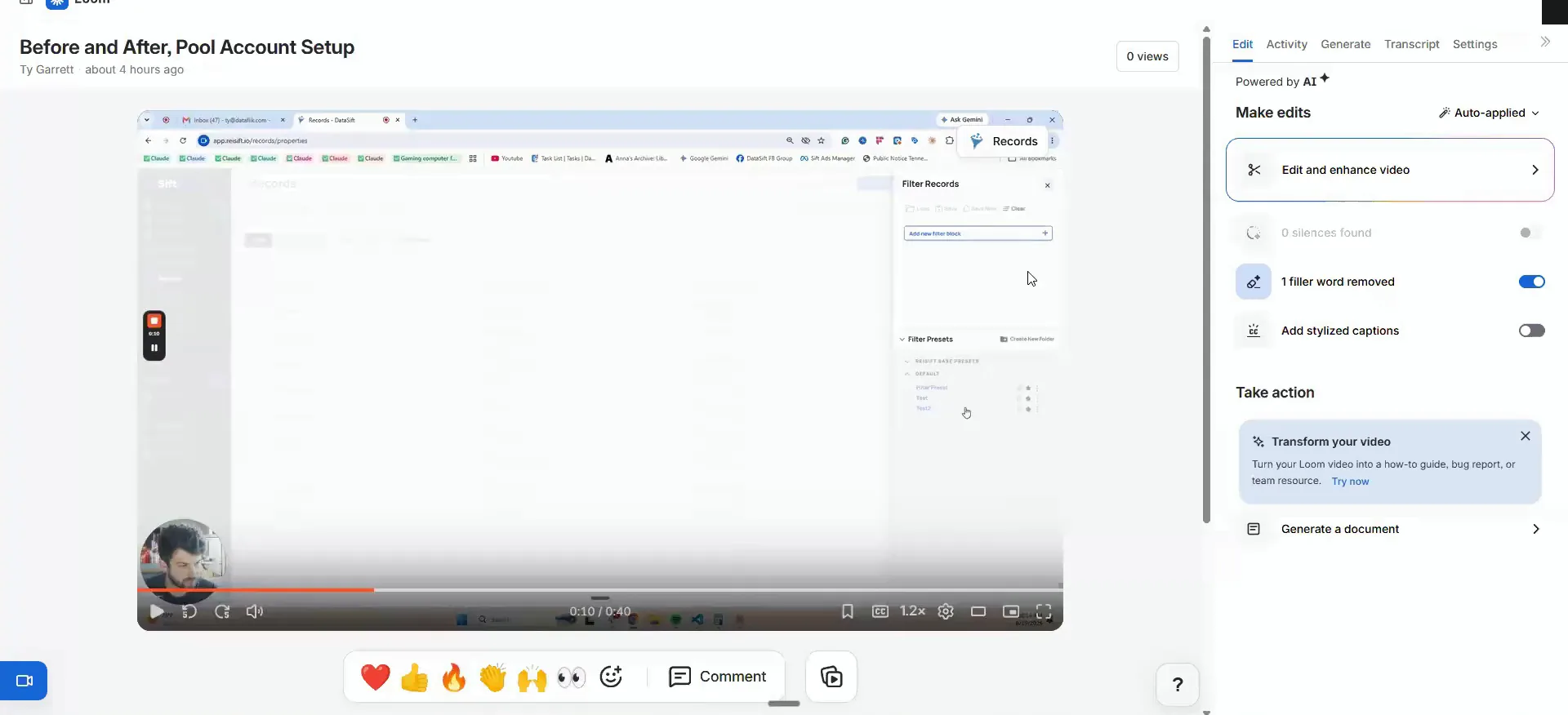
The Loom video I showed was only to illustrate that this was a blank account before I opened it up. It is only forty seconds long, so there is no full recording of the process.
During challenge week I still have my other work to do. So I threw that prompt in and came back to it while I did other things. That is how I recommend most people do it.
So I, threw that massive prompt in and then just came back to it periodically while I was doing other work.
Start deep prospecting with the obituary data.
Chris asked which list needs deep prospecting before tracing and running normal marketing. If I were starting deep prospecting and did not have much marketing out to know who is not answering, I would do the obituary data.
You can get pretty good results from the DataSift plus Tracer workflow on its own. So you do not need the deep prospecting cost on everything. Focus on the obituary stuff first, because you know you will have to deep prospect those people anyway.
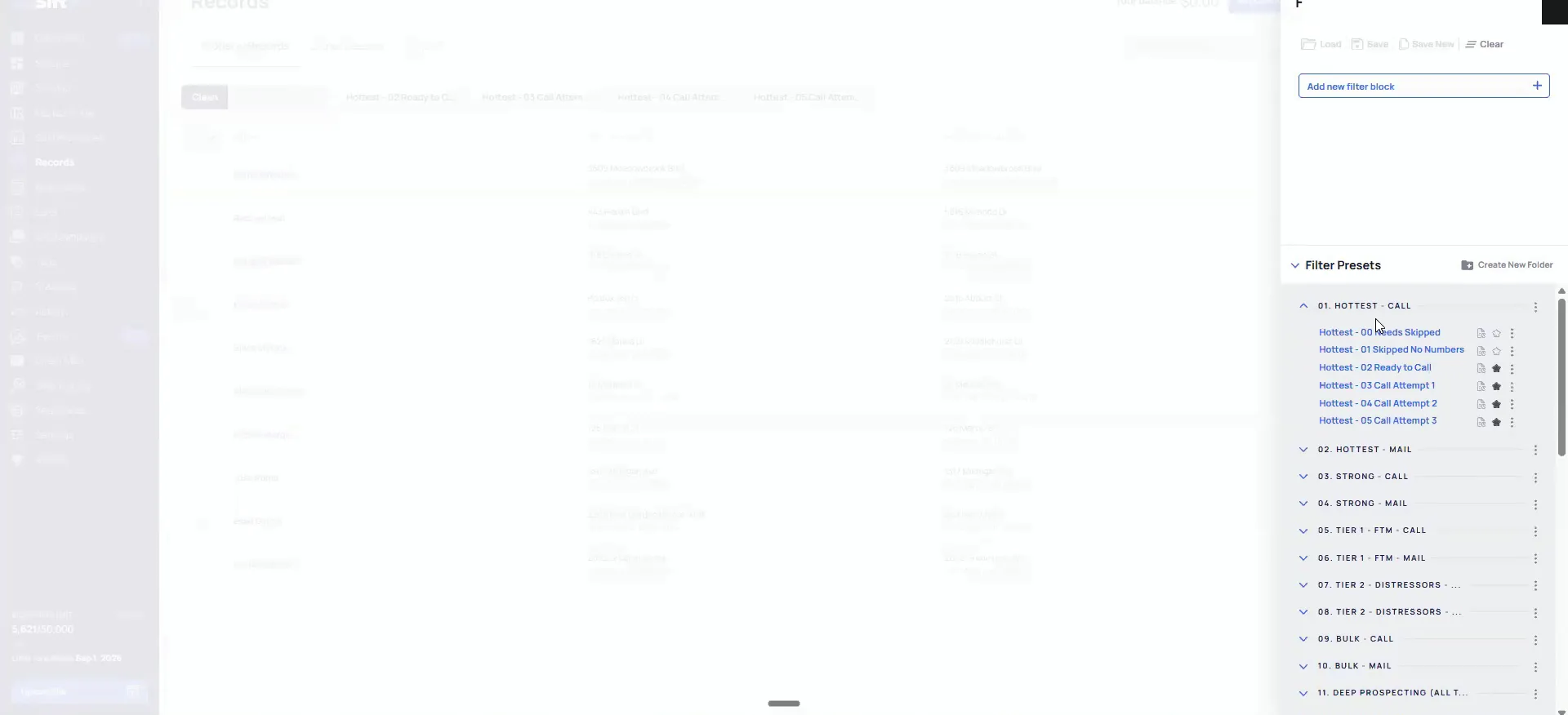
Say you are not on the plan that includes obituary data. Set your marketing up the way I talked about and pull your priority one lists. Then work the records that come back with no numbers attached.
if I were to start deep prospecting and didn't really, have a lot of marketing going to know who's not answering, I would do the obituary data.
BEFORE YOU MOVE ON
PART 2
Start with the records with no numbers.
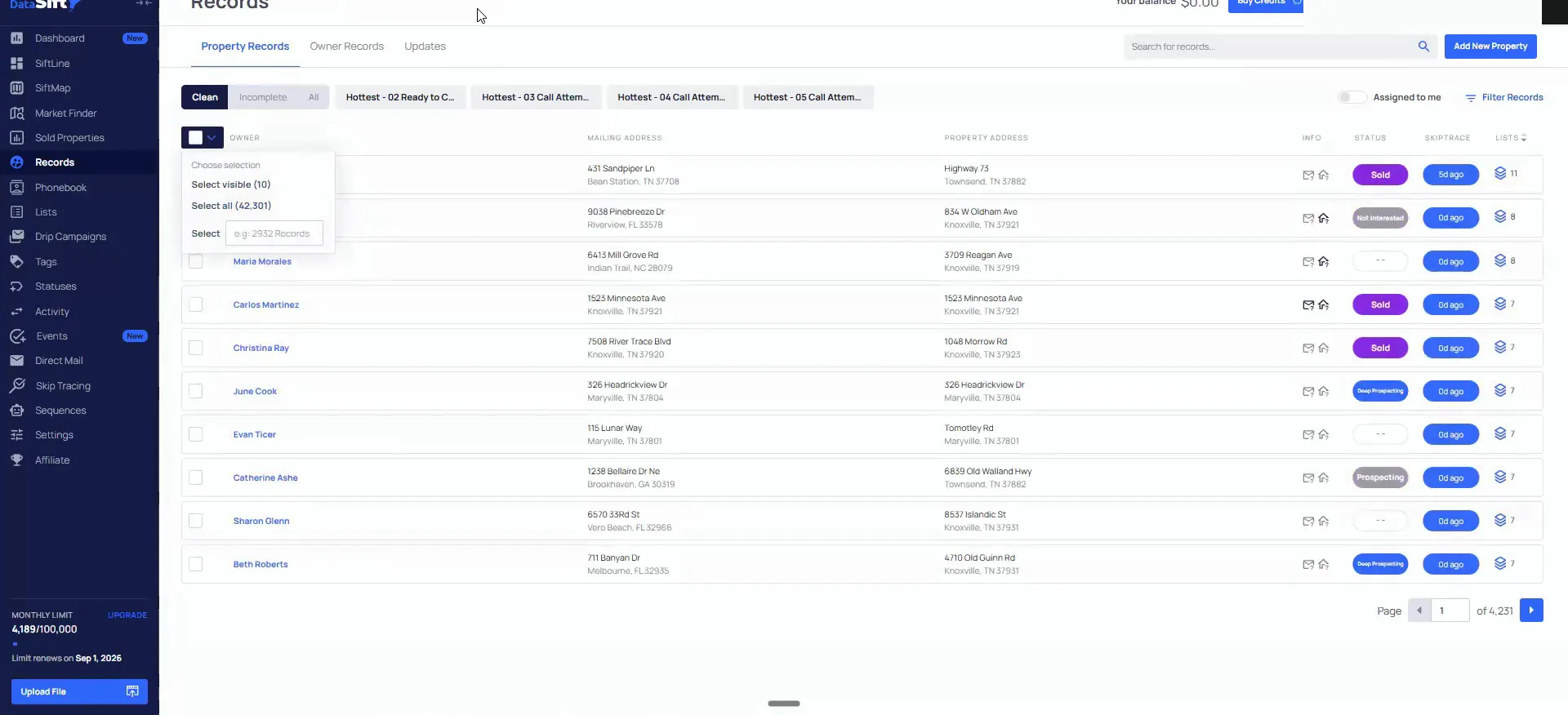
This last stretch is the question and answer part. Where to start your deep prospecting, whether you need the API, and what to do with incomplete records. Everything here is what I said on the call, in the same order.
The records with no numbers.
Start with the records where no numbers came back.
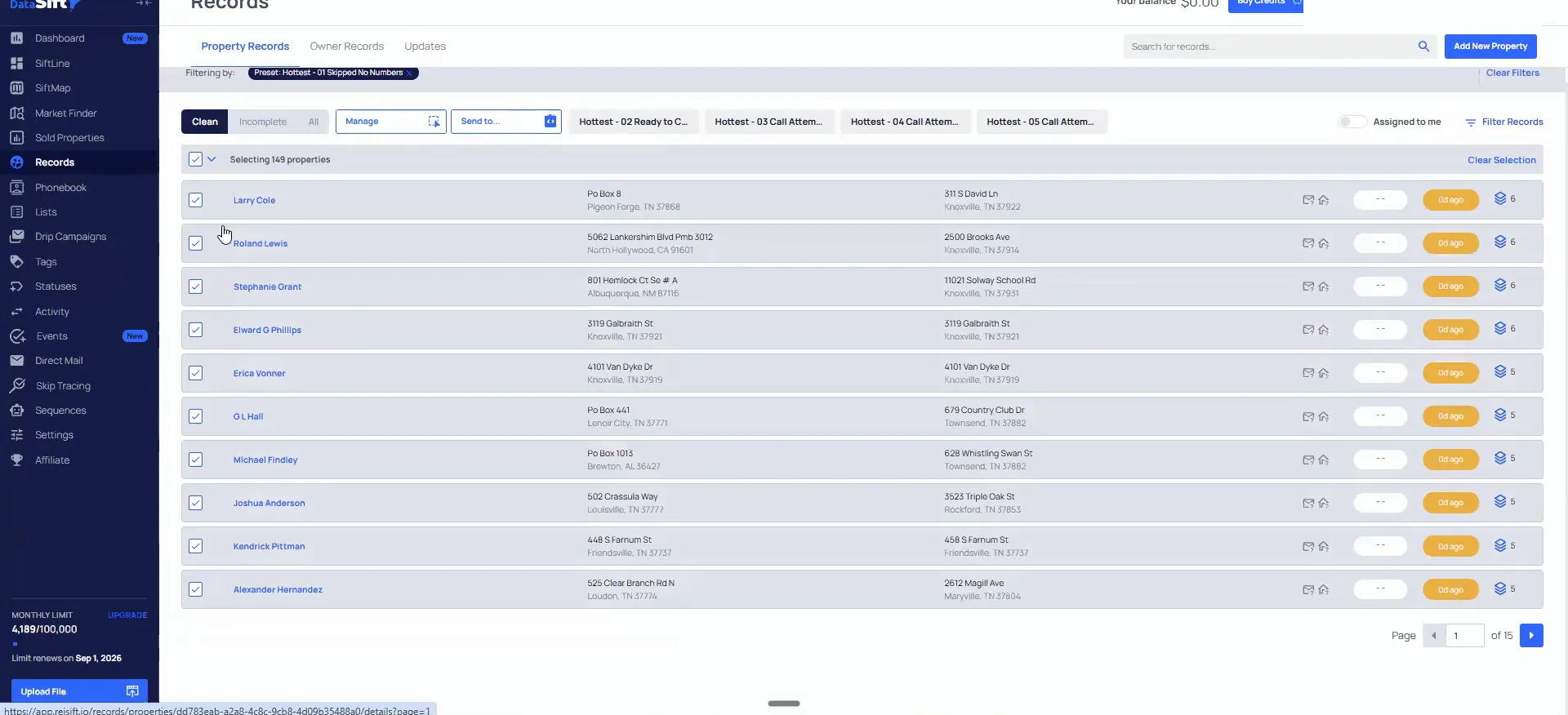
Whenever you get these that have no numbers attached to them, that is a really good starting point. We skip traced these today, because I just pushed that workflow through, and nothing came back on them.
If no numbers come back on the DataSift side, a lot of other people have skip traced these same records too. They did not reach them either. So a lot less people are getting to those doors.
And then if that list is good and these people didn't have a number that came back to them, then we know it's a good list.
Where to start
No numbers coming back means a lot of other people have skip traced these records and also not reached them. So I would start there.
Check the count before you commit to the list.
Let's see how many records that actually is first. This one is only 149 people, so that is a perfect starting point.
Somebody asked about other list stacks, taxes, that kind of thing. The list stack does not matter as much here. We want to pull our best doors per deal from day one, and we already know that list is good.
Install deep prospecting on its own if you want.
No, you do not have to build everything before this in order for this part to work. There are a ton of people who are solos and just do deep prospecting in the community.
Some pieces just will not be needed. They are not critical.
And if we go to straight install this part of SysTrack, then Claude will let us know, what else is needed in order to make this part work?
Hold Claude accountable like an employee.
Learn the process before you hand it to Claude.
This is a good example of why you have to understand all the elements of the challenge. Claude may tell you that you only need a few things, and you could be missing a critical part.
That is why I harp on it. When you move over to fully using Claude, you still have to know the steps yourself.
And you would have to understand the process to obviously hold Claude accountable the same way that you'd use this for an employee.
Export to Excel instead of burning tokens on clicks.
Daniel asked whether you need the API to run these stacks and copy and paste. For the most part you can do anything without it. The API is about how I want to one shot all of it.
It probably would not one shot all that without the API, because it has to manually click a lot of stuff. You will use a lot of tokens doing it that way.
You can just go to manage and export that and give that Excel file to Claude to have it deep prospect.
The title research pipeline is next.
Keep running your own sequential process if it works.
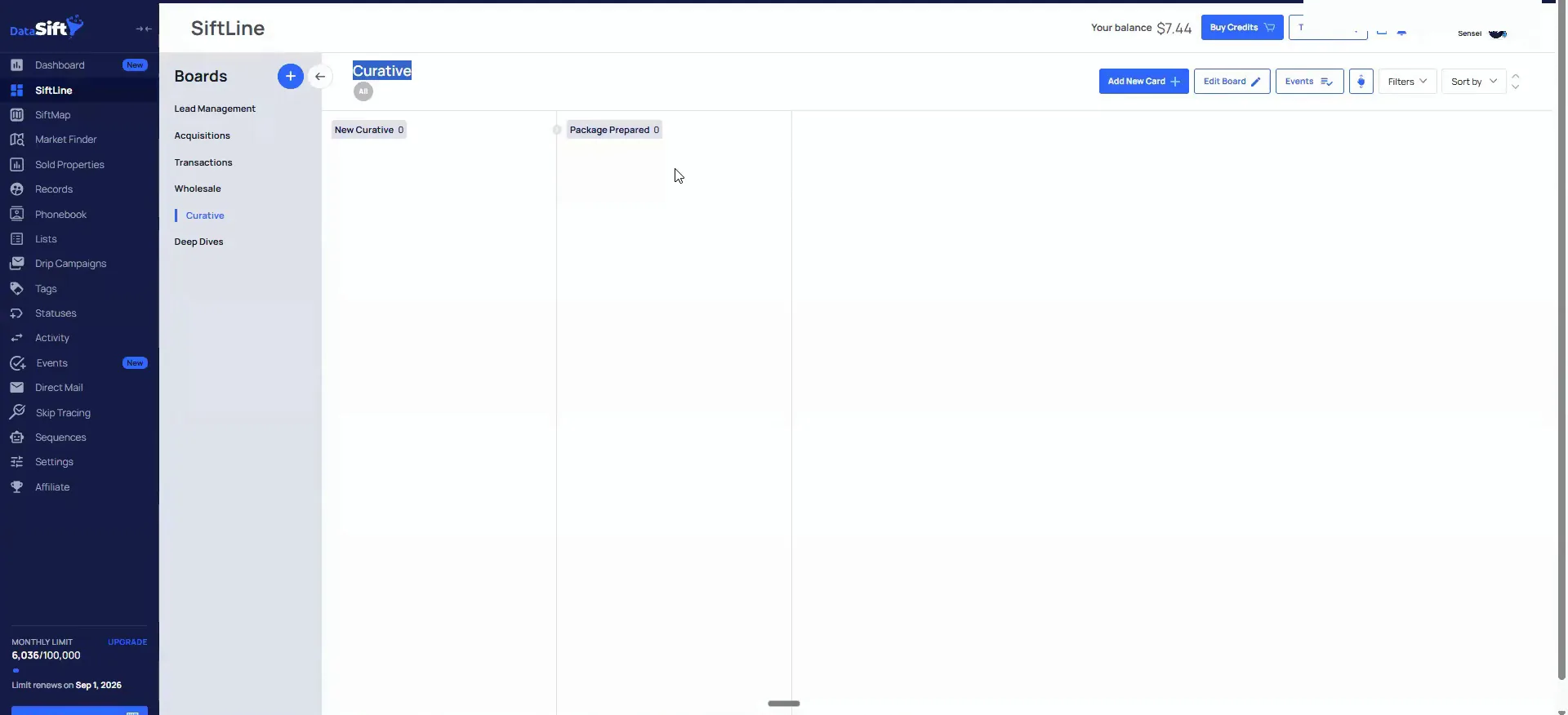
Somebody asked if we have curative workflows in here. We have just started doing this process ourselves. We are going to try and automate a lot of the title research pipeline and put it on boards like this.
I do not do curative, so I have to run the process first and then teach everyone else how to do it. If yours is working through the records flow already, do not change it. I will update you when we have it built out.
This would be like, we've just started to do this process, and we'll this is how we're gonna be rolling out for next cohort.
Work the clean records and leave the incompletes alone.
Somebody asked if the data you pull from DataSift is all complete. I do not know the exact distribution, but most of it is complete. A lot of companies will just not send you any incomplete data at all.
The incompletes are records missing information on the first and last name. If you are just starting out, focus on the clean stuff and do not worry about those.
You could automate a lot of that cleanup with Claude now. I just have not rolled out that workflow yet.
BEFORE YOU MOVE ON