
PART 1
Custom field groups and typed fields.
Custom fields sit on the sales side and the marketing side, so I want to cover both here. You will find them in settings, sorted into groups, with each field carrying a type. Set them up once and the closer never has to ask the seller to repeat anything.
Where the custom fields live.
Open a record and look at what is already filled in.
The other two things I want to make sure we cover is custom fields. I put them in the sales category because there are a lot of use cases there, but they are on the marketing side too.
Everything you see on a record came from a field somewhere. So it helps to start on the record, then go find where those fields are set.
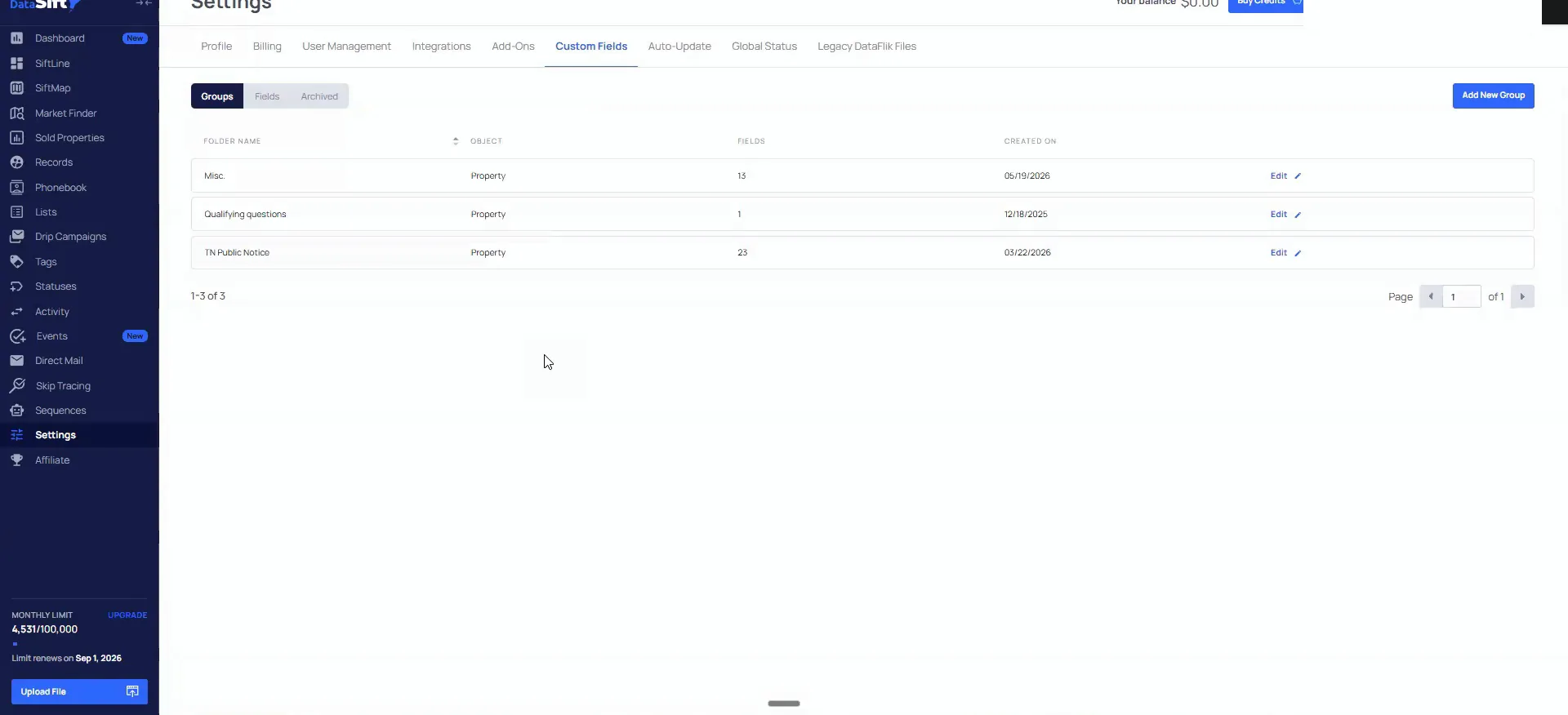
Go into settings, then custom fields, and read the groups.
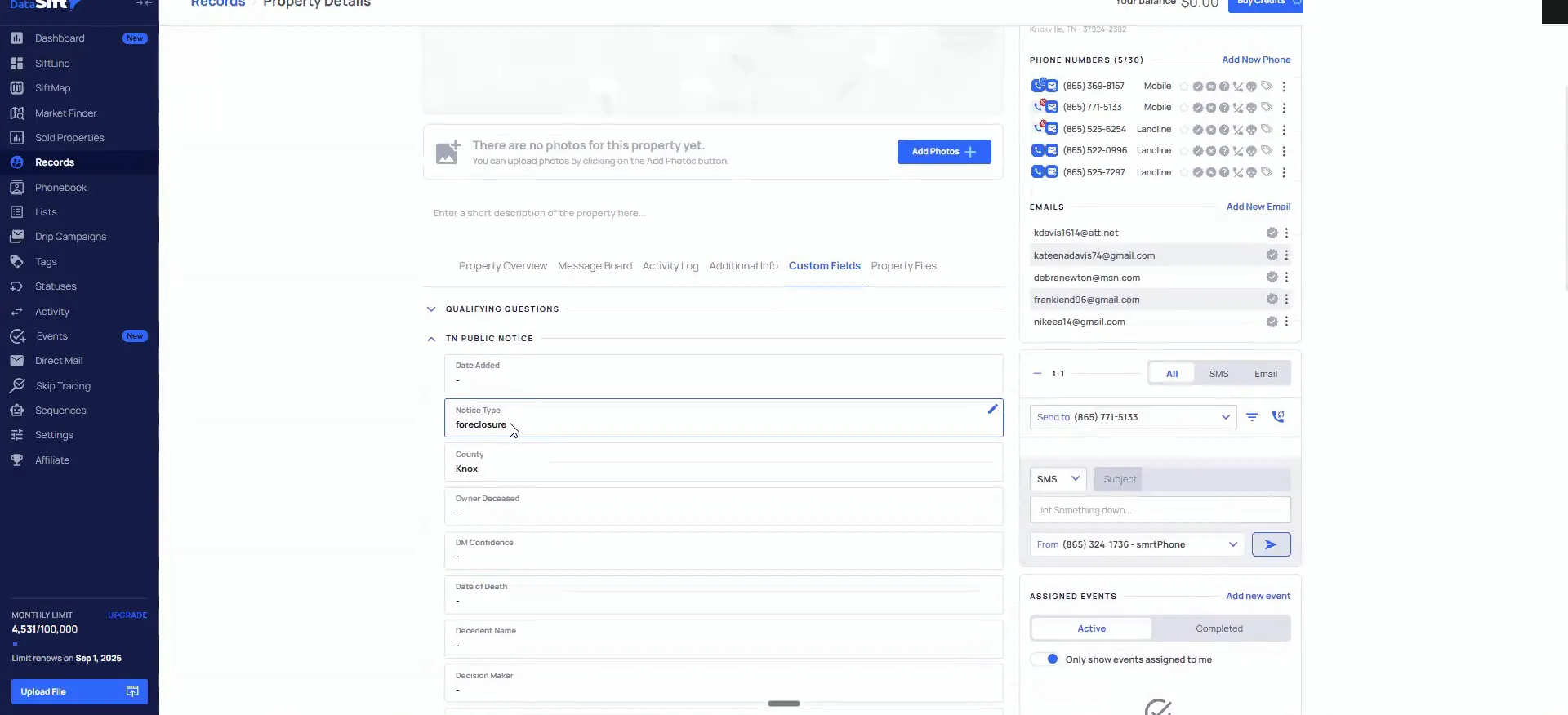
This is the thing that trips people up a little bit. When you look at this, you will see there are groups, and then there are fields within each of those groups. TM public notice is my foreclosure stuff, so I have a ton of custom fields for that.
Click into fields and you can see each individual one. What kind of field is it? Is it numeric, is it a dollar field, is it a date? There are a ton of different ones, and you also see the group it is attached to.
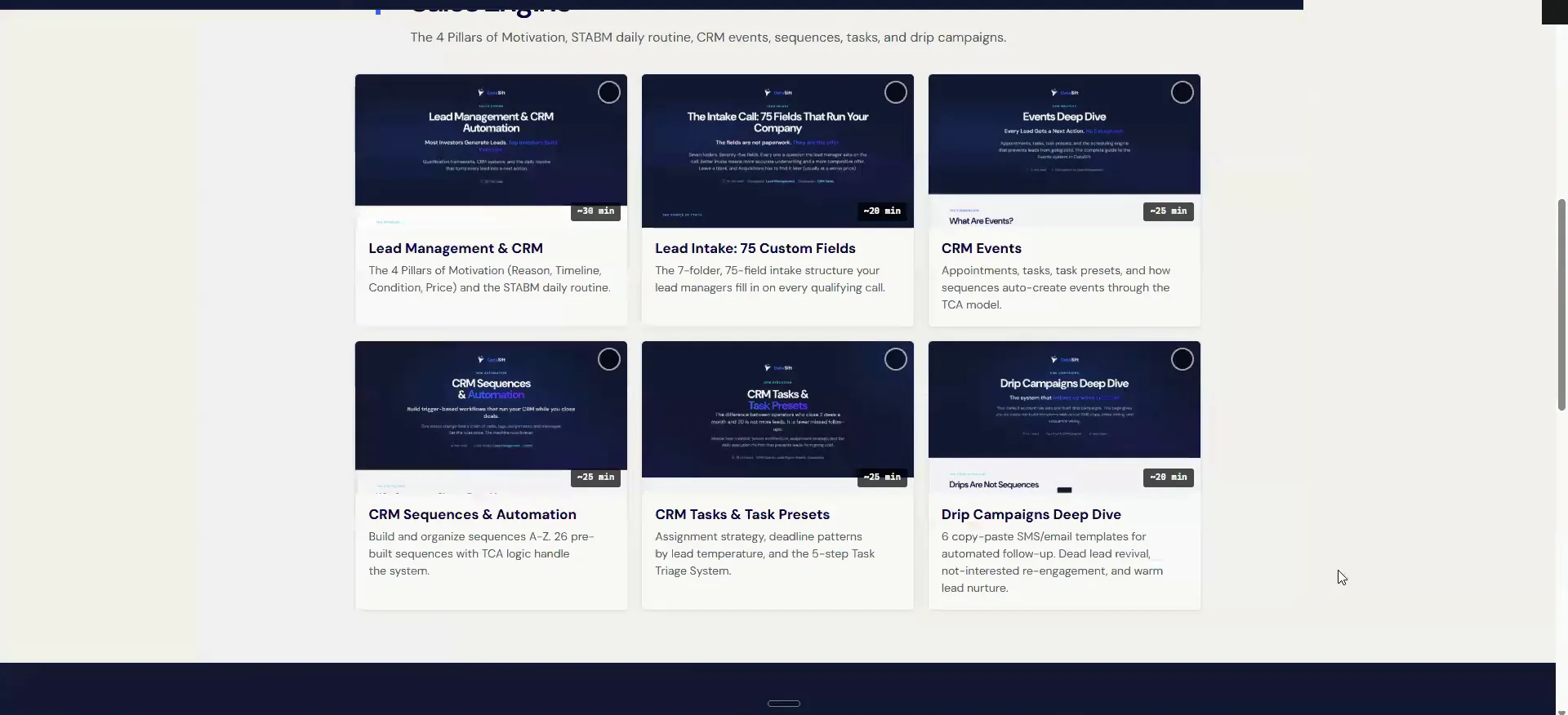
Tyler has 75 custom fields in the training I put in there on the lead management side. They cover every single element of the sales process. It is also in the agent org chart we have been referencing all week.
To do that, you'll go inside of settings, and then you'll go inside of custom fields here.
Where they live
Groups, then fields within each group.
- 1SettingsStart in settings on your account.
- 2Custom fieldsOpen the custom fields section.
- 3GroupsEach group is a bucket, like my TM public notice foreclosure stuff.
- 4FieldsClick into fields to see each one and the group it is attached to.
- 5Field typeIs it a numeric field, a dollar field, or a date.
Deploy the sales intake fields.
Open the day four training guide and scroll to lead intake.
This is pretty much the perfect custom field setup for people who do everything virtually. It is every element I was talking about that you have to take someone through.
What is the age of the roof? What is the age of the HVAC system? Is there a furnace? All of those things.
The lead intake section lists all of those fields out for you. So you can go through and nail down each one of them.
I wanna deploy all the custom fields for the sales process that is inside of SIP stack or whatever you wanna call it.
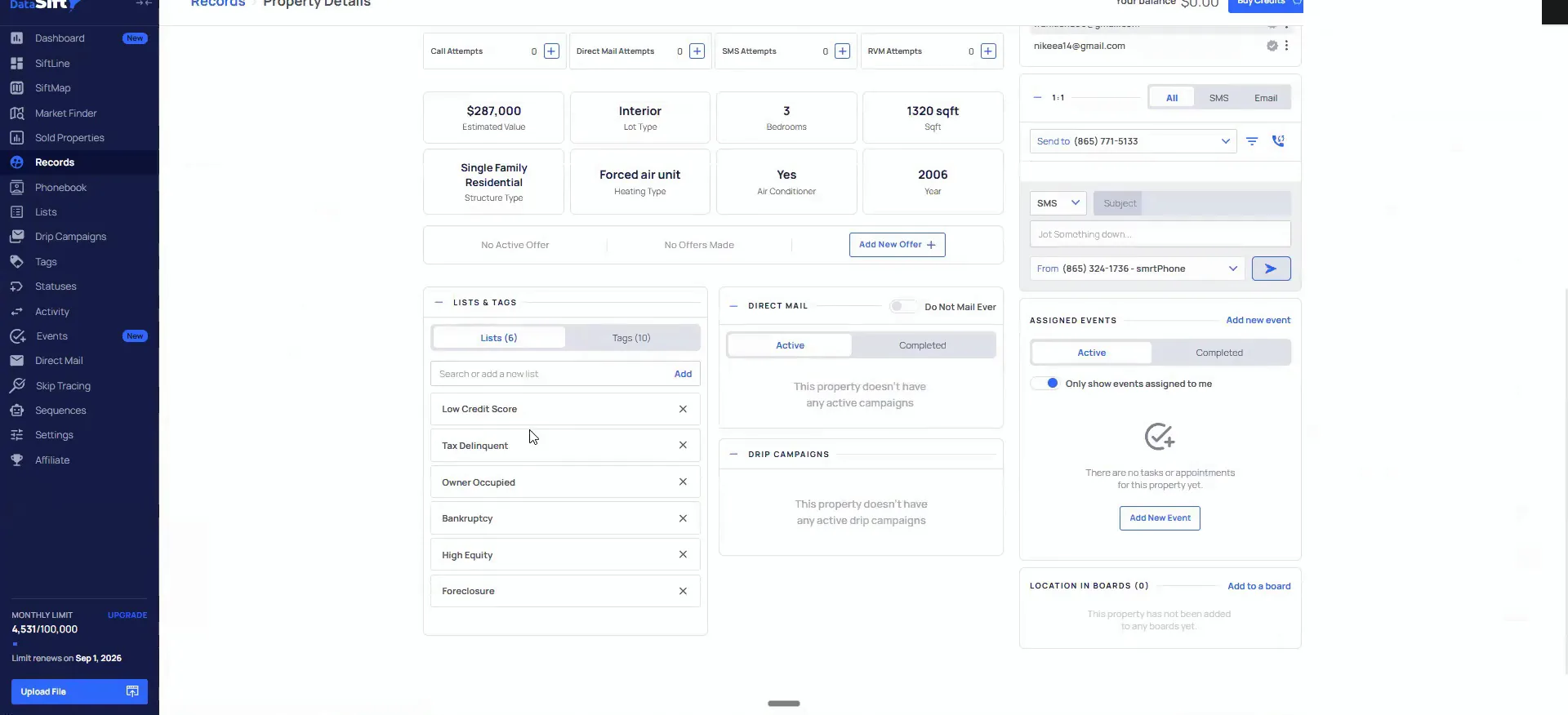
Open a live record and check which fields are populated.
I do not fill all of them in myself, just because we are going in person and then doing notes. But honestly I should be. It is the best practice, I would say.
Let me go to a random record and see if we can find a good one. First to markets, ready to call, pulling all this. We have one with tax delinquent, low credit, bankruptcy and foreclosure, so a lot of issues.
On the marketing side there are a couple of really critical automations, in my opinion, that you can bolt on with custom fields too.
Best practice
If you are doing this virtually, you go through and apply all of those fields. I don't do that because we go in person and just do notes, but honestly it's the best practice.
Custom fields for your texting flow.
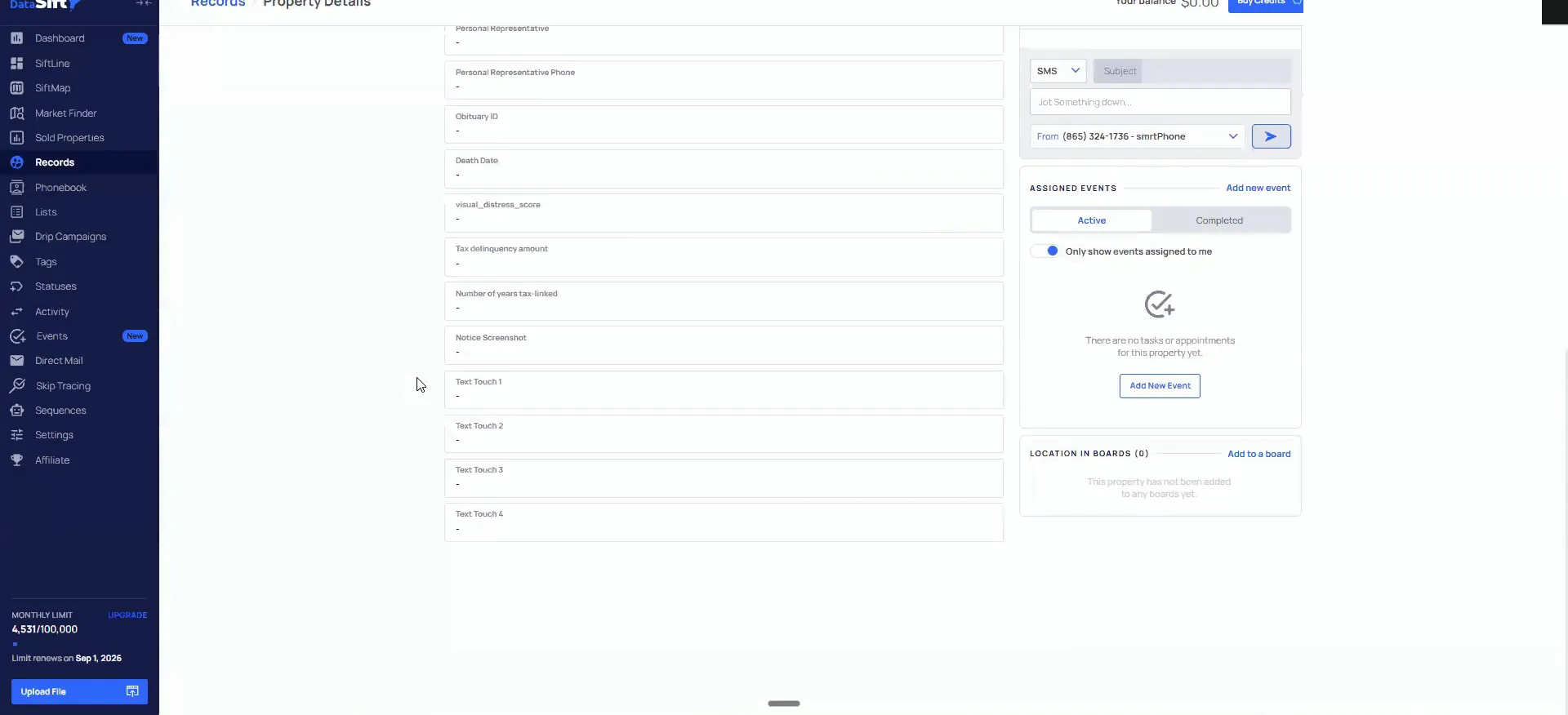
Click into the text one through text four fields on the record.
Text one, text two, text three, text four are the ones I showed in day two. Those are all custom fields you want to use on your texting flow.
They are also the baseline for how the SMS automations function. So the fields and the sending are the same setup, not two separate jobs.
four that I showed in day two, those are all custom fields that you would want to use on your texting flow.
Add the foreclosure fields, then tie one to a sequence.
The ones that are big for the team public notice side start with the URL of the actual foreclosure notice. Then I add the amount of outstanding liens, the total delinquency if they are there, and the date of the auction. This record did not have an auction date for whatever reason.
My SysStack will automate and put in a lot of this stuff. Once it is in place, you can do more. For the auction date, I have a sequence that unenrolls the record from my marketing flows once it is past a certain date.
The ones I think are most critical are inside the agent flow. The other set is inside the intake custom fields on the sales side. Both are trained on. Use that workflow and you can deploy all of it.
Foreclosure fields
The fields I add on the public notice side.
- 1Foreclosure notice URLI put in the URL of the actual foreclosure notice.
- 2Outstanding liensThe amount of debt as far as outstanding liens.
- 3Total delinquencyTotal delinquency if they're actually there.
- 4Auction dateThe actual date of the auction.
- 5SequenceOnce the auction date passes, the sequence unenrolls it from my marketing flows.
BEFORE YOU MOVE ON