
PART 1
The click to dial process.
This is how you actually make the dials, whether you are calling yourself or teaching your team to do it. Everything is loaded in already, so now we work the list. The one rule that trips people up is the order you call the attempts in.
Turn on the smartphone integration.
Set up smartphone for your click to dial calling.
You can integrate call tools, and these are all of our integrations. But for the exact process I am teaching from the new sequential side, smartphone is going to be the easiest to set up.
Call tools works as a power dialer. It is just not built for the kind of one off click to dialing process we are doing here. Someone on the call asked me if click to call beats a power dialer on a first to market list, and I think so.
Is it better to probably use, click to call thing to market to these, first to market list versus using a power dialer on them?
Integrations
Smartphone is the easiest one for this process.
Smartphone
- Built for one off click to dialingYes
- Easiest to set up for this processYes
- Use on a first to market listClick to call
CallTools
- Built for one off click to dialingNo
- Easiest to set up for this processWorks too
- Use on a first to market listPower dialer
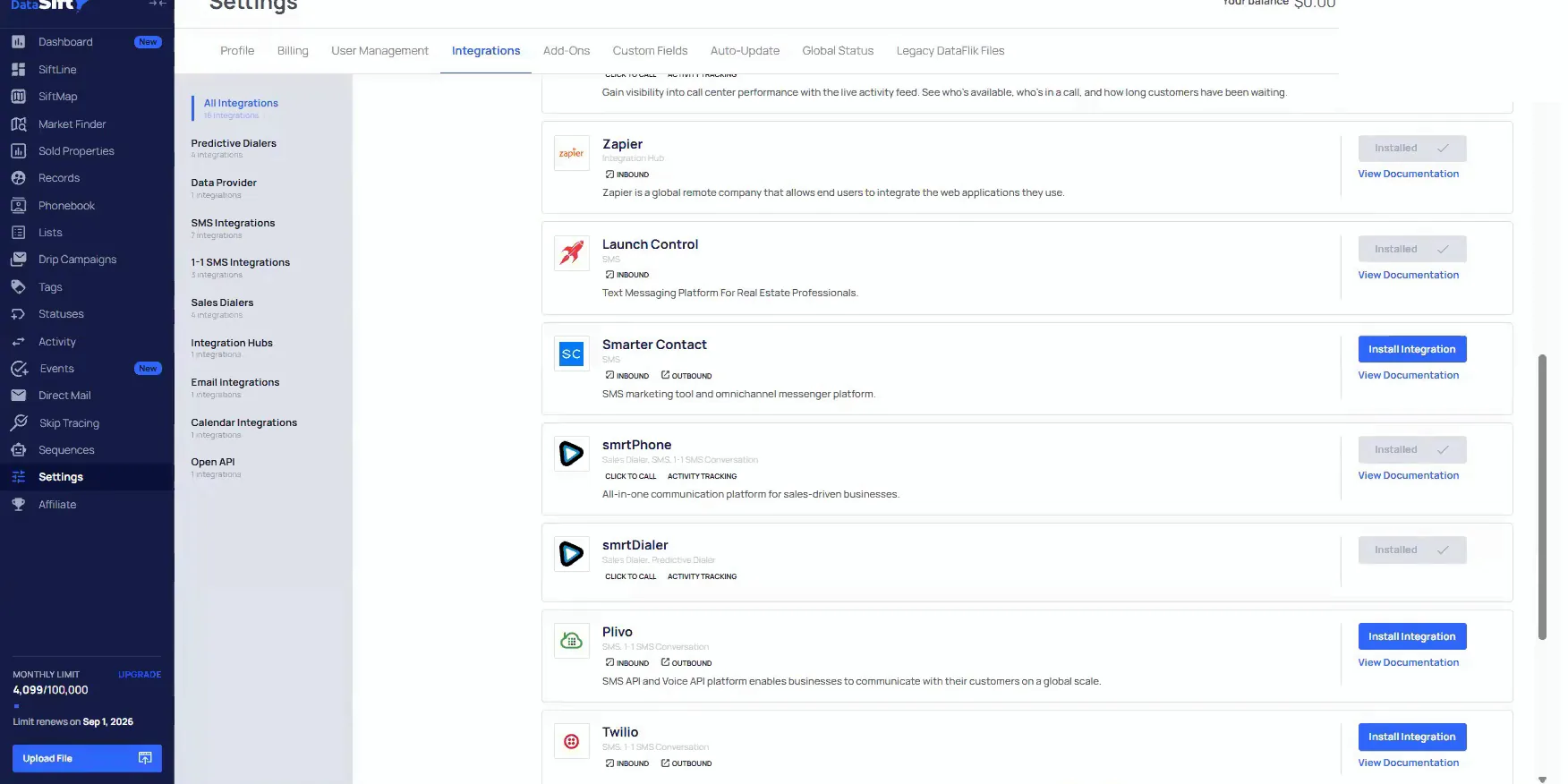
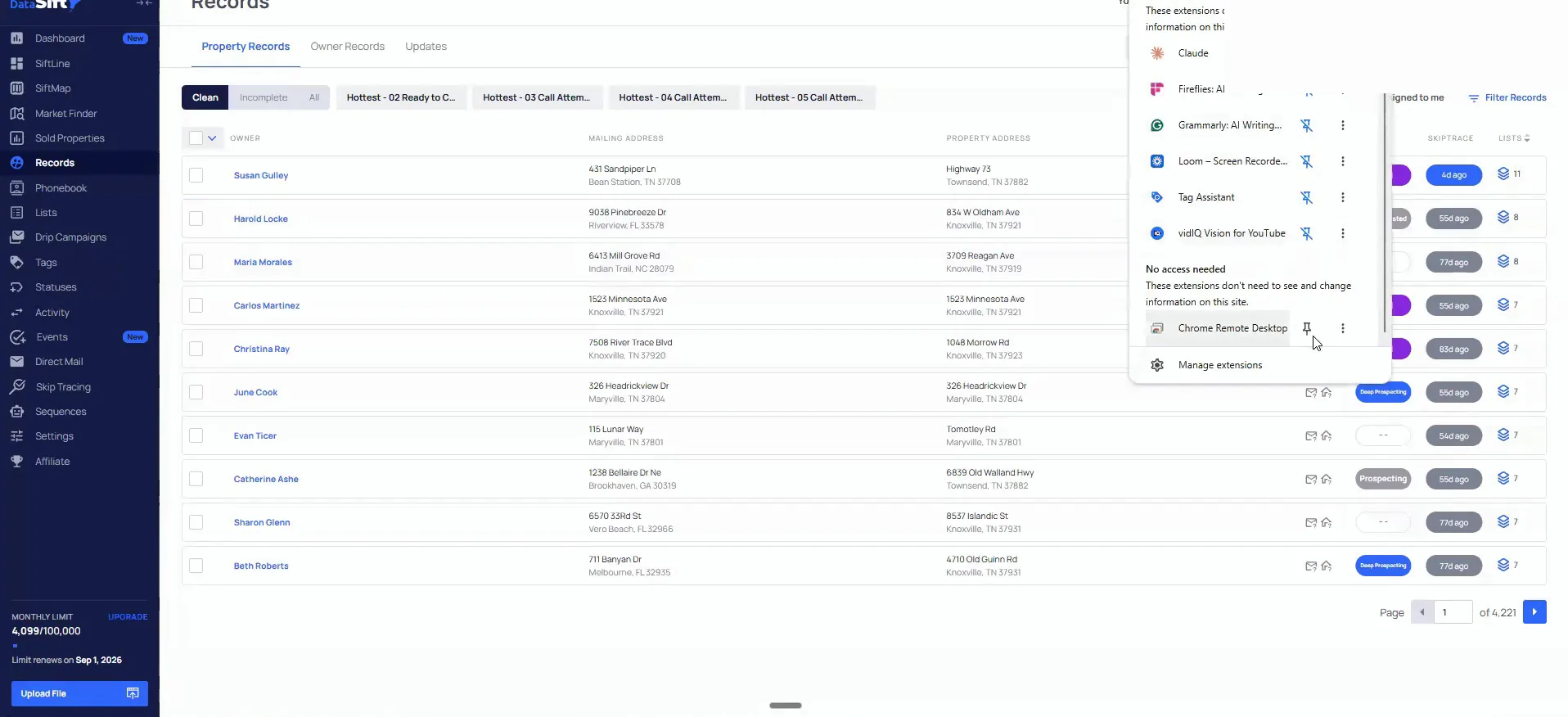
Pin the extension at the top of your browser.
There is an extension that sits up at the top. I had to disconnect mine because I kept getting so many calls from people dialing us outbound.
Turn it back on and pin it up there. Then you click it and make all the outbound dials straight from the integration, right on the record you are looking at.
And at the top here, I actually had to disconnect this, but there is a extension.
Start at the last attempt.
Dial from the record instead of a dialer app.
Turn on the Chrome extension, get smartphone, then come into settings and set up the integration there. We have a ton of articles, and the support team will help you set it up if you need help.
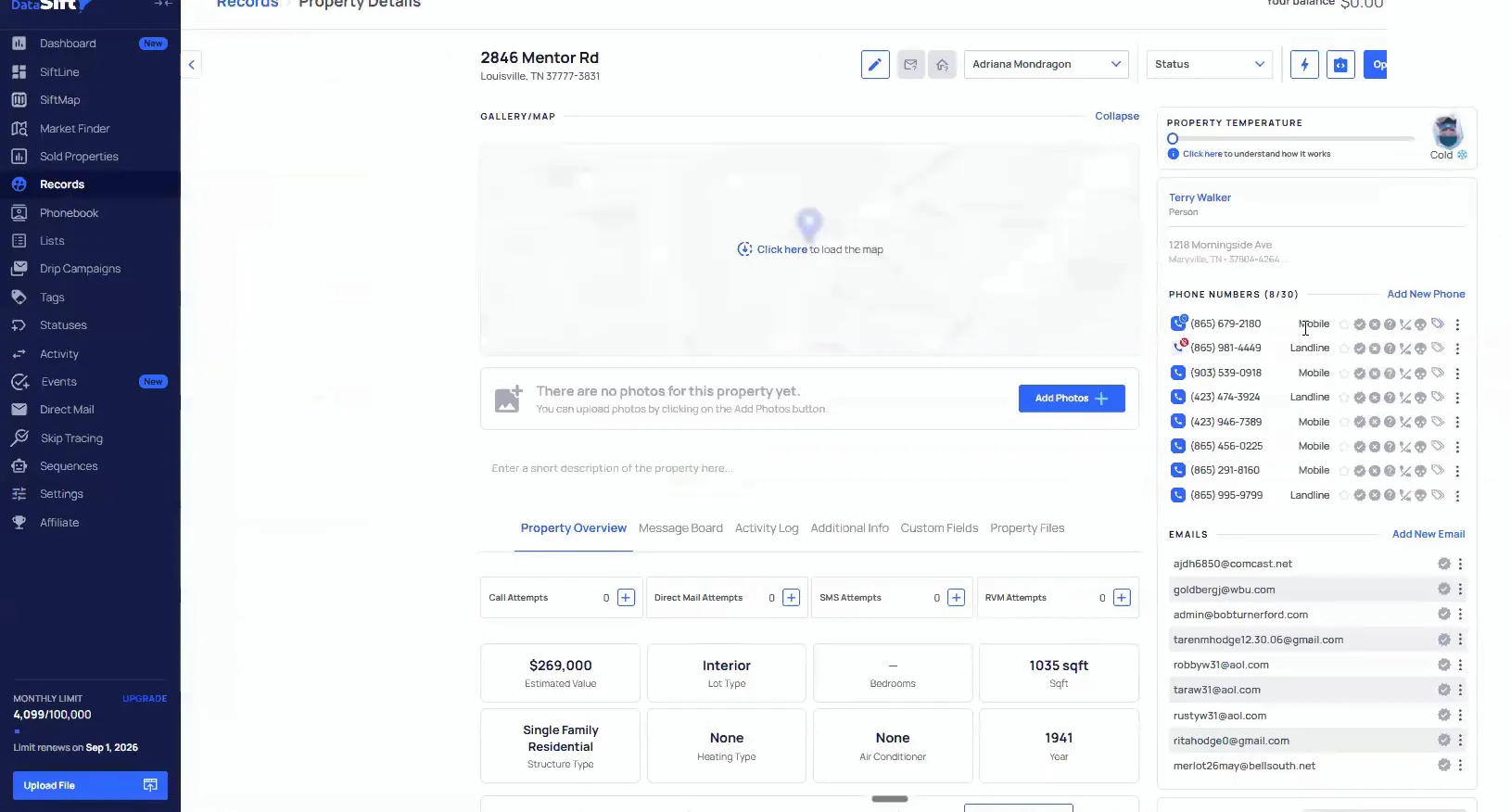
Once it is set up, you come into any record and do the click to dialing directly from it. If I clicked on this number, it would dial out, because my smartphone integration is turned on.
And we have a ton articles and, the support team will help you set it up if you need help too.
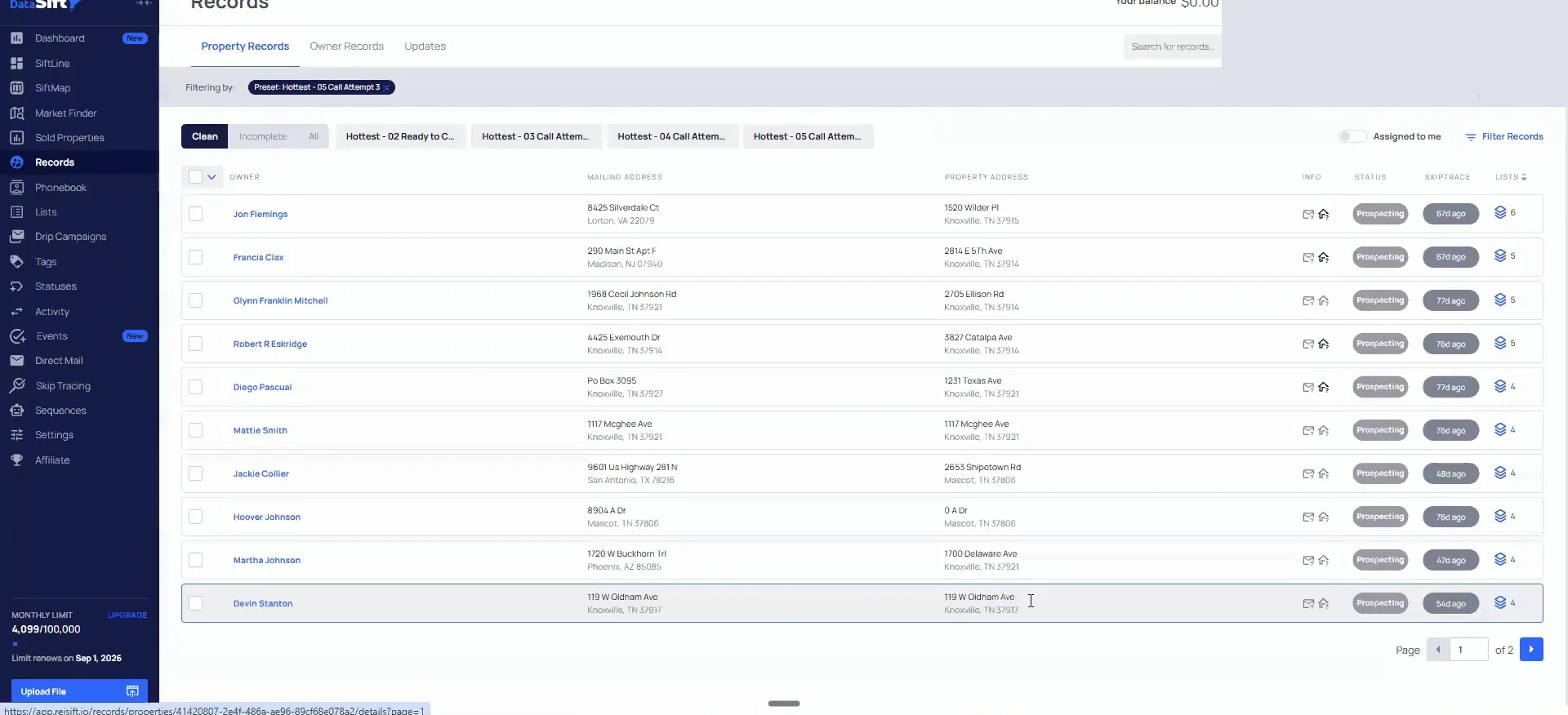
Start the day on call attempt three, then work backwards.
Say this is the hottest list, our top priority from a doors per deal view. You have ready to call, call attempt one, call attempt two, and call attempt three.
Whoever is calling, you or your team, always start on the last attempt. Start at the very beginning and then move to call 2 or call 3 or call 4, and you are going to be double calling these people.
So start at the last attempt of the day and work backwards from there. I like to pin them, and you do that from your filter.
Whenever you go to start the day as the prospect or whether that's yourself, your team, whomever, you are always going to start on call attempt three.
Dial order
Start at the last attempt and work backwards.
Stars pin records to the top.
Star the records so they sit at the top.
When you put these stars in place, it pins them to the top of your records page. That way, when Adriana starts calling, she opens the fifth call attempt and starts with the one at the very top.
Then you click into that record and dial outbound to all of the records that have dial first. You can see she made all of those calls, but she did not call dial third or dial fourth.
When you put these stars in place here, it will actually, pin them to the top of your records page.
Change the call attempt only after every dial goes out.
Once you have dialed outbound to all of the people on that record, change the call attempt to one full attempt. Not before.
From there you can do it one of two ways. Hit shift and right arrow on your keyboard to go to the next record in line. Or come to the top and click that button again.
Traditionally how I have taught this is the full texting flow paired with the outbound dial each time. You are also leaving a voice mail.
And you're just gonna go down the line and make all of these dials as you go through.
One full attempt
Dial all of them, then change the attempt.
- 1Dial every numberGo through and dial outbound all of the records that have dial first.
- 2Text and leave a voice mailThe full texting flow is paired with the dial, and you leave a voice mail.
- 3Change the call attemptOnly once you have dialed outbound to all of these people.
- 4Move to the next recordHit shift and right arrow, or click that button at the top again.
BEFORE YOU MOVE ON