
PART 1
Claude in the daily workflow.
This is how I use Claude for sales and marketing every week. I ask it for a summary of an address, let my underwriter screen the deal, and run a quality assurance pass on my leads. The better I document things, the better the answer comes back.
Build the quality assurance in.
Run this workflow on your lead management quality assurance.
I want an embedded quality assurance process in the business. So I can go through and ask, do all of my leads have the next statuses? Do all my leads have appropriate tasks on them? Am I missing anything?
These are some really cool and creative ways that we are actually using it, and it is constantly evolving. The second point matters as much as the first. Are there other things in your life you are trying to double check, to make sure they are as good as possible?
So this is just a really cool example of how to actually have an embedded quality assurance process in your business.
Ask Claude for a summary.
Open Claude and ask for a summary of this address.
I open Claude and ask a simple question. Give me a summary of this address. Then I let that work for a second.
That is the starting point when you begin building and adapting AI into your business. One question, one address, and you see what comes back.
So, gonna open up Claude real quick, and I'm gonna just ask a question here.
Send the deal to your underwriter for a quick screening.
I go ahead and underwrite this deal. Quick underwrite, boom. Bobby is my underwriter, so everyone say hi to Bobby. He runs it and does a quick screening on it.
Here is the rundown that came back. Property already sold. We know it already sold, and the numbers never really worked. Asking price, $343.50. It is looking through the message board, our position, the condition of the property, junk including vehicles, a tenant, HVAC needs replaced, all this stuff.
By documenting it in a structured way and adding an underwriter to the equation, I get a much better result. If I was underwriting myself, I can be a lot more successful. With AI and our API, I can be that much more successful, because I am giving the right information in a very structured way.
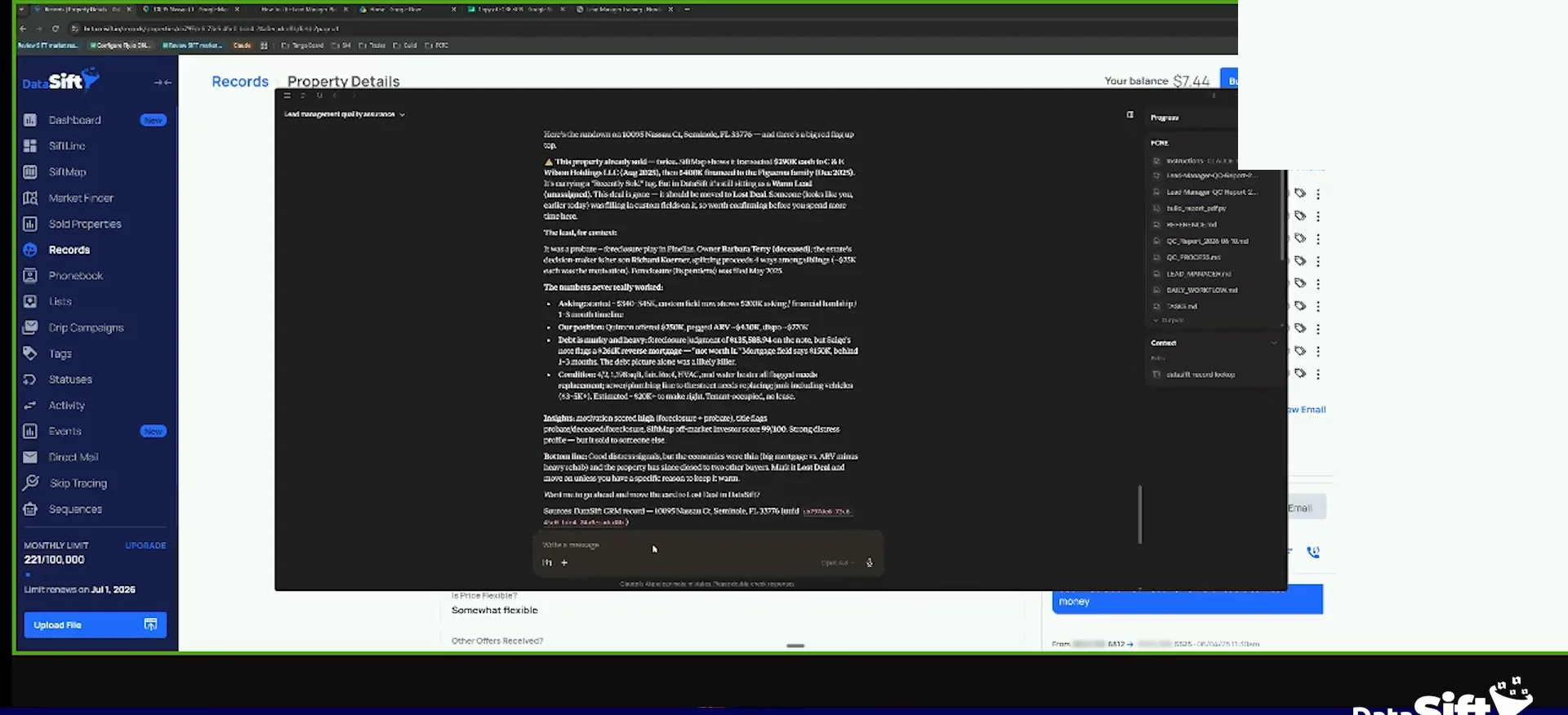
Custom fields and the message board.
Put the repeating stuff in custom fields.
Does it also look at my message board? Sure. It does. Custom fields is where you put stuff that consistently happens all the time. The message board is where you communicate outside of that consistency.
When we come in here and do these things, it allows us to be consistent. That is the whole point. That is what custom fields do.
Run the skill, put your custom fields in there, use them to maintain your conversation, or ignore them and do it a different way. I care that you track your message board and you track your notes.
But what I can say is that if you do custom fields and use them the right way, you'll be that much more successful.
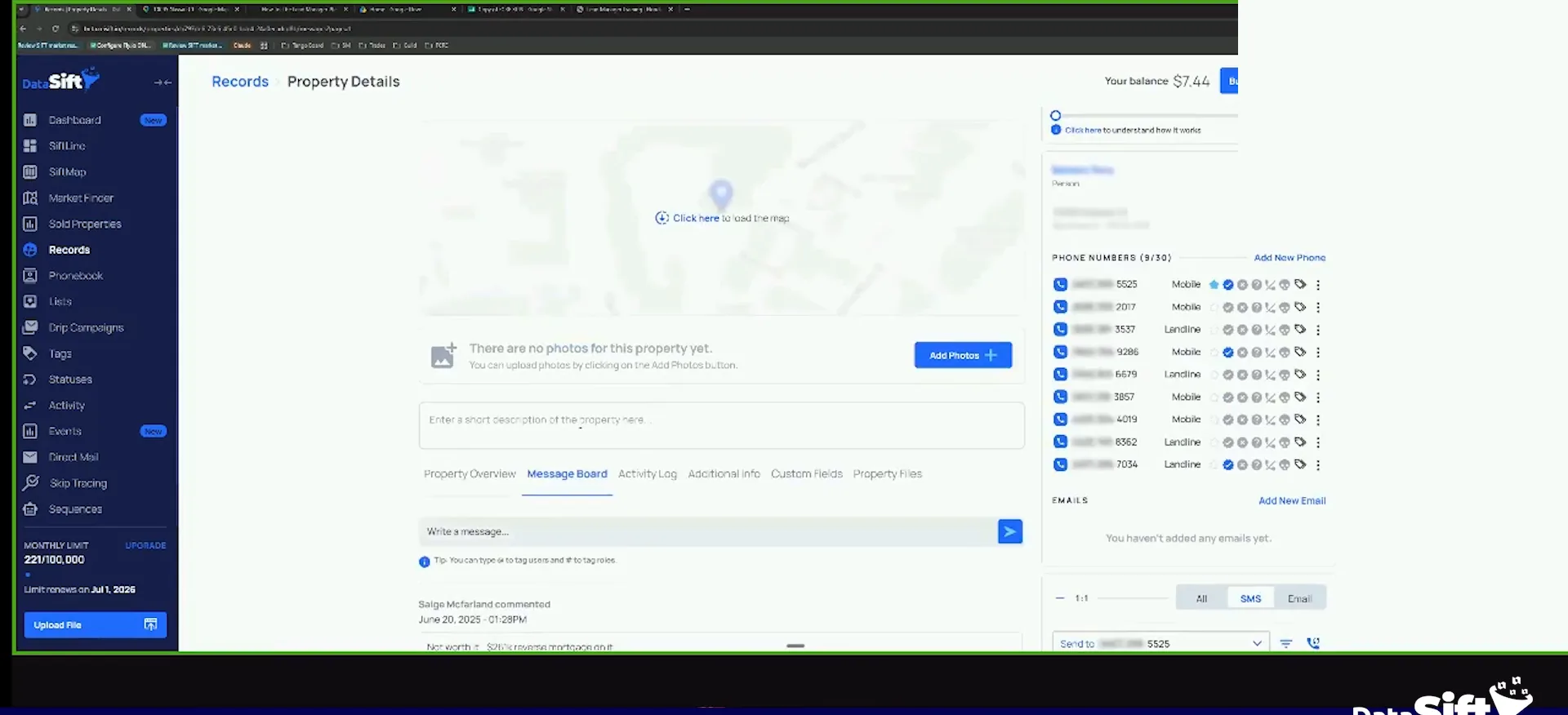
Run a weekly quality assurance skill with Claude.
For quality control, you can create skills for this or filters for this to watch for these things. I built a weekly quality assurance skill with Claude that runs every single week in my business. I used to run it on Mondays, now I wait until Wednesdays for the sake of this training.
This works once you dial in your business and have everything where it is supposed to be. Your lead managers are trained and know what they should be clicking on. Your acquisitions person understands what is going on. Put them through this training, do the operational role playing, then start adding things to check the work.
BEFORE YOU MOVE ON
PART 2
Audit the pipeline, then fix the cadence.
The audit hands you a short list of records that are sitting in the wrong place. Then you use what you learn from lost deals to reset how often you call. Same tools, two jobs.
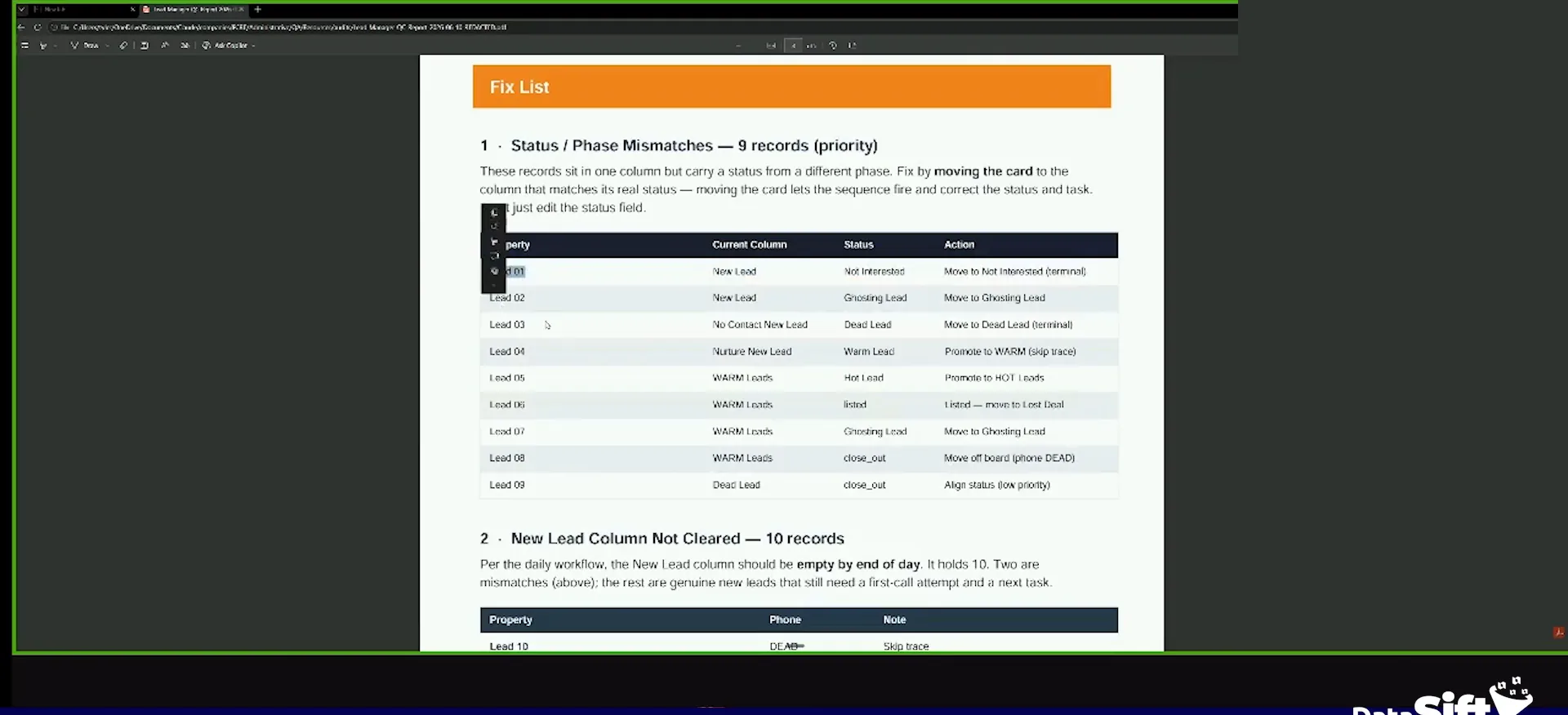
Nine mismatched leads in our pipeline.
Read the fix list lead by lead.
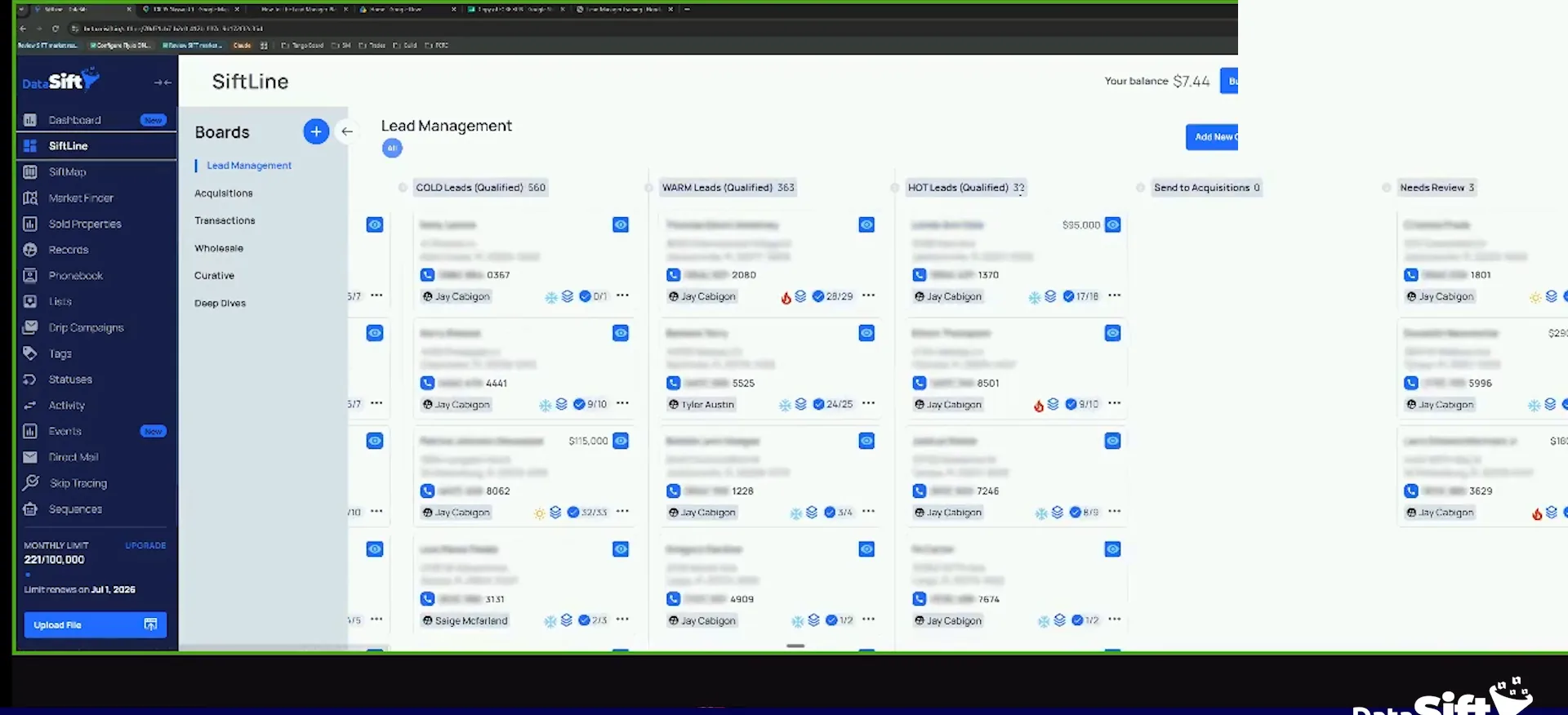
In this case you see we have 23 records that are leads in our pipeline. Nine of them mismatched. Lead number one, the status is not interested, but it is on the new lead column. It needs to be moved to not interested.
Lead number two, the status is new lead, but it is a ghosting lead. It needs to be moved to ghosting lead. So the status does not align with the place it is supposed to be in.
I ran my skill here and gave it to the lead manager. I said, hey, make sure all this stuff is taken care of. Our teammates get busy too, and we are all human.
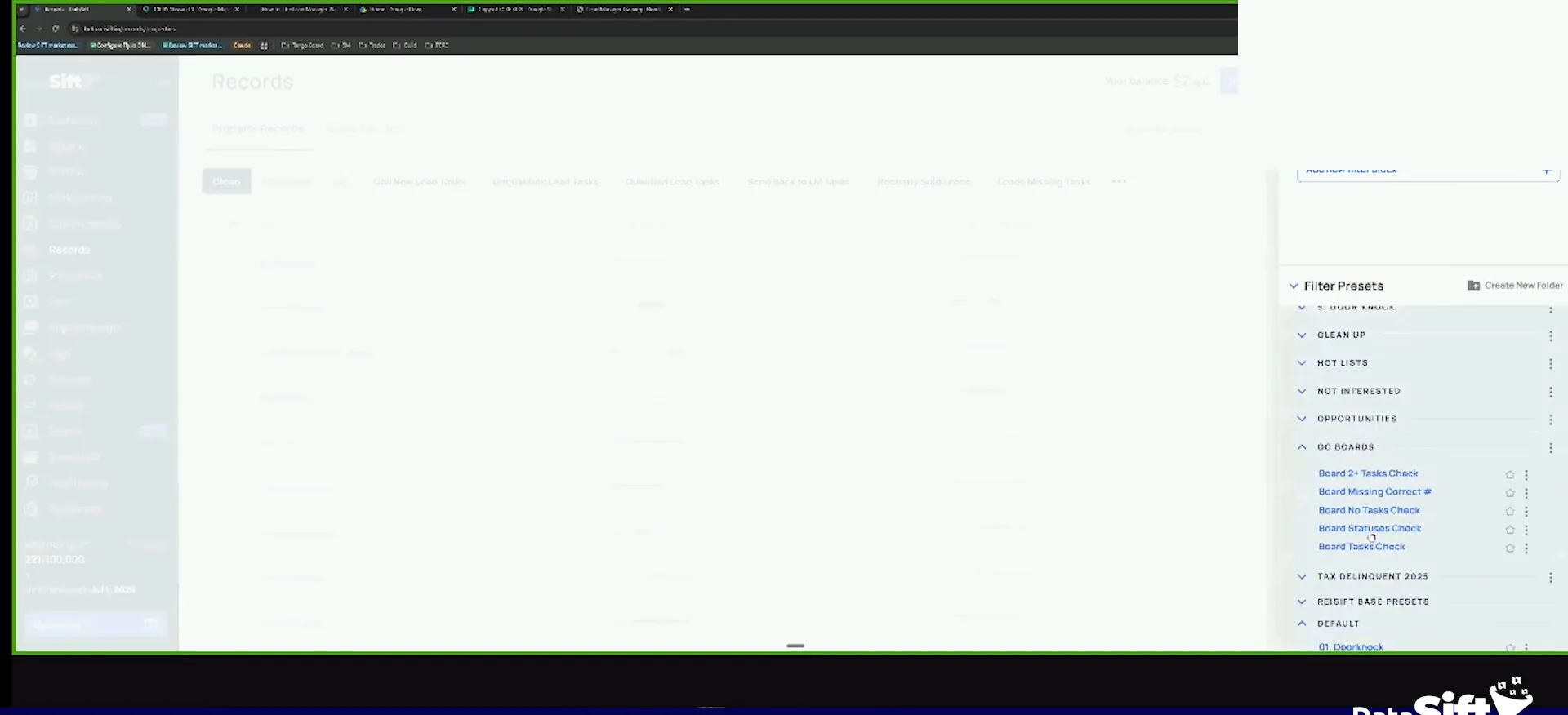
Check for records with no correct number status.
Look at this one. Missing correct numbers. Two records do not have a correct number status. Are we going to know who to call if there is no correct number?
You do not need AI for this part. I can go into my account, open my filter records, go to my QC boards, and click on the thing. Boards with two or more tasks, none.
As long as you have the default build, the skill works. If you do not have those things, it tells you, and then you can just tell it to build them.
And once we release our open API, I will be giving everybody on this that watches this training, I'll be giving you guys my QC agent skills.
Hot leads that fit a criteria.
Put sellers who fit your criteria in the hot cadence.
We prioritize. You notice that I have hot leads right now, and some of those are not hot because the seller said so. They do not necessarily qualify for that.
They are there because the seller fits criteria. A high AI score, our top ZIP codes in each of our markets, and plenty of equity. They fit a criteria, so they go in that cadence.
We wanna teach you how to use it to make your, make your amazing brains even more powerful without getting the shiny object syndrome around it.
Use the distressors on your downloaded data.
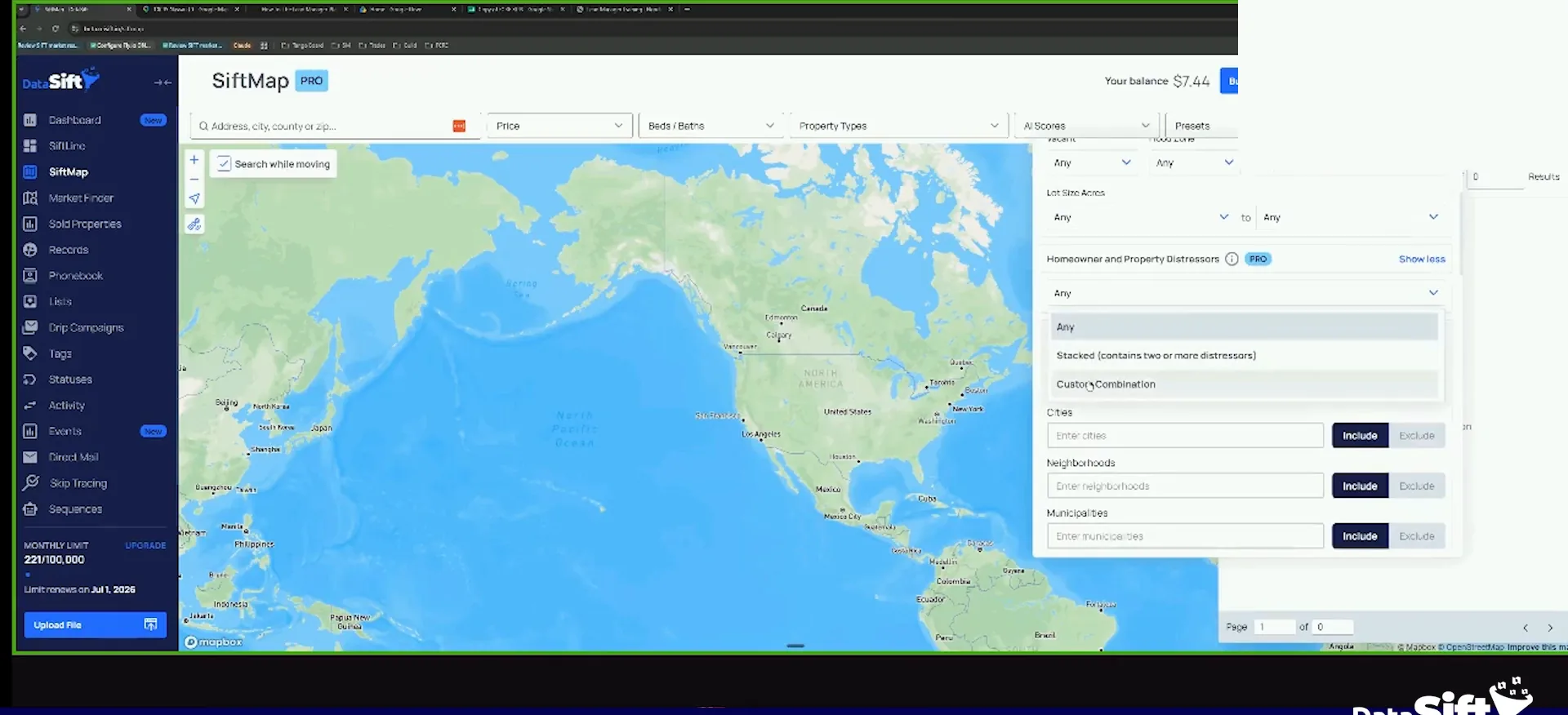
If you are on SiftMap Pro, or the expert plan with the add on, your data gets all of our distressors added when it downloads. These distressors are leading indicators that you must sell at some point.
If you are pulling first to market data, those are leading indicators too. Use them with other indicators from the deals you have closed and the leads you are generating. If a record fits the criteria, it is automatically in that cadence.
Cold, warm and hot is not just when they want to sell their house or go under contract. It is the frequency in which I need to follow up with that person.
Hot lead criteria
Hot leads fit a criteria you set.
The follow-up frequency.
Open a lost record and find your last conversation.
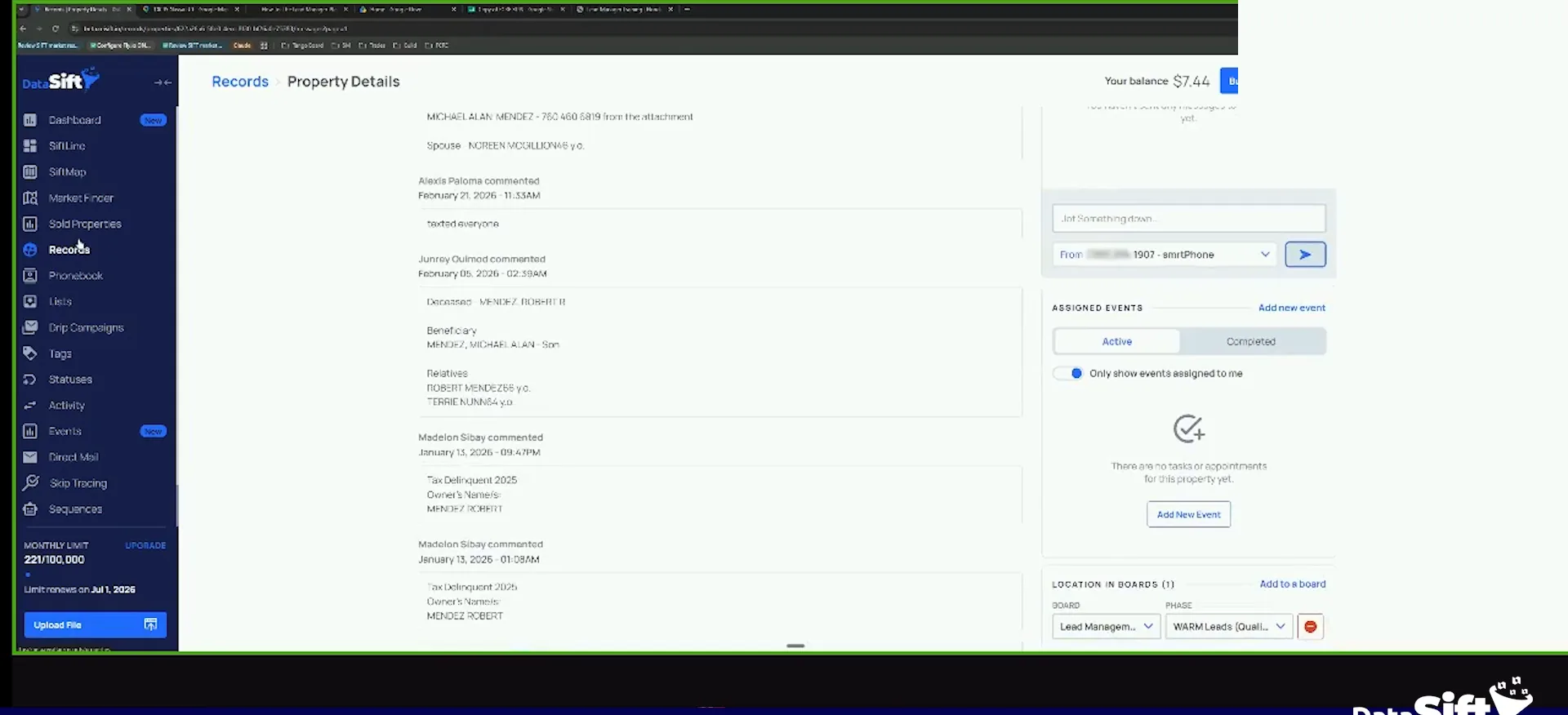
As you lose deals, you click on the record and you do an audit. Go to the activity log and switch it to call attempt, call and SMS events. When did we speak to them last?
On this warm lead I clicked the message board itself. It was already under contract by then. It already sold, so it was really a dead lead.
And so point is that as you lose deals, you click on the record, you do an audit, you look at when you last spoke to them.
Change your cadence to match when people sold.
If you start noticing your cold leads sold thirty days after you first talked to them, stop calling cold leads every forty five days. Increase it to every twenty one days.
Warm leads, you might call every five days. Hot leads, you might call daily. Change your cadence based on the time between the day you spoke to them and the day they sold.
AI can do a lot of this for you. Look at all the records tagged recently sold, figure out when I last spoke to them, see when they sold, and recommend a better cadence.
Follow-up frequency
Set cadence by when people actually sold.
BEFORE YOU MOVE ON