
PART 1
What good is versus what bad is.
If you don't know what STABM actually means, go watch the earlier lessons first. Here we walk one actual record so you can see what good is versus what bad is. Status, tasks, board, messages, assignees, in that order, every time.
A STABM that is already wrong.
Read the status and the task before you click.
Here's a great example of a STABM that's automatically wrong. It sits under a call new lead task, but the status says follow-up. That's not right.
It has no assignee either. Quentin most likely threw the task on there, or it was removed from the new lead phase, and Jay never did it.
Before you even click on it, it's under it's a new lead task, but it's got a follow-up status.
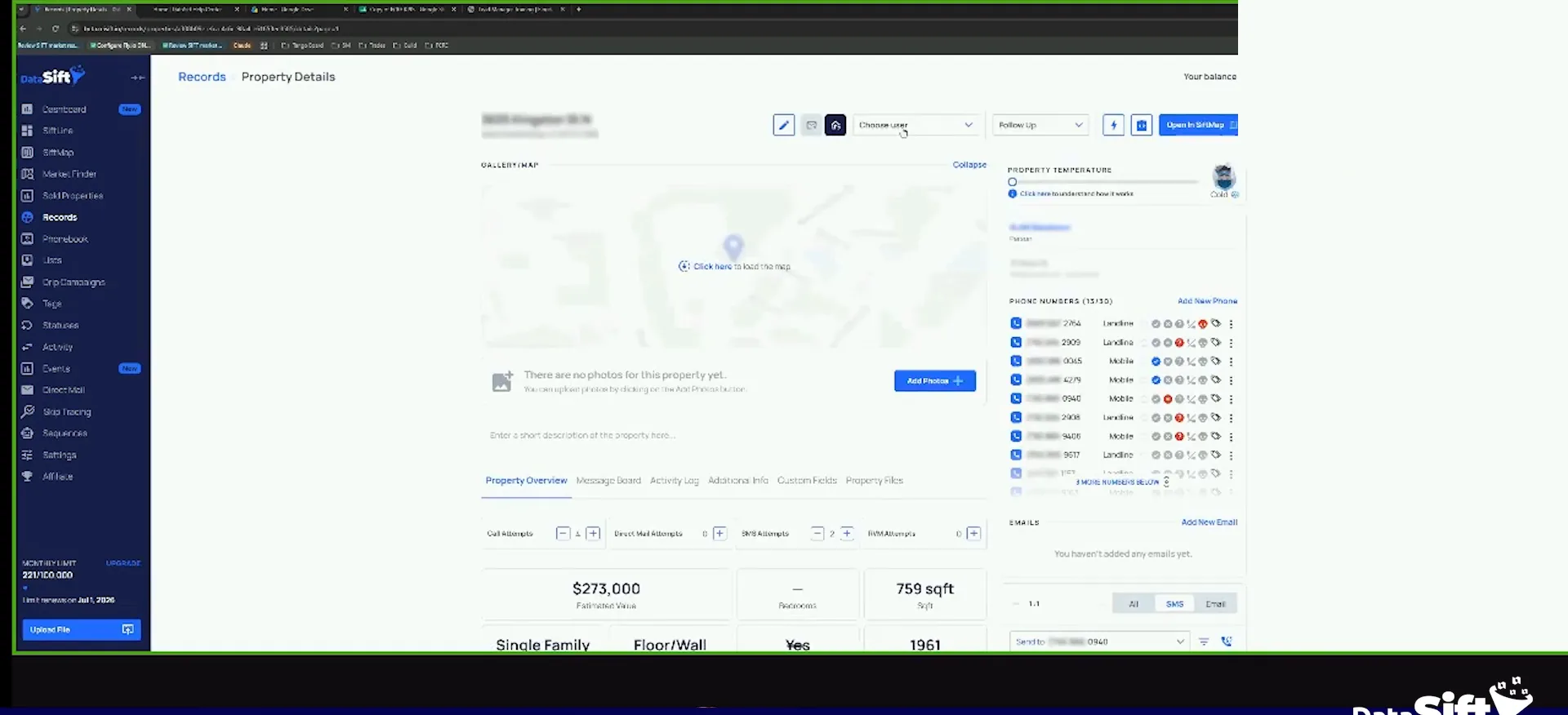
Open the message board and read the tasks.
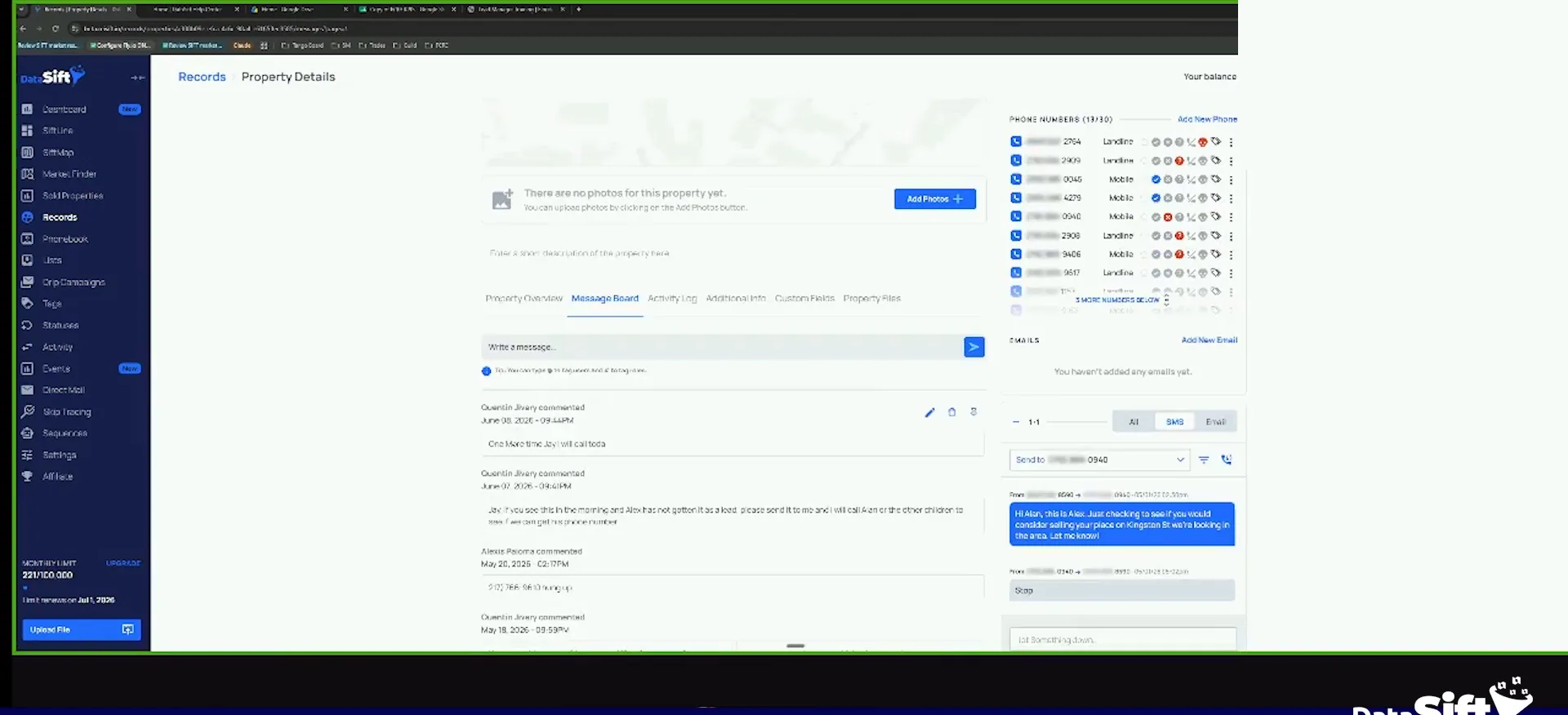
So we can all agree there's an anomaly here. Either it's supposed to be in the new lead phase and it's not, or it was removed. Something happened.
The board tells you. One note says Jay, I will call today, and that was June 8. Then the person responded stop, and Q called it.
Our job is to make sure every lead is where it's supposed to be. Jay owns all 1,023 of them. He has to make sure they're loved and nurtured.
A business owner will add operational mess.
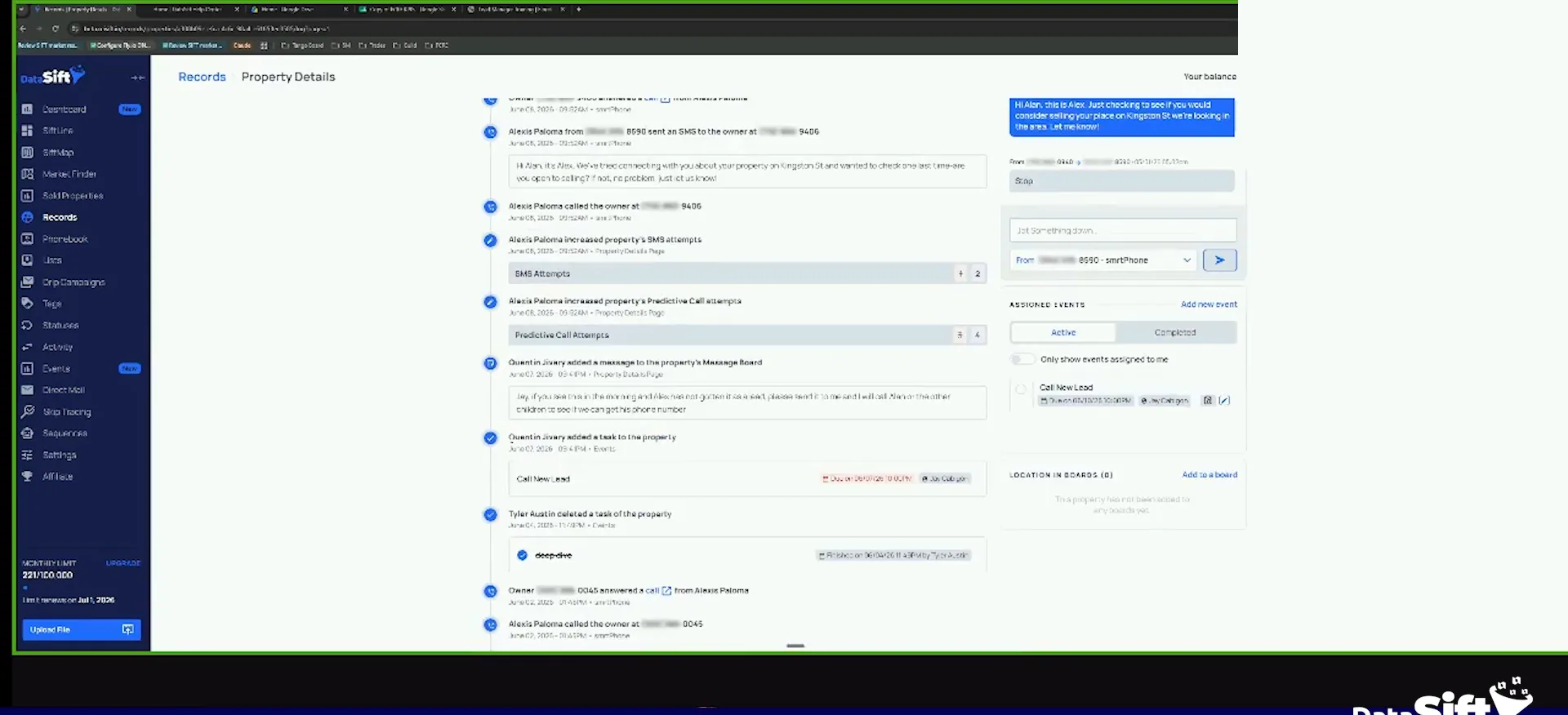
Scroll up and find who added the task.
Alexis is a cold caller, so why is there a call new lead task on this record? Scroll up and you see it. Quentin added it on the seventh, to Jay, manually.
Probably because he wanted to make sure Jay found the record, because he wants someone to call it. That's how the mess gets made.
This is an example of a business owner, whether it's me or Quentin or anybody else, will add operational mess.
Delete the task and let the call cycle run.
Ask the question instead of going around the automations. Why didn't we just change the status to new lead and put it there? Why does the lead manager have to be the one calling it?
This one is still in the prospecting phase, so I delete the task. It should keep going through the call cycle. It has an off market AI score of 98, it's probate, vacant, absentee, with four attempts and follow-up.
That puts it in our rehash cycle. If it's in one of our top ZIP codes, it gets hit through that process too. Then we do the next record and STABM again.
Stab them
Five checks on every record you open.
- 1StatusRead the status first and ask if it matches what happened.
- 2TasksSee what task is on it and who put it there.
- 3BoardCheck the board the record is sitting on.
- 4MessagesRead the recent messages before you call anyone.
- 5AssigneesConfirm the right person owns the lead.
There's no correct number on here.
Check the primary phone number on the record.
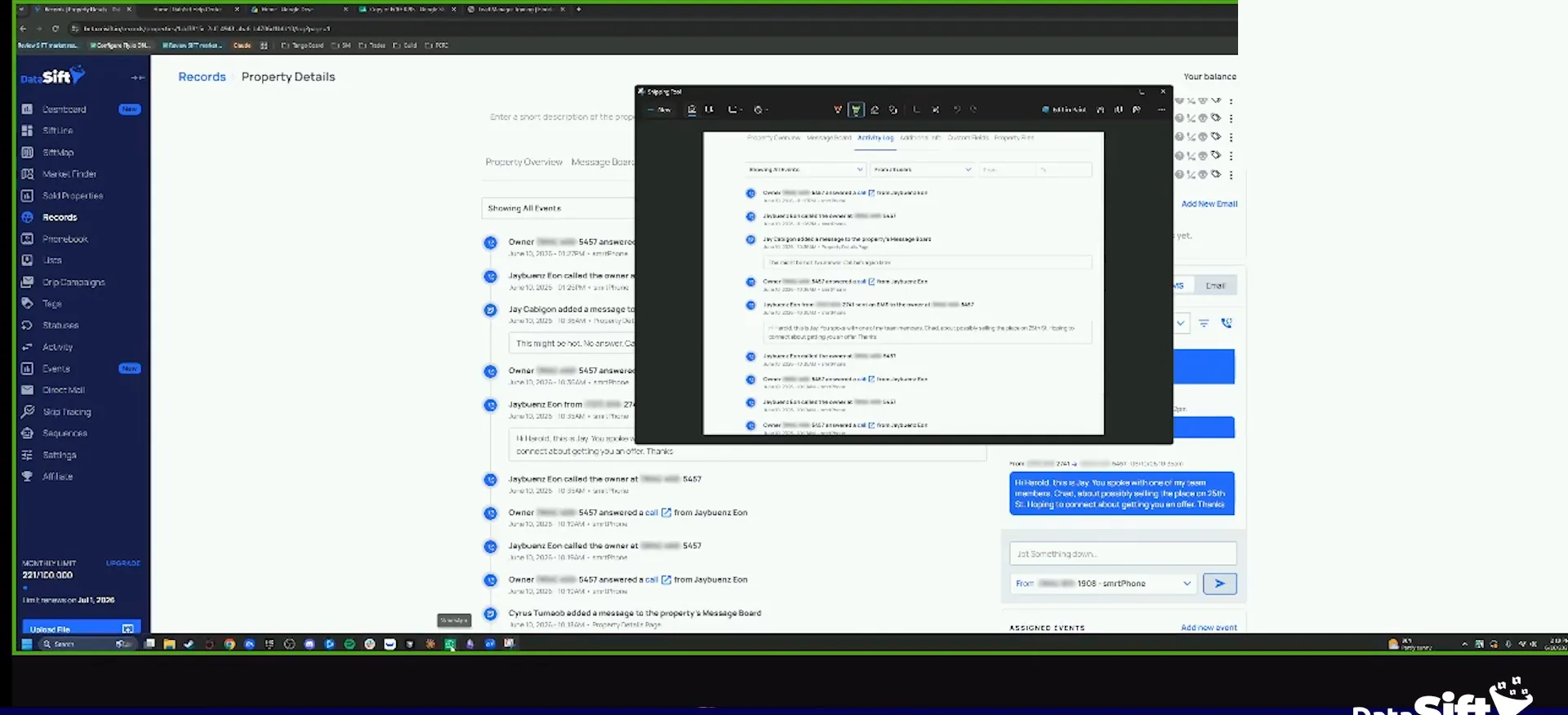
Look, there's no correct number on here. It might look like a brand new lead. Nope, not brand new, and Jay called it an hour ago.
The note says no answer, call him again later. I don't understand why there are two different Jays here. I don't know who this Jay is, to be honest with you guys.
Primary number
It should have a phone number as a primary number. If there's no correct number on here, ask why before you do anything else.
Copy the address and grab two screenshots.
When I see this, I grab it. I don't have the right Slack open, and WhatsApp isn't opening either. So I copy the address instead.
I want to know what phone number is there and what's going on with this record. Nonetheless, it should have a phone number as a primary number.
So I'll grab two screenshots, and I'll show it to my so we have two screenshots open to be fine.
BEFORE YOU MOVE ON